
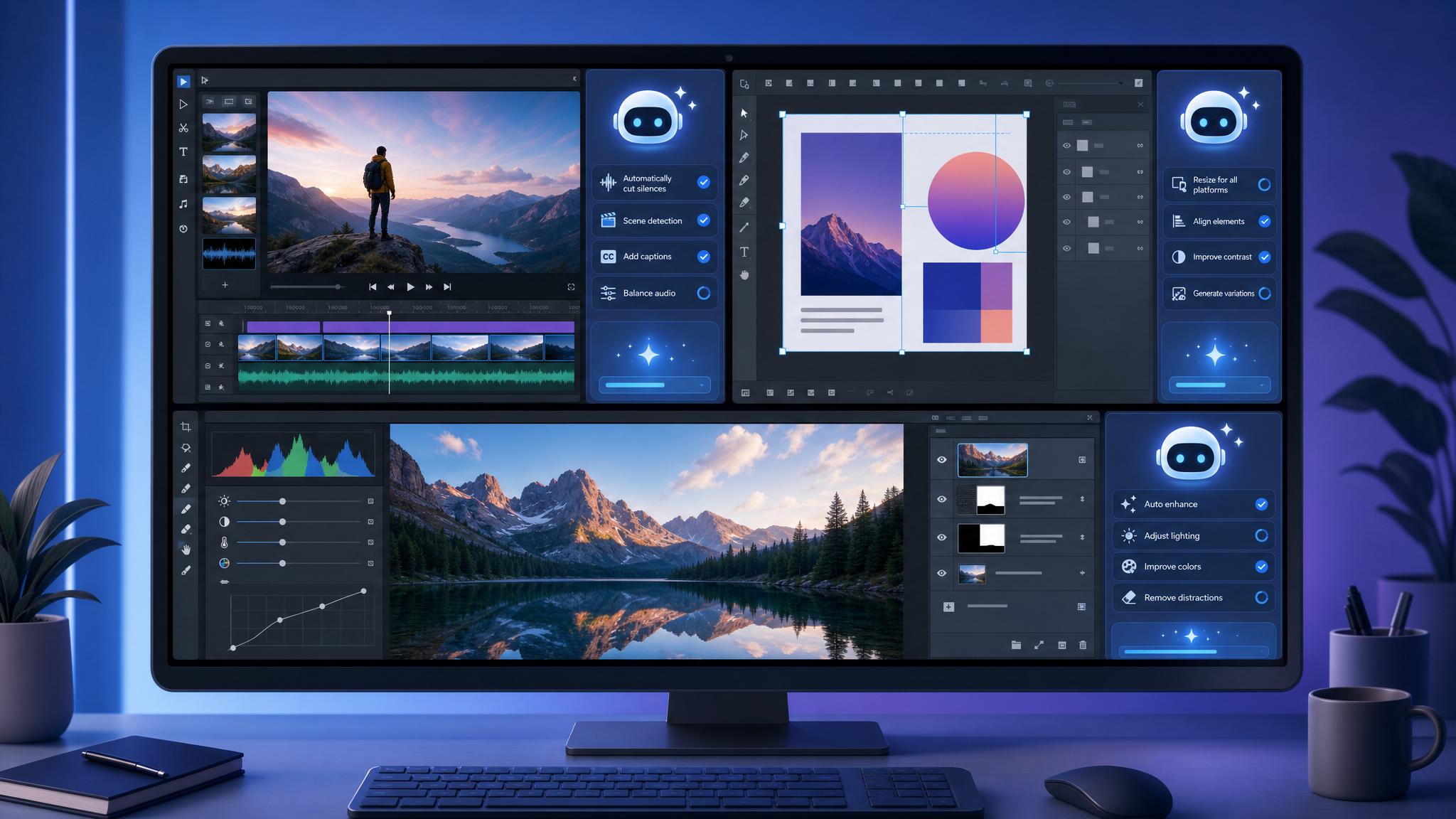
For most small and mid-sized businesses in Trinidad and Tobago, the creative bottleneck is not a lack of ideas. It is the sheer volume of production work that sits between the concept and the final deliverable. Sorting footage. Resizing assets. Renaming files. Running preflight checks. These tasks do not require creative judgment, but they consume the hours your designers and editors should be spending on work that actually moves your business forward. Adobe's latest move addresses this directly by bringing its AI Assistant inside the applications your team already uses.
The Hidden Tax on Production Work
For a small agency or in-house marketing team, every hour spent batch-renaming clips or organizing Photoshop layers is an hour not spent on strategy, client work, or brand development. In Trinidad and Tobago's competitive market, where creative teams are often lean, this inefficiency is expensive. You are paying skilled professionals to perform repetitive digital labor that adds no strategic value. The real cost is opportunity cost: delayed campaigns, rushed creative output, and staff burnout from work that feels mechanical rather than meaningful. The problem is not your team's capability. It is the volume of low-value tasks that crowd out high-value thinking.
What Changed This Week
Adobe has integrated its creative agent directly into the Creative Cloud applications as a public beta, appearing as an AI Assistant sidebar inside Premiere Pro, Photoshop, Illustrator, InDesign, and Frame.io. Previously, this capability was only available through the standalone Firefly web app. After Effects remains in private beta for now. This is not a separate platform to learn. It lives inside the workflow.
In Premiere Pro, the assistant can sort raw media into bins, batch rename clips, identify interview questions within footage, and assemble rough cuts from raw material. In Photoshop, it handles batch background removal, asset resizing, and layer organization from a simple description. Illustrator users can automate multi-step production jobs such as generating versioned files from spreadsheet data and running preflight checks. InDesign applies brand updates across multiple layouts automatically. In Frame.io, the assistant flags brand drift and production errors during the review process.
Why Inside the App Matters
Moving automation from a standalone web tool to an in-app sidebar is more significant than it sounds. When automation lives outside your workflow, it creates friction: export, process, re-import, verify. That friction kills adoption. By placing the AI Assistant inside the application, Adobe removes the context-switching penalty. Your video editor does not leave Premiere to sort weekend footage. Your designer does not open a browser to resize a batch of product images for social media. The assistant works on the file that is already open, using the project structure that already exists. For SMBs with limited training budgets, this means the tool is immediately discoverable and usable without a new onboarding program or additional subscription.
What Trinidad and Tobago Businesses Should Do Now
This is a public beta, which means it is available to use today with a standard Creative Cloud subscription. First, ensure your team's applications are updated to the latest version. The AI Assistant appears as a sidebar panel in the supported apps. Second, identify one repetitive task that currently consumes time in your shop. If your video editor spends Monday mornings sorting footage from weekend events, start there. If your designer manually resizes assets for multiple platforms, test the batch resizing feature. Third, establish a simple internal rule: any production task the AI Assistant can handle in under two minutes should not be handled manually. This prevents the common trap of continuing old habits simply because they feel familiar.
The businesses that gain an edge in the next year will not be the ones with the most software licenses. They will be the ones that free their people to focus on judgment, taste, and strategy while automation handles the production load. Adobe's in-app AI Assistant is a practical, immediate step in that direction.
Source: Adobe Blog, June 18, 2026