
Adobe Stock AI Studio: Make Marketing Assets Fit Your Brand Faster
Good marketing does not always start with a perfect photo, video clip, or music track. Most small businesses start with something that is close: a stock image that almost matches the brand colours, a short clip that needs a different mood, or a campaign visual that would work better if one detail changed.
Adobe recently announced AI Studio in the new Adobe Stock site. The practical idea is simple: Adobe Stock is no longer just a place to search for images, videos, illustrations, and music. It is becoming a workspace where teams can find content and adjust it faster before moving into the rest of their creative workflow.
For Trinidad and Tobago SMBs, this matters because marketing teams are often small. One person may be handling social media, email banners, flyers, website updates, and event promotion at the same time. Anything that reduces the back-and-forth between “find something” and “make it fit our brand” can save real time.
Stock content usually needs business-specific finishing
A stock asset may be professionally made, but it still has to fit your business.
The colours may not match your brand. The lighting may feel too formal for the campaign. The image may need a cleaner background. A video clip may need a different tone. A music track may work for one audience but feel wrong for another.
Traditionally, staff would either keep searching until they found a closer asset or send the file to a designer for editing. Both approaches can slow down simple work. Adobe Stock AI Studio is aimed at that gap between discovery and production: find the asset, then refine it without leaving the creative flow.
What Adobe Stock AI Studio adds
Adobe describes several AI Studio capabilities for images, video, and audio. In business terms, these are useful because they help teams adapt creative material to the job at hand.
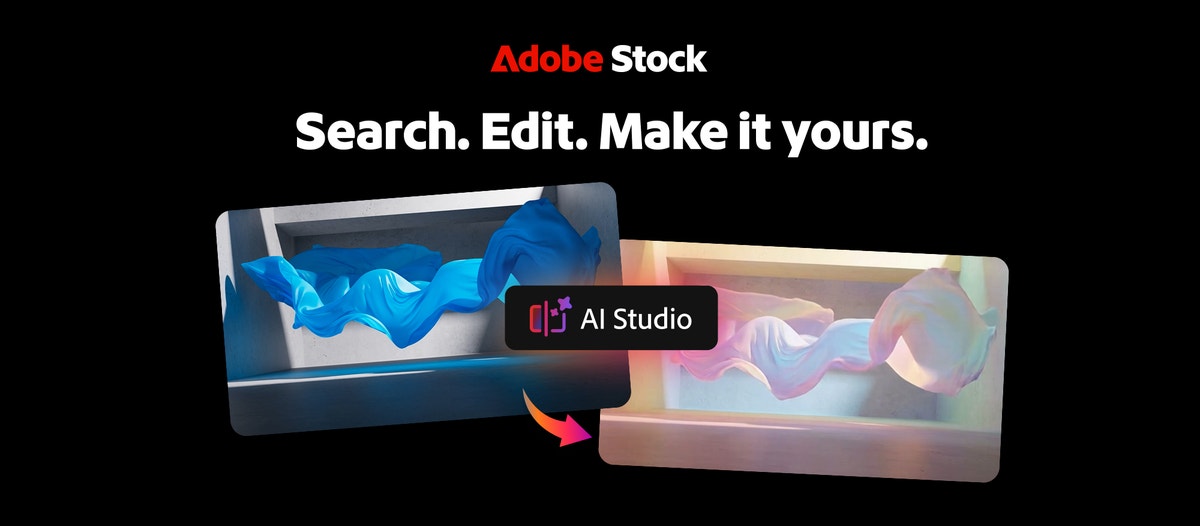
Examples include:
- editing an image by describing the change needed
- adjusting lighting, tone, or overall mood
- changing colours to better match a brand palette
- animating still images into short motion clips
- applying colour direction to video footage
- matching video clips with AI-generated soundtrack options
That does not mean every business should publish AI-adjusted content without review. It means staff may be able to get from “almost right” to “ready for review” faster.
Where this can help local SMBs
For a small business, Adobe Stock AI Studio can support everyday marketing tasks such as:
- social media campaign graphics
- event announcements and promotions
- website hero images
- email newsletter banners
- recruitment posts
- product or service explainers
- short promotional video clips
- presentation visuals
- seasonal campaign artwork
The important benefit is consistency. If your business already has brand colours, a preferred tone, and approved messaging, AI-assisted stock editing can help assets feel less generic and more aligned with the company.
Licensing and workflow still matter
Blue Chip's advice is to treat Adobe Stock and Creative Cloud as business systems, not just creative apps.
Before staff begin using stock assets and AI-assisted editing heavily, the business should be clear on:
- who has access to Adobe Stock and Creative Cloud
- whether licensing is assigned to company accounts, not personal accounts
- where downloaded and edited assets are stored
- who approves final campaign material
- how source files and final files are backed up
- whether staff understand usage rights for stock content
- how brand assets such as logos, colours, and templates are controlled
This is where many small teams get into trouble. The tool may be excellent, but files end up scattered across Downloads folders, personal cloud drives, WhatsApp chats, and old laptops. Six months later, nobody knows which version was approved.
Adobe Stock is strongest when connected to the wider creative stack
Adobe Stock AI Studio can help at the asset-selection stage, but most businesses still need a proper workflow around it.
A campaign may start with Adobe Stock, then move into Photoshop, Illustrator, Adobe Express, Premiere, InDesign, Acrobat, PowerPoint, a website CMS, or an email marketing tool. If that handoff is messy, the time saved at the beginning can disappear later.
For SMBs, the best setup is usually not complicated. It is a practical combination of correct licensing, organised storage, approved templates, backup, and support for the people who actually create and publish material.
How Blue Chip can help
Blue Chip can help businesses get better value from Adobe tools by supporting both the licensing and the workflow around them.
That support can include:
- Adobe licensing guidance and renewals
- Creative Cloud and Adobe Stock user setup
- access reviews when staff change roles
- device readiness for design and marketing users
- secure storage and backup for campaign files
- Microsoft 365 or Google Workspace folder planning
- support for Adobe Acrobat, Photoshop, Express, Premiere, and related tools
- practical workflow advice for marketing approvals and file handoff
The goal is simple: help your team produce better marketing material without losing control of accounts, files, approvals, or brand consistency.
A useful step forward for busy teams
Adobe Stock AI Studio is useful because it recognises how creative work really happens. Teams do not only need to find content. They need to shape that content so it fits the brand, the audience, and the campaign.
For a busy SMB, that can mean faster social posts, cleaner presentations, better campaign visuals, and less time spent hunting for the perfect asset.
If your team already uses Adobe products, this is a good moment to review whether your licensing, storage, and approval process are keeping up with the tools. Blue Chip can help put the right setup in place so Adobe Stock and Creative Cloud support the business instead of becoming another messy folder of files.
Source: Adobe Blog — Discover and perfect great content with Adobe Stock’s new site.


