
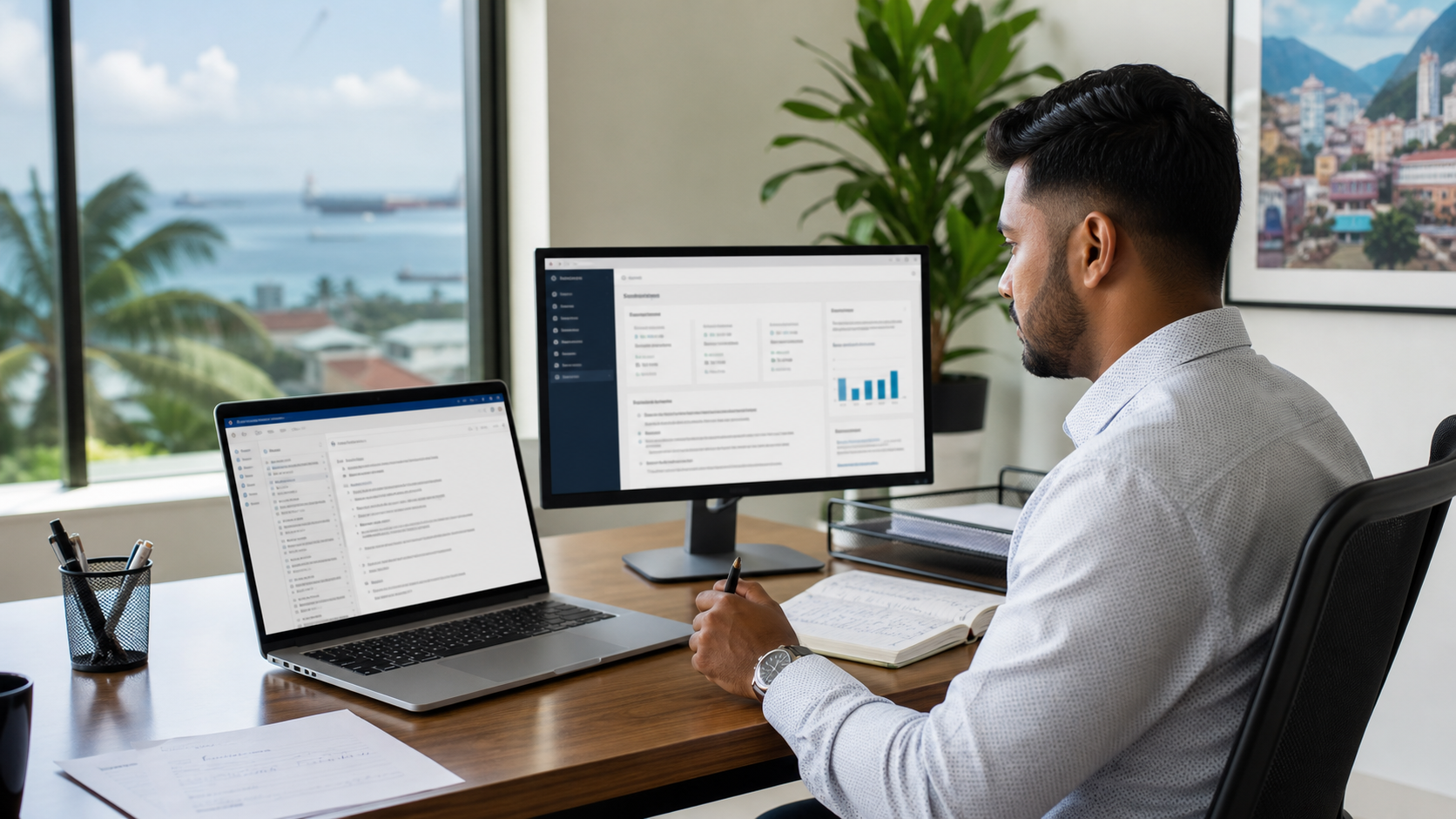
How AI Email Triage Can Give Your Team Back 90 Minutes a Day
For many small and mid-sized businesses in Trinidad and Tobago, the workday starts with inbox dread. Owners, operations managers, finance staff, and sales teams open their email to find dozens of new messages—some urgent, some routine, some already resolved in a thread they have not yet read. Sorting through it all consumes the first hour of the morning, and the cycle repeats after lunch.
Email overload is not a personal discipline problem. It is a workflow problem. And it is one that AI-assisted email triage can help solve—without removing the human from the decision-making process.
Blue Chip Technologies designs and manages this workflow for SMBs across Trinidad and Tobago, integrating it into the Microsoft 365 and Google Workspace environments teams already use. This article explains what the workflow looks like, what the research says about real time savings, and how your business can implement it safely.
What the Research Says
Before adopting any new tool, business owners rightly ask: does this actually save time, or is it just another distraction?
The evidence is increasingly specific. A field experiment by Harvard Business School and Boston Consulting Group found that consultants using GPT-4 completed 12.2% more tasks, worked 25.1% faster, and delivered more than 40% higher quality on work within AI's frontier.
In customer support—a role closer to daily email management—a study published by the National Bureau of Economic Research found that agents using AI resolved about 13.8% more issues per hour, spent about 9% less time per chat, and handled about 14% more chats per hour with no meaningful drop in customer satisfaction.
Microsoft's Work Trend Index 2025 reinforces the point: organizations need redesigned workflows, not random AI tool use. Leaders expect AI agents to expand capacity, but the value comes from embedding AI into how work actually gets done. McKinsey's generative AI research agrees—value comes from applying AI to real workflows, supported by changes in time allocation, talent, and operating models.
These findings do not mean AI replaces staff. They mean that when AI is applied to structured, repetitive cognitive work—like reading, sorting, summarizing, and drafting email responses—people work faster and with more focus on what requires judgment.
What AI Email Triage Looks Like in a Real SMB
Here is how the workflow functions in a typical Trinidad and Tobago business with ten to fifty employees.
Sorting and prioritizing. AI reads incoming emails and categorizes them by intent: urgent request, routine inquiry, FYI, spam, or follow-up needed. It surfaces the items that require same-day attention and pushes newsletters and low-priority updates to a separate view. The human still decides what to open first.
Summarizing long threads. When a team member returns from a meeting to find a twenty-message chain between a client and three internal colleagues, AI generates a concise summary: who said what, what is pending, and what decision is needed. The person reads the summary, scans the thread if needed, and responds.
Drafting replies. For routine emails—appointment confirmations, quote follow-ups, payment reminders, scheduling requests—AI drafts a response in the company's tone. The staff member reviews, edits if necessary, and sends. Nothing goes out unchecked.
Surfacing follow-ups. AI flags emails where a client asked a question that was never answered, or where a promised response date has passed. This reduces the "lost in the inbox" problem that damages client relationships.
In Microsoft 365 environments, this workflow uses Copilot in Outlook to summarize threads and draft replies. In Google Workspace environments, Gemini in Gmail performs similar functions. Blue Chip Technologies configures the integration, permissions, and policies so the workflow matches how your team actually works.
What Kind of Time Savings Can You Expect?
We use cautious numbers because every business is different.
A team member who receives forty to sixty emails per day and currently spends two to three hours on inbox management may see that time drop to ninety minutes or less after the workflow is established. The savings come from:
- Reduced time reading long threads (summaries replace scrolling)
- Faster drafting of routine replies (editing a draft is faster than writing from scratch)
- Fewer missed follow-ups (less time spent recovering from errors)
- Less mental switching (prioritized inbox reduces decision fatigue)
Over a five-day week, that is four to seven hours recovered per person. For a five-person admin or client services team, that is twenty to thirty-five hours per week redirected to higher-value work: client calls, process improvements, reporting, or business development.
The savings are not automatic. They depend on training, consistent use, and a workflow designed around your priorities. That is why implementation matters.
Security, Permissions, and Governance
Email contains sensitive information: client data, financial details, employee records, contract terms. Any AI workflow must be built with controls, not bolted on afterward.
Blue Chip Technologies implements the following as standard:
- Data residency and access controls. We configure Microsoft 365 and Google Workspace settings so that AI tools operate within your existing tenant and permission structure. Your data does not leak to unauthorized models or external services.
- Human review by default. Drafted replies are not sent automatically. A person reviews every message before it goes out. This is a policy setting, not a suggestion.
- Role-based permissions. Not every employee needs access to every AI feature. We set permissions based on role, seniority, and data sensitivity.
- Audit trails. We enable logging so administrators can see what AI suggested and what a human approved.
- Training and acceptable use policies. We train staff on what AI can and cannot do, what information should not be pasted into prompts, and how to recognize when a draft needs significant revision.
These controls are not obstacles. They are what make the workflow trustworthy enough to use with real client communication.
How Blue Chip Technologies Helps You Implement It
Blue Chip Technologies is not a software vendor. We are an implementation and managed services partner for SMBs in Trinidad and Tobago. Our role is to make the technology work for your business, not the other way around.
Here is what engagement looks like:
- Workflow assessment. We map how your team currently handles email: who receives what, what is repetitive, where time is lost, and where errors happen.
- Tool selection. We determine whether Copilot, Gemini, or a combination fits your environment, budget, and existing subscriptions.
- Integration. We connect the AI tools to your Microsoft 365 or Google Workspace tenant, configure mailboxes, and set up the triage rules.
- Data controls. We implement the security, permissions, and governance settings described above.
- Automation and templates. We build the automations, summary prompts, and draft templates that match your business language and processes.
- Rollout and training. We train your team with real examples from your inbox, not generic demos.
- Ongoing support. We monitor usage, adjust rules as your business changes, and provide help desk support.
We work with owners, operations leads, finance and admin teams, sales teams, professional services firms, schools, and service businesses. The workflow is scaled to your size and complexity.
Ready to Reclaim Your Team's Time?
Email overload is solvable. The tools exist. The research supports the savings. What remains is implementation: configuring the workflow correctly, protecting your data, and training your people to use it with confidence.
Contact Blue Chip Technologies today for an AI workflow assessment or implementation discussion. We will review how your team currently manages email, identify the highest-impact improvements, and design a triage workflow that fits your business—securely, practically, and with your people in control.
Call us or reach out through our website to schedule your assessment.
Sources and further reading:
- Harvard Business School / BCG field experiment on GPT-4 and consultant productivity
- NBER working paper: Generative AI at Work (customer support study)
- Microsoft Work Trend Index 2025
- McKinsey: The economic potential of generative AI
- Microsoft Copilot in Outlook
- Google Workspace: Gemini in Gmail
Blue Chip Technologies is a Trinidad and Tobago-based IT solutions and managed services provider serving small and mid-sized businesses, schools, and professional services firms.


