
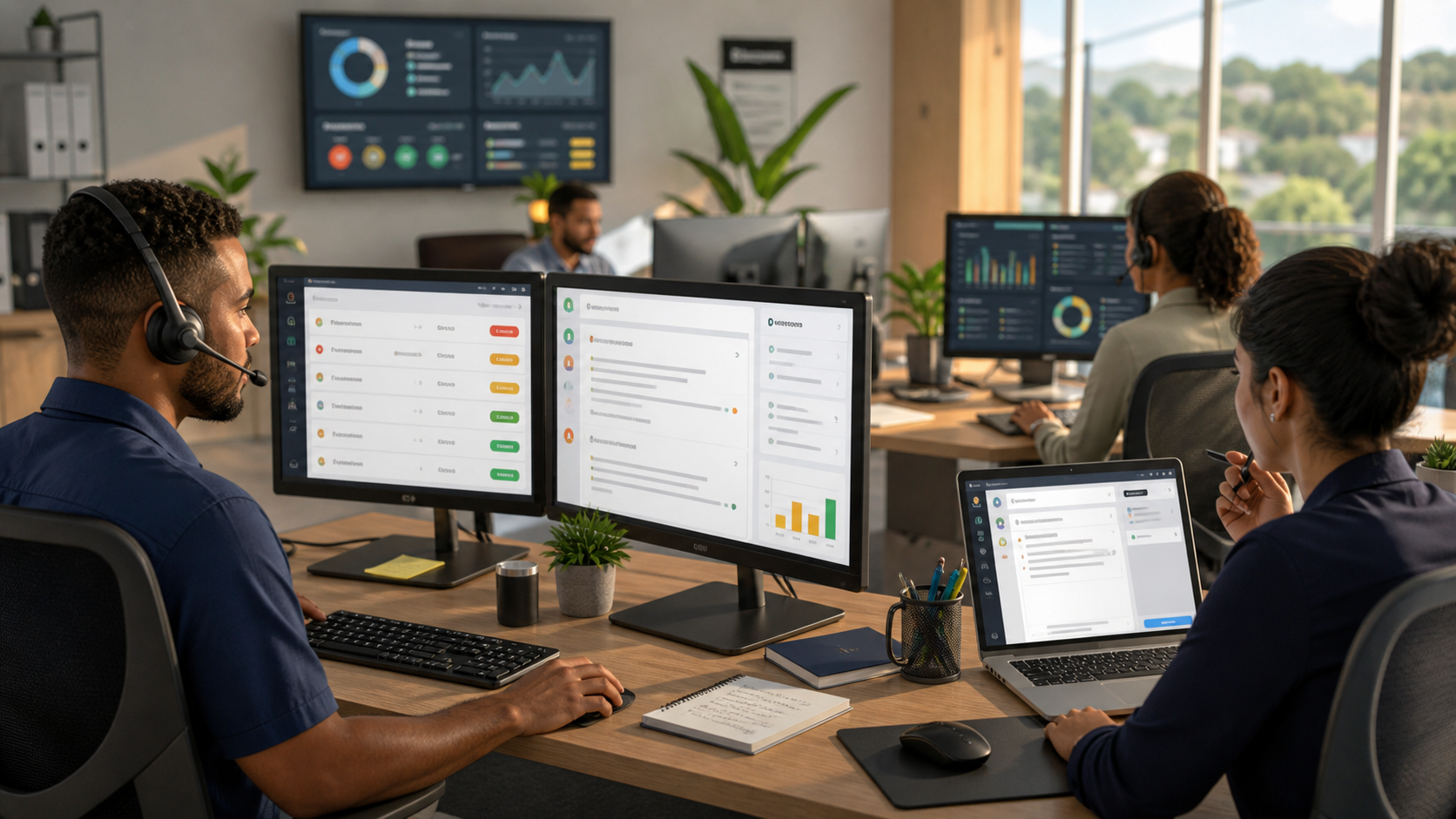
Service desk teams face a daily reality that most business leaders underestimate: technicians spend the first hour—or more—of their morning sorting through email threads, assigning tickets, and drafting opening responses. By the time real problem-solving begins, the queue has grown, priorities have shifted, and frustration has set in. For Trinidad and Tobago small and medium-sized businesses running lean operations, this routine is a genuine drag on productivity and customer satisfaction.
AI can reshape this workflow. Not by replacing your team, but by handling the high-volume, repeatable work that eats up time before the actual expertise comes into play. Service desk triage and first-response drafting are ideal starting points—and the numbers show real potential.
What the Research Tells Us
Three key studies provide grounding for what's possible:
Harvard Business School and Boston Consulting Group ran a field experiment with GPT-4 in a professional services setting. Consultants with AI access completed 12.2% more tasks, worked 25.1% faster, and delivered more than 40% higher quality work on activities within AI's frontier—that is, tasks where AI could genuinely help.
The National Bureau of Economic Research studied customer support agents using generative AI. The results: agents resolved about 13.8% more issues per hour, spent about 9% less time per chat, handled about 14% more chats per hour, and saw no meaningful drop in customer satisfaction. The key insight was that AI handled summarisation, routine responses, and information retrieval, leaving humans to handle the judgment calls.
Microsoft's 2026 Work Trend Index emphasises a crucial finding: organisations that see real value from AI aren't layering random tools on top of broken workflows. They're redesigning their workflows around AI and agents. McKinsey research reinforces this: the value comes from applying AI to real work processes, paired with time, talent, and operating-model changes.
For service desks, this means starting with a process audit, identifying where AI can handle repetitive work safely, and then rebuilding your ticketing and response workflow accordingly.
What This Looks Like in a Real SMB Workflow
Let's walk through a practical example. Your service desk receives a mix of email, phone callbacks, and ticket submissions. A technician arrives at their desk to find 47 unread messages and 22 open tickets. Normally, they'd spend an hour reading through threads, spotting which issues are urgent, which are duplicates, and which follow common patterns.
With AI-powered triage integrated into Microsoft Outlook or Gmail, that workflow changes:
Summarisation and prioritisation. Copilot in Outlook or Gemini in Gmail reads the full email thread, flags the core issue in two sentences, and highlights any time-sensitive language ("we need this by Friday", "production is down"). Urgent tickets move to the top of the queue automatically.
First-response drafting. For tickets that fit standard categories—password resets, access requests, basic troubleshooting—AI drafts a response using your organisation's templates, tone, and relevant knowledge from your CRM notes, policy documents, or shared spreadsheets. The technician reviews the draft, adds context if needed, and sends it in under a minute instead of five.
Information retrieval. When a customer mentions a previous issue or refers to a contract detail, Gemini in Google Workspace (or Copilot in Microsoft 365) pulls the relevant context from your Drive, Gmail history, or shared documents. No more hunting through folders or asking colleagues "did we ever handle this before?"
Escalation flagging. AI surfaces anything that looks outside normal scope—a pricing negotiation, a legal question, a complaint that needs management attention—so it doesn't get buried in the routine replies.
The human technician reviews every AI-drafted response before sending. Nothing goes out without explicit approval. Commitments, timelines, pricing, and anything legally or contractually sensitive are flagged for a second look.
Realistic Time Savings for Your Team
Based on the research and real-world implementations, here's what SMBs typically see:
Per ticket, first-response drafting can cut 3–7 minutes off the initial handling time, depending on ticket complexity. For straightforward issues, AI reduces the work to reading and approving a draft. For complex issues, it still removes the blank-page problem and gives technicians a starting point.
Per technician, per day, that can add up to 45–90 minutes of reclaimed time—time that shifts from queue management to actual problem-solving or reduced overtime.
Per team, per week, a four-person service desk could recover 3–6 hours of productive capacity. In a 13.8% more issues per hour scenario (from the NBER research), that translates to resolving 8–15 additional tickets weekly without hiring more staff.
These are ranges, not guarantees. Your actual savings depend on ticket volume, complexity, how well your templates and CRM data are maintained, and how thoroughly your team adopts the new workflow.
Security, Permissions, and Governance Matter
Before you implement, establish clear guardrails:
Data access. Decide what information AI can read and draft from. If your CRM holds customer payment data, AI doesn't need access to it. If it holds service history and common solutions, it does. Blue Chip Technologies helps map these permissions granularly—ensuring AI uses context without exposing sensitive data.
Human review checkpoints. Every response is a choice point for the technician. AI drafts; humans send. For sensitive communications, add a second approval step. For routine replies, the technician's check is sufficient.
Audit and compliance. Your Microsoft 365 or Google Workspace logs every action. Blue Chip works with you to configure audit trails so you can track what AI suggested, what was approved, and what was changed before sending.
Staff training. Your team needs to understand what AI can and cannot do, how to spot where it's hallucinating or missing context, and how to use it without becoming dependent on it. Blue Chip includes training as part of the implementation.
How Blue Chip Technologies Helps
Implementing AI-powered service desk triage isn't a point-and-click exercise. It requires workflow assessment, careful tool selection, integration with your existing systems, and ongoing support.
Blue Chip Technologies handles the full cycle:
Assessment. We audit your current service desk process, ticket volume, common issue types, and existing documentation (templates, CRM notes, policies).
Integration. We configure Copilot in Microsoft 365 (Outlook, Word, and any custom apps) or Gemini in Google Workspace (Gmail, Docs, Sheets) to pull from your knowledge sources and apply your business rules.
Governance setup. We establish permissions, audit logging, approval workflows, and escalation rules so AI assists without overstepping.
Rollout and training. We pilot the workflow with a small team, refine based on feedback, and train your full service desk on the new process.
Ongoing support. We monitor adoption, refine prompts and templates, and adjust permissions as your needs evolve.
The outcome: your team handles more tickets, closes them faster, and spends less time on administrative sorting and more on customer-facing problem-solving.
Next Steps
If your service desk is drowning in the first hour of the day, AI-powered triage and first-response drafting can be a genuine game-changer. But implementation requires planning, clear governance, and hands-on support.
Contact Blue Chip Technologies for an AI workflow assessment. We'll examine your service desk process, show you where AI can add the most value, and outline a realistic implementation roadmap tailored to your business. Let's turn queue management from a bottleneck into a strength.
Sources
Harvard Business School & Boston Consulting Group: GPT-4 field experiment on consultant productivity (2024)
National Bureau of Economic Research: Generative AI at Work – Customer Support Agent Study
Microsoft Work Trend Index 2026
McKinsey Generative AI Research: Value Creation and Operating-Model Redesign
Microsoft Official: Copilot in Outlook and Word Capabilities
Google Workspace Official: Gemini in Gmail, Docs, and Sheets Capabilities