Look, softphones are great. We install them all the time. But every few months, someone asks us: "Do we really still need desk phones? Can't everyone just use the app on their computer?"
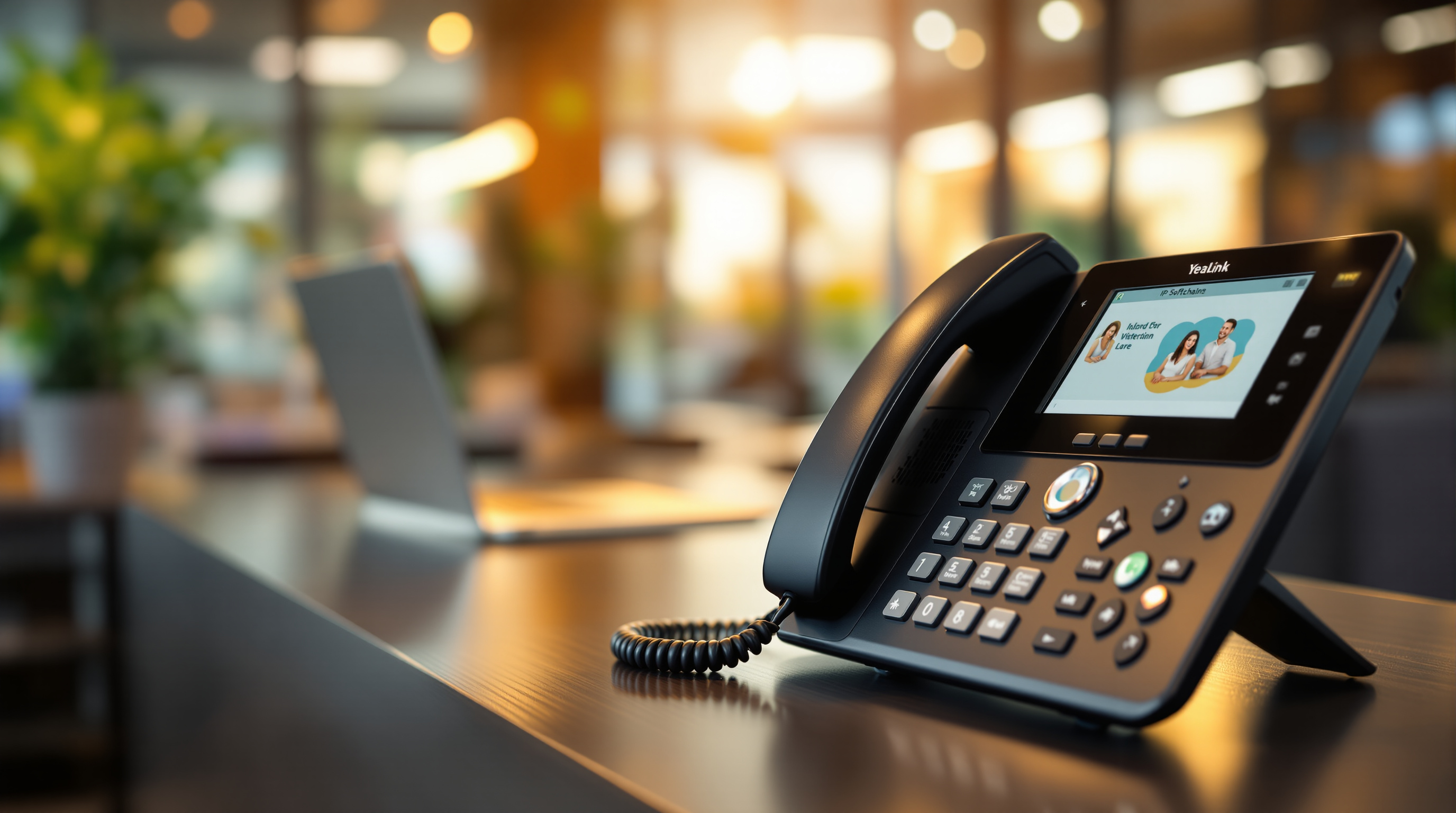
The honest answer? It depends. But there are real situations where a proper Yealink handset on your desk beats a softphone app every time. Let's talk about when hardware still makes sense for your business.
The softphone appeal (we get it)
Softphones—apps that run on your laptop or mobile—are convenient. No extra hardware to buy. Your team can take calls from anywhere. For a sales rep who's always on the road or a remote worker at home, a softphone on their laptop or phone is usually the right call.
But convenience isn't everything.
Where Yealink desk phones actually win
Audio quality you can rely on
Ever been on a Teams call where someone's laptop mic picks up their AC unit, their keyboard, and the colleague chatting three desks over? Yealink desk phones have proper handsets and speakerphones built for voice. The audio is cleaner, more consistent, and you don't sound like you're calling from inside a tin can.
When your computer is already working hard
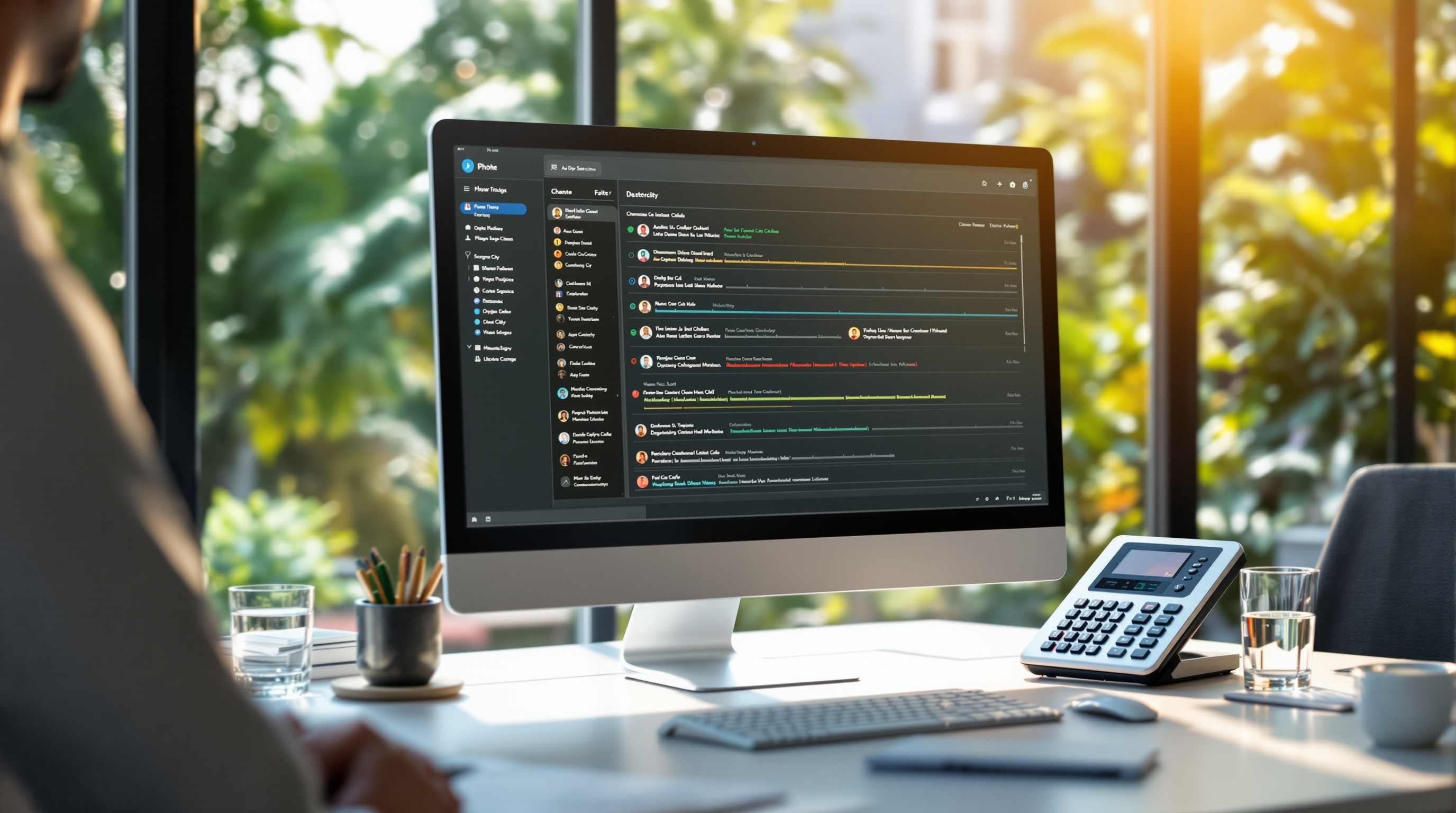
Picture this: you're running QuickBooks, your CRM, a couple browser tabs, and then a call comes in. Your laptop fan kicks into overdrive. The audio starts cutting out. With a desk phone, your calls run on dedicated hardware. Your computer can do computer things; your phone handles calls.
Reception and front desk scenarios
If you have someone whose main job is answering phones—a receptionist, a customer service rep, a dispatch coordinator—they need a proper phone. Transferring calls, putting people on hold, checking who's on which line. A Yealink receptionist console with physical buttons beats clicking around a softphone interface when you're handling 50 calls a day.
Reliability during internet hiccups
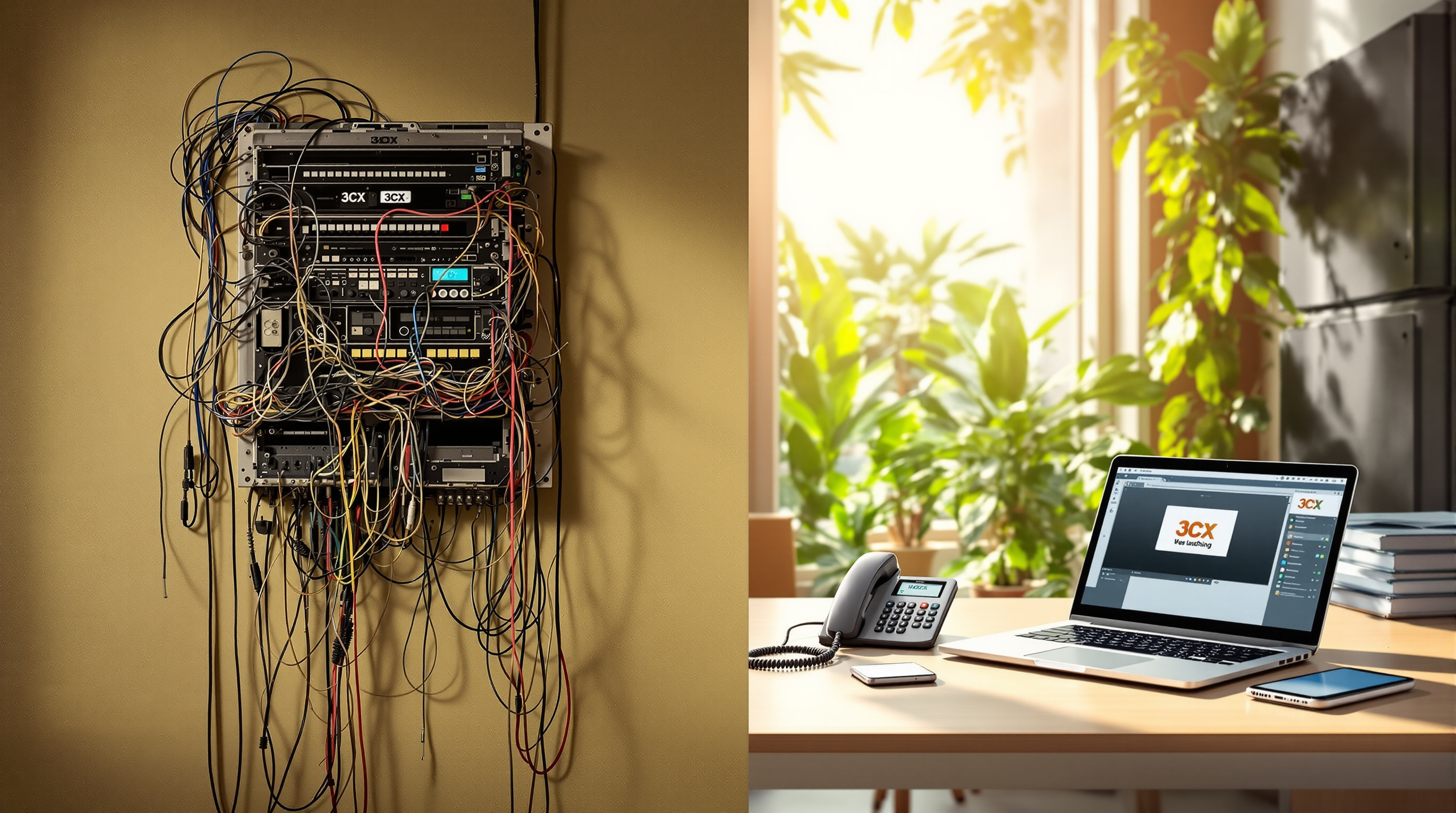
Both softphones and desk phones need internet to work with 3CX. But when your computer is acting up, updating, or crashed, your desk phone keeps working. It's one less point of failure.
Conference rooms
A softphone on a laptop in a meeting room? That's a recipe for everyone huddling around a tiny speaker. A Yealink conference phone sits in the middle of the table, picks up voices from around the room, and actually sounds professional to the person on the other end.
The real answer: use both
Most of our clients end up with a mix. Desk phones for reception, conference rooms, and staff who spend most of their day at a desk. Softphones for mobile workers, remote employees, and as a backup for everyone else.
3CX makes this easy—same extension, same voicemail, whether you're picking up on your Yealink handset or the app on your phone.
Ready to figure out your setup?
We supply and support Yealink phones across Trinidad and Tobago, from basic desk phones to full video conferencing systems. If you're setting up a new office, upgrading from an old phone system, or just trying to sort out what your team actually needs—give us a call.
Blue Chip Technologies Ltd.
📞 1 (868) 609-2288
💬 WhatsApp us
📧 [email protected]
🌐 Contact page