Email Archiving Is Becoming a Compliance Search Tool
Email archiving used to be treated like a storage problem: keep copies, set a retention period, and hope the business can find what it needs later.
That is no longer enough for many small and mid-sized businesses in Trinidad and Tobago.
Customer disputes, HR matters, supplier disagreements, financial audits, cyber investigations, and regulatory questions all have one thing in common: the answer often lives somewhere in email. If that email is scattered across mailboxes, old PST files, departed staff accounts, or cloud-only retention settings nobody checks, the business is exposed.
GFI is now positioning GFI Archiver AI around a more active model. Its Archiver resources describe AI-assisted compliance scanning, automated rule generation, and analysis of archived email for potential regulatory risks. The important shift is not just "AI in email." It is turning an archive from a passive vault into a searchable, monitored business record.
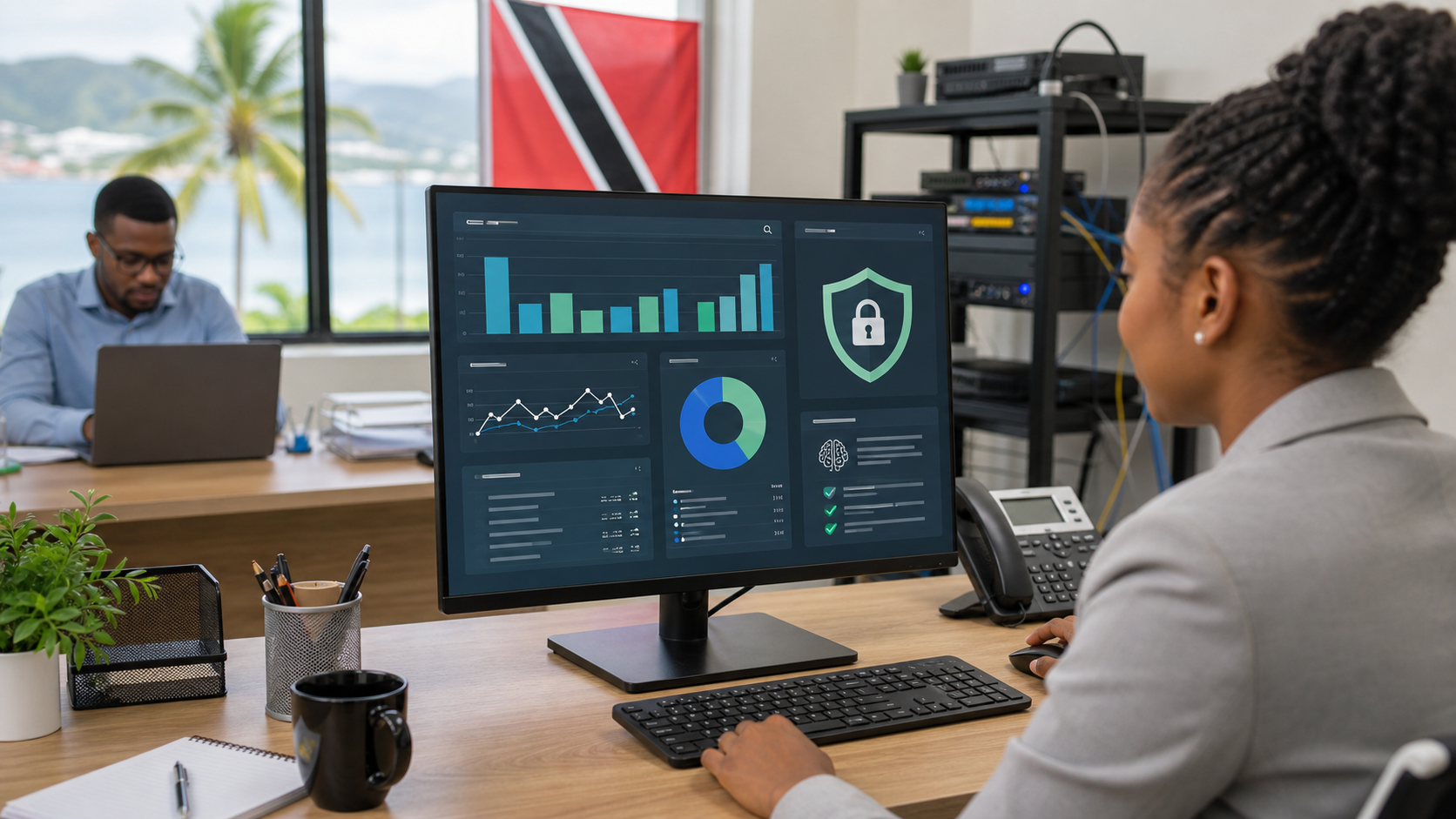
Why this matters locally
For a Trinidad and Tobago SMB, email history can become evidence very quickly.
A customer says a quote was approved. A staff member says a policy was sent. A vendor claims a deadline was agreed. A finance team needs to confirm who received sensitive payment instructions. In those moments, the business does not need another mailbox search. It needs a controlled archive with retention, access controls, auditability, and a practical way to find the relevant thread.
That is where managed archiving earns its keep.
What GFI Archiver AI adds to the conversation
The useful part of GFI Archiver AI is the compliance layer on top of the archive. According to GFI's Archiver resources, the AI features are aimed at scanning archived emails for compliance risks, helping generate rules, and surfacing issues that would otherwise depend on manual review.
For a small business, that can help with:
- finding risky language or policy breaches before they become a bigger issue
- reducing the time spent manually searching mailboxes during disputes
- giving management a clearer record of sensitive communication
- supporting retention policies instead of leaving old mail scattered across devices
- helping IT apply controls consistently across Microsoft 365 or on-premise mail environments
The point is not to replace judgment. The point is to reduce the amount of blind digging required before a manager, compliance lead, or IT provider can make a sensible decision.
Microsoft 365 retention is not the full strategy
Many businesses assume that because they use Microsoft 365, email archiving is already "handled."
That is a risky assumption.
Microsoft 365 gives you strong tools, but they still need correct configuration, retention decisions, licensing awareness, access governance, backup thinking, and a process for searches and exports. An independent archive can give the business a cleaner operational layer: one place to retain, search, review, and produce email records without depending entirely on active mailboxes.
This matters even more when staff leave, mailboxes are deleted, laptops are replaced, or an account is compromised.
Where Blue Chip Technologies fits
Blue Chip Technologies can help clients treat email archiving as part of a managed security and compliance posture, not as a one-time software install.
That includes reviewing what is currently retained, identifying gaps in Microsoft 365 or mail server configuration, deploying GFI Archiver where it fits, setting sensible retention policies, controlling who can search archives, and documenting the process so the business is not guessing during a dispute or audit.
For many companies, the practical goal is simple: keep the right records, make them searchable, protect access, and reduce panic when someone asks, "Can we prove that?"
GFI's Archiver resources are available here: https://gfi.ai/products-and-solutions/network-security-solutions/archiver/resources