Google Workspace AI Works Better When Staff Know How to Use It
Google's recent Workspace article makes a useful point for business leaders: AI adoption is not won by giving everyone a chatbot and hoping the productivity gains appear. The better approach is to help staff learn where Gemini, NotebookLM, Gmail, Docs, Sheets, Slides, Meet, Drive, and future Workspace agents fit into real work.
For Trinidad and Tobago SMBs, that is the practical difference between buying an AI feature and building a better operating rhythm.
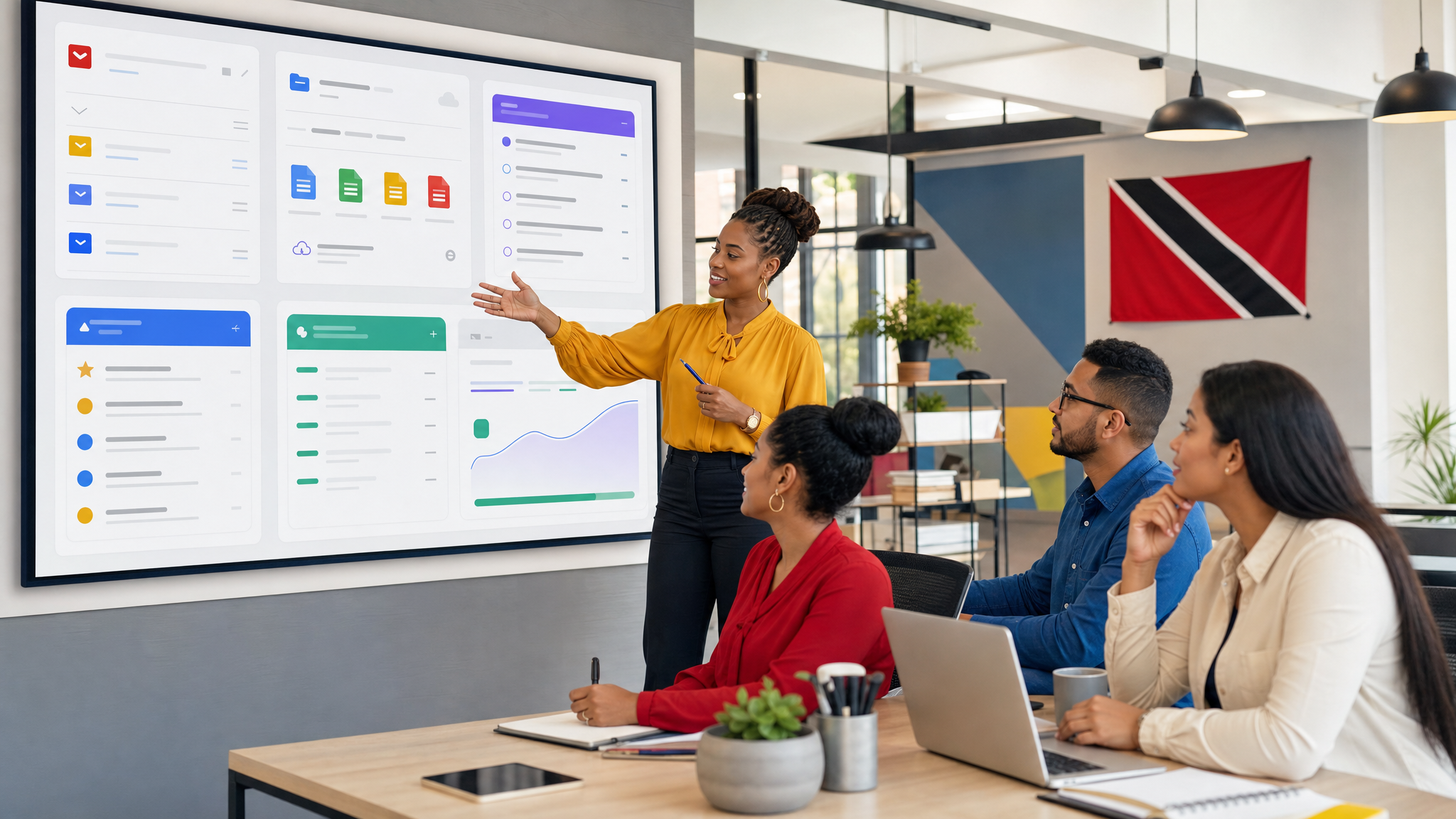
The real issue is adoption, not access
Many companies already have access to AI tools inside the platforms they use every day. The gap is usually not licensing alone. It is that staff do not have a shared method for using AI safely and consistently.
One person may use Gemini to draft emails. Another may use it to summarize meetings. A manager may experiment with NotebookLM for policy documents. Those are useful starts, but they become more valuable when the business turns them into agreed workflows.
That means deciding:
- Which tasks are good candidates for AI assistance.
- Which teams should start first.
- What information AI tools are allowed to use.
- When a human must review the output.
- How staff should report mistakes, weak answers, or risky suggestions.
Without that structure, AI becomes another collection of personal shortcuts. With it, AI starts becoming a repeatable business capability.
Start with everyday productivity gains
The safest first step is improving work people already do. Gemini in Gmail can help staff draft clearer replies. Gemini in Docs can help turn rough notes into a usable first draft. Sheets can help teams analyze information faster. Meet notes can reduce the manual admin after calls. NotebookLM can help staff query internal documents without repeatedly asking the same senior person for answers.
These are not dramatic projects, but they are where SMBs usually get the fastest return. A sales team can respond faster. An admin team can summarize meeting actions more reliably. A manager can prepare updates without rebuilding the same report from scratch.
Blue Chip Technologies normally recommends starting with a narrow use case that has a clear before-and-after measure, such as:
- Reducing time spent preparing meeting summaries.
- Creating first drafts of customer follow-ups.
- Finding answers in company policies or manuals.
- Preparing internal reports from existing notes and files.
- Turning long email threads into action lists.
Small wins matter because they build confidence and reveal where training is needed.
Then choose one larger workflow to redesign
Once staff are comfortable with the basics, the next step is to look for a workflow that can be meaningfully improved. This might be customer onboarding, quote follow-up, weekly operations reporting, HR policy support, or project status reporting.
The mistake is trying to automate everything at once. A better approach is to map one workflow, identify the repetitive steps, decide where Gemini or NotebookLM can assist, and keep the human approval points clear.
For example, a customer service workflow might use Google Workspace to collect request details, summarize the customer history, draft a response, and prepare an internal task list. Staff still review the response before it goes out. The value is that they are no longer starting from a blank screen or hunting through scattered files.
Governance has to be part of the rollout
AI enablement is not only a training issue. It is also an IT management issue.
Before rolling Workspace AI features out broadly, businesses should review:
- Google Drive folder permissions.
- Shared drives and ownership.
- Sensitive HR, finance, legal, and customer data.
- Admin controls for Gemini and Workspace services.
- Staff guidance on confidential information.
- Retention and compliance requirements where Google Vault is in use.
AI is most useful when it can understand the right context. It is most risky when old permissions expose more information than staff should see. Clean information management is what makes AI assistance safer and more accurate.
Training should be role-based
Everyone does not need the same AI training. A finance user, a sales rep, an executive assistant, a technician, and a manager need different examples.
For SMBs, the most practical training plan is simple:
- Teach the common basics first: prompt quality, review habits, and data handling.
- Give each department two or three approved examples.
- Create reusable prompt templates for common work.
- Review real outputs together so staff learn what good looks like.
- Update the guidance as the team discovers better workflows.
This keeps AI from becoming a toy and turns it into a managed productivity tool.
Where Blue Chip fits
Blue Chip Technologies can help local businesses assess their Google Workspace setup, review licensing fit, clean up Drive and admin settings, and build practical Gemini workflows for teams that need faster email, better documents, smarter meeting follow-up, and easier knowledge retrieval.
The best deployments do not start with hype. They start with a business problem, a small pilot, clear guardrails, and a plan to train people properly.
The bottom line
Google Workspace with Gemini can help SMB teams save time, find information faster, and improve everyday collaboration. The businesses that get the most value will be the ones that treat AI enablement as a change-management project, not just a software switch.
Start with the work staff already understand. Train them on the right habits. Tighten the data permissions. Then expand into higher-value workflows once the foundation is solid.
Source: Google Workspace Blog, What chess can teach leaders about AI enablement.