
Google Workspace with Gemini: Faster Content Creation for Business Teams
Every business has the same content problem: the work is scattered before it becomes useful.
A proposal starts with notes from email. A report needs numbers from a spreadsheet. A presentation depends on last month's campaign files. A manager searches Drive for an old template, then spends another hour adjusting formatting before anyone can review the actual message.
Google's latest Workspace update shows how Gemini is being pushed deeper into Docs, Sheets, Slides, and Drive so that business users can move from scattered information to useful documents, spreadsheets, presentations, and file answers faster.
For small and mid-sized businesses in Trinidad and Tobago, the practical value is not simply "AI writing." It is reducing the manual assembly work that slows teams down every day.
From Blank Page to Working Draft
The most useful AI features are the ones that remove friction from normal work.
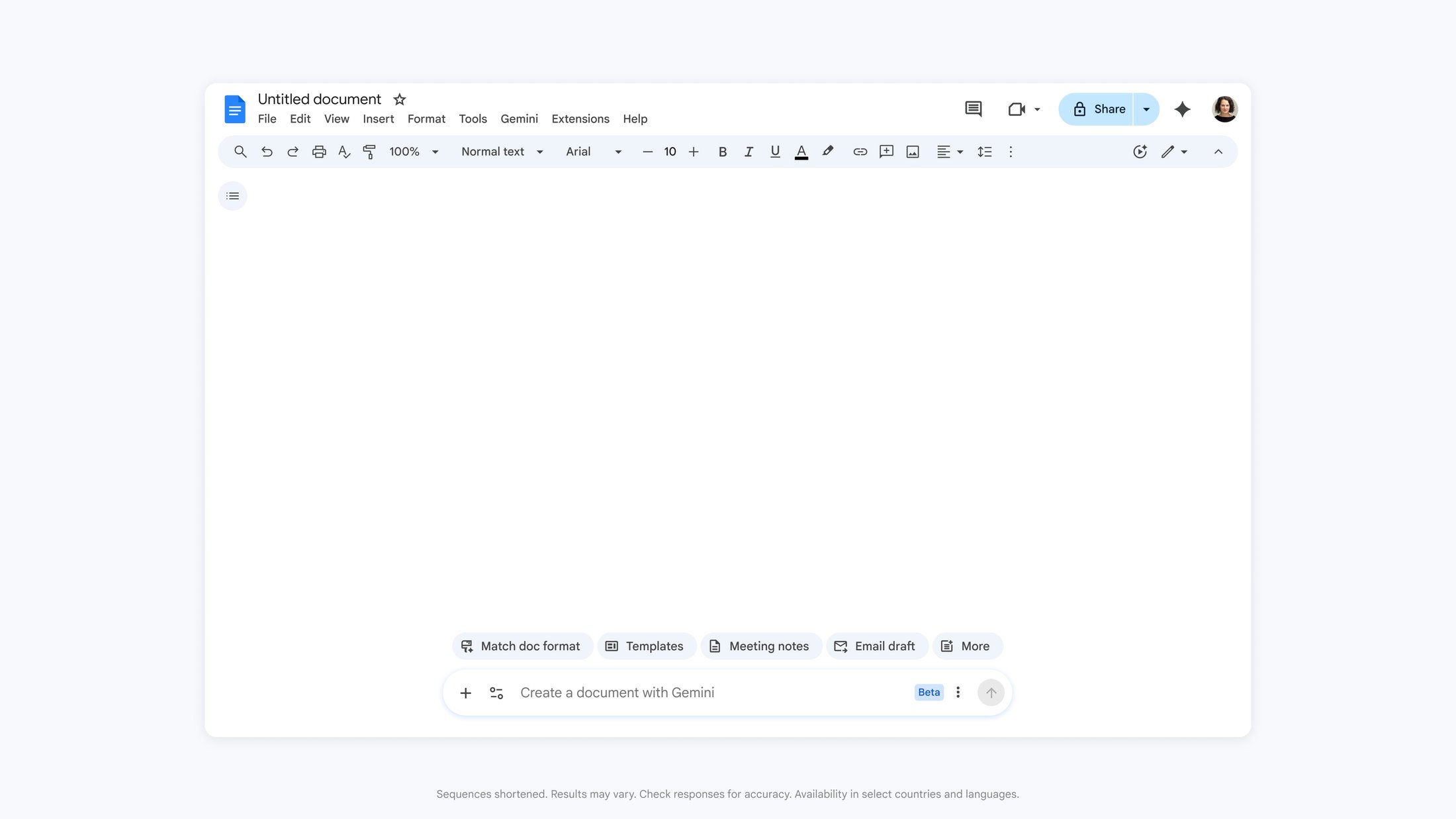
In Google Docs, Gemini's newer creation workflow can help turn a request into a formatted first draft by drawing on approved Workspace context such as Drive files, Gmail, Chat, and web information. That can be useful for everyday business documents: proposals, internal policies, campaign plans, meeting follow-ups, customer letters, and project briefs.
The key point is control. Gemini can create a starting point, but staff still review the content, refine the wording, and decide what is ready to share. That matters for business documents where accuracy, tone, and customer commitments must be handled carefully.
A good use case is not "let AI write everything." A good use case is: give the team a strong first version so they can spend more time reviewing, improving, and deciding.
Better Spreadsheets Without Becoming a Formula Expert
Many businesses depend on spreadsheets, but not every user is comfortable building formulas, dashboards, trackers, or analysis models from scratch.
Gemini in Google Sheets is moving toward natural-language spreadsheet creation and editing. Users can describe what they need, then have Gemini help structure the sheet, build tables, prepare charts, or enrich data. Google also highlighted examples like customer feedback categorization, financial views, and scheduling-style optimization.
For local SMBs, this can support practical work such as:
- Service ticket trend summaries
- Sales pipeline or quotation follow-up trackers
- Customer feedback categorization
- Simple budget and cash-flow review sheets
- Staff scheduling and operations planning
- Management dashboards based on existing data
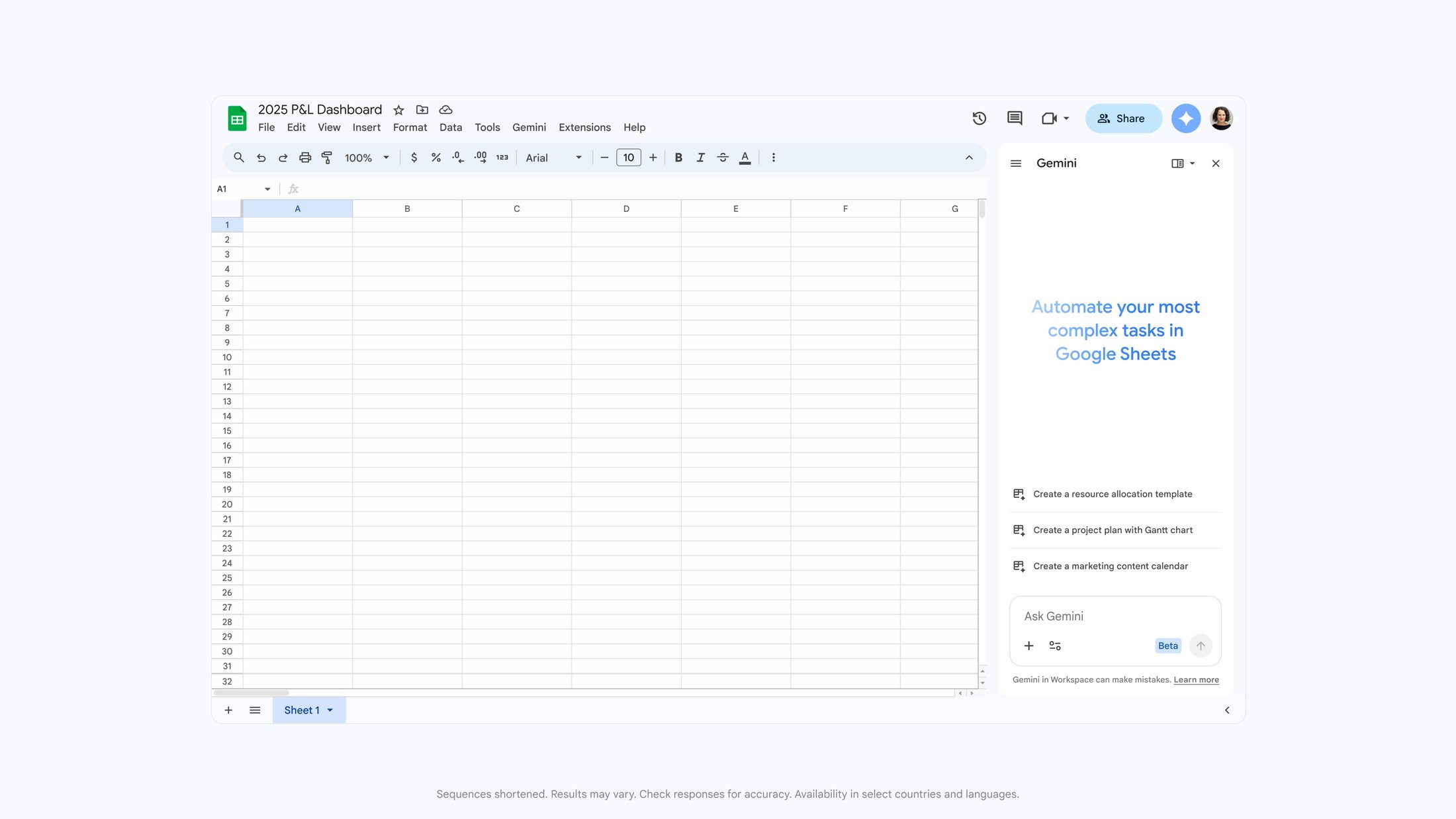
The benefit is speed, but the risk is overconfidence. Businesses should still validate formulas, numbers, categories, and assumptions before relying on AI-assisted spreadsheets for decisions.
Presentations and Drive Search Become Less Manual
Slides and Drive are also important parts of the workflow.
Google is positioning Gemini to help create slide content, layouts, and full presentations based on business context. That is useful when a team already has the facts but needs to turn them into a clear presentation for management, customers, or internal training.
Drive is equally important. Many teams waste time searching for the right document, opening several files, and reconstructing context. Gemini-powered Drive search and Q&A can help users ask more natural questions about stored content and get more useful answers, while still respecting the permissions attached to the underlying files.
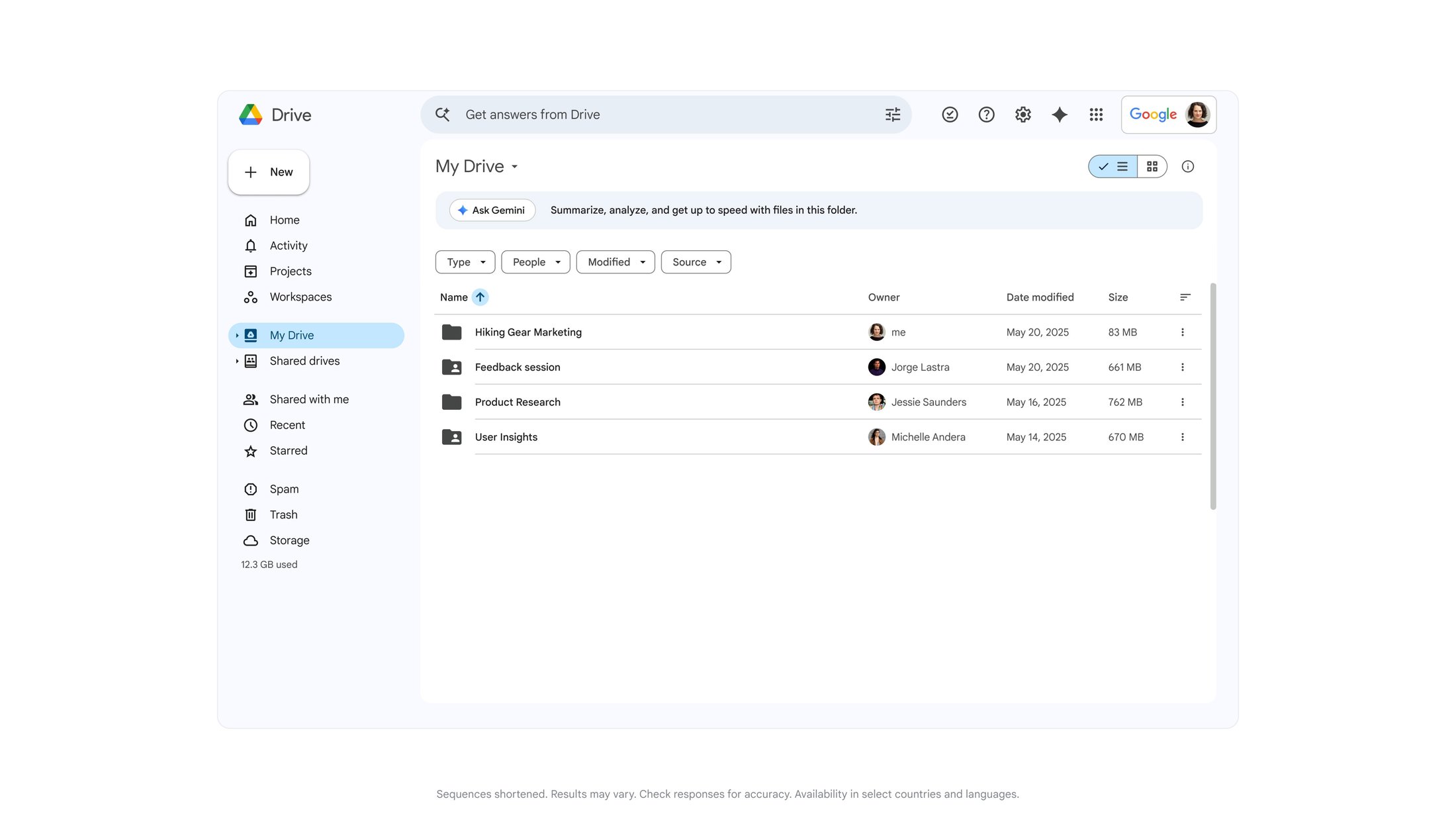
That permission model is important. AI search should not become a shortcut around access control. If a user should not see a file, they should not receive its content through an AI answer either.
Where Blue Chip Sees the Best Fit
Google Workspace with Gemini is strongest when it supports repeatable work that already happens inside Gmail, Drive, Docs, Sheets, Slides, Meet, and Chat.
Good starting points include:
- Drafting proposals from approved templates and previous examples
- Turning meeting notes into action summaries and follow-up documents
- Building simple trackers for operations, sales, or service teams
- Summarizing customer feedback or internal requests
- Creating management presentation drafts from existing reports
- Searching Drive for project or customer context before responding
The wrong starting point is enabling every feature with no structure. The right starting point is one team, one workflow, one clear success measure.
Security and Administration Still Come First
Before rolling AI features into daily operations, businesses should review their Google Workspace foundation:
- Are user accounts protected with MFA?
- Are Drive folders and shared files properly organized?
- Are sensitive files restricted to the right users?
- Are departing-user and device policies in place?
- Are staff trained on when AI output must be checked?
- Is there a clear policy for customer, financial, HR, or confidential data?
Gemini can improve productivity, but it depends on the quality and permissions of the Workspace environment underneath it. Poor file hygiene, weak sharing controls, or unclear data practices will create confusion faster than AI can solve it.
How Blue Chip Can Help
Blue Chip Technologies supports businesses using Google Workspace for email, file storage, collaboration, meetings, identity, and administration.
For teams considering Gemini in Workspace, we can help with:
- Google Workspace licensing and readiness review
- Gmail, Drive, Docs, Sheets, Slides, Meet, and Chat configuration
- Account security, MFA, and admin policy review
- Drive structure and sharing-permission cleanup
- AI usage policy and staff guidance
- Pilot planning for one practical business workflow
- Ongoing support so users adopt the tools safely and consistently
The best outcome is not more software noise. It is a team that can create useful work faster, find the right information sooner, and keep business data under control.
If your team already uses Google Workspace but still spends too much time assembling documents, rebuilding spreadsheets, or searching Drive, this is a good time to review where Gemini-enabled workflows could help.
Source: Google Workspace Blog — Reimagining content creation with Gemini in Google Docs, Sheets, Slides, and Drive.