For many small businesses, the work around a document happens in the same WhatsApp conversation where the file was first shared. An invoice needs checking, a customer wants a catalogue marked up, or a contract clause needs a quick response. Moving the PDF into another application before anyone can act can slow down what should be a straightforward exchange.
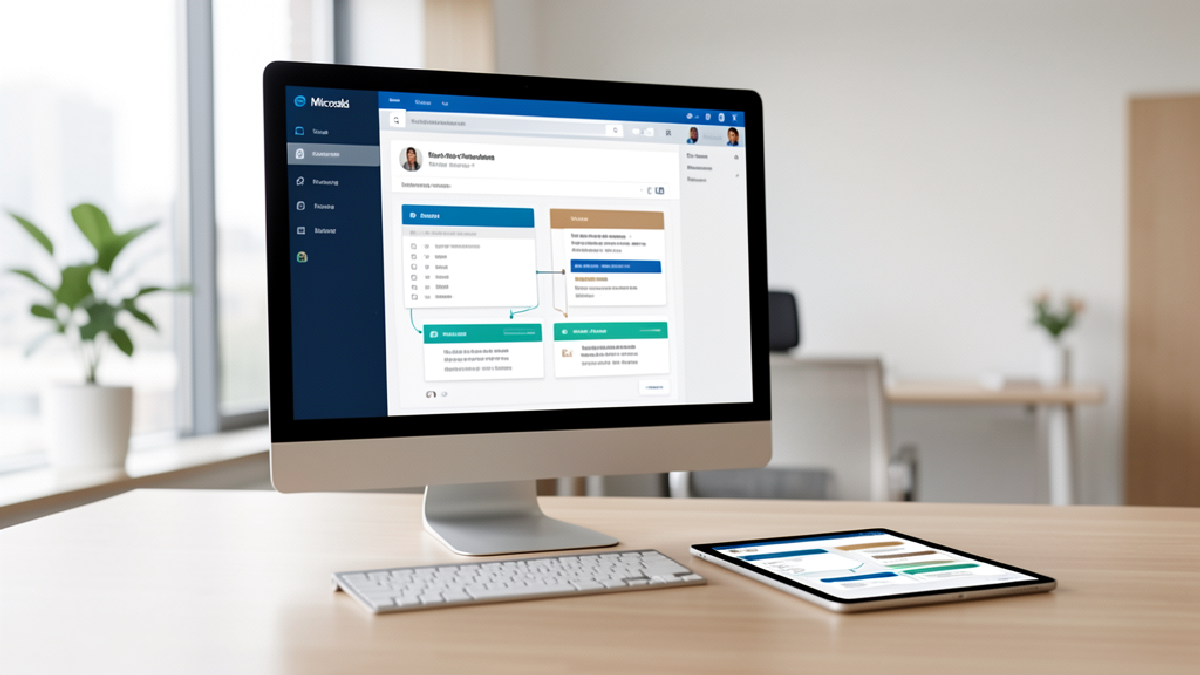
Adobe has introduced Acrobat-powered PDF experiences in WhatsApp Web and WhatsApp for Windows. According to Adobe’s announcement, users can open shared PDFs in the conversation, view them full-screen and add lightweight mark-ups such as highlights, underlines, drawings and strike-throughs without leaving the chat.
A practical document-review workflow
Consider a sales team sending a quotation PDF to a customer. Instead of downloading the file, opening a separate viewer and then trying to explain changes in a new message, the recipient can review the document directly in WhatsApp on a larger screen. They can highlight a line item, underline a date or flag wording for clarification, then continue the discussion in the same thread.
That creates a clearer hand-off for routine work:
- Share the current PDF in the relevant WhatsApp conversation.
- Open and review it in WhatsApp Web or Windows.
- Use mark-up tools to make specific feedback visible in context.
- When deeper changes are needed, choose Edit in Acrobat.
- Return the revised PDF to the same conversation so participants can work from the latest version.
When Acrobat adds more value
Lightweight feedback may be enough for a quote, catalogue or internal approval. For documents that need more formal attention, Acrobat provides additional tools for editing, organising, signing and applying password protection. Adobe also notes that Acrobat AI Assistant can help subscribed users summarise a document, ask questions and surface key points before they respond.
The benefit is not simply having more document tools. It is reducing unnecessary switching between chat, downloads and separate applications while keeping the discussion and the file connected. That can help a small team respond faster to customer queries, reduce ambiguity during document reviews and make it easier to identify which version has been returned to the group.
Set the workflow before rolling it out
Teams should still agree on simple rules for customer and internal documents: who may send the final version, when a marked-up copy becomes an approved copy, and which documents require password protection or a formal approval process. Chat can accelerate collaboration, but clear ownership remains important for contracts, financial documents and sensitive information.
Blue Chip Technologies Ltd. can help your business assess Adobe Acrobat licensing, establish practical PDF review and approval workflows, and support the content operations behind them. Contact us to make document collaboration simpler without losing control of the process.