Keep Your Phones and Internet Online During a Power Cut
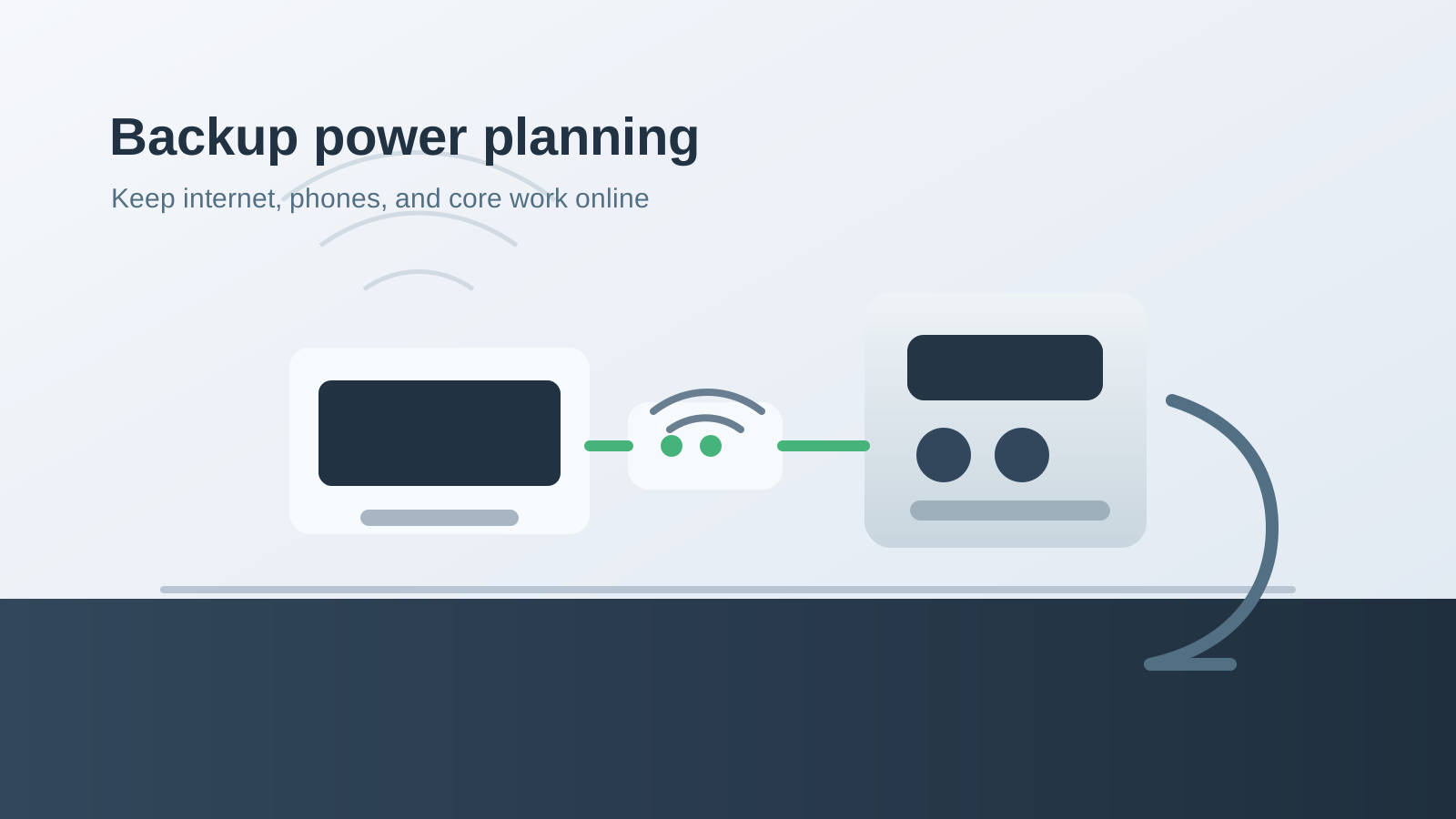
Power cuts do not have to take your business offline. For many Trinidad and Tobago homes, home offices, and small businesses, the first continuity target should be modest and practical: keep the internet, phones, laptops, payment terminal, and security basics running long enough to keep working or shut down cleanly.
Blue Chip uses Bluetti equipment as part of our own backup power plan to keep our office powered 24/7. We are a Bluetti customer, not a Bluetti installer, electrical contractor, or certified Bluetti service provider. That matters because the right role for us is practical IT continuity planning: helping business owners think clearly about what must stay online, what should be protected by UPS or battery backup, and when qualified electrical professionals need to be involved.
Affiliate disclosure: Blue Chip may earn a commission if you purchase through our Bluetti referral link. This does not change the practical advice below: size your backup around your real load, follow Bluetti documentation, and use qualified electrical professionals for electrical integration.
Start with the network, not the whole building
When the grid drops, most offices do not immediately need every appliance online. They need communications.
For many small sites, that means:
- Fibre or cable modem.
- Router or firewall.
- Network switch.
- Wi-Fi access point.
- VoIP phone base station or IP phones.
- One or two laptops and mobile phones.
- Optional security recorder, camera bridge, or alarm communicator.
That list is a very different problem from powering air conditioning, pumps, large refrigerators, laser printers, or workshop tools. Separating essential IT loads from heavy electrical loads makes backup power easier to size, easier to test, and easier to explain to staff.
Why Bluetti is useful for this kind of continuity
Bluetti's official AC180 page lists the unit at 1,152Wh capacity with 1,800W total AC output, LiFePO4 battery chemistry, pure sine wave inverter output, pass-through charging, AC charging up to 1,440W, solar input up to 500W, and a 5-year warranty. Those numbers make it a practical reference point for small-office continuity planning, but they are not a substitute for measuring your own equipment.
Bluetti's own pass-through charging guide explains the basic idea: the power station can recharge while powering connected devices. Bluetti also distinguishes pass-through charging from UPS behavior and notes that switchover time matters for sensitive electronics. Their UPS and generator article makes the larger continuity point clearly: UPS-style battery backup can bridge immediate outages, while generators may still matter for long outages and high-power loads.
That is the practical lesson for local businesses. A battery system can keep the network alive quietly, indoors, and without fuel. A generator can still be useful for long-duration outages or heavy loads. Many offices need a layered plan, not a single magic box.
A simple sizing method
Do not start by asking, "Which Bluetti should I buy?" Start by asking, "What must stay online, and how many watts does that equipment actually use?"
Use this workflow:
- List the exact devices that must remain online.
- Check each power adapter or use a plug-in power meter.
- Add the running watts together.
- Add a safety margin for startup behavior and future changes.
- Decide the runtime target: 1 hour, 4 hours, 8 hours, or overnight.
- Compare that requirement with official Bluetti product specifications.
- Test the setup before hurricane season or any planned outage window.
A small modem and router may draw far less than a desktop PC, but every site is different. A PoE switch powering multiple access points and phones can change the calculation quickly. A security camera recorder, NAS, or small server can change it again.
Keep the setup clean
For IT continuity, the best setup is usually simple and visible. Put the modem, router, switch, and voice gear in one documented location. Label the power path. Keep the battery accessible. Make sure staff know what should and should not be plugged into the backup system during an outage.
Avoid connecting random appliances because there is an empty socket. A kettle, microwave, iron, large printer, or power tool can consume more than the equipment you were trying to protect. The point of the battery is not to make an outage feel normal. The point is to keep the essential workflow alive.
Where qualified electrical help is required
Portable power stations are useful, but permanent electrical work is not a casual IT task. For transfer switches, solar panels, high-output circuits, sub-panels, generator tie-ins, permanent wiring, or any electrical integration into a building, follow Bluetti documentation and use qualified electrical professionals.
Blue Chip can help you think through the business continuity side: what needs to stay online, how downtime affects phones and cloud apps, where the network gear lives, and what staff should do during an outage. We do not present ourselves as Bluetti-certified installers or electrical contractors.
A practical backup power checklist
Before the next serious outage, run this checklist:
- Identify the devices that keep the office reachable.
- Document their normal power draw.
- Decide a minimum runtime target.
- Choose a Bluetti model using official Bluetti specifications.
- Keep charging cables and adapters with the unit.
- Test the actual office load for at least 30 minutes.
- Confirm the router, Wi-Fi, phones, and laptops behave as expected.
- Write down what staff may plug in during a power cut.
- Review the plan before hurricane season.
Ready to price a Bluetti setup?
If keeping your internet and phones online would protect revenue, support, or customer confidence, start with Bluetti's official product information and compare models against your real load.
Shop Bluetti through Blue Chip's referral link
Blue Chip may earn a commission if you purchase through that link. If you want the IT continuity side planned properly, we can also help you map your network, phones, cloud apps, and outage workflow so the backup power purchase supports the business instead of becoming another unused device in the corner.