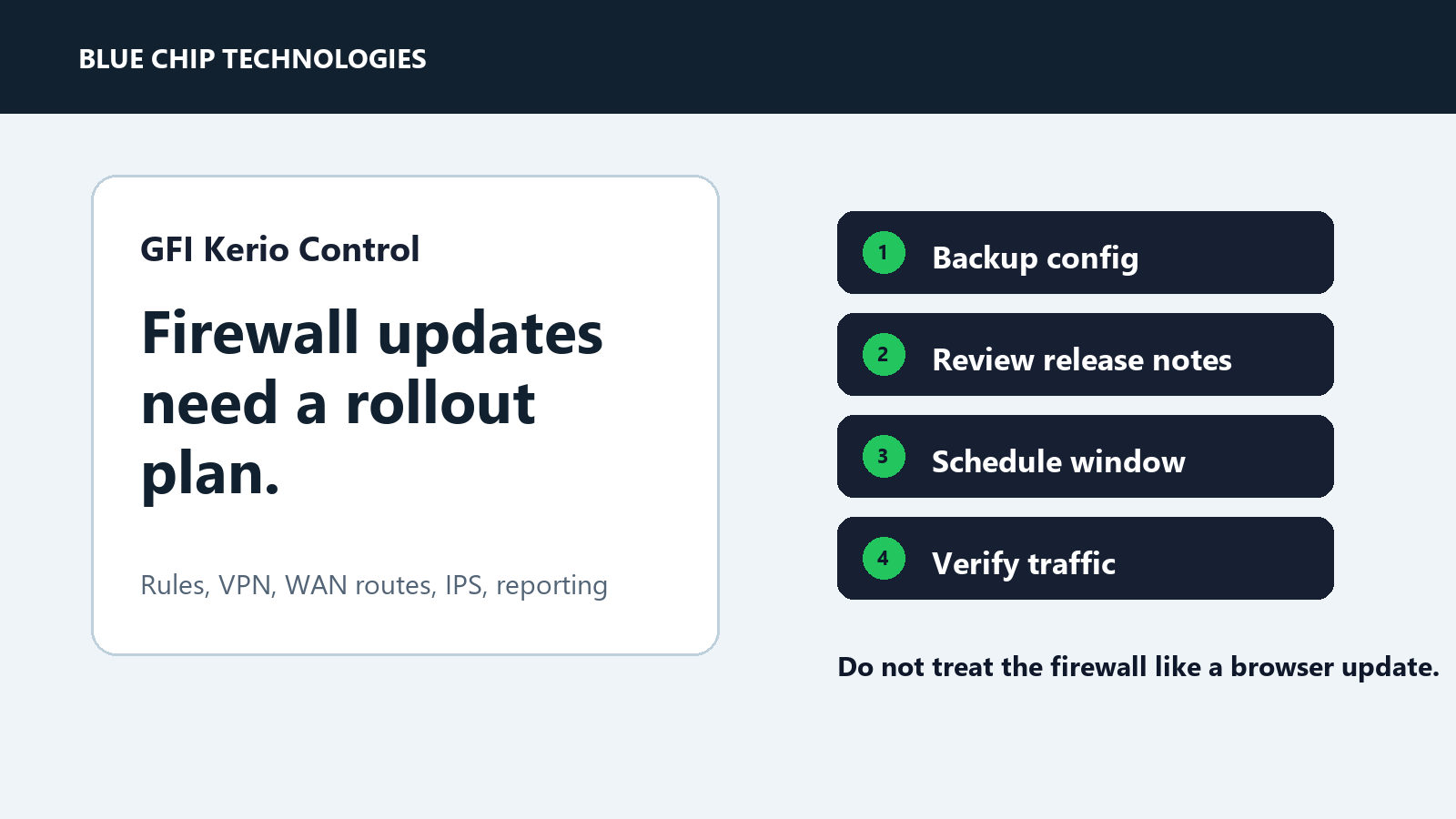
Kerio Control Updates Should Be Treated Like Firewall Change Control
GFI Kerio Control is often used by smaller businesses because it combines firewalling, VPN, filtering, reporting, and gateway security in one manageable appliance.
That convenience is useful. It also means updates should be handled carefully.
Kerio Control 9.6.1, released on March 26, 2026, added items such as improved Exinda AI integration, 10Gbps NIC support, firewall rule reports, AppManager registration reset controls, and watchdog controls in the web admin interface. It also fixed issues involving WAN adapter movement, default-route behaviour, and harmless local DNS queries triggering IPS security alerts.
Those are exactly the kinds of changes that should make an administrator slow down and plan the update properly.
Why firewall updates deserve more care
A firewall is not just another application. It controls the path between users, servers, VPNs, cloud services, and the public internet.
A rushed update can affect:
- internet access
- VPN users
- remote sites
- port forwards
- VLAN routing
- gateway security inspection
- reporting and alerting
- business applications that rely on specific rules
Even when the update is good and necessary, the rollout needs structure.
A practical Kerio update checklist
Before updating, take a current configuration backup and confirm you know how to restore it. Review the release notes for changes that touch routing, WAN interfaces, VPN, IPS, reporting, AppManager, or hardware support.
Then confirm:
- the current Kerio version and target version
- whether the update applies to your major version
- the maintenance window
- who needs to be warned about a brief outage
- whether remote access will still be available after reboot
- what traffic must be tested after the update
After the update, verify the basics before walking away:
- internet browsing
- DNS resolution
- VPN login
- inbound services or port forwards
- site-to-site tunnels
- key firewall rules
- IPS/signature status
- monitoring alerts
The managed IT angle
Firewall update work is not glamorous, but it is one of those boring jobs that separates a managed network from a lucky one.
The update should leave behind evidence: what version was installed, when it was done, who verified it, what was tested, and whether anything needs follow-up.
If your firewall is central to the business, treat every meaningful update as change control. Not a committee meeting. Just a clear plan, a backup, a test list, and proof.
The practical takeaway
Kerio Control updates can bring useful improvements, security fixes, and better management visibility. Just do not treat the firewall like a casual desktop app.
Plan it, back it up, update it, test it, and document the result.
Source: GFI KerioControl Support - Kerio Control 9.6.1 Release Notes.