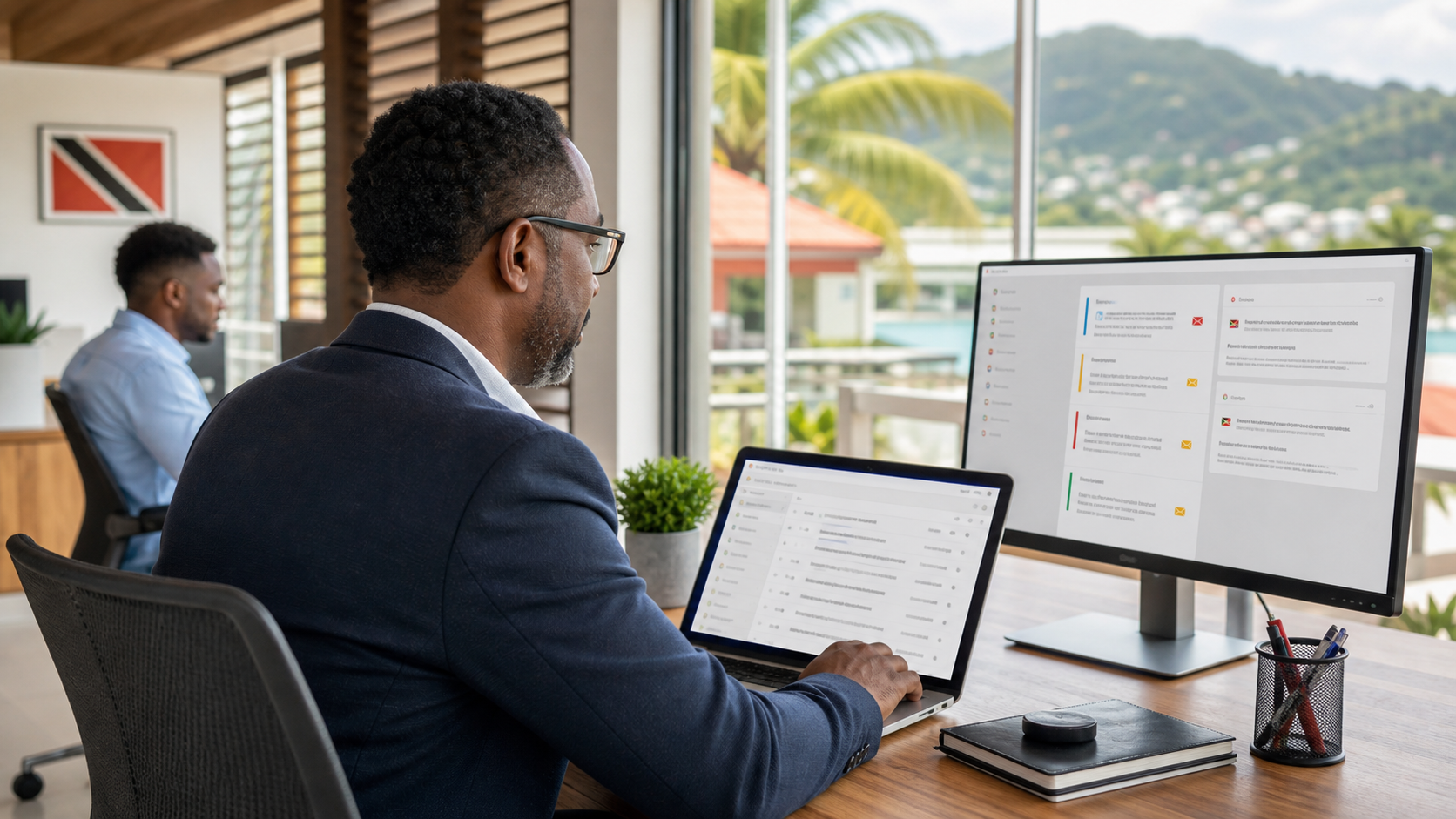
Your team leaves the meeting with a consensus on what needs to happen next. Within hours, the follow-up email chain reveals three different interpretations of who is doing what, and nothing arrives on time.
This is the meeting follow-up problem that costs SMBs real time and money. A 45-minute meeting becomes a 75-minute drain when you factor in the note-taking afterwards, the email drafting, the back-and-forth clarifications, and the eventual rework because an action item got lost or assigned to the wrong person.
Meeting transcription and AI-assisted summarisation tools promise to change this. And they do—but only when they are embedded into a careful workflow, with human review built in, and with clear governance around who can see what.
## What the Research Actually Shows
When Harvard Business School and Boston Consulting Group ran a field experiment with consultants using GPT-4 for work-related tasks, the results were specific: participants completed 12.2% more tasks, finished 25.1% more quickly, and produced more than 40% higher quality on work within AI's capability frontier. Notice the qualifier: "within AI's capability frontier." That means AI was handling the kind of structured work it is actually good at, not replacing judgment or client-facing decision-making.
Similarly, a National Bureau of Economic Research study on generative AI in customer support found that AI-assisted agents resolved about 13.8% more issues per hour, spent about 9% less time per chat, and handled about 14% more chats per hour—with no meaningful drop in customer satisfaction. The pattern is consistent: AI improves throughput on repeatable, well-defined tasks.
Meeting summarisation falls squarely into that zone. Extracting who said what, identifying action items, assigning owners, and flagging deadlines are structured tasks that AI handles well. The catch is that Microsoft's Work Trend Index and McKinsey's generative AI research both highlight the same truth: the value does not come from deploying a random AI tool. It comes from redesigning the workflow around the tool. Time, talent, and operating-model changes matter. A transcription service that no one reads is waste.
## What the Workflow Looks Like
Here is a practical example for a Trinidad and Tobago SMB with 15 staff members.
Your team meets on Microsoft Teams or Google Meet. The meeting is automatically recorded and transcribed. As the meeting ends, you have a choice:
1. Microsoft Teams Copilot can summarise key discussion points, identify who spoke, and suggest action items during or immediately after the meeting.
2. Microsoft Teams Recap can let you quickly review a recorded meeting, its transcript, shared documents, and suggested action items after the fact.
3. Google Meet can automatically generate meeting notes and create a shared document that everyone can access.
The tool you choose depends on your current platform. The workflow is the same: the AI transcribes and extracts. But here is the critical step: a human (usually the meeting organiser or project lead) reviews the output. They verify the action items, confirm the owners, set realistic deadlines, and adjust any misinterpreted context. Only then does the follow-up email go out—already drafted by the AI, needing only a quick scan instead of 30 minutes of rewriting.
For example, a finance team could schedule its Thursday morning planning meeting, run it on Teams, and have a recap document ready for circulation by lunchtime. The team lead would spend about 10 minutes reviewing the AI-generated items, correct two or three details if the AI misattributes who said what, approve it, and send it. No separate note-taking. No email ping-pong. One document of record.
## Time Savings—with Caveats
Let us be practical about the math. A 45-minute meeting plus 30 minutes of manual note-taking and follow-up email creation equals 75 minutes of labour. With AI transcription and a 10-minute human review, the same outcome costs 55 minutes. That is a saving of 20 minutes per meeting, per person.
For a business holding three strategic meetings a week, across a core team of four, that is roughly 4 hours of recovered time per week. Annually, that is about 200 hours—the equivalent of five working weeks of capacity.
Will it feel like that? Not immediately. The largest gains come when follow-up mistakes drop: when the project doesn't restart because an action item was unclear, when a deadline is not missed because ownership was ambiguous, when a team member does not spend two hours re-reading email chains to find the original decision. These are hidden time costs that are hard to measure but significant in practice.
The research from Harvard and BCG supports this: the value is not just in speed, but in consistency and quality. If the follow-up process is cleaner, the work that follows is more focused.
## Security, Permissions, and Governance
When you deploy AI meeting tools, the first question from any prudent business owner should be: where does the data go?
Microsoft Teams Copilot and Recap operate within Microsoft 365. Your meeting recording and transcript remain within your organisation's tenant. Permissions are inherited from your Teams channel or meeting settings—the same people who can attend the meeting can see the recap. Nothing is exported to a third party for model training (unless you opt in, which most organisations do not).
Google Meet notes work similarly. The notes document is stored in Google Drive and respects the sharing settings you assign.
For a Trinidad and Tobago SMB, the practical implication is straightforward: you can confidently use these tools without shipping confidential client information or strategic discussions to an external party. But you must still set appropriate channel or meeting permissions and brief your team on what is being recorded.
If your business handles sensitive data—financial details, customer lists, intellectual property—review your IT policies before enabling meeting recording by default. This is not a reason to avoid the tools; it is a reason to be deliberate about which meetings are recorded and who can access the recap.
## How Blue Chip Technologies Can Help
Blue Chip Technologies works with SMBs across Trinidad and Tobago to implement AI workflows that fit your actual business, not someone else's template.
We help you assess whether meeting AI is a priority for your operation (sometimes it is not—some businesses benefit more from other AI applications first). If it is, we work with you to establish the workflow: which meetings get recorded, who reviews the recaps, how you integrate action items into your project management system, and what governance you need.
We also ensure your team understands what the tool can and cannot do. AI-assisted meeting summaries are powerful for factual extraction and action item flagging. They are not replacements for judgment on whether a deadline is realistic or whether an owner has the capacity to deliver. That remains your decision.
## Next Steps
If your team spends significant time on meeting follow-up, and if rework or missed commitments are costing you, the ROI of a proper AI-assisted meeting workflow is worth exploring.
Contact Blue Chip Technologies for an AI workflow assessment. We will spend 30 minutes understanding your current meeting cadence, your pain points, and the platforms you use. We will then advise you on whether an AI meeting tool fits your priorities and, if it does, how to implement it safely and effectively.
**Blue Chip Technologies Ltd. – Practical AI for Caribbean businesses.**
---
*This article draws on research from [Harvard Business School / Boston Consulting Group](https://www.hbs.edu/faculty/Pages/item.aspx?num=64700), [the National Bureau of Economic Research](https://www.nber.org/papers/w31161), [Microsoft Work Trend Index](https://www.microsoft.com/en-us/worklab/work-trend-index/agents-human-agency-and-the-opportunity-for-every-organization), [McKinsey research on generative AI implementation](https://www.mckinsey.com/capabilities/tech-and-ai/our-insights/the-economic-potential-of-generative-ai-the-next-productivity-frontier), and published capabilities of [Microsoft Teams Copilot](https://support.microsoft.com/en-US/teams/copilot/catch-up-on-meetings-with-microsoft-365-copilot-in-teams), [Microsoft Teams Recap](https://support.microsoft.com/en-US/teams/meetings/recap-in-microsoft-teams), and [Google Meet notes](https://support.google.com/meet/answer/14754931?hl=en).*
Turning Meeting Chaos Into Action: How AI-Assisted Summaries Work for Trinidad and Tobago SMBs
Teams spend 45 minutes in a meeting, then another 30 minutes wrestling with notes and follow-up emails. AI-assisted meeting tools can help capture action items faster and reduce rework. Here's what the research says and how to implement it safely.
7 min read