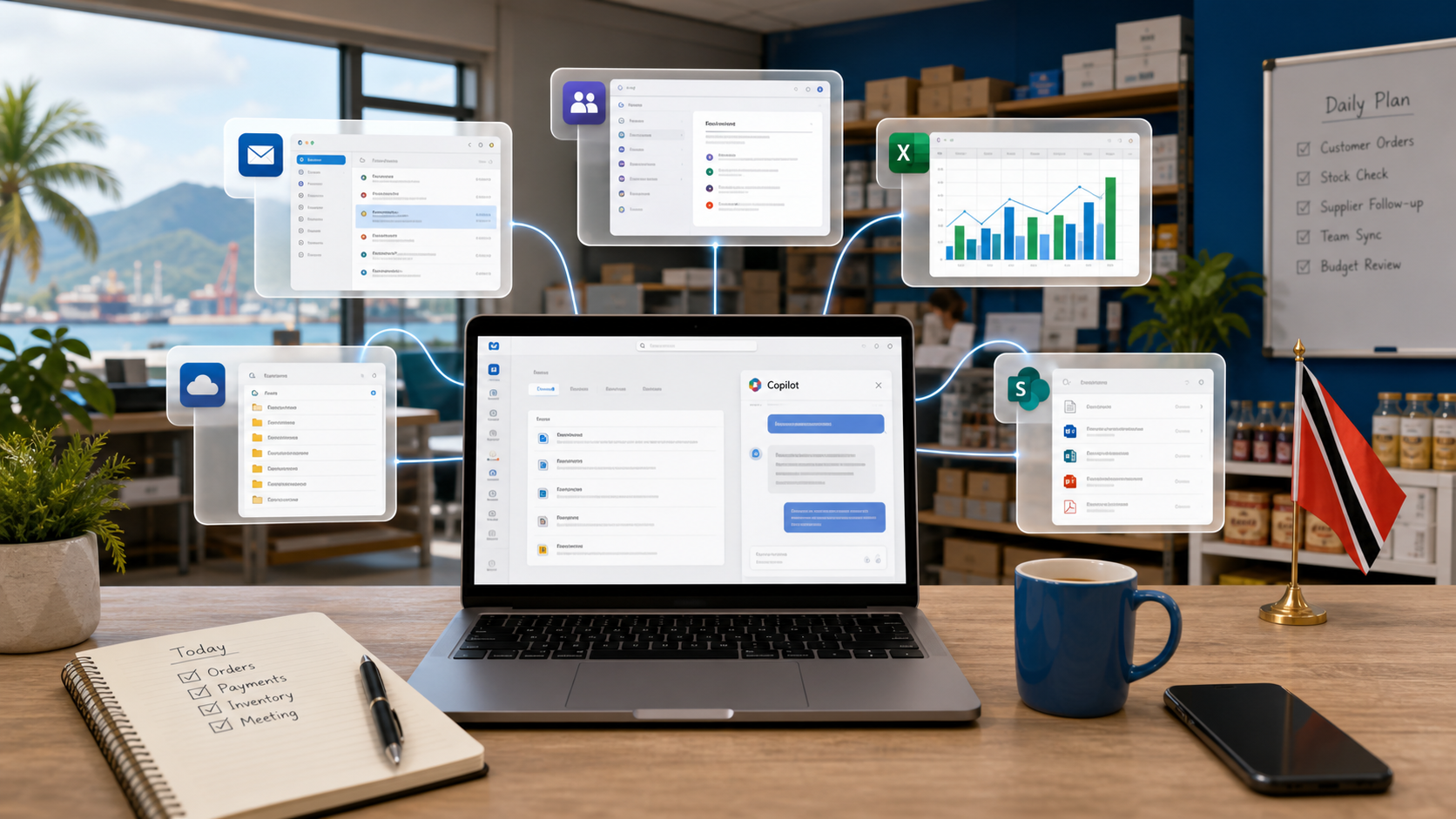
Microsoft has put a clearer marker down for small business AI: Copilot is moving closer to the normal Microsoft 365 buying conversation, not sitting off to the side as something only larger companies evaluate.
The Announcement
Microsoft has announced new versions of Microsoft 365 Business Standard and Microsoft 365 Business Premium, both with Copilot built in. They go live on July 1. If you run a small or medium business in Trinidad and Tobago, this is not just another SKU change. It is the moment Copilot stops being an add-on and becomes part of the standard productivity stack.
What Is Actually Changing
These new plans combine three things into one subscription: the familiar Office apps, Copilot embedded in Word, Excel, PowerPoint, Outlook and Teams, and security controls sized for smaller organisations. The important change is packaging: Copilot is being offered inside new Business Standard with Copilot and Business Premium with Copilot plans, so licensing decisions should be reviewed before renewal or expansion.
Microsoft is also pushing something it calls Work IQ. The idea is simple: Copilot can pull context from your calendar, emails, documents and tasks to help you track projects, deadlines and decisions without you manually stitching information together. For a small team juggling multiple clients or jobs, that context matters.
Connectors and Business Systems
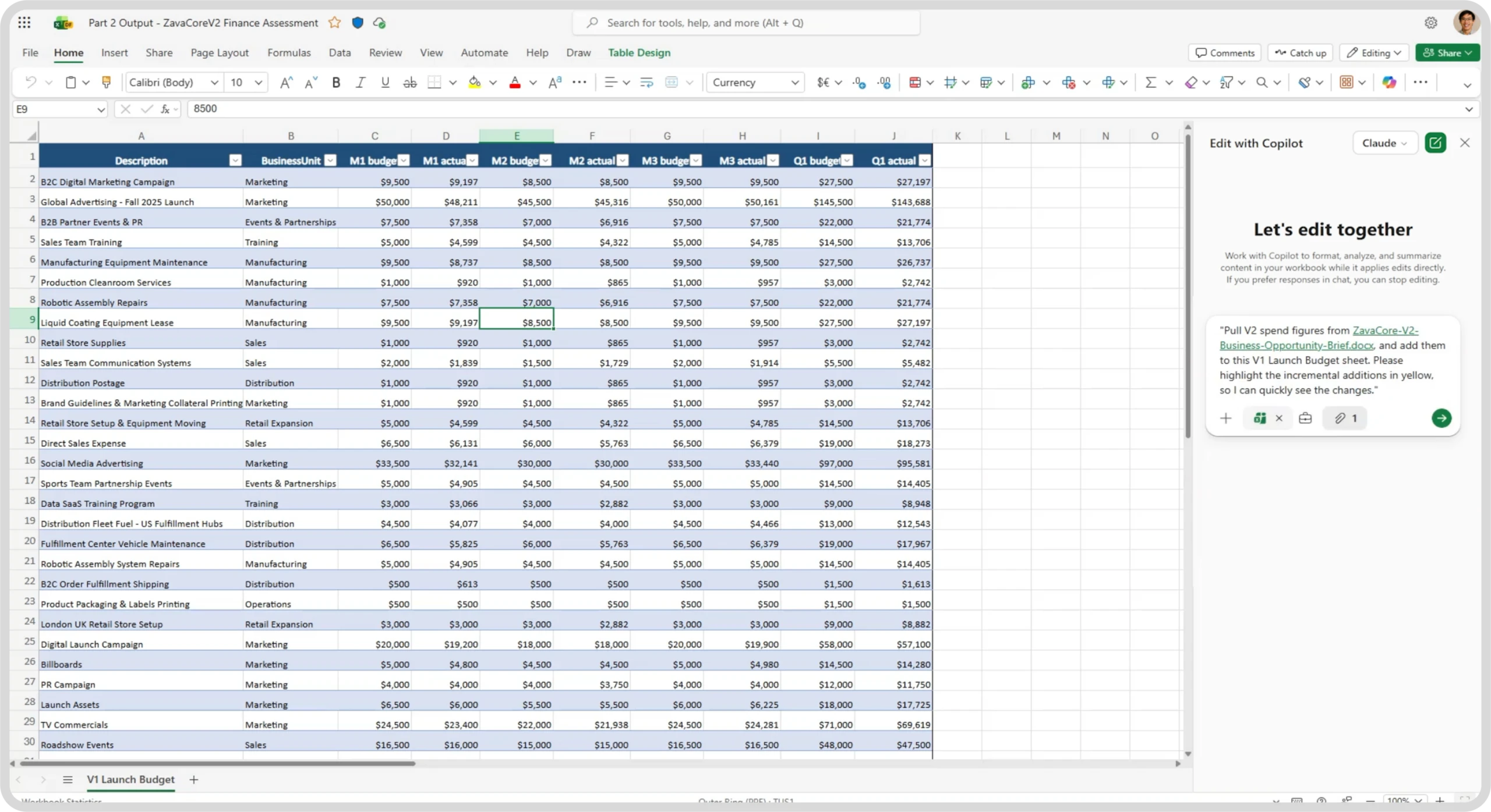
Microsoft claims over 1,000 connectors, including Shopify, PayPal, Xero, DocuSign and Asana. Copilot can also tie into CRM, finance and marketing platforms. For local businesses already running cloud accounting or e-commerce, this means Copilot could surface data from those systems inside the apps you already use.
That said, a connector existing and a connector being useful are two different things. Integration quality varies. Some will need setup, mapping and testing before they produce anything reliable.
Models and Security
Microsoft says Copilot gives access to leading models from OpenAI and Anthropic within the same system. You do not need separate accounts or tools to switch between them.
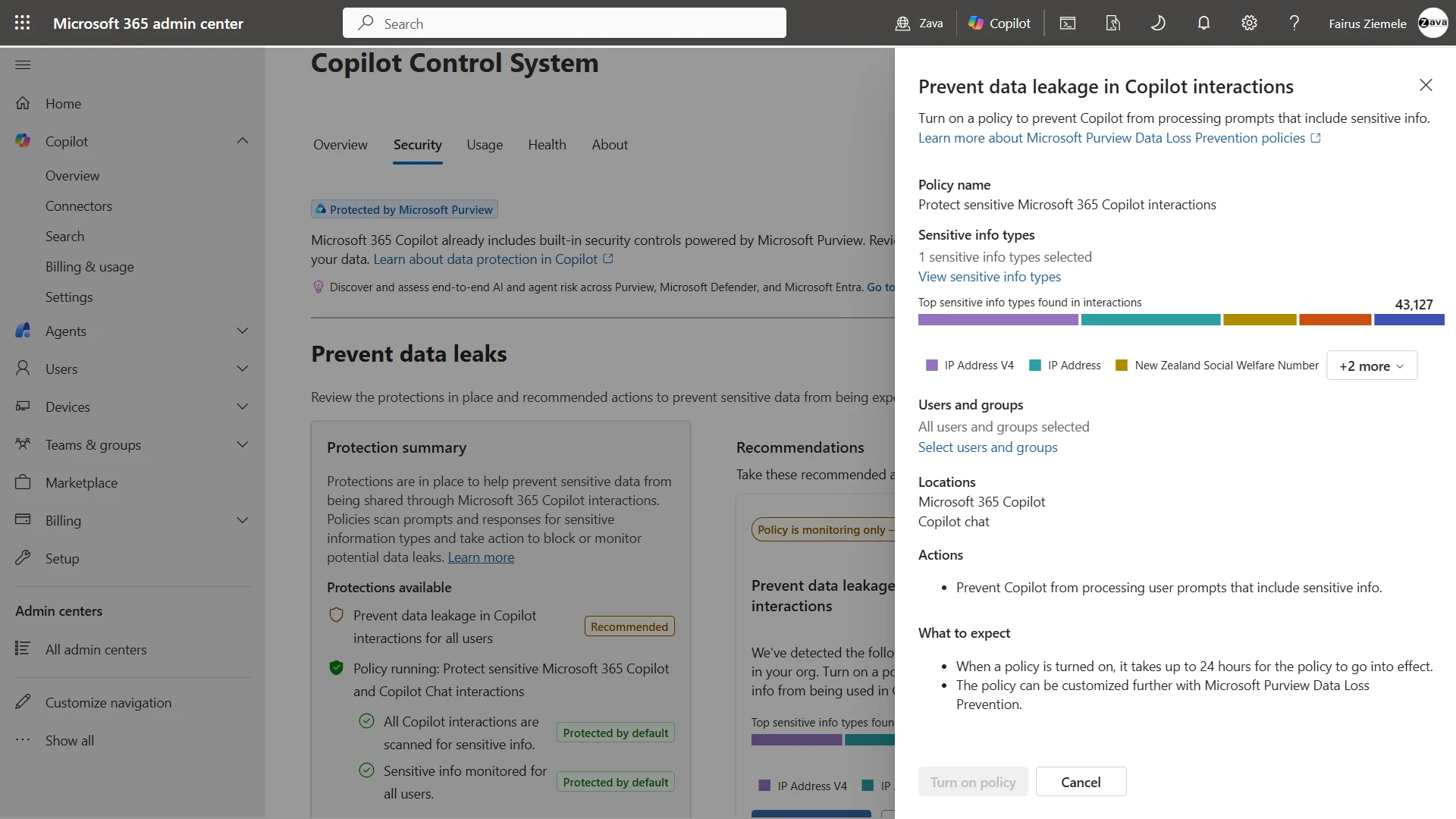
On security, the new plans include sensitivity labels, controls on where data can travel, the ability to revoke access, and Copilot operating within the permissions you have already configured. Some capabilities may need additional products. The key point: Copilot only sees what the user can see. If your permissions are messy now, Copilot will inherit that mess. Clean up first.
What This Means for Local SMBs
If you are already on Microsoft 365 Business Standard or Premium, you will need to decide whether to move to the new Copilot-inclusive plans. The pricing and exact transition path will matter. Do not assume it is a free upgrade.
If you are not on Microsoft 365 yet, this is a reasonable entry point, but only if your team is ready. Copilot is a tool, not a replacement for judgment. It drafts fast. It summarises well. It still needs a human to check facts, tone and context. If your staff do not have time to review outputs, you will create problems faster than you solve them.
Getting Ready
Before you flip the switch, consider a few practical steps:
- Audit permissions. Copilot respects what users can access. Fix over-sharing before you enable it.
- Review data hygiene. Old files, duplicate folders and outdated SharePoint structures will surface in Copilot results. Tidy up.
- Plan rollout by role. Not everyone needs Copilot on day one. Start with roles that generate documents, analyse data or manage projects.
- Train users on prompts. Good inputs produce useful outputs. Bad inputs waste time.
- Set security policies. Decide what data should be labelled sensitive and where Copilot should be restricted.
How Blue Chip Technologies Can Help
We handle Microsoft 365 and Copilot licensing for Trinidad and Tobago businesses. We also run readiness checks, review permissions and data hygiene, plan rollouts, train users, configure admin and security settings, and provide ongoing support. If you want Copilot to be productive from day one rather than a source of confusion, we can get you there.
Bottom Line
Microsoft 365 Business with Copilot is a real planning item for SMBs now. The businesses that benefit will be the ones that treat it as a deployment, not a magic button. Start with your data, your permissions and your people. The technology is the easy part.