Multi-Agent Copilot Workflows Need One Clear Owner
Microsoft's April Copilot Studio update is a useful signal for businesses that are watching AI move from simple chat assistance into real workflow execution. The headline is not just that agents are becoming smarter. It is that several agents can now work together as a system across tools, data sources, and business processes.
For Trinidad and Tobago SMBs, that matters because most day-to-day work is already split across systems. A customer request may start in Outlook, continue in Teams, depend on a spreadsheet, require a CRM update, and end with a manager approval. AI can help, but only if the workflow has ownership, permissions, and a clear process behind it.
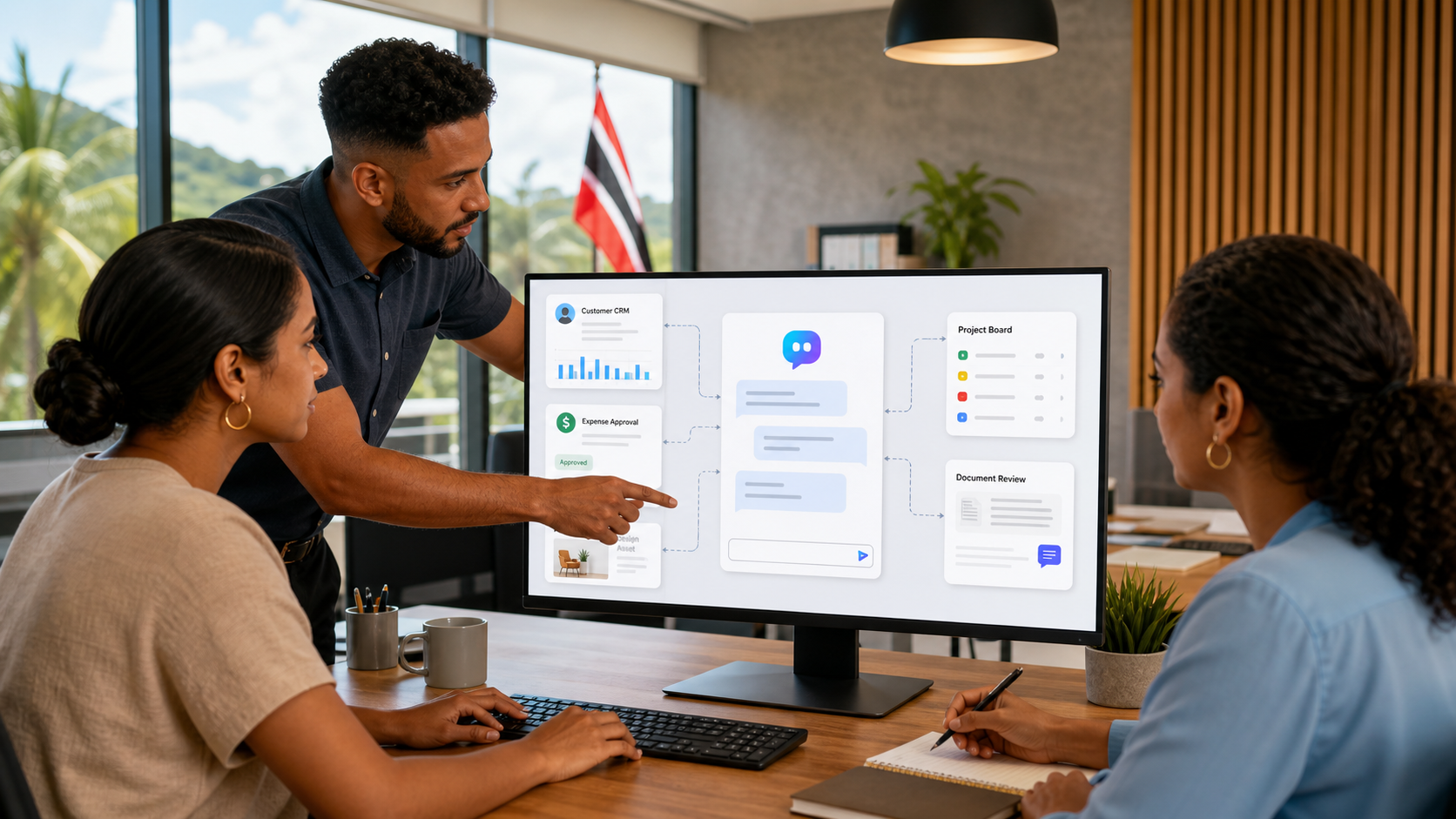
Microsoft says Copilot Studio is adding generally available multi-agent capabilities that can coordinate agents across Microsoft Fabric, the Microsoft 365 Agents SDK, and Agent-to-Agent communication. In plain language, this means a customer-facing or staff-facing agent can call on other specialist agents when it needs data, reasoning, or action from another system.
That is powerful. It is also exactly the kind of thing that can become messy if the business treats it as a casual experiment.
Why multi-agent workflows matter
A single agent can answer a question or perform a narrow task. A multi-agent workflow is different. It can divide work between specialists.
For example, a service request agent could collect the customer's issue, a data agent could check equipment history, a scheduling agent could suggest an available technician, and a finance agent could flag whether the account has an outstanding balance. The staff member sees one coordinated workflow instead of four separate lookups.
That can save time, reduce repeated questions, and make customer service more consistent. It can also help small teams operate with less manual follow-up.
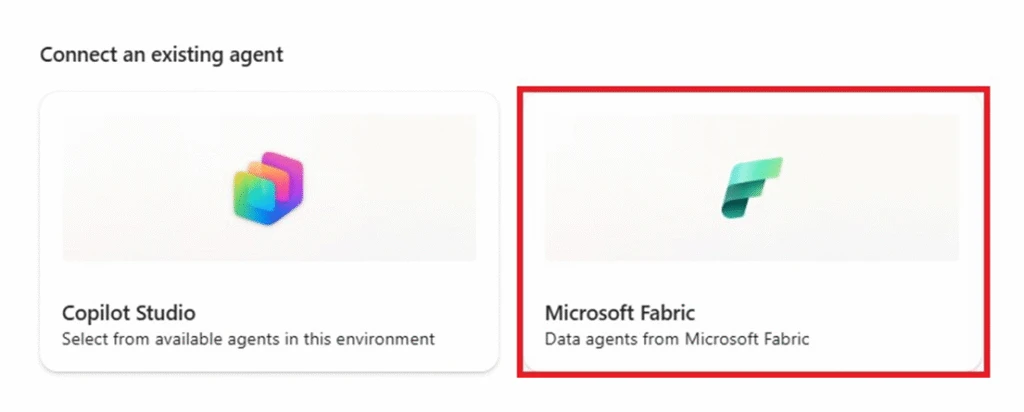
Copilot Studio can connect specialized agents, such as Fabric agents, into a broader business workflow.
The owner matters more than the tool
The mistake many businesses make with automation is assuming IT owns everything because the tool is technical. IT should absolutely manage the platform, security, licensing, and monitoring. But the business process itself needs an operational owner.
If a workflow handles customer requests, someone in operations or service management must own what the correct outcome looks like. If it supports quotes, sales leadership must define what is allowed. If it summarizes financial information, finance must decide what can be shared and who approves exceptions.
Before building a multi-agent workflow, the business should answer these questions:
- Who owns the process?
- Which systems can the agent read from?
- Which systems can the agent write to?
- Which actions need human approval?
- What happens when the agent is unsure?
- How will errors be reviewed?
- What records must be kept for audit or compliance?
Those answers are not paperwork for the sake of paperwork. They are what prevent automation from becoming hidden risk.
Good use cases for local SMBs
Multi-agent design is most useful where staff currently switch between several systems to complete one task.
Practical starting points include:
- service request triage across email, Teams, scheduling, and customer records
- quote preparation that checks CRM notes, pricing, stock, and approval rules
- management reporting that pulls from spreadsheets, SharePoint files, and project tasks
- HR onboarding that coordinates documents, policy acknowledgements, accounts, and training
- finance follow-up that prepares reminders while leaving final send approval to a person
- IT helpdesk intake that checks device inventory, user details, and ticket history
The best first workflow should be repetitive, visible, and low-risk. Avoid starting with payroll, legal commitments, sensitive HR decisions, or anything that could create financial damage if the agent makes a wrong move.
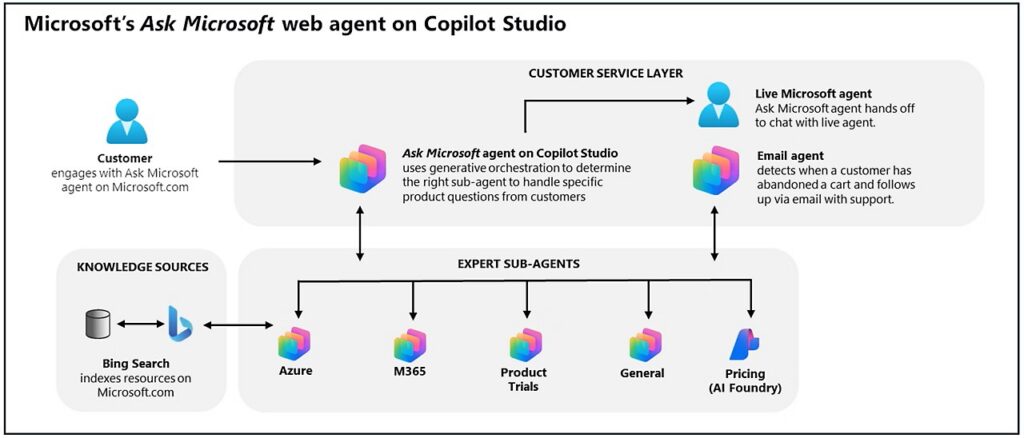
Multi-agent design is useful when one user request needs information or action from several specialist systems.
Data governance comes first
A multi-agent workflow can only be trusted if the underlying Microsoft 365 environment is clean enough to trust.
That means SharePoint permissions, Teams membership, OneDrive sharing, Microsoft 365 groups, retention settings, and sensitive files all need review. If an employee should not have access to a folder, an agent working on that employee's behalf should not expose it either.
Blue Chip recommends reviewing these areas before scaling agent workflows:
- SharePoint site ownership and permission inheritance
- external sharing settings in Teams, SharePoint, and OneDrive
- role-based access to HR, finance, legal, and management documents
- MFA and conditional access policies
- audit logging and alerting for unusual access
- naming standards for customers, projects, jobs, and departments
- lifecycle rules for old files, inactive teams, and obsolete templates
This is not just an AI concern. It is good Microsoft 365 management. AI simply makes the weak spots easier to notice.
Build small, test hard, then expand
The safest approach is to start with one workflow, map the steps, and test it with real examples before giving it broad access.
A sensible pilot should include a process owner, a small user group, test data, success criteria, and a rollback plan. Staff should know when the agent is assisting them, what it is allowed to do, and where to report a bad result.
IT should also monitor the workflow after launch. If the agent is failing silently, producing unclear answers, or requiring constant correction, the process is not ready to scale.
Blue Chip's view
Microsoft's Copilot Studio direction is promising because it can connect AI to actual business processes instead of leaving it as a clever chat window. For SMBs, the value is not in building an impressive demo. The value is in removing daily friction from work that staff already do.
But multi-agent workflows need one clear owner. They need governance. They need proper Microsoft 365 permissions. They need a human approval model for important actions.
Handled properly, this can help a small business respond faster, reduce repeated admin work, and give managers better visibility across departments. Handled casually, it can just move confusion from one screen to another.
Source: Microsoft Copilot Blog, New and improved: Multi-agent orchestration, connected experiences, and faster prompt iteration.