
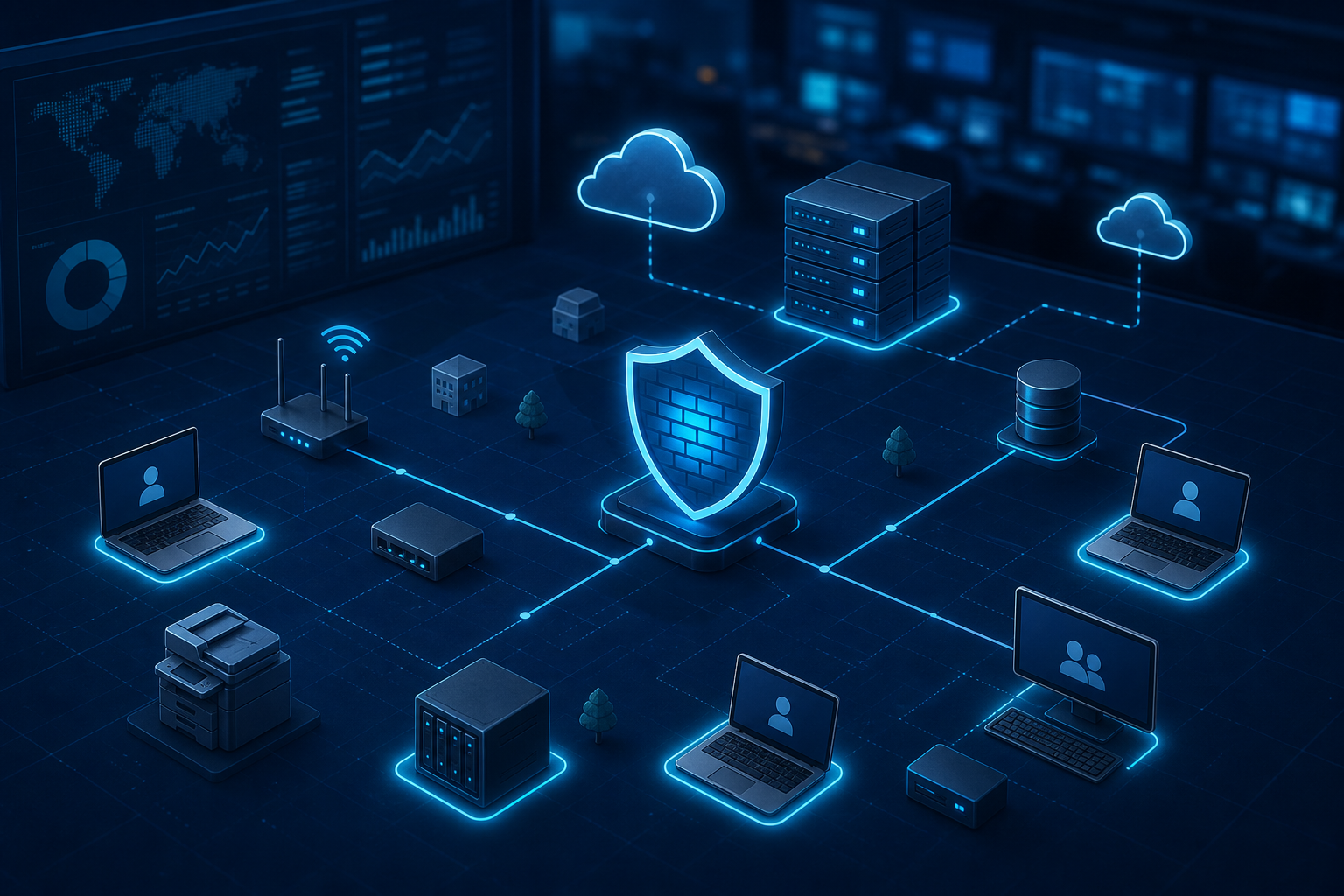
Network Asset Protection: Know What Attackers Would Target First
Many cyberattacks do not start with the most valuable system. They start with the easiest system to reach, then move inward until they find the server, mailbox, accounting workstation, file share, or application that matters.
That is why small and medium-sized businesses need to think beyond the basic idea of a perimeter. A firewall is important, but it is only one part of the picture. The business also needs to know which assets are most valuable, which systems are exposed, which devices are unmanaged, and where a small compromise could become a major outage.
GFI Software's webinar article, Beyond the Perimeter, focuses on recognising and protecting high-value network assets. For Trinidad and Tobago SMBs, the practical lesson is clear: you cannot protect what you cannot see, and you cannot prioritise everything equally.
Start by identifying what really matters
Every business has systems that would cause outsized damage if they were unavailable or compromised.
For some companies, that is the accounting server. For others, it is the point-of-sale system, property management application, design workstation, email tenant, customer database, file server, camera system, or remote-access gateway.
A useful first step is to list the systems that support revenue, customer service, compliance, payroll, inventory, or daily operations. Then ask simple questions:
- Who uses this system?
- Where is it hosted?
- Is it backed up and tested?
- Is access protected by MFA or strong authentication?
- Is it patched regularly?
- Is it visible to IT monitoring?
- Could a normal user account reach it unnecessarily?
- What happens if it is down for one business day?
This turns cybersecurity from a vague concern into a practical business continuity discussion.
Visibility comes before control
Many SMB networks grow over time. A few laptops become a file server, a NAS, Wi-Fi, remote desktop access, cloud apps, cameras, vendor devices, printers, and line-of-business software. Without good documentation and monitoring, nobody has a complete picture.
That blind spot is risky. Unknown devices may be unpatched. Old firewall rules may stay open. Former staff may still have access. A backup job may be failing quietly. A critical server may be running with no endpoint protection.
Blue Chip helps clients close that gap through managed IT practices such as asset inventory, endpoint monitoring, patch tracking, backup checks, firewall review, vulnerability management, and helpdesk follow-up. The goal is not to create paperwork. The goal is to know where the risk is before attackers or outages expose it.
Where GFI can fit
GFI's security and communications portfolio is built around practical SMB needs. Depending on the environment, tools such as GFI KerioControl, GFI LanGuard, GFI Exinda, GFI MailEssentials, and GFI KerioConnect can support areas like firewall control, network visibility, traffic management, patch/vulnerability awareness, spam protection, and business email operations.
For many companies, the value is strongest when these tools are managed as part of a wider service rather than left as standalone software.
That wider service should include:
- monitoring important servers and workstations
- reviewing firewall and remote-access exposure
- prioritising patching for high-risk systems
- protecting email from spam, malware, and phishing
- checking backup success and recovery readiness
- documenting critical assets and ownership
- responding quickly when alerts appear
- training users on common attack paths
Security tools help, but process makes them dependable.
Do not treat every device the same
A receptionist's workstation, a payroll computer, a domain controller, a NAS, and a public-facing remote-access service do not carry the same risk.
If everything is treated as equal priority, the most important work may get delayed. High-value assets need tighter controls, better monitoring, stronger access policies, faster patching, and clearer recovery plans.
That does not mean ignoring ordinary desktops. It means making sure the systems that can stop the business are clearly identified and protected first.
The Blue Chip approach
For SMB clients, Blue Chip recommends a practical sequence:
- Build or refresh the asset list.
- Identify the systems that matter most to operations.
- Check current protection, patching, backup, and access controls.
- Review firewall, VPN, remote desktop, and cloud exposure.
- Put monitoring and escalation around critical systems.
- Test recovery for the systems the business cannot afford to lose.
- Review the plan regularly as the company changes.
This approach keeps cybersecurity grounded in business reality. It also helps management decide where investment matters most.
A better security question
Instead of asking, “Do we have a firewall?”, ask, “If an attacker got into one ordinary device, what could they reach next?”
That question usually reveals the real work: segmentation, patching, MFA, least privilege, backup testing, endpoint security, logging, and asset visibility.
For local businesses, this does not need to become a huge enterprise project. It needs to become a managed habit. Blue Chip can help assess the environment, identify high-value assets, and put practical monitoring and protection around the systems that keep the business running.
Source: GFI Software — Webinar: Beyond the Perimeter.


