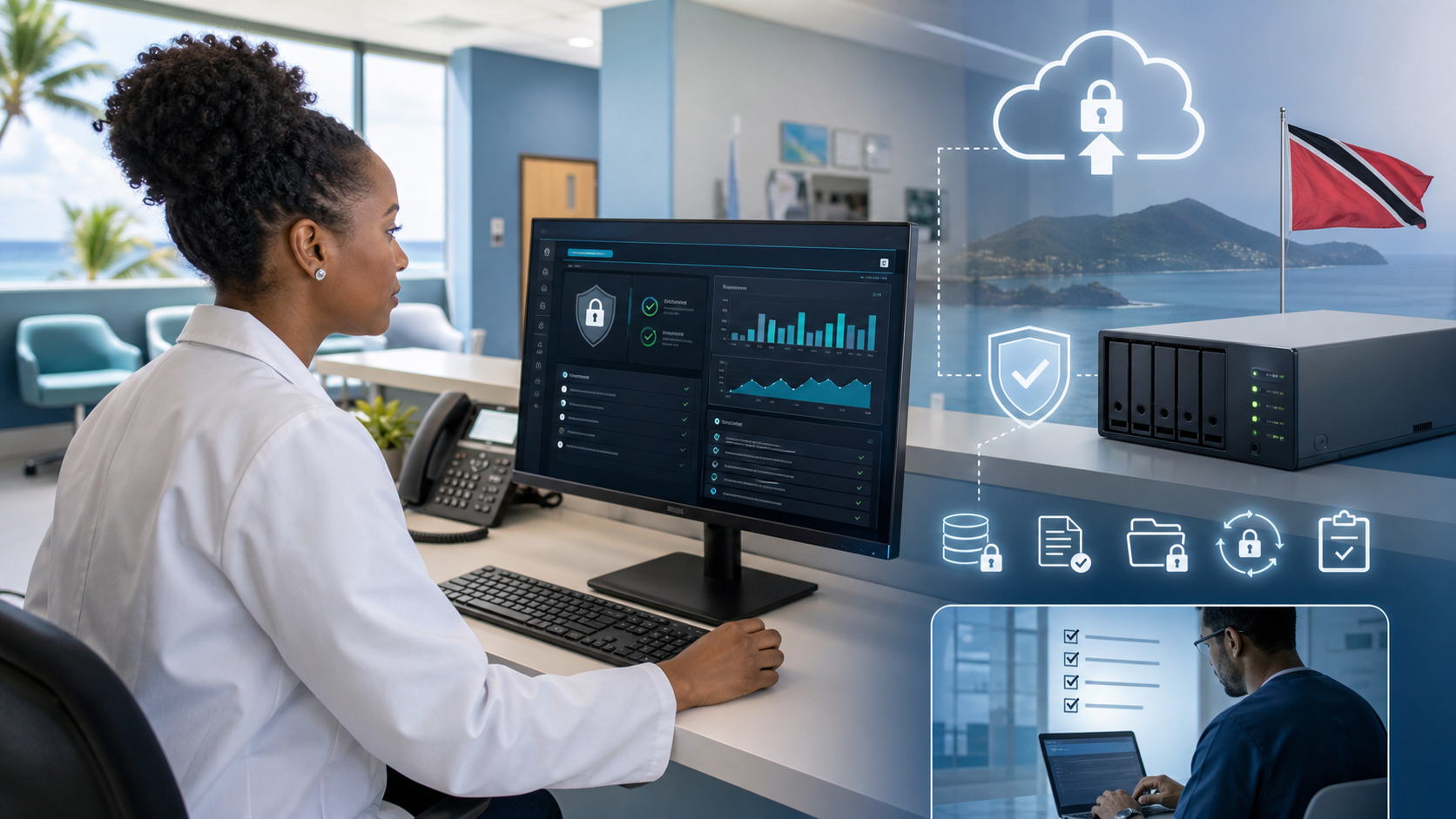
Patient Data Backups Need Clinic-Ready Recovery
Healthcare businesses treat data differently from ordinary office files. Patient records, billing notes, scans, prescriptions, appointment histories, lab documents, and insurance paperwork all carry operational and privacy risk. If that data is lost, locked by ransomware, or restored incorrectly, the clinic does not just have an IT problem. It has a patient care problem.
Synology recently published guidance on using ActiveProtect for healthcare data protection, with a strong focus on audit logs, role-based access, immutable backups, recovery verification, disaster recovery testing, encryption, and long-term retention. Those are useful ideas for any medical practice or healthcare-adjacent business that wants a stronger backup posture.
For Trinidad and Tobago SMBs, the practical takeaway is straightforward: a NAS or backup appliance is only part of the answer. The real goal is a recovery plan that a clinic can actually use under pressure.
Patient records need a defined backup scope
Many smaller clinics grow their systems gradually. One workstation may hold scanned documents. A billing system may sit on a small server. Another folder may live in Microsoft 365, Google Drive, or a shared NAS. Cameras, lab systems, dental imaging software, and accounting platforms may each store data in different places.
Before buying or configuring anything, the clinic needs a written backup scope:
- clinical records and practice management databases
- scanned documents and imaging folders
- finance, payroll, and billing exports
- email and cloud documents
- server and workstation configurations
- NAS shares and permissions
- retention requirements for important records
If the scope is vague, backup success reports can be misleading. The system may be backing up something, but not necessarily the data the business needs most.

Healthcare backup is about recoverable patient records, access controls, audit evidence, and tested continuity.
Access controls matter as much as storage
Healthcare data should not be recoverable by everyone with a general admin password. Good backup design separates duties. A receptionist may need access to files in the practice system, but should not be able to delete backup sets. A technician may need to monitor backup jobs, but should not automatically have unrestricted access to patient records.
Synology highlights role-based access controls and centralized authentication as part of its ActiveProtect approach. In plain business terms, this means backup administration should follow least privilege:
- separate backup administrators from everyday users
- require named accounts instead of shared passwords
- use MFA where available
- record who changed backup settings
- restrict who can restore sensitive data
- review permissions when staff change roles or leave
That may sound basic, but it is where many small environments become fragile. One shared password can turn a recoverable outage into a data exposure.
Backups should resist tampering
Ransomware crews often target backups before they encrypt production data. They know a business with clean backups is less likely to pay. That is why immutable or locked backup copies are valuable.
Synology's article points to immutability, air-gapped backup options, self-healing, and remote storage as resilience features. The exact design depends on the clinic, but the principle is universal: at least one backup copy should be protected from the same users, servers, and credentials that operate the live environment.
For a clinic, that could mean a mix of local fast recovery, offsite backup, restricted administrative access, and retention rules that prevent immediate deletion. The backup should be hard to erase accidentally and hard to destroy deliberately.
Recovery tests should be routine
The worst time to discover a broken backup is when patients are waiting and staff cannot open records.
A practical clinic recovery test does not need to be dramatic. It can be a scheduled exercise that confirms:
- selected patient documents restore correctly
- the practice management database can be recovered
- permissions are preserved after restore
- backup logs show expected job history
- a virtual server can boot in a test environment if needed
- staff know who to call and what the first recovery step is
Synology notes that ActiveProtect includes automatic backup verification and disaster recovery testing capabilities. Those features are strongest when paired with a managed process: calendar-based tests, written results, and follow-up actions when something fails.
Retention needs business judgment
Healthcare data often needs longer retention than ordinary office documents. Requirements can vary depending on the type of record, the jurisdiction, insurance obligations, contractual terms, and whether the business serves overseas patients or partners.
Blue Chip Technologies does not treat backup retention as a one-size-fits-all setting. The policy should answer practical questions:
- how long should clinical records remain recoverable?
- how long should billing and finance records be retained?
- how quickly can recent work be restored?
- what older data can move to archive storage?
- who approves deletion or retention changes?
- how are backups protected during staff turnover?
The technology can enforce retention, but management still needs to decide what the business actually requires.
What clinic owners should ask
If you run a clinic, dental office, pharmacy, lab, wellness practice, or healthcare-adjacent SMB, ask for backup answers in plain language:
- What patient systems are included?
- What systems are excluded?
- Where is the offsite copy?
- Can ransomware delete the backups?
- Who can restore patient data?
- Are backup changes logged?
- When was the last restore test?
- How long would the main system take to recover?
- What is the retention period for critical records?
- Is there a written recovery checklist?
These are not technical niceties. They are management controls for continuity, privacy, and patient trust.
Blue Chip's recommendation
For healthcare environments, backup should be treated as managed infrastructure, not a background utility. The right design combines reliable storage, locked backup copies, access control, audit visibility, documented retention, offsite protection, and regular recovery testing.
Synology ActiveProtect is one platform that can support that kind of model. What matters most is the operating discipline around it: monitor the jobs, test the restores, document the results, and keep the backup scope aligned with how the clinic actually works.
Patient data deserves more than a green checkmark. It needs a recovery plan that holds up on a difficult day.
Source: Synology Blog - Safeguard your healthcare data with Synology ActiveProtect.