A firewall is important, but it cannot protect a stolen cloud account, stop every suspicious action inside the network, or restore files after ransomware. Many small businesses buy email, networking and backup as separate items. The real risk is the gap between them.
For a business owner, the practical question is not, “Do we have security software?” It is, “If one control fails, what stops the incident from becoming a company-wide outage?” A sensible answer uses three connected layers: stronger identity protection, network containment and a recovery system that has been tested.
Why one security product is not enough
The 2026 Verizon Data Breach Investigations Report reviewed more than 31,000 incidents and over 22,000 confirmed breaches. Its findings show why businesses cannot rely on one defensive tool: vulnerability exploitation, credential abuse and social engineering all remain practical routes into an organisation, while ransomware appeared in 48% of the breaches in the report's dataset.
Small and medium-sized businesses face many of the same attack patterns as larger organisations, but usually with fewer people available to monitor alerts, manage access and run recovery exercises. That makes integration and clear ownership more valuable than collecting disconnected products.
A layered plan should answer three direct questions:
- Can an attacker easily take over an employee account?
- If a device or account is compromised, can the attacker move freely across the network?
- If prevention fails, can the business restore clean data and resume work?
Layer 1: protect business identities with Google Workspace
Email and cloud identities sit at the centre of modern work. They connect staff to messages, files, shared drives, calendars and third-party applications. A compromised account can therefore become much more than an inbox problem.
Google Workspace provides controls that can reduce this risk when they are configured and managed properly. These include two-step verification, passkeys, login challenges, security alerts, investigation tools and Gmail protections against spam, phishing and malware. Google describes passkeys as a phishing-resistant sign-in method and has added post-login protections designed to help limit session theft.
For a business owner, the efficiency benefit is control without creating unnecessary friction. Staff can use consistent sign-in policies, administrators can remove access quickly when someone leaves, and unusual activity can be investigated from one managed environment. The result is less guesswork when an employee changes role, loses a device or reports a suspicious message.
The details matter. Available controls vary by Google Workspace edition, and simply owning a licence does not mean the protections are enabled. A proper rollout should include account recovery rules, administrator separation, strong enrolment policies, device/session review and staff guidance.
Layer 2: use UniFi to see and contain suspicious network activity
Identity protection reduces the chance of account takeover, but businesses also need to limit what happens after a device or account is compromised. This is where network design becomes a security control.
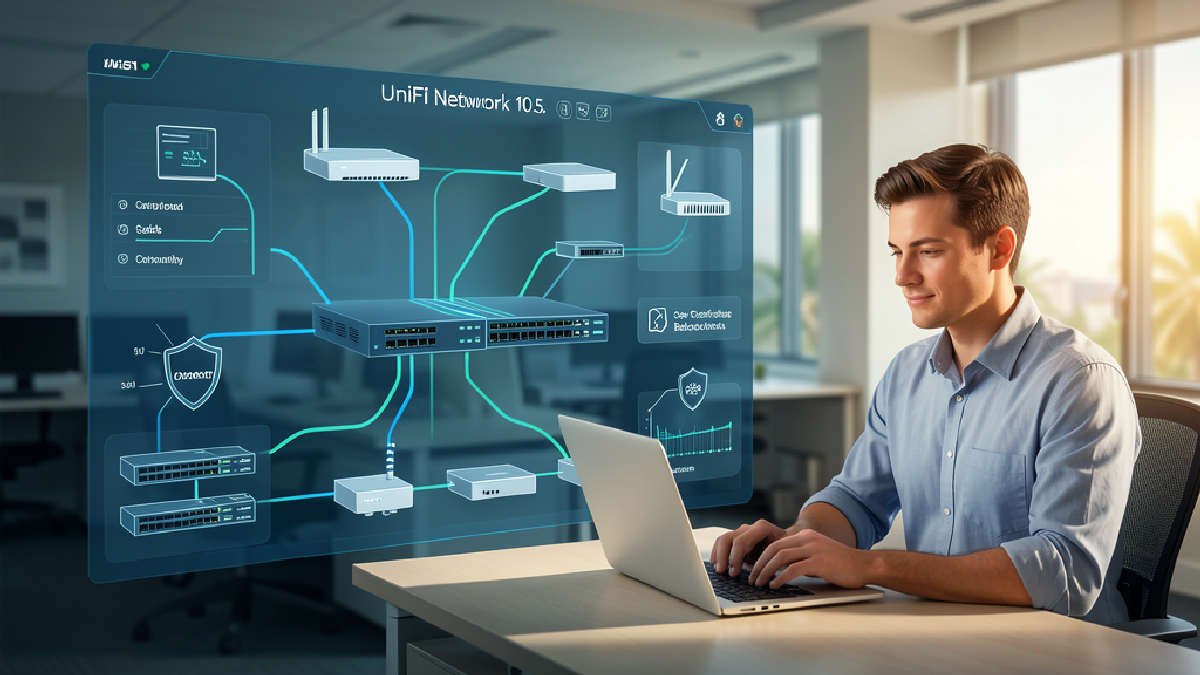
A UniFi gateway can provide traffic visibility, security alerts and intrusion detection or prevention features. With a considered design, the business network can also be separated into logical zones—for example, staff devices, servers, guest Wi-Fi, cameras, phones and building systems. Those zones can have different access rules.
Segmentation does not make an incident harmless, and intrusion prevention does not replace endpoint protection. It can, however, reduce unnecessary pathways. A guest device should not need direct access to an accounting server. A camera should not need broad access to employee laptops. A compromised workstation should not automatically have a clear route to every critical system.
The operational benefit is just as important. Centralised network visibility can help support teams identify which device is involved, what traffic was observed and which rule applied. That can shorten investigation time compared with tracing an incident across unmanaged switches, consumer routers and undocumented Wi-Fi networks.
Layer 3: recover with Synology backup that is designed for failure
Even well-managed businesses should assume that prevention may fail. A user can make a mistake, hardware can fail, a vulnerability can be exploited, or ransomware can reach data before an alert is investigated. Recovery is therefore a security capability, not just an archive.
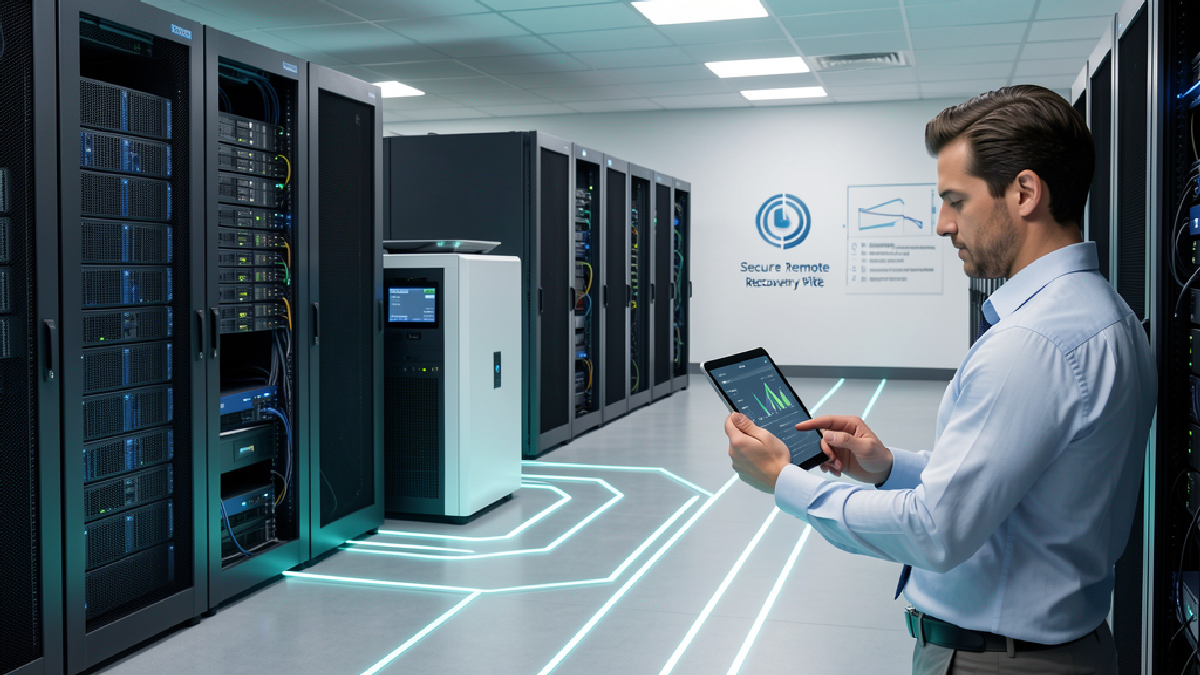
Synology platforms can support centralised backup for endpoints, servers and supported cloud workloads, depending on the selected model and software. A resilient design may include protected or immutable copies, an off-site copy, restricted backup administration and automated verification. Synology's ActiveProtect guidance also highlights recovery testing and isolated recovery exercises.
The key word is tested. A backup dashboard showing green status does not prove that the business can restore the right systems in the right order. A useful recovery plan should identify critical data, assign recovery ownership, define acceptable downtime and include scheduled restore tests.
This layer protects business efficiency when something goes wrong. Instead of discovering the recovery process during an emergency, the team already knows where the clean copy is, who can restore it and what must come back first.
The fourth layer is ownership
Google Workspace, UniFi and Synology can cover different parts of the problem, but products do not coordinate themselves. Someone must keep policies current, review alerts, maintain documentation, test recovery and make sure staff changes are reflected across every system.
Blue Chip Technologies helps businesses in Trinidad and Tobago turn these separate tools into one workable operating model. We can:
- assess identity, email, network and backup risks;
- configure Google Workspace security policies and user lifecycle controls;
- design UniFi networks with appropriate segmentation, gateway policies and monitoring;
- deploy Synology backup with off-site protection and suitable retention;
- test restores and document recovery responsibilities;
- train staff to recognise suspicious activity and report it quickly; and
- provide ongoing monitoring, support and optimisation.
The goal is not to promise that incidents will never happen. It is to reduce the chance of a successful attack, limit the damage if one control fails and give the business a credible path back to normal operations.
A five-question cybersecurity check for business owners
Ask your IT provider or internal team these questions:
- Can we prove that strong multi-factor authentication or passkeys cover every important account?
- Are staff, guests, cameras, phones and critical servers separated appropriately?
- Who reviews identity and network alerts, and how quickly?
- Do we have a protected off-site backup copy that ordinary administrators cannot casually delete?
- When did we last complete a successful restore test?
If any answer is unclear, that gap deserves attention before an incident tests it for you.
Frequently asked questions
Is a firewall enough for a small business?
No. A firewall is one control. Businesses also need identity protection, managed endpoints, network segmentation, monitoring, staff awareness and tested recovery. The exact mix depends on the organisation's systems, data and risk.
What makes a backup more resistant to ransomware?
A stronger design separates backup administration from ordinary user access, keeps protected or immutable versions, stores a copy off-site and tests restores regularly. No single feature guarantees recovery; the full design and operating process matter.
How often should a business test recovery?
The frequency should reflect how critical the system is and how quickly it changes. At minimum, recovery tests should be scheduled rather than left until an emergency, with results documented and failures corrected.
Can Blue Chip Technologies manage all three layers?
Yes. Blue Chip Technologies can assess, implement and support Google Workspace security, UniFi networking and Synology backup as one coordinated solution, with staff training, monitoring and recovery testing included in the plan.
Build a security plan that can also recover
If your business has a firewall, cloud email and a backup appliance but nobody can explain how they work together, it is time for a practical review. Contact Blue Chip Technologies or call 1 (868) 609-2288 to assess your current setup and build a layered plan that fits your operations, budget and growth.
Official product references: Google Workspace account-takeover protections, UniFi gateway IDS/IPS guidance, and Synology ActiveProtect buyer guidance.