Windows 365 for Agents Shows Where AI Work Should Run
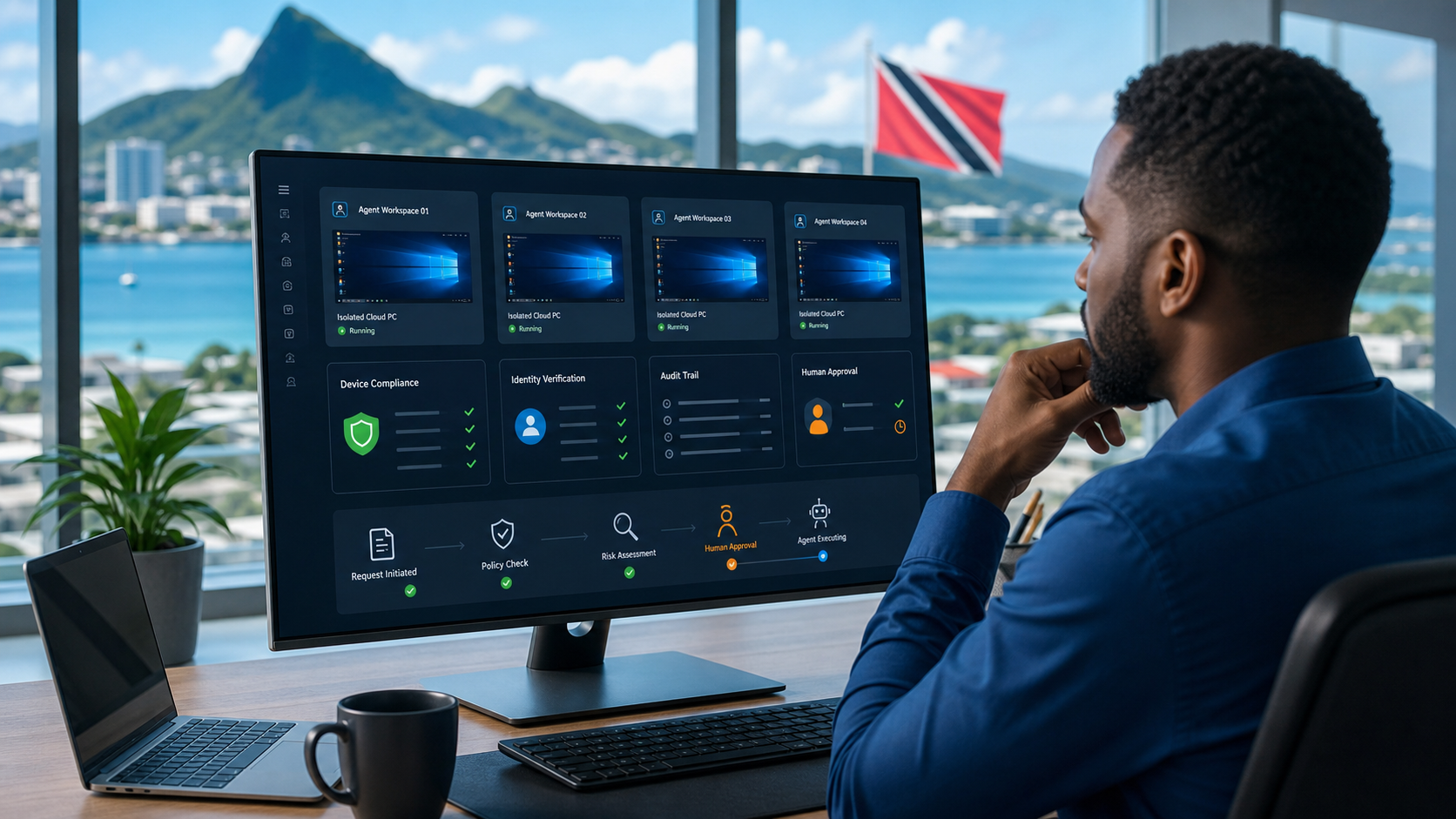
Microsoft's May 2026 Agent 365 announcement included a detail that matters for businesses planning AI automation: Windows 365 for Agents is now in public preview in the United States. Microsoft describes it as a secured, managed environment where AI agents can carry out work using purpose-built Cloud PCs managed through Intune and connected to the wider Agent 365 control plane.
The feature is early and availability is limited, so this is not a rush-to-buy message for Trinidad and Tobago SMBs. The useful point is the direction of travel: as AI agents become more capable, the safest place for some of their work may be a controlled Cloud PC rather than a staff member's unmanaged desktop or a loose browser session.
Why The Execution Environment Matters
Many AI discussions focus on prompts, models, and outputs. That is only part of the risk. The bigger operational question is where the agent actually does the work.
An agent that only drafts text is one thing. An agent that logs into a web app, downloads files, updates records, clicks through a legacy system, or manipulates business documents is different. It needs boundaries.
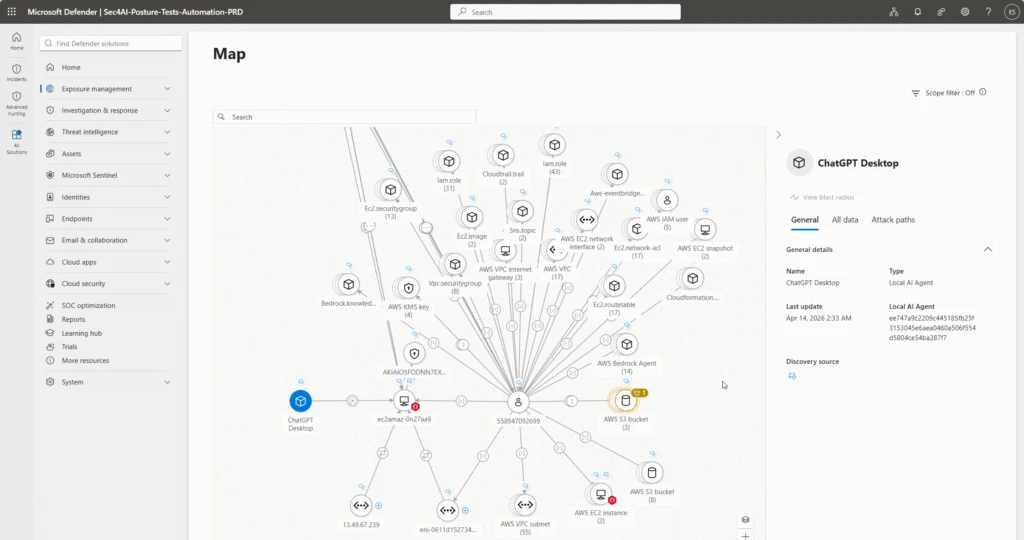
If that agent runs on a normal user device, the business has to think about local files, browser sessions, cached credentials, endpoint security, user mistakes, and whether anyone can audit what happened. If the agent runs in a managed Cloud PC, IT has a clearer path to apply identity, device, compliance, and monitoring controls.
What Windows 365 For Agents Adds
Microsoft Learn describes Windows 365 for Agents as a new class of Cloud PCs for agent workloads, built on the same Windows 365 platform used for Cloud PCs today. These environments can be Microsoft Entra joined, Intune managed, and governed by enterprise security policies.
The practical idea is straightforward: when an agent needs to interact with apps or websites like a person would, it can check out a managed Cloud PC, complete the work, and then check it back in. Microsoft also describes support for session lifecycle management, observability, human-in-the-loop control, and broad operating system support.
That model matters because many SMB workflows still depend on systems that do not have clean APIs. Accounting portals, supplier websites, older line-of-business systems, and customer portals often require browser or desktop interaction. AI agents may eventually help with that work, but they should do it inside a controlled environment.
Where This Could Help SMB Workflows
For local businesses, the useful scenarios are practical:
- pulling information from a supplier portal for review
- preparing draft updates in a legacy CRM
- checking status across customer service systems
- collecting documents from approved business sites
- running repeatable browser tasks that still need human approval
- helping administrators review reports without exposing the user's main workstation
These workflows should still have limits. Agents should not approve payments, change supplier bank details, send legal commitments, delete records, or move sensitive client data without human review.
The Management Questions To Ask First
Before any business gives agents a place to act, it should answer a few questions:
- Which workflow is the agent allowed to perform?
- Which account or identity does it use?
- Which Cloud PC or device does it run on?
- What files, apps, and sites can it access?
- Who reviews the output?
- What logs prove what happened?
- What happens if the agent behaves incorrectly?
- How is cost controlled?
These are not theoretical questions. They are the same questions Blue Chip Technologies asks when deploying remote access, privileged accounts, automation, backup jobs, and endpoint management.
Blue Chip's Recommendation
For most SMBs, the next step is not to deploy every new agent feature immediately. The right first step is to clean up the Microsoft 365 and endpoint foundations that secure automation will depend on.
That means:
- Microsoft Entra identity hygiene
- multi-factor authentication
- least-privilege access
- Intune device management
- endpoint protection and monitoring
- SharePoint and OneDrive permission reviews
- documented approval workflows
- backup and recovery planning
- clear policy on approved AI tools
Once those controls are in place, AI automation becomes much less risky. The business can start with limited pilots, measure the result, and expand only where the workflow is safe and valuable.
The Takeaway
Windows 365 for Agents is a strong signal that AI agents will need managed workspaces, not just clever prompts. When an agent can interact with applications and data, IT needs to know where it runs, which identity it uses, what it can access, and how to stop or review it.
For Trinidad and Tobago SMBs, the smart move is to prepare the foundation now. Manage devices. Clean permissions. Document workflows. Keep humans in approval paths. Then, as Microsoft 365 agent features mature and become available locally, the business will be ready to adopt them safely.
Sources: Microsoft Security Blog - Microsoft Agent 365, now generally available, expands capabilities and integrations; Microsoft Learn - What is Windows 365 for Agents?.