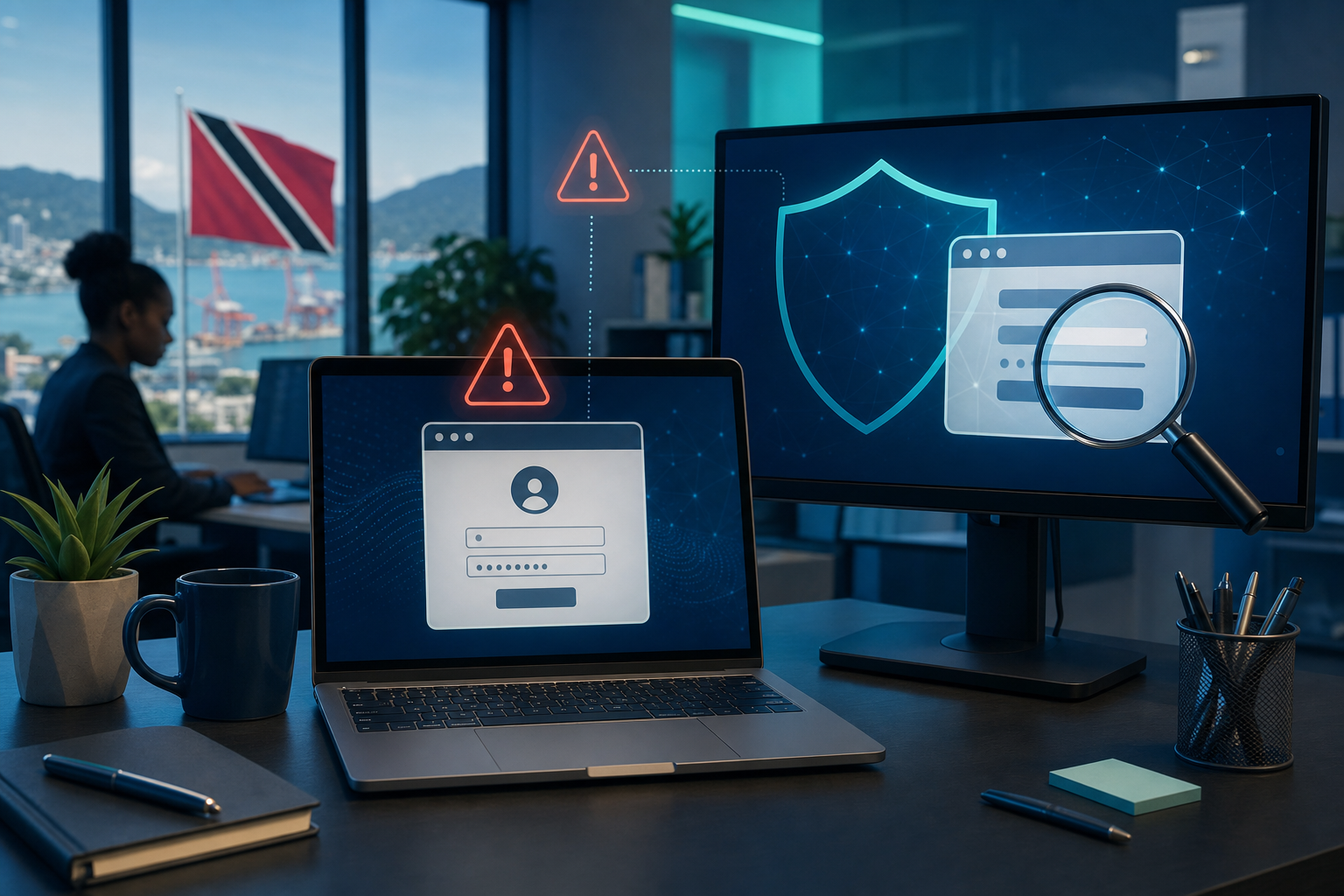
Most phishing scams do not begin with a dramatic hack. They begin with a familiar-looking sign-in page.
A staff member clicks a link in an email, WhatsApp message, or pop-up, sees what looks like Microsoft 365, Google, or an online banking login, and types in their password without stopping to check. That one moment can hand over access to email, files, and internal conversations.
For Trinidad and Tobago businesses, this matters because one compromised mailbox can quickly turn into fake invoice requests, password resets, or messages sent to customers and coworkers from a real account.
The simple habit that helps
Before you type your password, pause for 10 seconds and check three things:
- How did you get there? If the page opened from an unexpected email, text, or pop-up, be cautious.
- What does the web address say? Look closely at the domain in the address bar. Attackers often use addresses that look close to the real one but are not exact.
- Are you being rushed? Messages that push you to act immediately are often trying to stop you from thinking.
A safer way to sign in
If a message says your account needs attention, do not use the link inside the message. Open a new browser tab and go to the service directly using your own bookmark, your normal web search, or the official site you already know.
That small detour is often enough to avoid a fake page completely.
What office staff should remember
- Do not enter your password after clicking a sign-in link from an unexpected message.
- Be extra careful with pages asking for urgent reauthentication, mailbox upgrades, document access, or account verification.
- If the page looks odd, close it and ask your IT provider or internal IT contact to confirm.
- Use multifactor authentication, but remember that MFA works best when you stay cautious about where you sign in.
If you think you already typed your password
Act quickly:
- Change the password immediately from the real website, not the suspicious page.
- Report the incident to your IT support team or provider.
- Review recent account activity and sign out of unfamiliar sessions if your platform allows it.
- If your work account protects other systems, update those accounts too if advised by IT.
Cyber safety does not always mean learning something technical. Sometimes it is just building a small pause into a routine task.
Sources: CISA: Recognize and Report Phishing; Microsoft Support: Protect yourself from online scams and attacks; Google: Avoid & report phishing emails.