1 (868) 609-2288

Category: Cyber Safety

Insights, tutorials, and news from our IT experts in Trinidad & Tobago.

Unexpected Message? Use a Trusted Route Before You Click
CybersecurityCyber Safety

Unexpected Message? Use a Trusted Route Before You Click

An unexpected message can look convincing because it borrows the name, logo and urgency of a real organisation. The safest response is often to leave the message alone and use a route you already trust: a saved phone number, bookmarked website or official app.

July 16, 2026
1 min read

Unexpected MFA Code? Treat It as an Incident
CybersecurityCyber Safety

Unexpected MFA Code? Treat It as an Incident

A verification code you did not request is not harmless noise. It can mean someone has entered your password or is trying to persuade you to approve access. The right response is to stop, deny the request and check the account through the official app or website.

July 16, 2026
1 min read
When You Step Away, Lock the Screen First
CybersecurityCyber Safety

When You Step Away, Lock the Screen First

A practical cyber-safety tip for office staff: lock your screen before stepping away so email, files, and business systems are not left open to the next person who passes by.

July 8, 2026
4 min read
Unexpected Text Asking You to Pay or Sign In? Stop There
CybersecurityCyber Safety

Unexpected Text Asking You to Pay or Sign In? Stop There

A practical cyber-safety tip for business users: do not pay, scan, or sign in from an unexpected text message. Verify through a trusted channel first.

July 4, 2026
5 min read
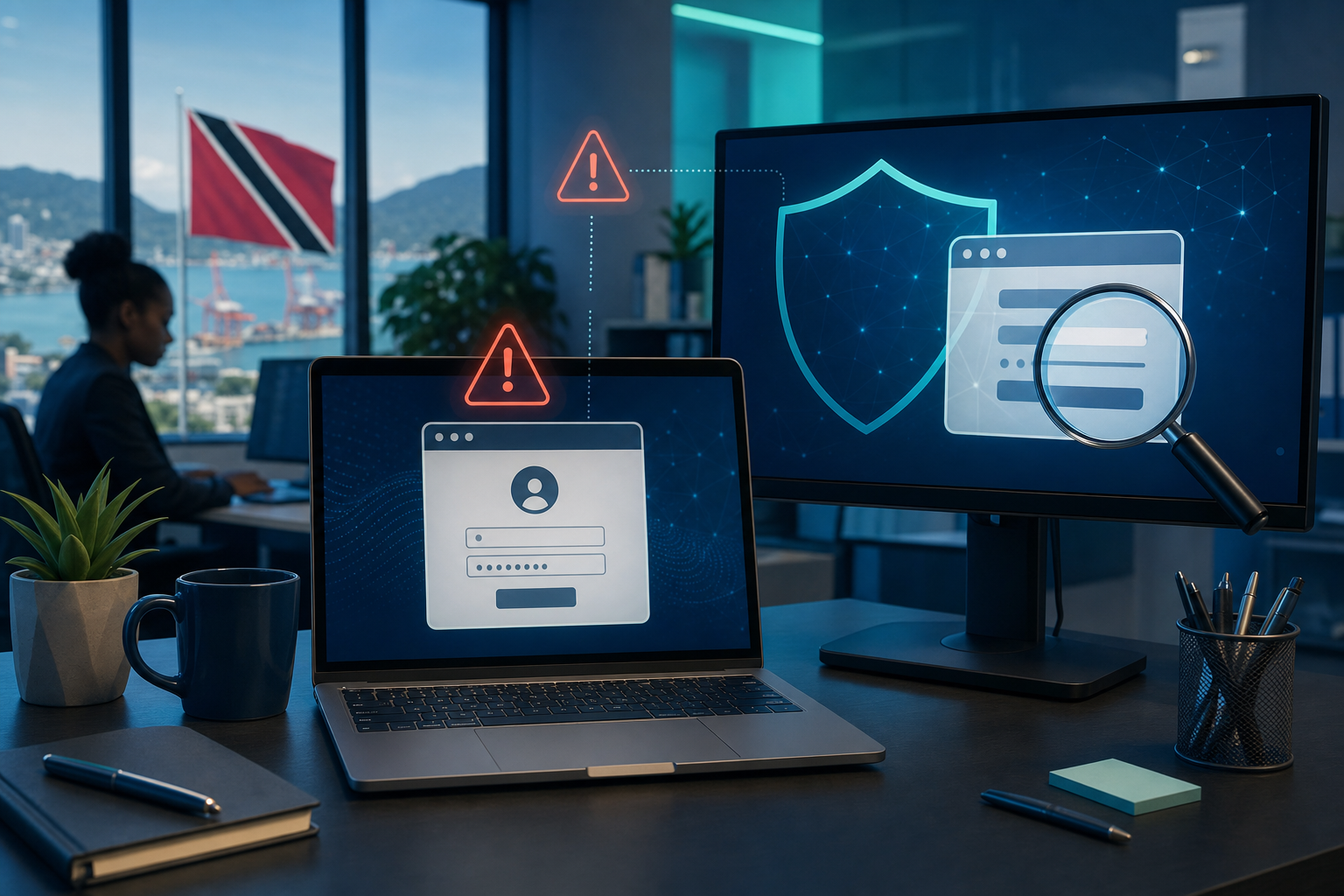
Abstract business technology security illustration with a browser window and shield motif
Cyber SafetySecurity

A 10-Second Check Before You Sign In at Work

Fake login pages can look almost identical to Microsoft 365, Google, banking, and courier sites. A quick pause before you type your password can prevent a much bigger problem.

July 3, 2026
2 min read
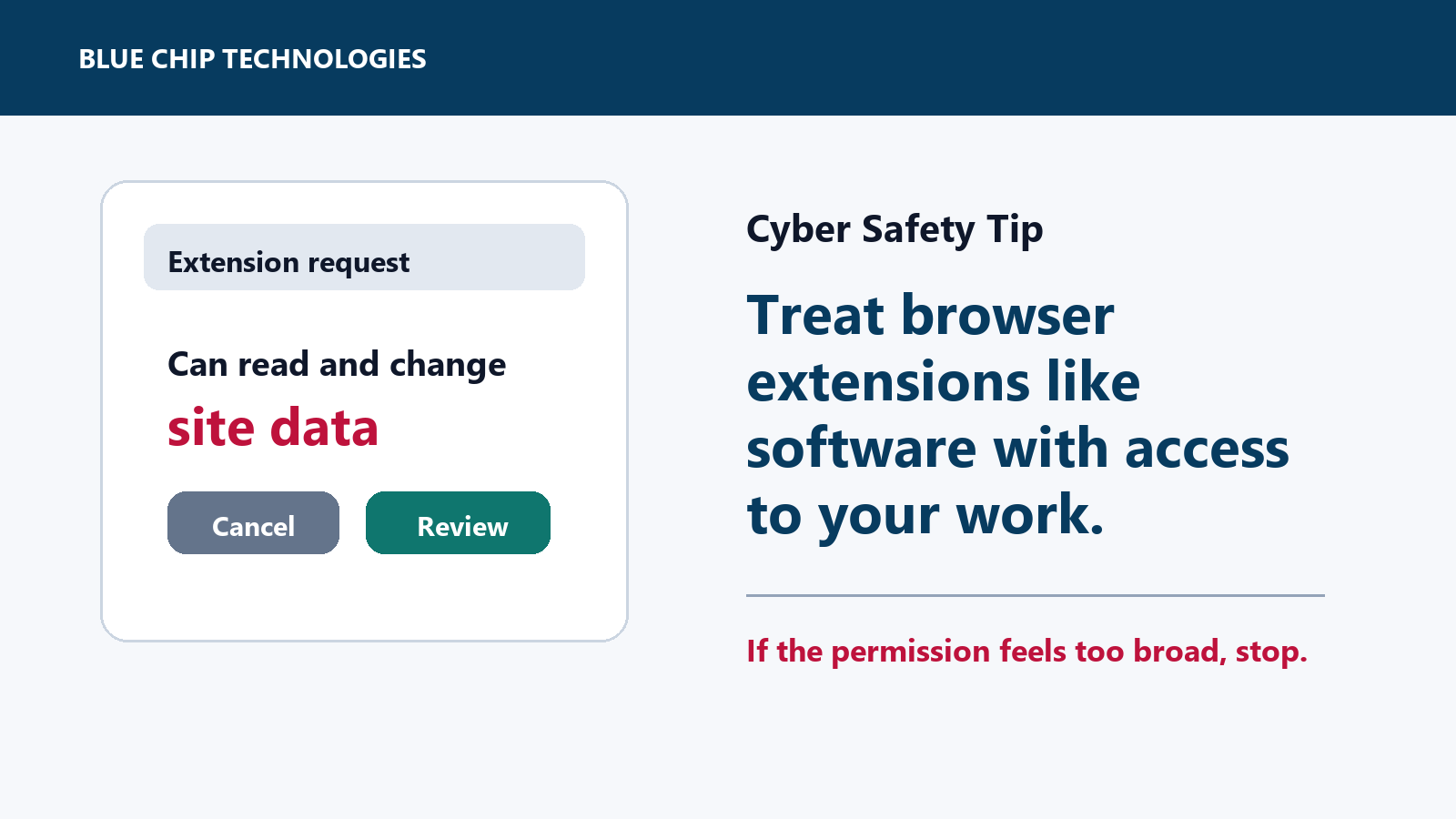
Browser extension permission prompt warning a user to review site data access
CybersecurityCyber Safety

Before You Install a Browser Extension, Check What It Can Read

Browser extensions can be useful, but some can read or change data on sites you visit. Here is the quick office-safe check before installing one.

June 16, 2026
3 min read
Business user signing in securely on a laptop and phone using a passkey on trusted devices
CybersecurityCyber Safety

Where Passkeys Are Offered, Use Them

A practical cyber-safety tip for business users: when passkeys are available on trusted devices, use them to cut phishing risk and reduce password fatigue.

May 30, 2026
4 min read
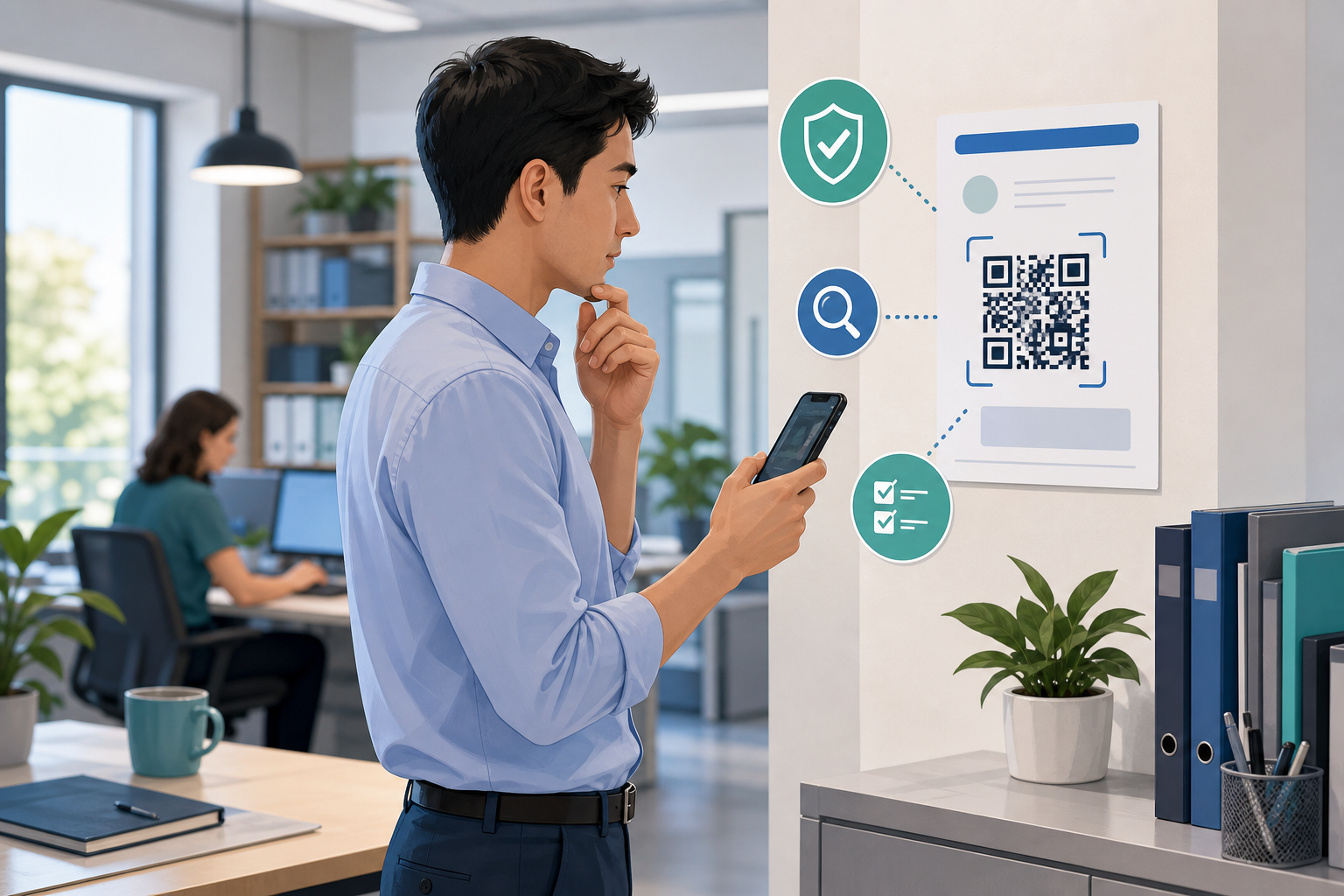
Office worker pausing before scanning a QR code and checking it on a smartphone
CybersecurityCyber Safety

QR Codes Are Hidden Links: Pause Before You Scan

A practical cyber-safety tip for office staff: treat QR codes like hidden links and verify the destination before you log in, pay, or share business information.

May 29, 2026
4 min read
Office worker pausing before approving remote computer access and verifying through trusted IT support
CybersecurityCyber Safety

Do Not Hand Over Remote Access Until You Verify the Request

A practical cyber-safety tip for office staff: never give remote access to a work device until the request is verified through your normal IT support channel.

May 28, 2026
5 min read
Page 1 of 4Next
Chat on WhatsApp