When You Step Away, Lock the Screen First
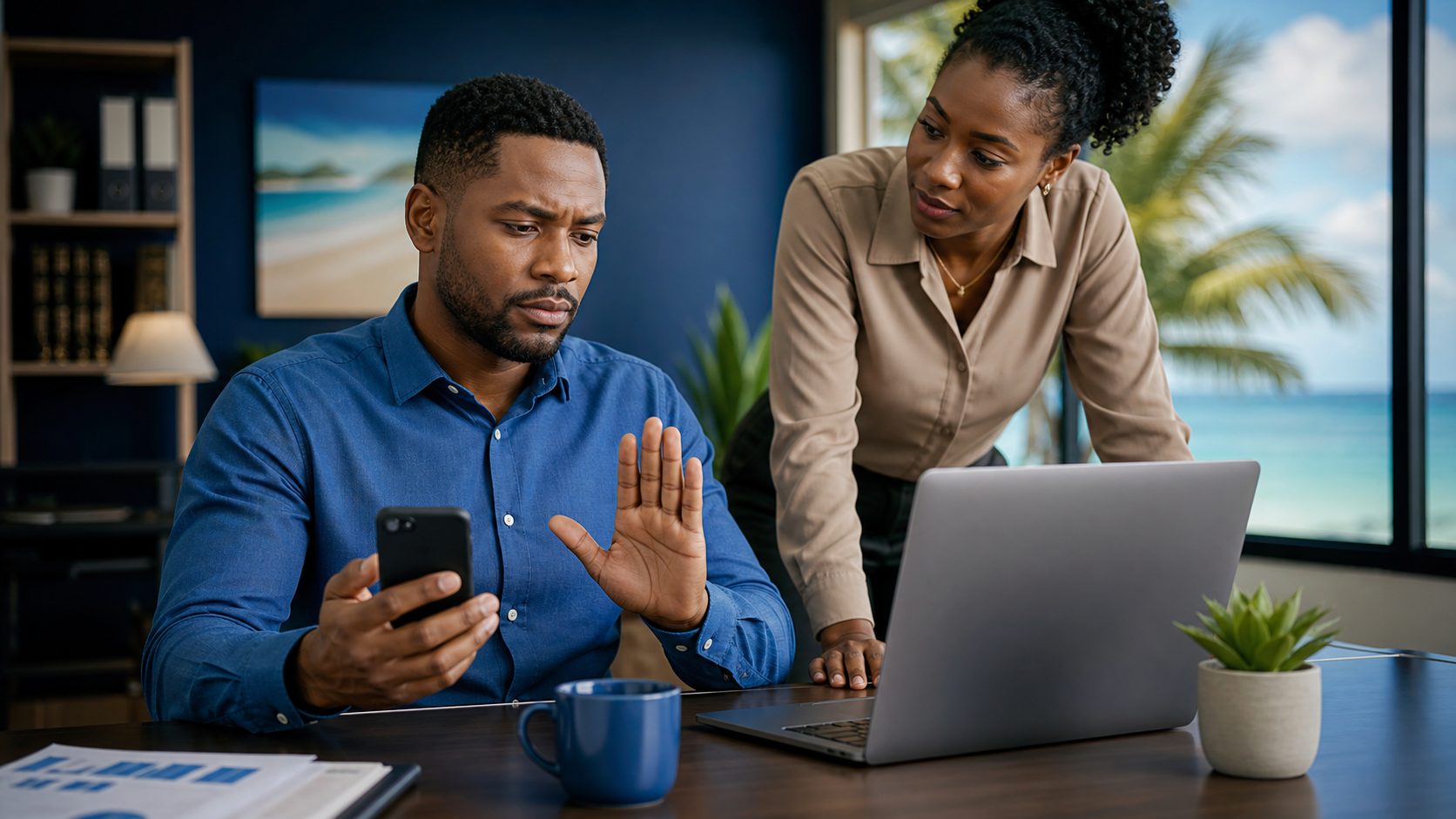
Leaving a computer unlocked for "just a minute" feels harmless. In a real office, reception area, shared workspace, meeting room, or customer-facing environment, that minute is enough for the wrong person to read email, open files, send a message, copy data, change a setting, or approve something they should never have touched.
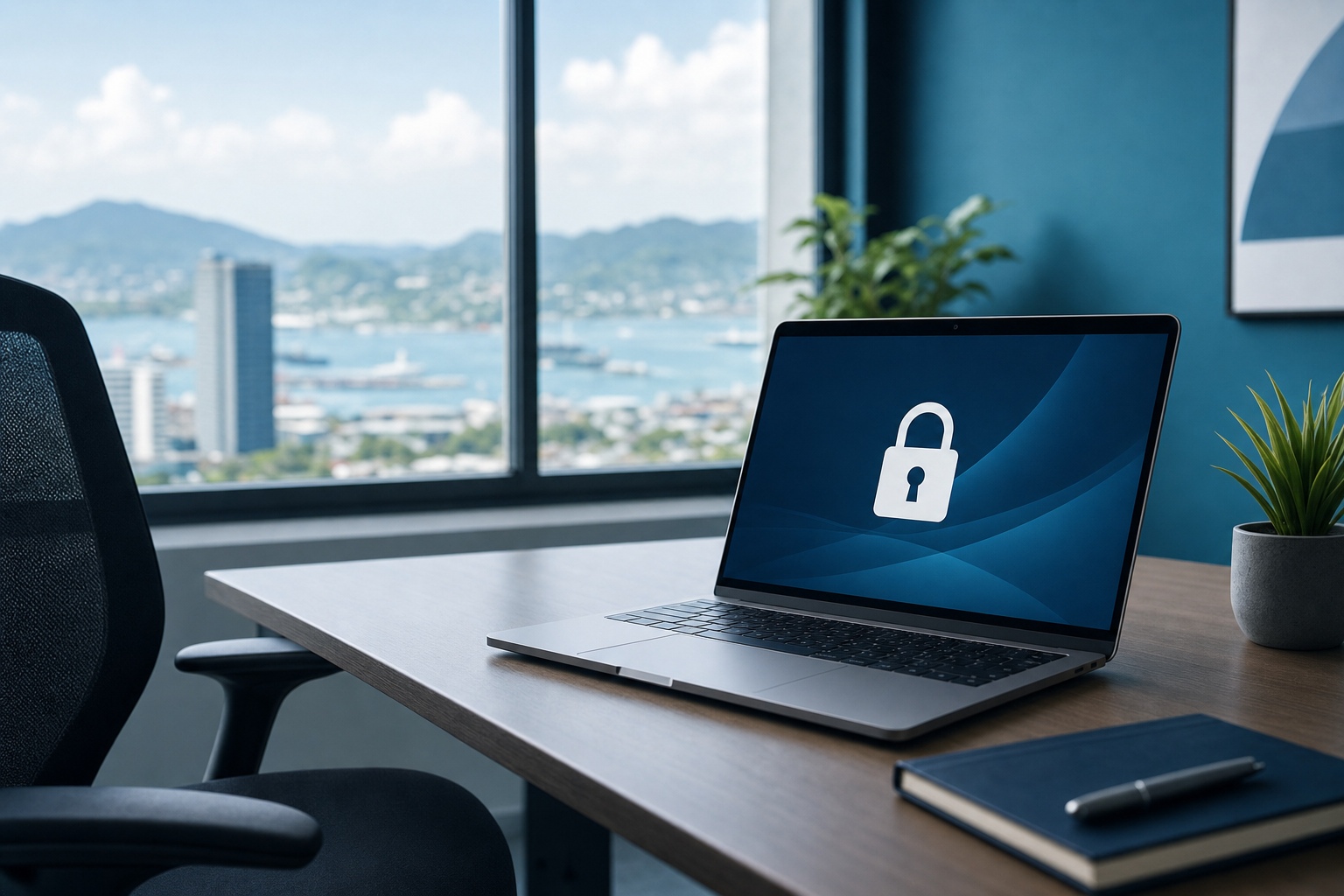
That is why one of the simplest cyber-safety habits is still one of the most useful: if you step away, lock the screen first.
Why this matters for everyday business work
Many cyber risks do not start with a dramatic hack. Sometimes the problem is simply that a work device was left open while someone answered a phone call, walked to the printer, spoke to a customer, or joined a quick meeting.
If the device is already signed in, the next person does not need to guess a password. They may be able to see:
- work email
- customer records
- payroll or banking tabs
- supplier invoices
- cloud storage folders
- chat messages
- saved browser sessions
For small and mid-sized businesses in Trinidad and Tobago, that kind of exposure can create privacy issues, payment mistakes, reputational damage, and unnecessary cleanup.
The simple rule
Before you leave your desk, lock the screen.
Do it even if you expect to be away for less than a minute.
CISA advises users to lock a device when stepping away and to make sure auto-lock is enabled if the device sits idle. The FTC's business guidance also recommends that employees lock devices and protect sensitive information as part of normal office security.
Good habits that help
Use these practical habits in the office and while working away from it:
- Lock your laptop or desktop before going to the printer, restroom, meeting room, lunch area, or front counter.
- Turn on automatic screen locking so the device does not stay open if you forget.
- Be extra careful in shared offices, coworking spaces, reception desks, training rooms, and public places.
- Close or minimise sensitive tabs when someone else needs to look at your screen.
- Keep phones, tablets, and laptops physically with you instead of leaving them behind on a table or in a vehicle.
What not to do
Avoid these shortcuts:
- Do not assume a familiar office is automatically safe.
- Do not leave email, banking, payroll, or customer systems open while you step away.
- Do not rely on "I will only be gone for a second."
- Do not leave a work device unattended in a lobby, vehicle, coffee shop, or meeting space.
If you realise you left a device unlocked
Do not panic, but take it seriously.
- Lock the device immediately.
- Check whether any unusual email, chat, browser, or file activity appears to have happened.
- If sensitive information, payments, customer data, or admin systems were open, tell your manager or IT support contact.
- Change passwords if there is any sign the session may have been misused.
Early reporting is much easier than sorting out a privacy or fraud issue later.
A useful office habit to reinforce
A locked screen is not about mistrusting coworkers. It is about treating business access properly.
Email, accounting tools, shared drives, CRM records, supplier portals, and admin dashboards often stay open during the day because people need to work quickly. That convenience is fine, as long as staff build the matching habit of locking the device before walking away.
The practical takeaway is simple: stepping away means locking first.