When You Step Away, Lock the Screen First
A practical cyber-safety tip for office staff: lock your screen before stepping away so email, files, and business systems are not left open to the next person who passes by.
Insights, tutorials, and news from our IT experts in Trinidad & Tobago.

A practical cyber-safety tip for office staff: lock your screen before stepping away so email, files, and business systems are not left open to the next person who passes by.

A practical cyber-safety tip for business users: when passkeys are available on trusted devices, use them to cut phishing risk and reduce password fatigue.

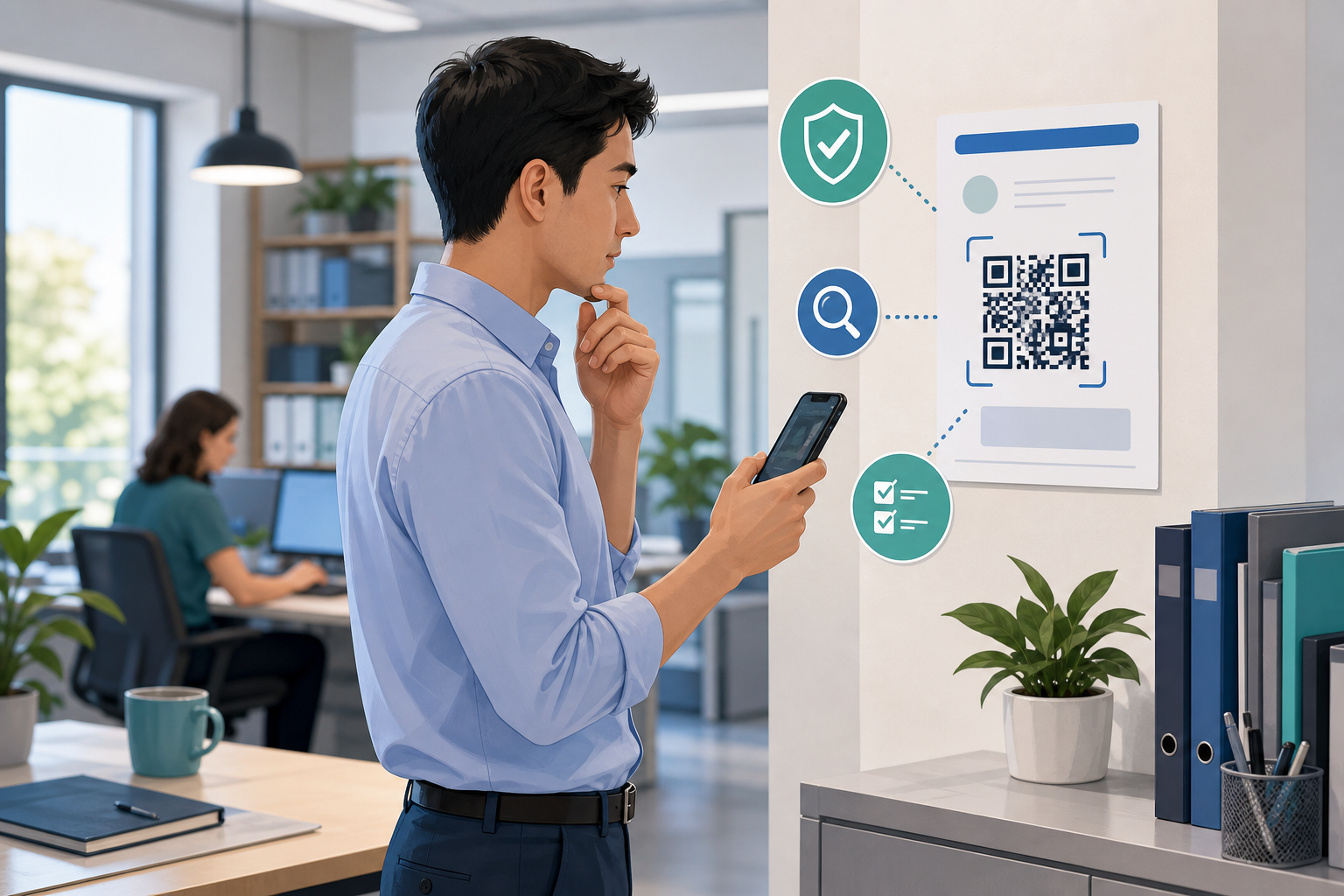
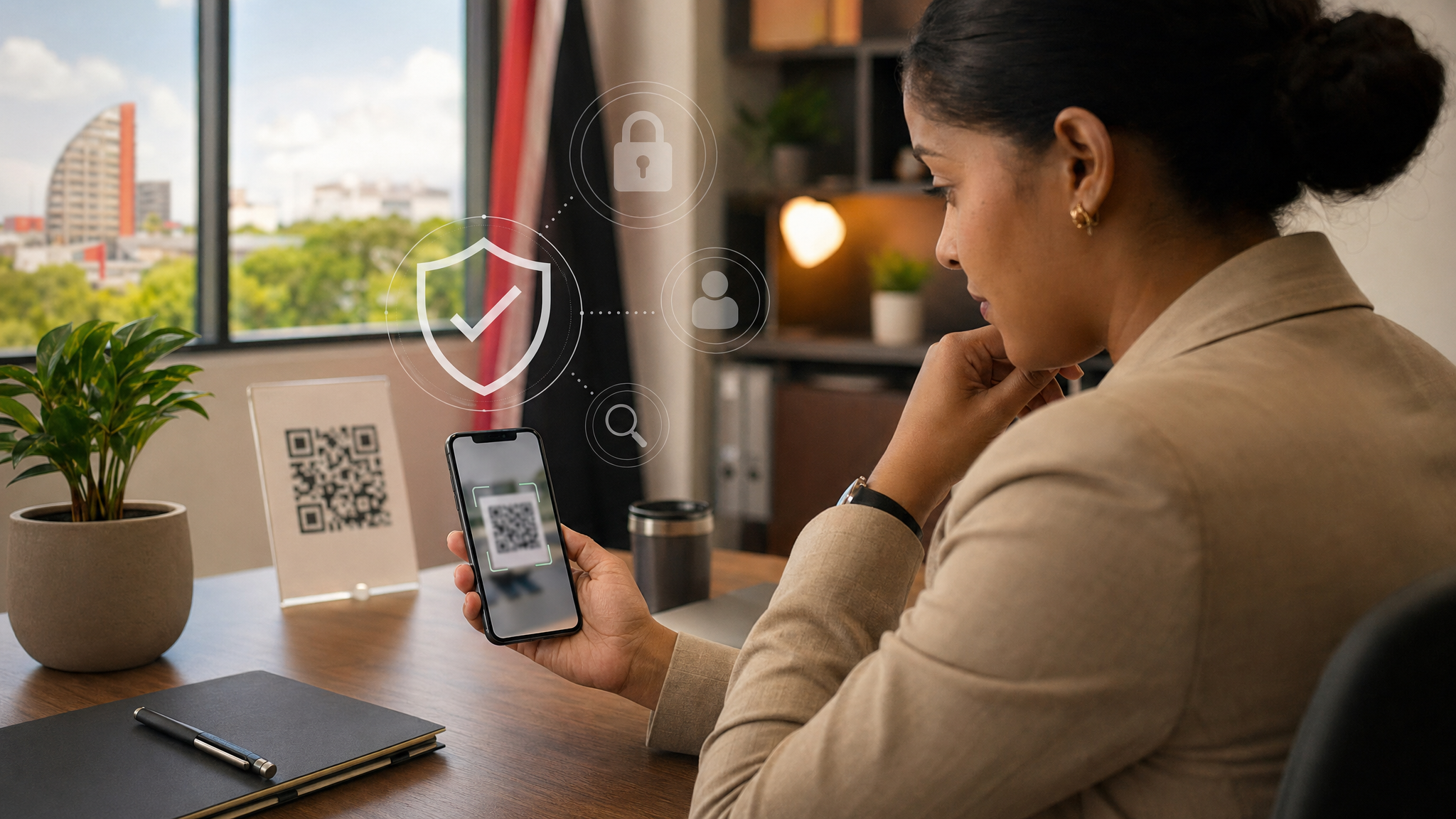
A practical cyber-safety tip for office staff: treat QR codes like hidden links and verify the destination before you log in, pay, or share business information.

A practical cyber-safety tip for office staff: never give remote access to a work device until the request is verified through your normal IT support channel.

QR codes are useful, but they hide the destination until after you scan. Here is a simple office-safe habit for avoiding QR phishing and fake login pages.

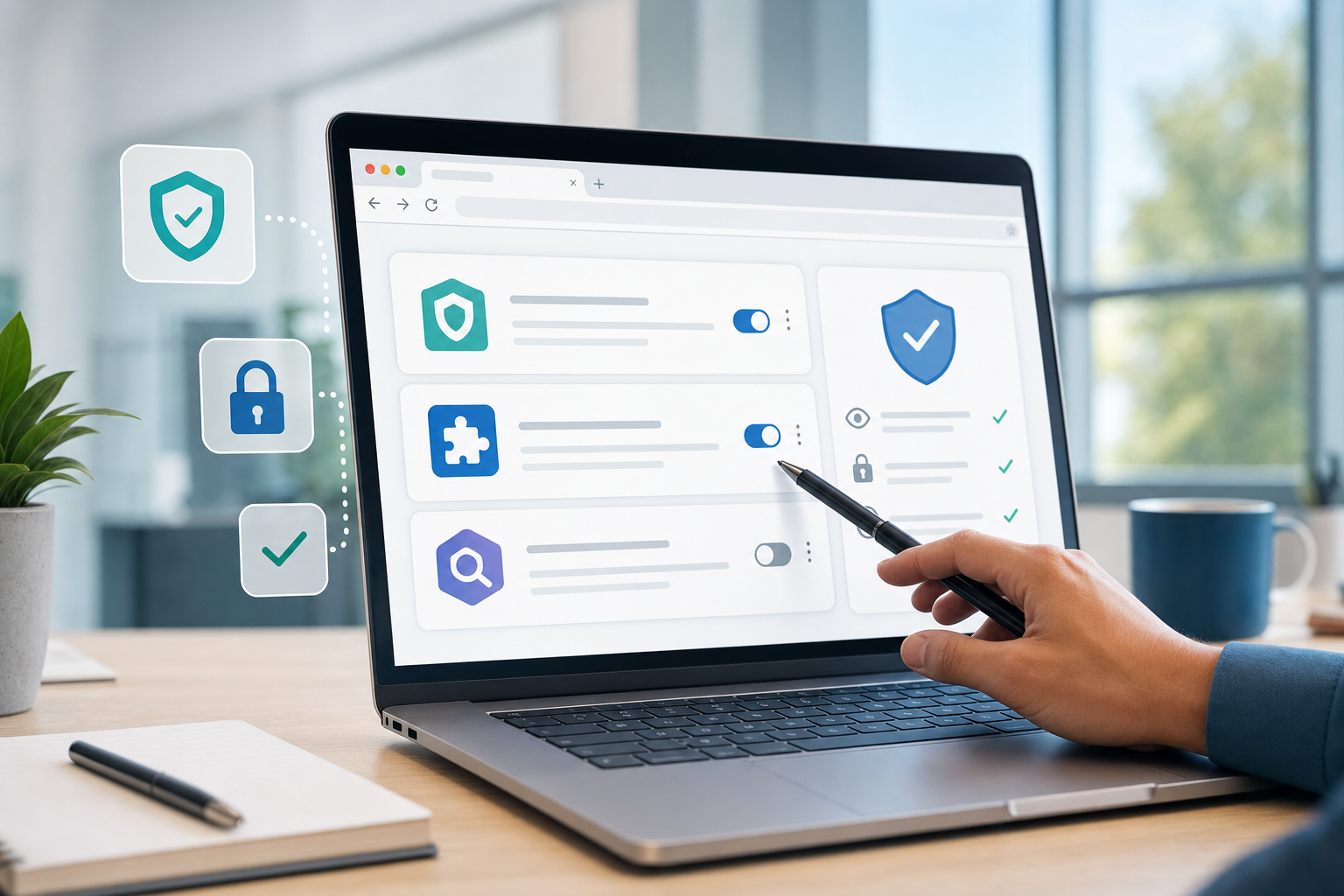
Browser Extensions: Keep Only the Ones You Actually Trust Browser extensions can be useful. They block pop-ups, help with passwords, improve productivity, and...

Payment Change Requests: Verify Before You Pay A message arrives from a supplier, landlord, contractor, or senior manager. It looks normal. The wording is...

Public Wi-Fi: Use It Carefully When Working Away From the Office Working from a cafe, airport, hotel, customer site, or shared office can be convenient. Public...

Browser Extensions: Check Before You Add One Browser extensions can be genuinely useful. They can help with spelling, screenshots, passwords, PDF tools,...