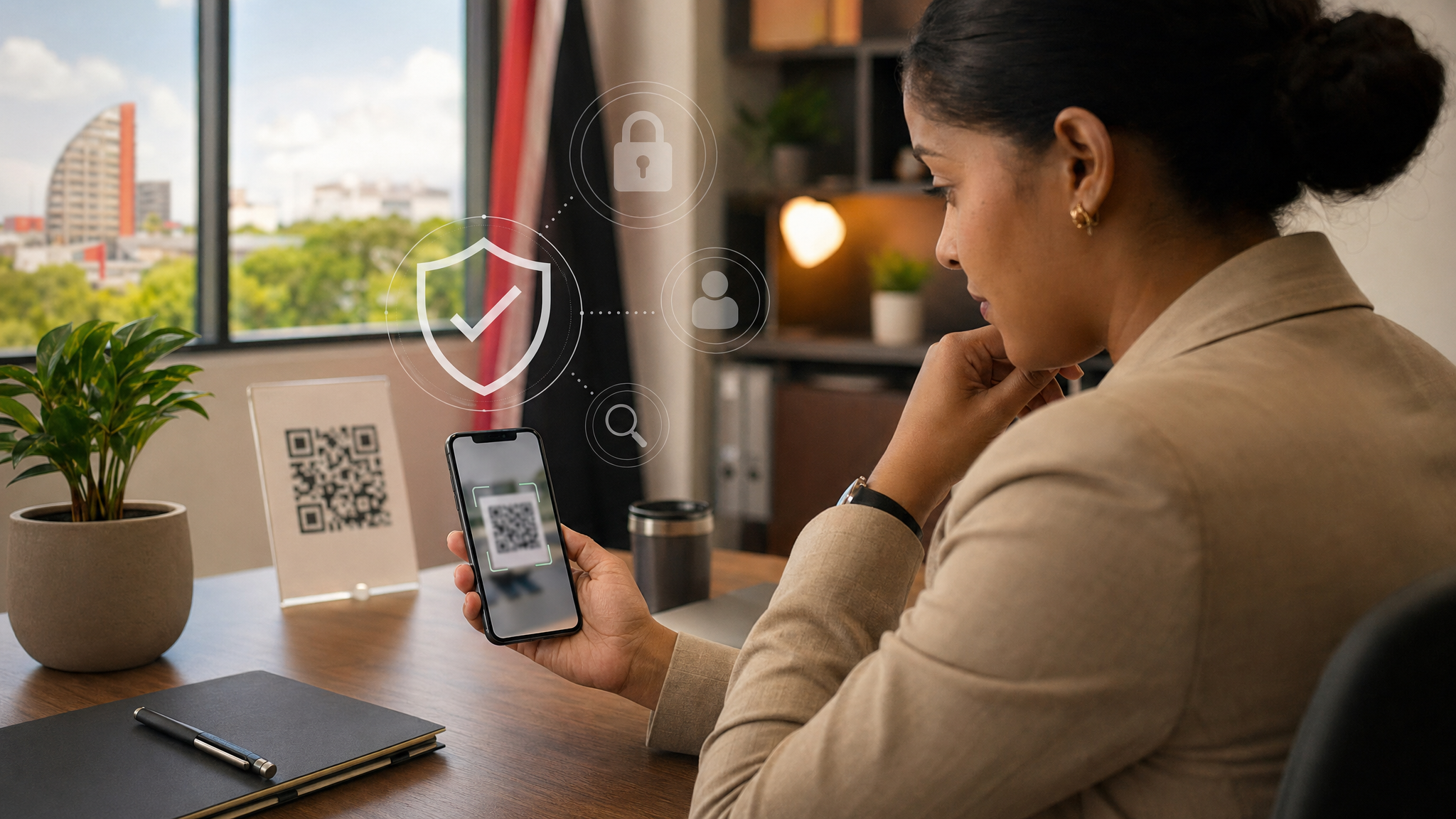
QR Codes Are Convenient. Treat Them Like Hidden Links.
QR codes are useful. They help people open forms, sign in, make payments, and move quickly from paper to a website.
That convenience is exactly why scammers use them.
A QR code is just a link you cannot read until after you scan it. If the code is malicious, it can send you to a fake login page, a fake payment page, or a site that tries to collect passwords, banking details, or other business information.
For everyday office staff and small businesses in Trinidad and Tobago, the safest habit is simple: treat every QR code like a hidden link and pause before you scan.
Why this matters
Scam QR codes can show up in more places than people expect. They may appear in:
- an unexpected email or text message
- a PDF attachment, invoice, or delivery notice
- a printed notice in a public place
- a sticker placed over a legitimate code
- a message that claims your account needs urgent action
Because the destination is hidden at first, people sometimes trust the code before they trust the website behind it.
What to do
- Scan only when you expected the QR code and understand why it is there.
- Check the web address before you open the site or enter any information.
- Look for misspellings, strange domains, or extra words that do not match the real company.
- Use the official website or app directly if the task involves a payment, password, bank account, Microsoft 365, Google Workspace, or any other work login.
- Use the QR scanner already built into your phone instead of downloading a separate scanner app from a message or popup.
- Keep your phone and computer updated so they have current security protections.
What not to do
- Do not scan a QR code from an unexpected email, text, or package message just because it creates urgency.
- Do not enter your work password into a page opened from an unverified QR code.
- Do not trust a printed QR code automatically if it appears on a sticker or looks like it was added later.
- Do not approve account changes or payments based only on a QR code prompt.
- Do not download a new QR scanner app because a message tells you to.
A useful rule for the office
If a QR code leads to a page that asks for a password, payment card, bank detail, MFA code, or supplier information, stop and switch to a trusted path instead. Open the company website yourself, use the official app, or call a known contact number.
That small pause can stop a phishing attack before it starts.
If you are unsure
Do not guess. Ask a co-worker, manager, or IT support contact to check it before you scan or sign in.
If you already scanned the code and entered a password, change that password immediately, enable MFA if it is not already on, and report it to IT or the appropriate internal contact. If the page involved payment or banking details, contact your bank or payment provider right away as well.
Cyber-safety does not always require a complicated tool. Often it starts with a simple habit: slow down when a QR code is asking you to trust a destination you cannot see yet.
Sources: FTC Consumer Advice - Scammers hide harmful links in QR codes to steal your information; FTC Consumer Advice - Scam alert: QR code on an unexpected package; UK National Cyber Security Centre - QR Codes: what's the real risk?.