Why Tape Alone Won't Keep Your Trinidad Business Running After an Attack
If your business relies on tape backups as its main recovery strategy, you are not alone. Many organisations in Trinidad and Tobago still use tape for long-term retention and offsite archiving. Tape is cheap, portable, and keeps data offline. Those are real advantages. But tape was never designed to be your first line of defence when a ransomware attack locks your files or a server fails on a Monday morning.
The reality for most small and medium businesses is that recovery speed matters more than storage cost. When your point-of-sale system, patient records, or accounting database goes down, every minute of downtime costs money and trust. Tape is sequential, meaning the system must read through data in order. Restoring one terabyte from tape can take about an hour. Multi-terabyte restores can stretch into days. That timeline does not match the expectations of modern business operations, where critical systems often need to be back online within minutes, not hours.
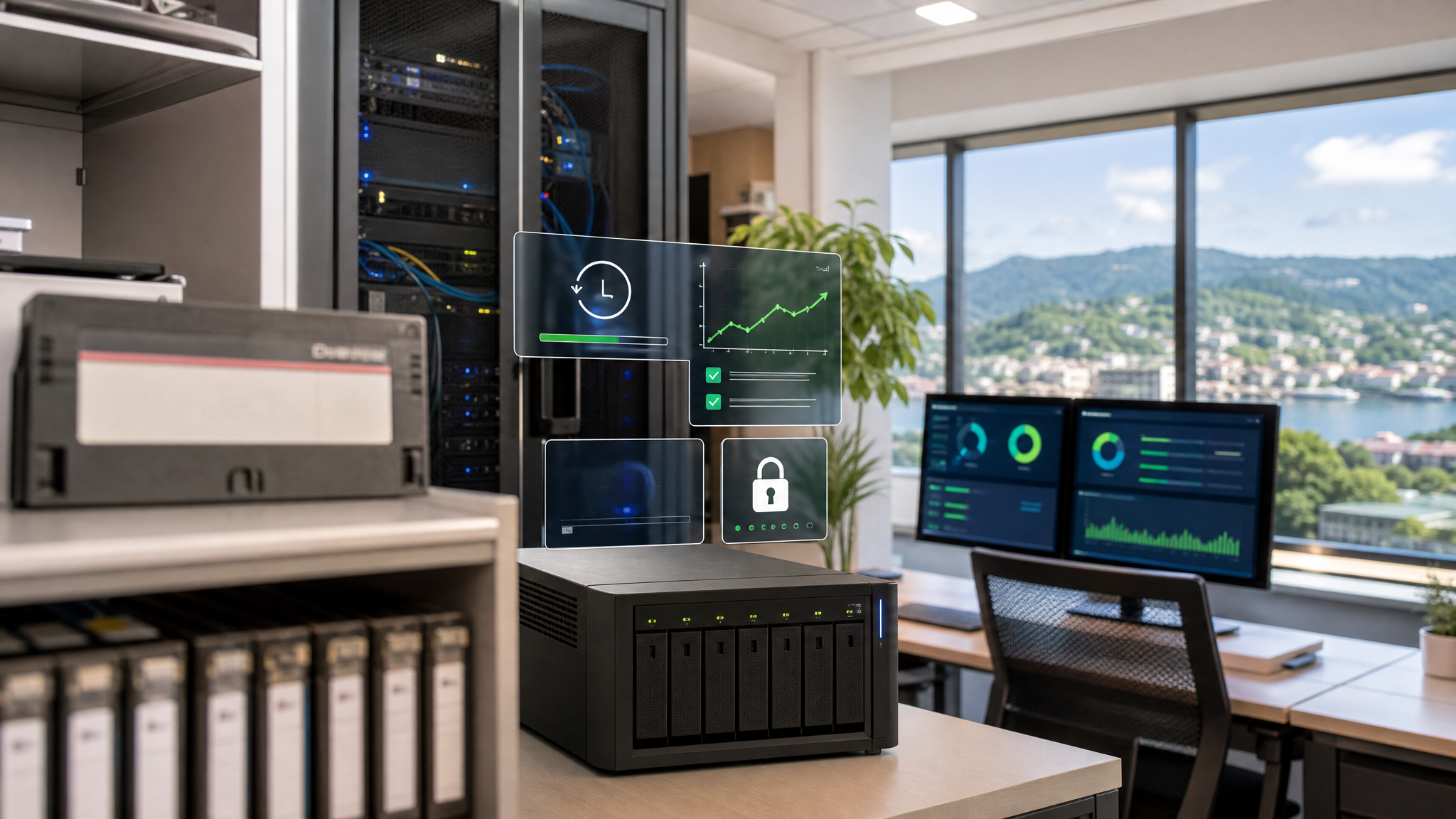
Modern recovery requires more than offline copies—it demands verified, quickly accessible, and ransomware-resilient backups.
Tape Still Has a Role, Just Not the Leading One
This is not an argument to throw out your tapes. Tape remains useful for low-cost, long-term retention and for keeping archive copies truly offline. Regulatory requirements or internal policies may still call for tape as part of a layered retention strategy. The problem arises when tape is treated as the primary recovery method for business-critical systems.
Tapes must be physically located, loaded, and scanned. Verification is labour-intensive and often skipped because it requires reloading media and running full read-through checks. By the time you discover a tape is unreadable, the damage is already done. For an SMB with limited IT staff, this manual burden is unsustainable.
Ask the Right Questions About Your Recovery Plan
Before you assume your backups will save you, run through a short checklist:
- What absolutely must come back online first? Rank your systems by revenue impact, not by convenience.
- How fast do you need them back? Be honest about what your customers and regulators will tolerate.
- When did you last test a full restore? A backup you have never restored is a hope, not a plan.
- Can your backups be deleted or encrypted by an attacker who gets into your network? If your backup storage is reachable from production, it is a target.
- Are your old archive copies separate from your operational recovery copies? Archiving and recovery are different jobs. Treat them that way.
If any of those answers make you uncomfortable, your recovery plan has gaps.
What Modern Recovery Looks Like for SMBs
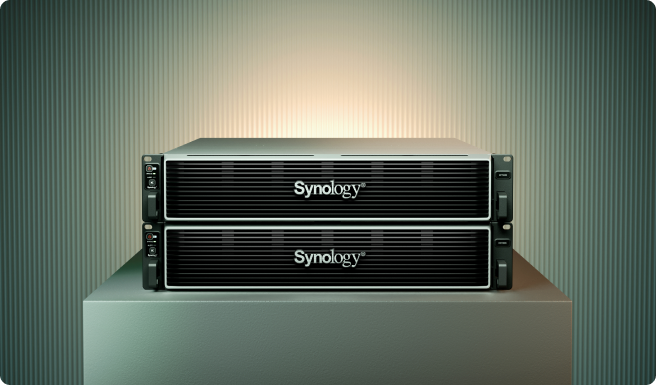
Synology ActiveProtect is built around the idea that a backup is only as good as your ability to restore it quickly, verify it automatically, and protect it from tampering. It is not about adding complexity. It is about replacing manual, slow processes with automated, reliable ones.
Immutable protection. ActiveProtect uses WORM (Write Once, Read Many) technology to lock backup data so it cannot be altered or deleted during a defined retention period. Even if ransomware reaches your network, the backup copies stay clean.
Self-healing integrity. The system continuously checks backup blocks using Btrfs checksums and automatically repairs corruption through RAID redundancy. This addresses risks like bit rot and environmental degradation that can silently damage stored data over time.
Isolated recovery environment. Backups are kept logically and physically separate from production systems. Data transfers happen only during windows you define. The rest of the time, the environment is fully isolated. This removes the risk and hassle of manual offsite transport.
Automated verification. After each backup, the system restores a copy in an isolated sandbox and records video proof that the restore succeeded. You do not need to remember to test your backups. The testing happens continuously and produces audit-grade evidence.
Fast disk-based recovery. Because the architecture is disk-based, recovery points are located and restored immediately. There is no sequential scanning. Changed Block Tracking means only modified blocks are replicated, and each backup version is an independent, fully recoverable image. You select the version you want and restore it directly, without reconstructing long chains of incremental backups.
What This Means for Your Budget and Operations
For SMBs in Trinidad and Tobago, the shift from tape-centric to modern recovery does not mean abandoning everything you own. It means redesigning your strategy so that tape handles long-term archive duty, while disk-based, immutable backups handle operational recovery.
Think in terms of Recovery Time Objective (RTO) and retention. Your frontline backups should meet aggressive RTOs for critical systems. Your tape archive can hold older, less frequently accessed data under looser recovery timelines. Separating these roles prevents you from paying for speed you do not need in one place, while avoiding crippling delays in another.
Offsite copies still matter. The difference is that modern replication can keep an offsite copy current without someone driving a tape to a vault. Defined transfer windows and isolated environments give you the security of air-gapped storage without the physical logistics.
Build a Plan That Actually Works
Start with what needs to come back first. Map your systems to business impact. Set RTOs that reflect real operational needs, not optimistic guesses. Then choose backup architecture that can meet those targets under pressure.
Test your restores regularly. Automated verification is a strong safeguard, but you should still run periodic full restores to confirm your documentation, network paths, and team readiness are solid.
Protect your backups from deletion. Immutability is not a luxury for enterprises. It is a necessity for any organisation that might face ransomware.
Finally, separate your archive strategy from your recovery strategy. Tape can stay in the mix for cheap, deep retention. Just do not let it be the only thing standing between you and a business outage.
Blue Chip Technologies works with Trinidad and Tobago SMBs to review existing backup arrangements and design recovery plans that match real business needs. If you want to assess your current RTOs, retention policies, immutability setup, offsite copies, and restore testing schedule, get in touch. We will help you build a plan that works when you actually need it.
Source: Synology Blog - Relying on tape backups in 2026 isn't enough to build your cyber resilience.