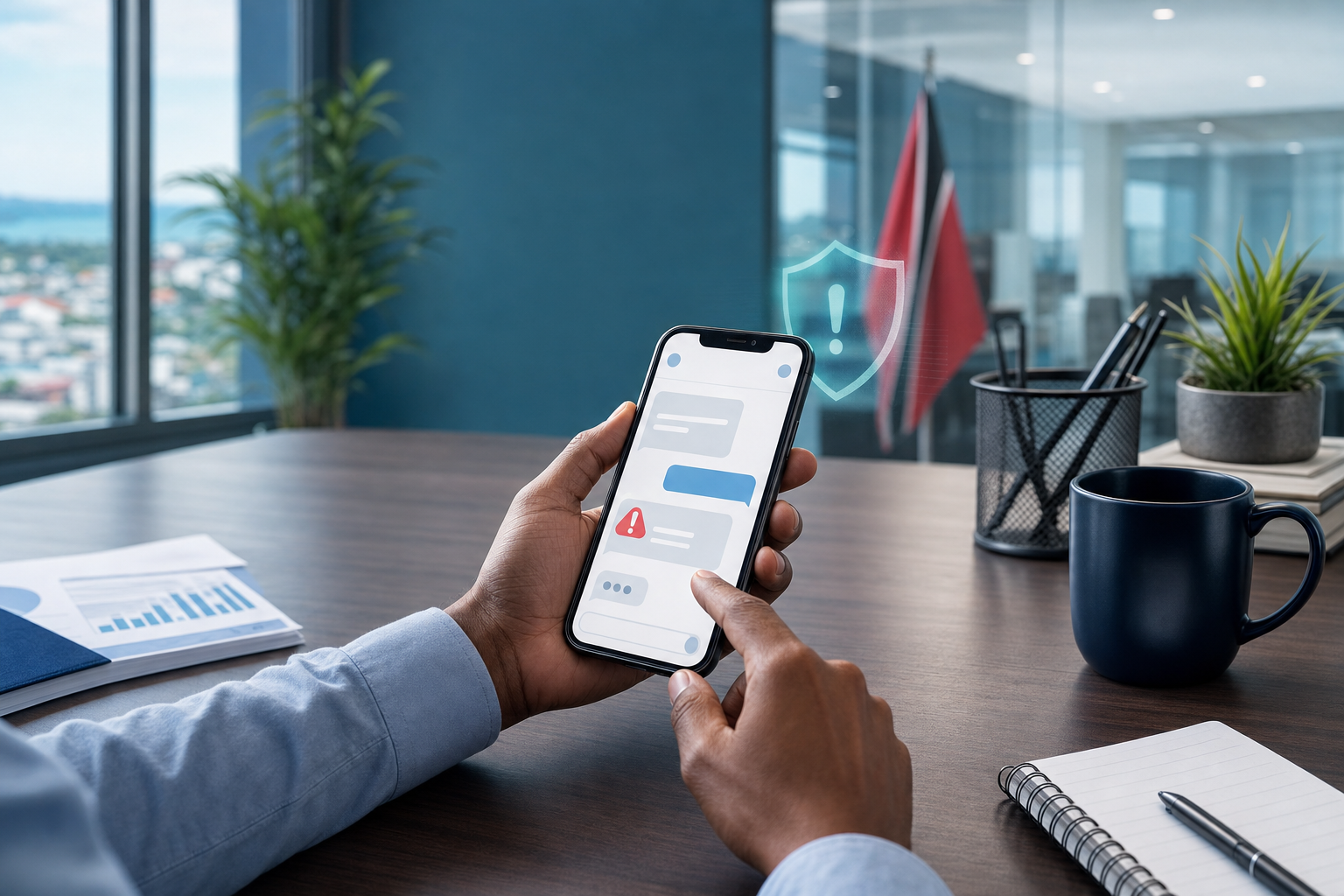
Unexpected Text Asking You to Pay or Sign In? Stop There
A practical cyber-safety tip for business users: do not pay, scan, or sign in from an unexpected text message. Verify through a trusted channel first.
Insights, tutorials, and news from our IT experts in Trinidad & Tobago.

A practical cyber-safety tip for business users: do not pay, scan, or sign in from an unexpected text message. Verify through a trusted channel first.

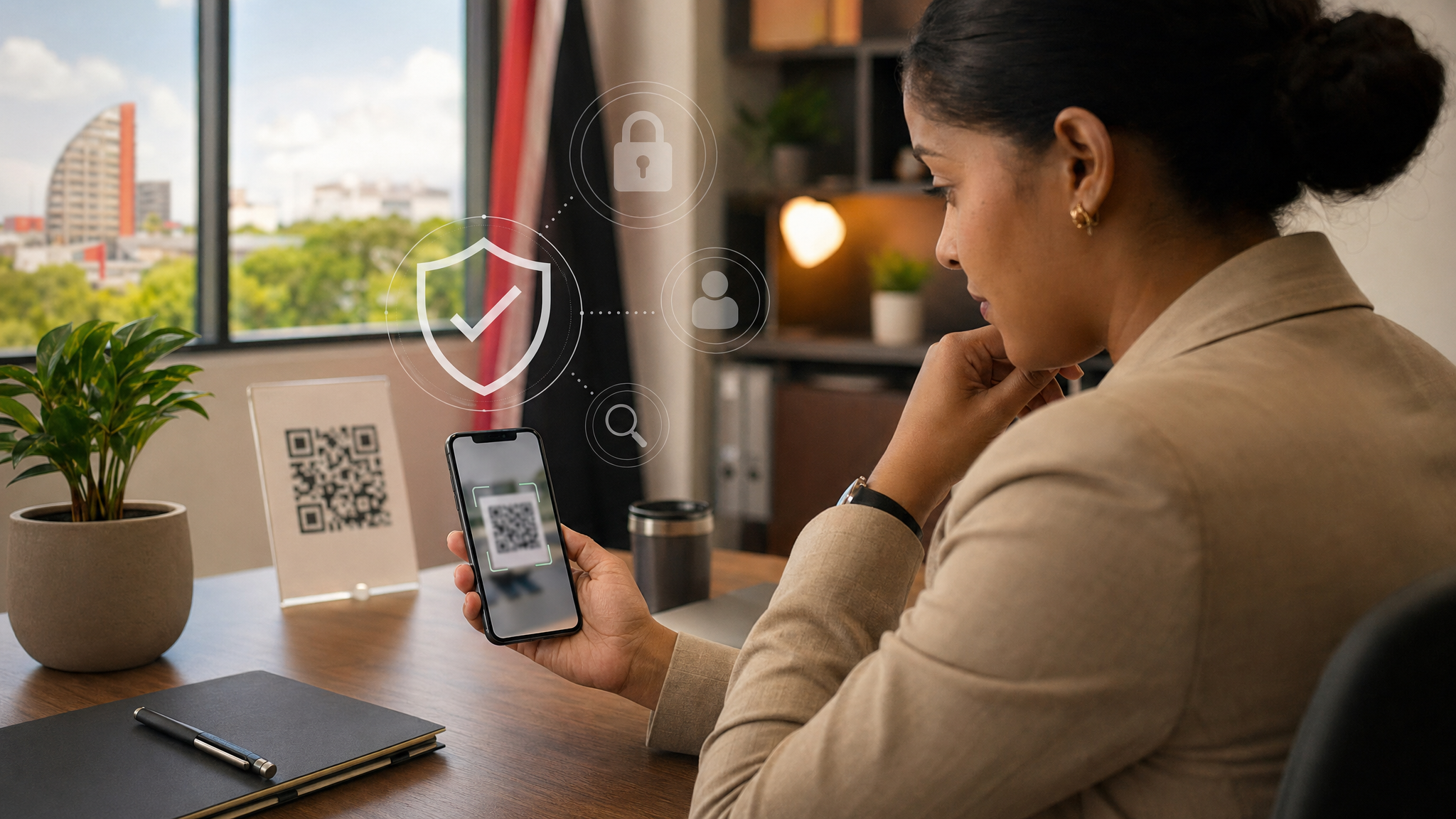
QR codes are convenient, but they can also hide fake login pages and scam links. Here is a simple workplace checklist to help staff pause, check, and stay safe.

A compromised mailbox can quietly forward copies of your mail elsewhere. Here is a simple five-minute check for business users and office staff.

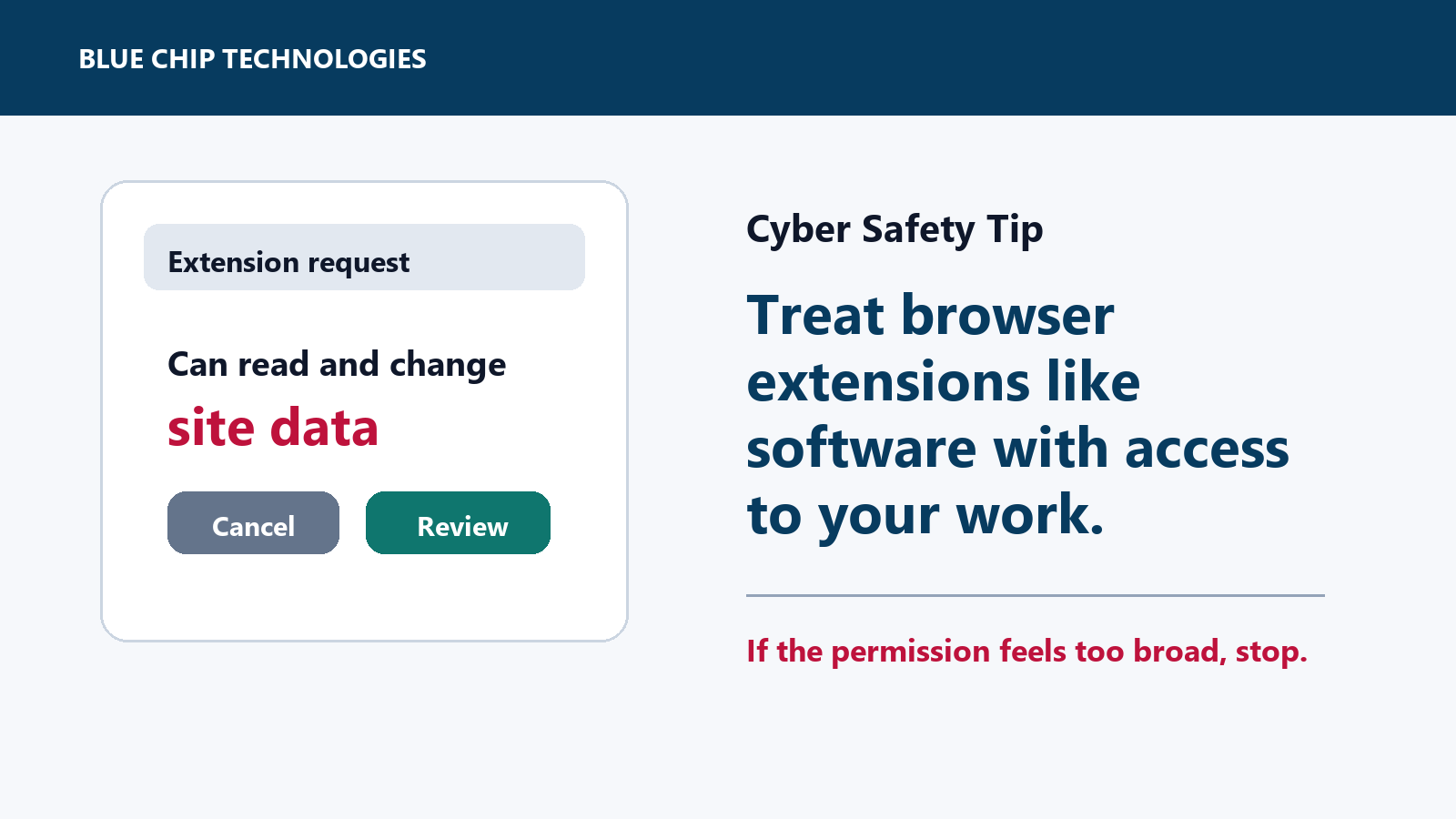
Browser extensions can be useful, but some can read or change data on sites you visit. Here is the quick office-safe check before installing one.

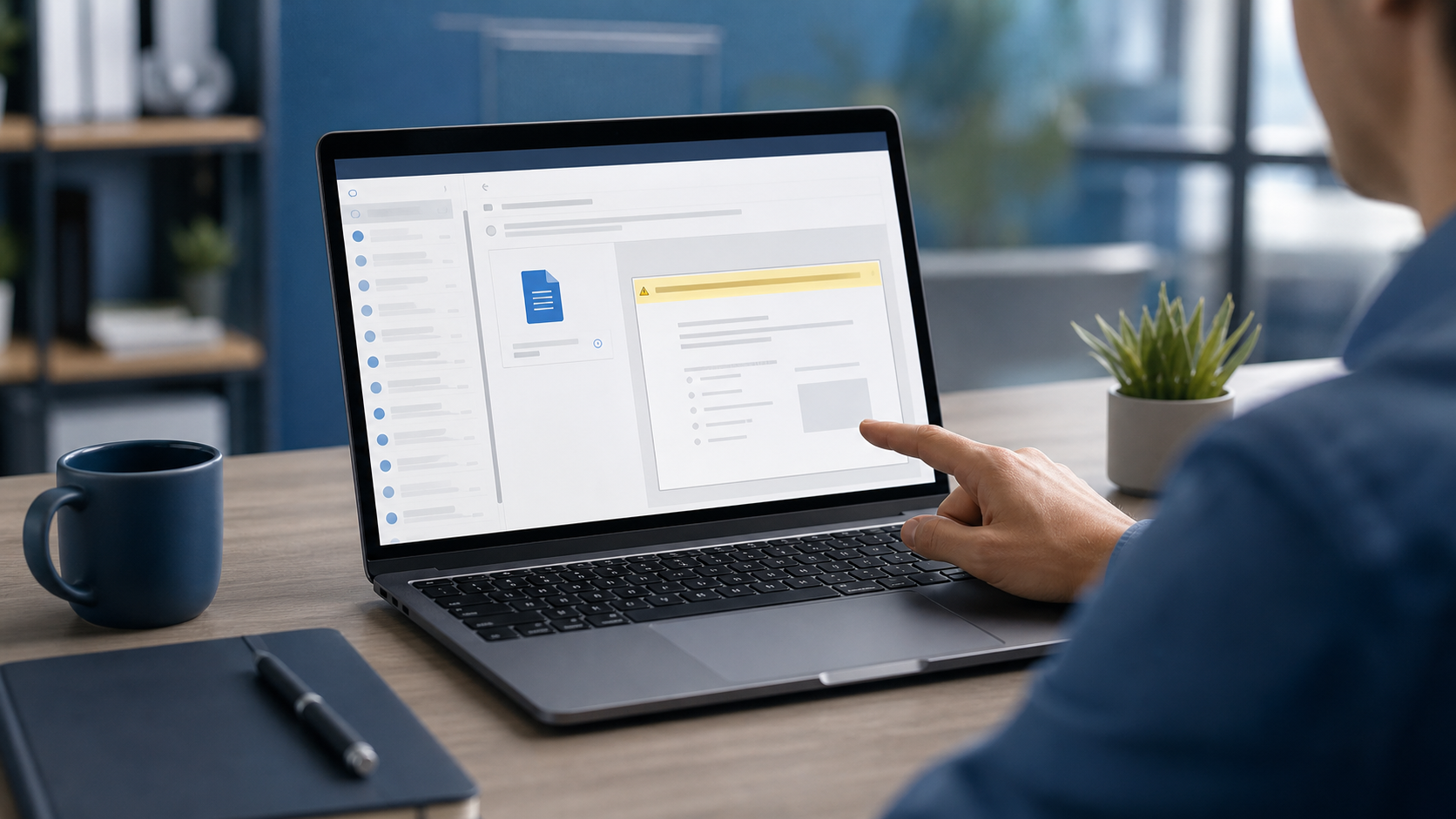
If a File Asks You to Enable Editing, Stop and Check First Most suspicious emails do not arrive with a giant warning sign. They arrive looking routine: an...

QR codes are useful, but they hide the destination until after you scan. Here is a simple office-safe habit for avoiding QR phishing and fake login pages.

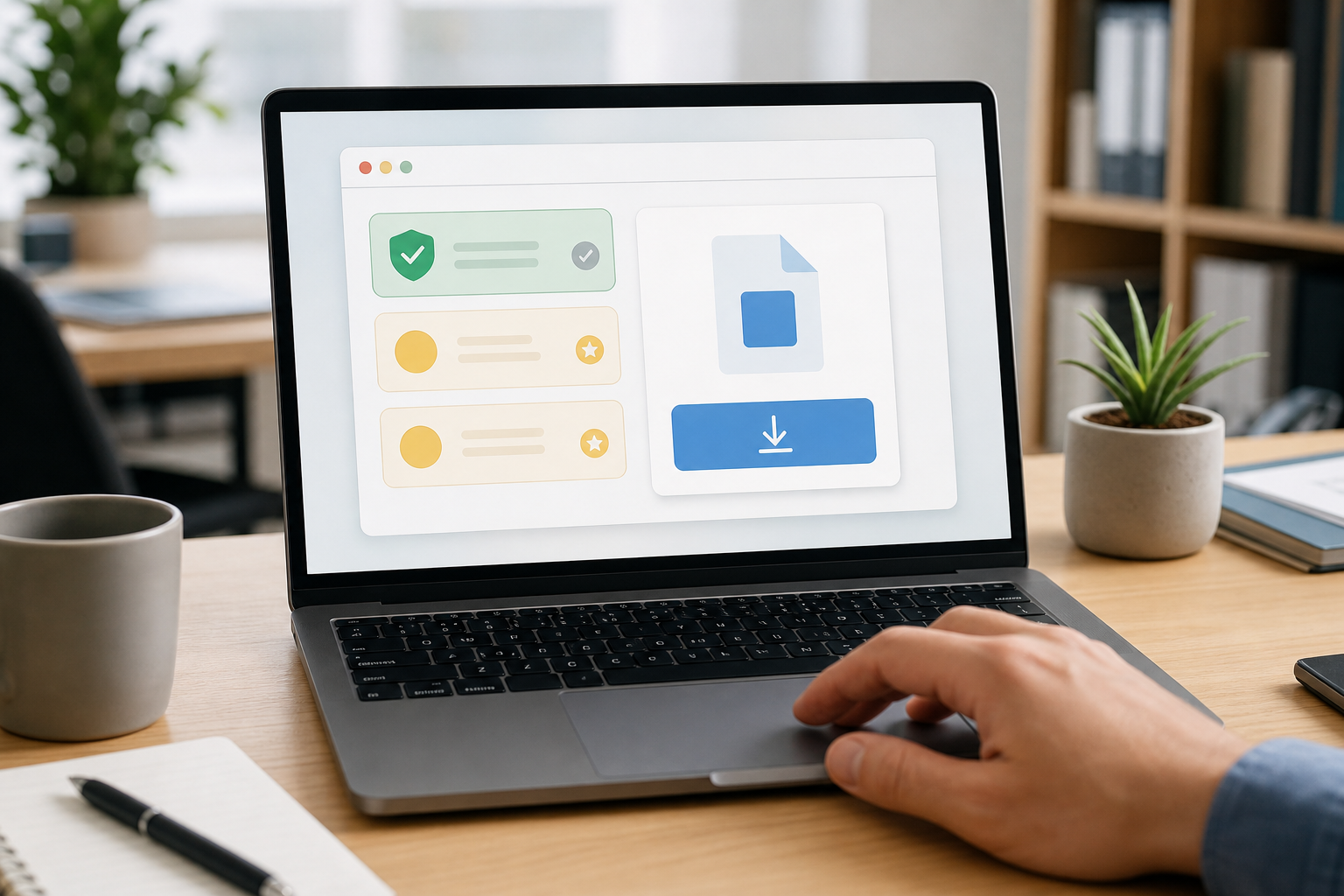
Download Software From the Official Site, Not the First Ad When staff need a new app, browser, PDF tool, meeting client, printer driver, remote access tool, or...

Before You Sign In, Check the Web Address A fake login page can look almost identical to the real one. It may use familiar colours, a copied layout, and a...

A practical cyber safety tip for staff: pause and verify invoice, supplier bank-detail, and urgent payment changes before money leaves the business.