When You Step Away, Lock the Screen First
A practical cyber-safety tip for office staff: lock your screen before stepping away so email, files, and business systems are not left open to the next person who passes by.
Insights, tutorials, and news from our IT experts in Trinidad & Tobago.

A practical cyber-safety tip for office staff: lock your screen before stepping away so email, files, and business systems are not left open to the next person who passes by.

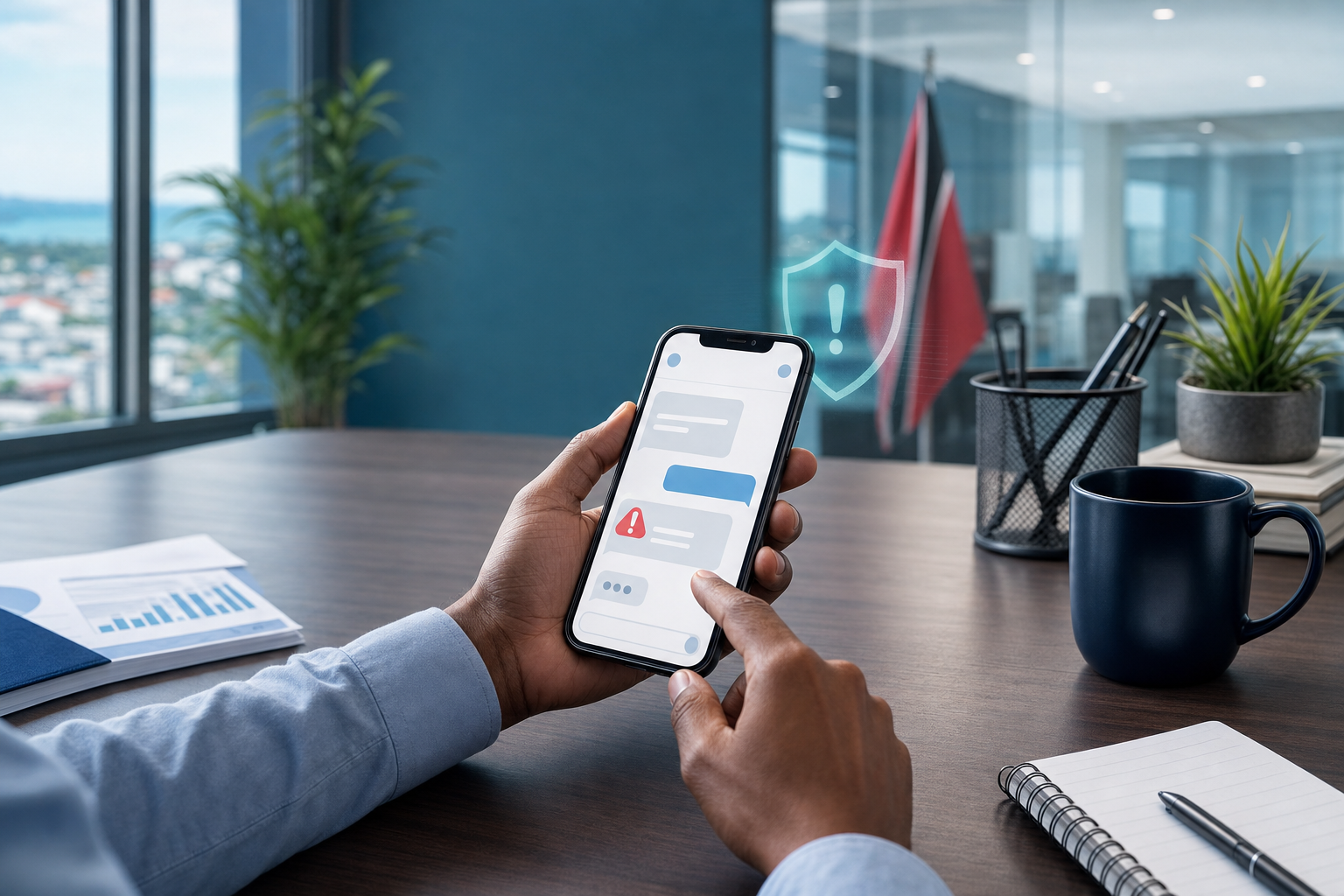
A practical cyber-safety tip for business users: do not pay, scan, or sign in from an unexpected text message. Verify through a trusted channel first.

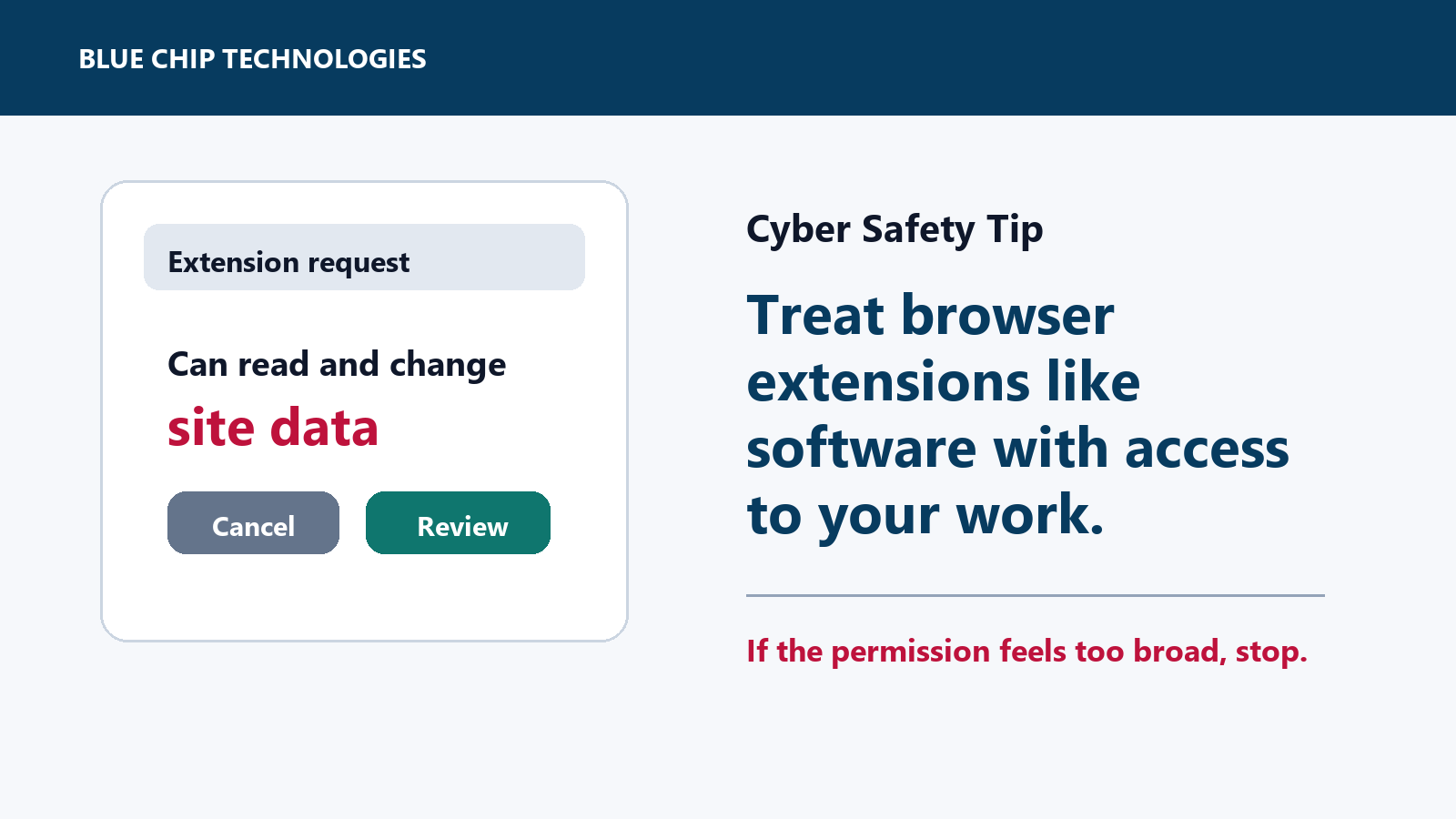
Browser extensions can be useful, but some can read or change data on sites you visit. Here is the quick office-safe check before installing one.

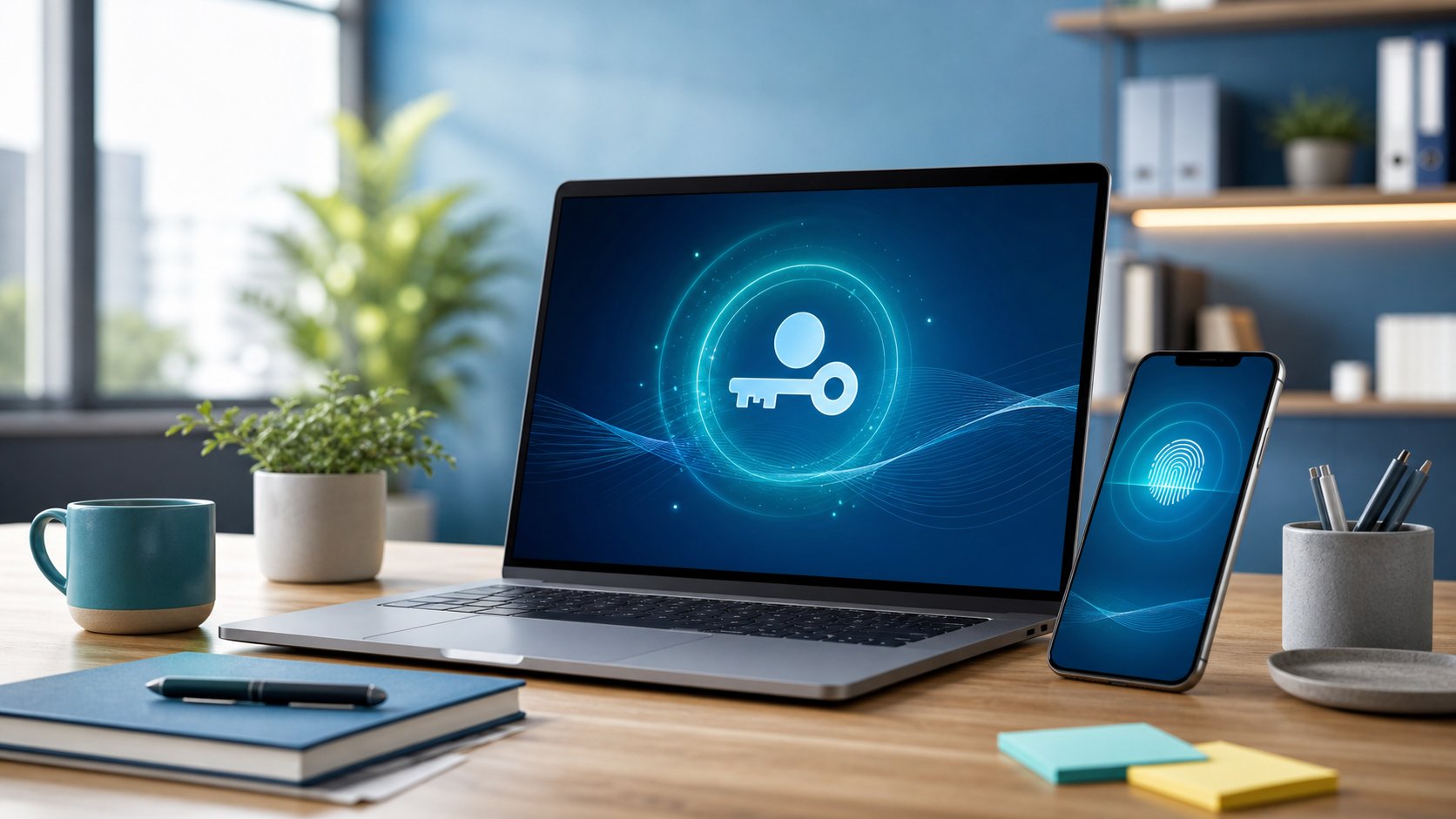
A practical cyber-safety tip for business users: when passkeys are available on trusted devices, use them to cut phishing risk and reduce password fatigue.

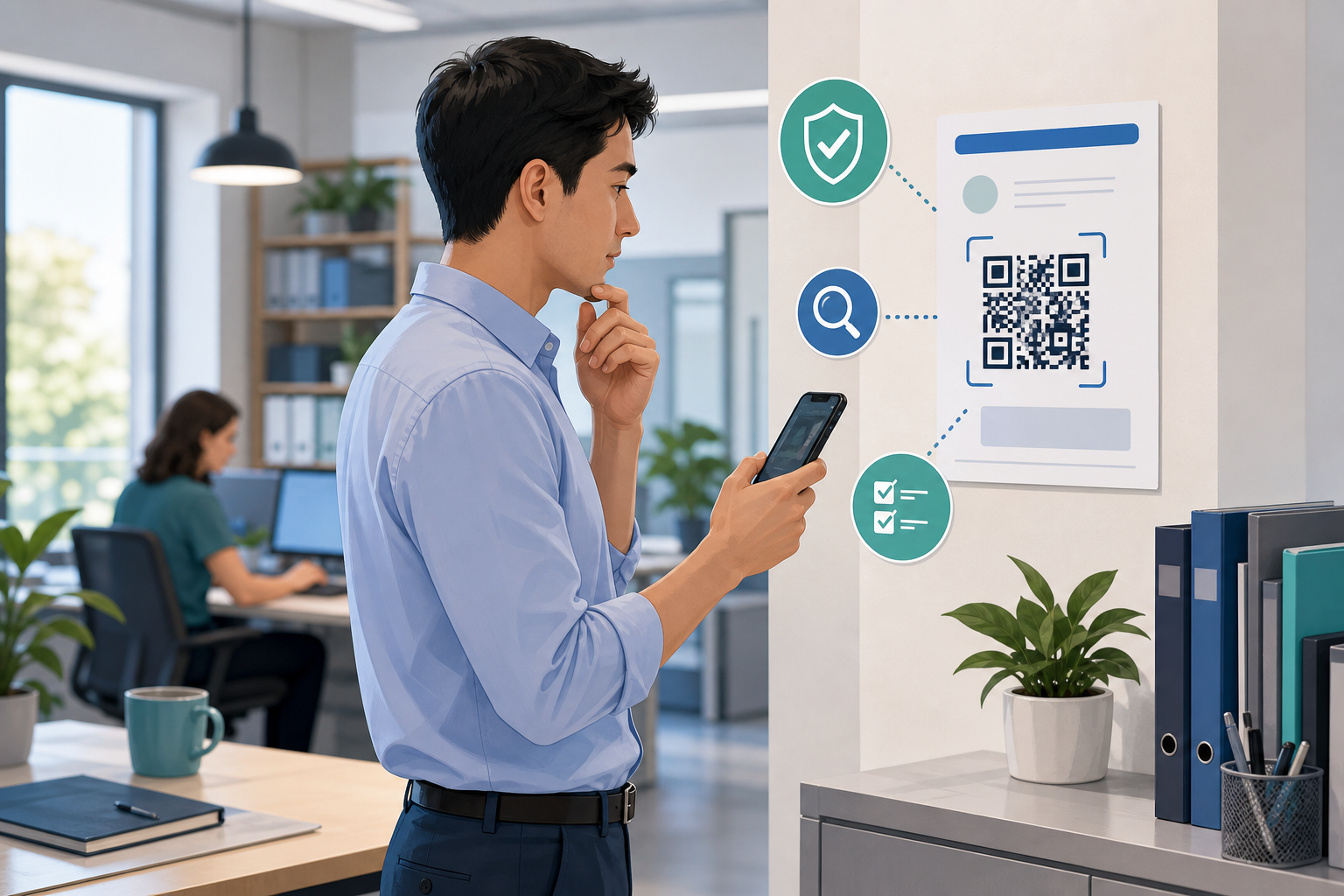
A practical cyber-safety tip for office staff: treat QR codes like hidden links and verify the destination before you log in, pay, or share business information.

A practical cyber-safety tip for office staff: never give remote access to a work device until the request is verified through your normal IT support channel.

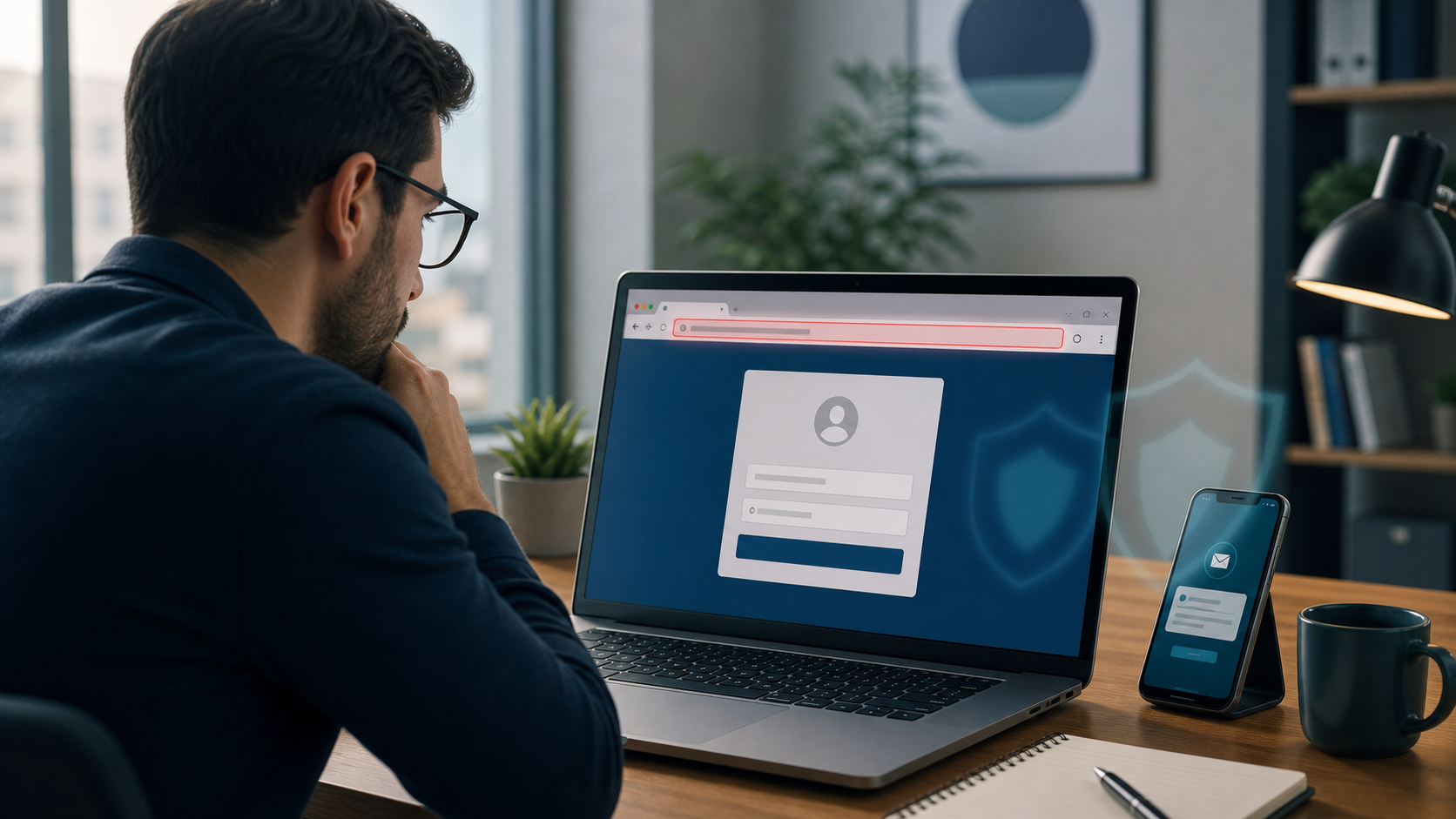
Before You Sign In From an Email Link, Open a New Tab Instead Phishing messages do not always look dramatic. Sometimes they look like normal work: a Microsoft...

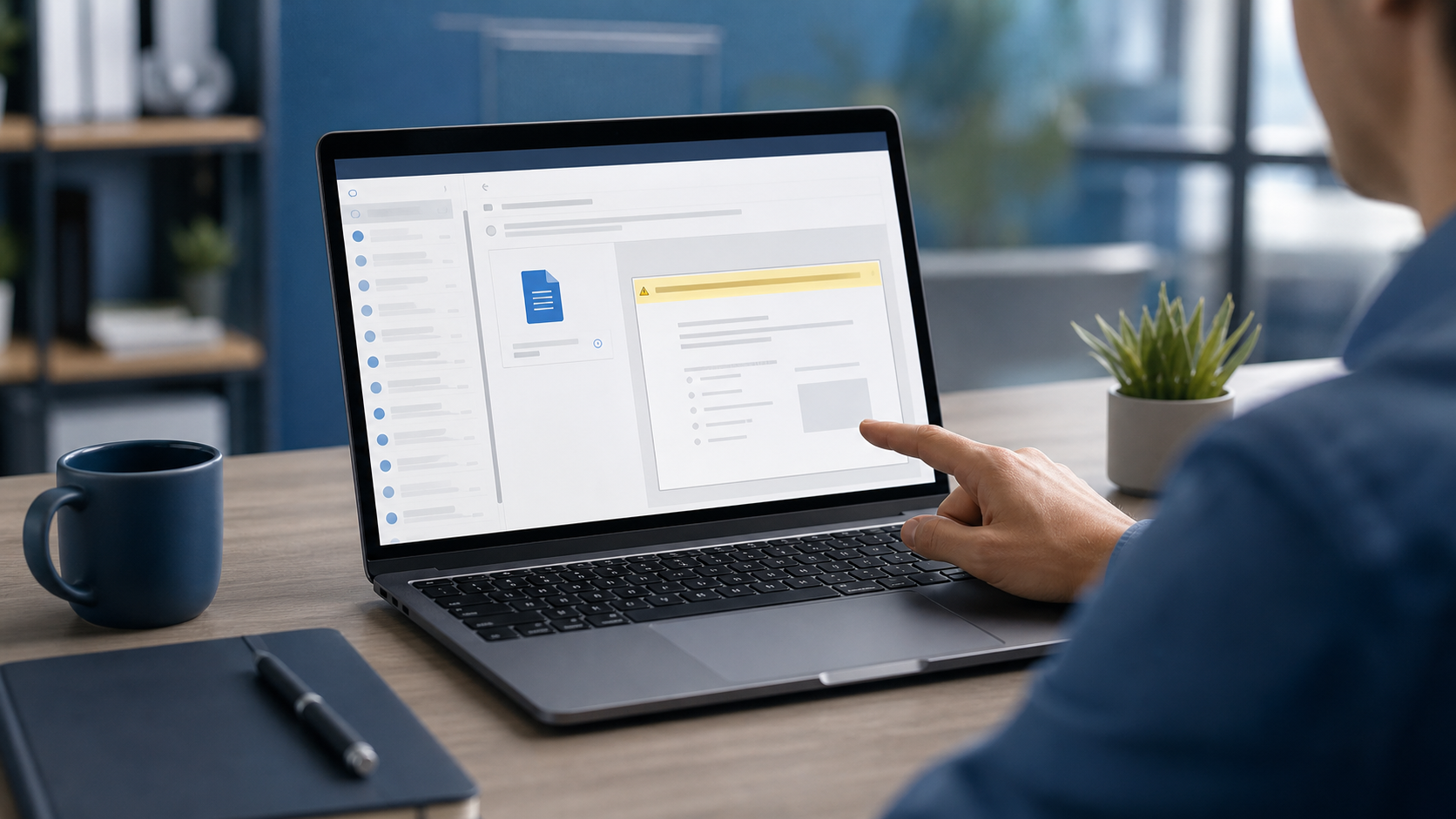
If a File Asks You to Enable Editing, Stop and Check First Most suspicious emails do not arrive with a giant warning sign. They arrive looking routine: an...

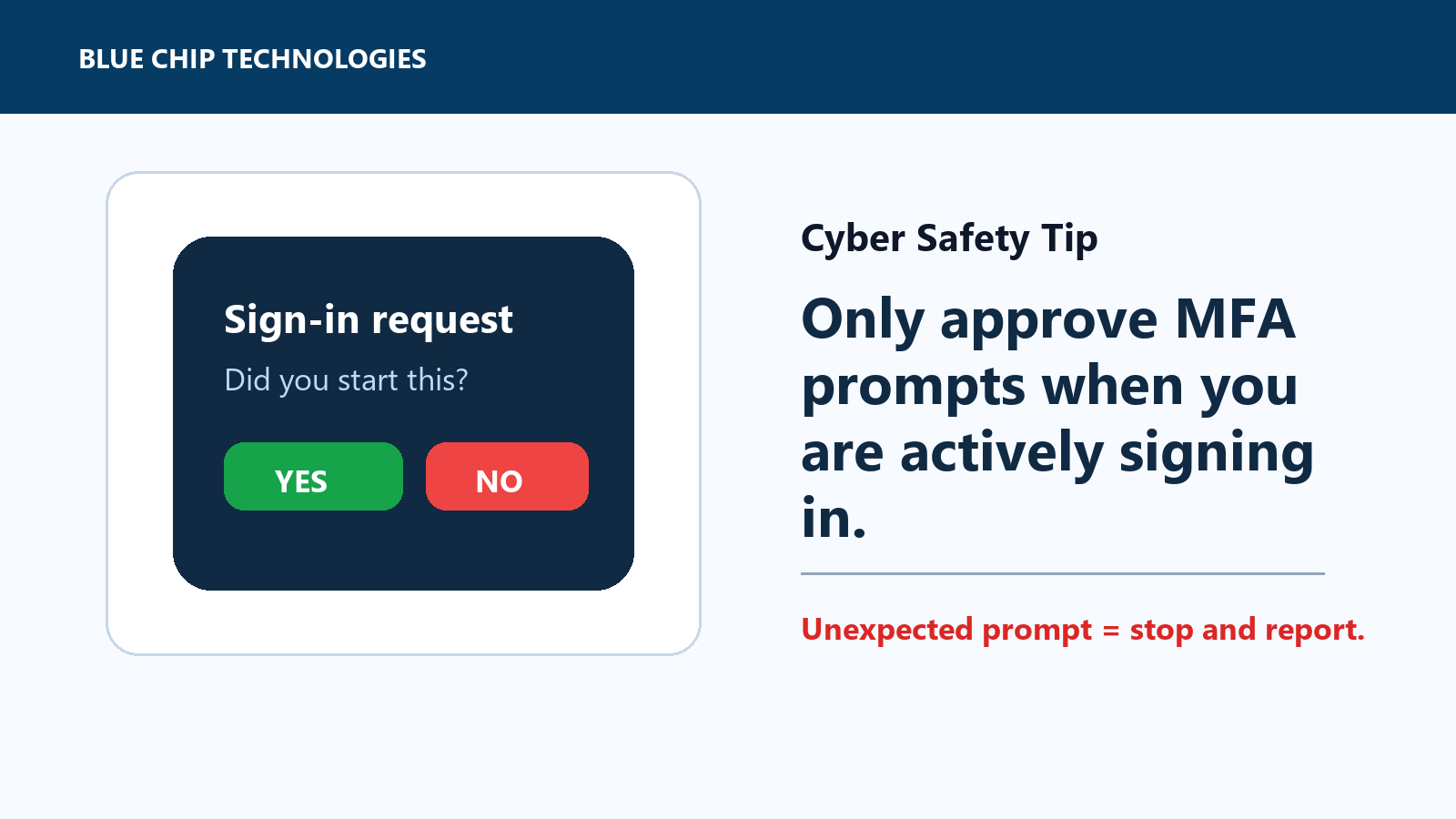
Unexpected MFA prompt? Stop. If you did not start the login, do not approve it.