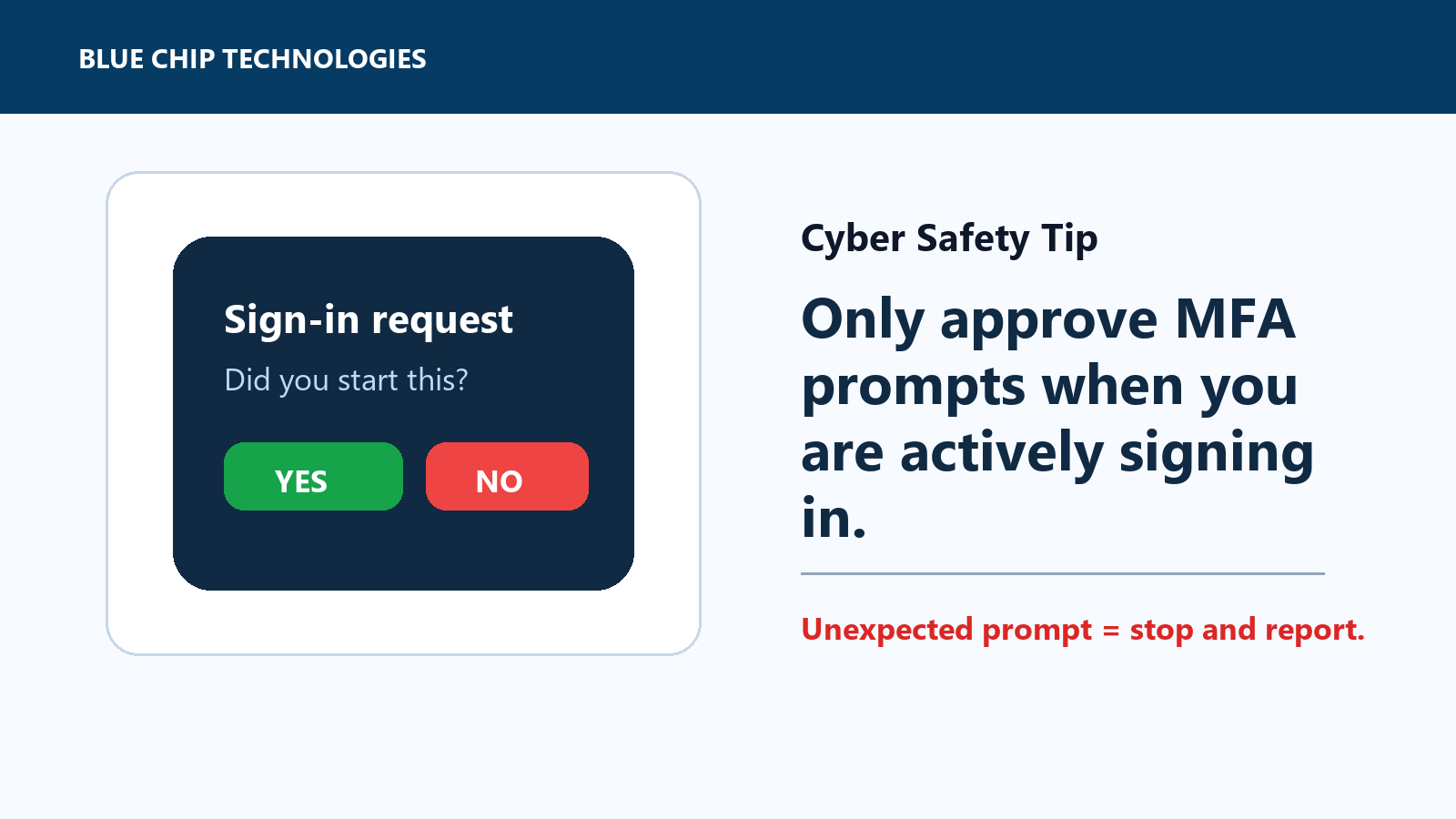
Do Not Approve MFA Prompts You Did Not Start
Multifactor authentication is one of the simplest ways to protect a work account. It adds another check after the password, which makes life harder for attackers.
But MFA only helps if staff treat the prompt seriously.
The rule is simple: approve an MFA prompt only when you are actively signing in. If a prompt appears on your phone, authenticator app, or browser and you did not just try to log in, do not approve it.
Why unexpected prompts matter
An unexpected MFA request can mean someone already has your password and is trying to complete the login.
That can happen after:
- a phishing email
- a fake Microsoft 365 or Google Workspace login page
- password reuse on another breached website
- a saved password being exposed on an unmanaged device
- a scammer calling and pretending to be support
Attackers sometimes keep sending prompts until the user gets tired and taps approve. That is not a technical failure as much as a process failure. The prompt is asking a real question: "Is this you?"
If it is not you, the answer is no.
What to do
When an unexpected prompt appears:
- deny or reject it
- do not enter any one-time code into a page you did not open yourself
- do not read a code to someone on the phone
- take a screenshot if your company process allows it
- report it to IT, your manager, or the person responsible for security
- change your password from the official website if there is any chance it was exposed
If you get repeated prompts, treat that as urgent. Someone may be actively trying to use your account.
What businesses should configure
Staff habits matter, but admin settings matter too. Businesses should review MFA settings and use stronger options where possible:
- require MFA on email, admin, finance, CRM, remote access, and cloud storage accounts
- prefer authenticator apps, passkeys, FIDO2/security keys, or number matching over SMS where possible
- reduce reliance on simple push approvals for sensitive users
- monitor failed and denied MFA attempts
- document who staff should contact when a prompt looks suspicious
The process should be easy to follow. If employees are unsure who to tell, the signal gets lost.
The office rule
If you did not start the login, do not approve the prompt.
This is one of those tiny habits that prevents a much larger cleanup later. A single rejected prompt can stop a mailbox compromise, payroll scam, supplier fraud attempt, or data leak before it starts.
Source: CISA - Require Multifactor Authentication.