
Cloud & Productivity
Securing Microsoft 365 with MFA and Conditional Access: A Practical Guide
MFA and Conditional Access stop attackers even when passwords get stolen. Here's how to set them up properly.
September 29, 2026
5 min read

Insights, tutorials, and news from our IT experts in Trinidad & Tobago.
MFA and Conditional Access stop attackers even when passwords get stolen. Here's how to set them up properly.

A verification code you did not request is not harmless noise. It can mean someone has entered your password or is trying to persuade you to approve access. The right response is to stop, deny the request and check the account through the official app or website.
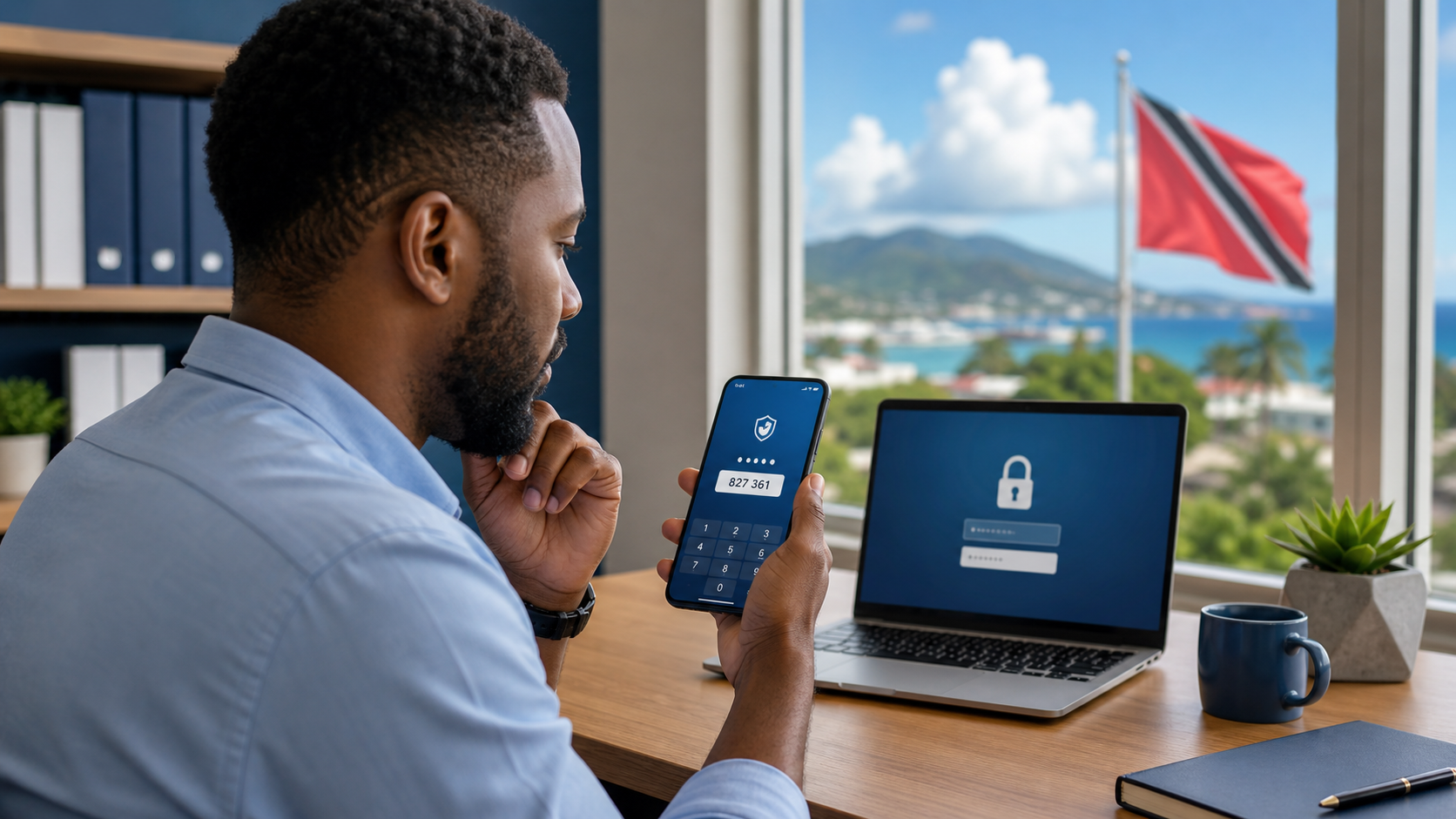
A verification code should only be used on a login you started yourself. Here is how to spot the scam and what office staff should do next.
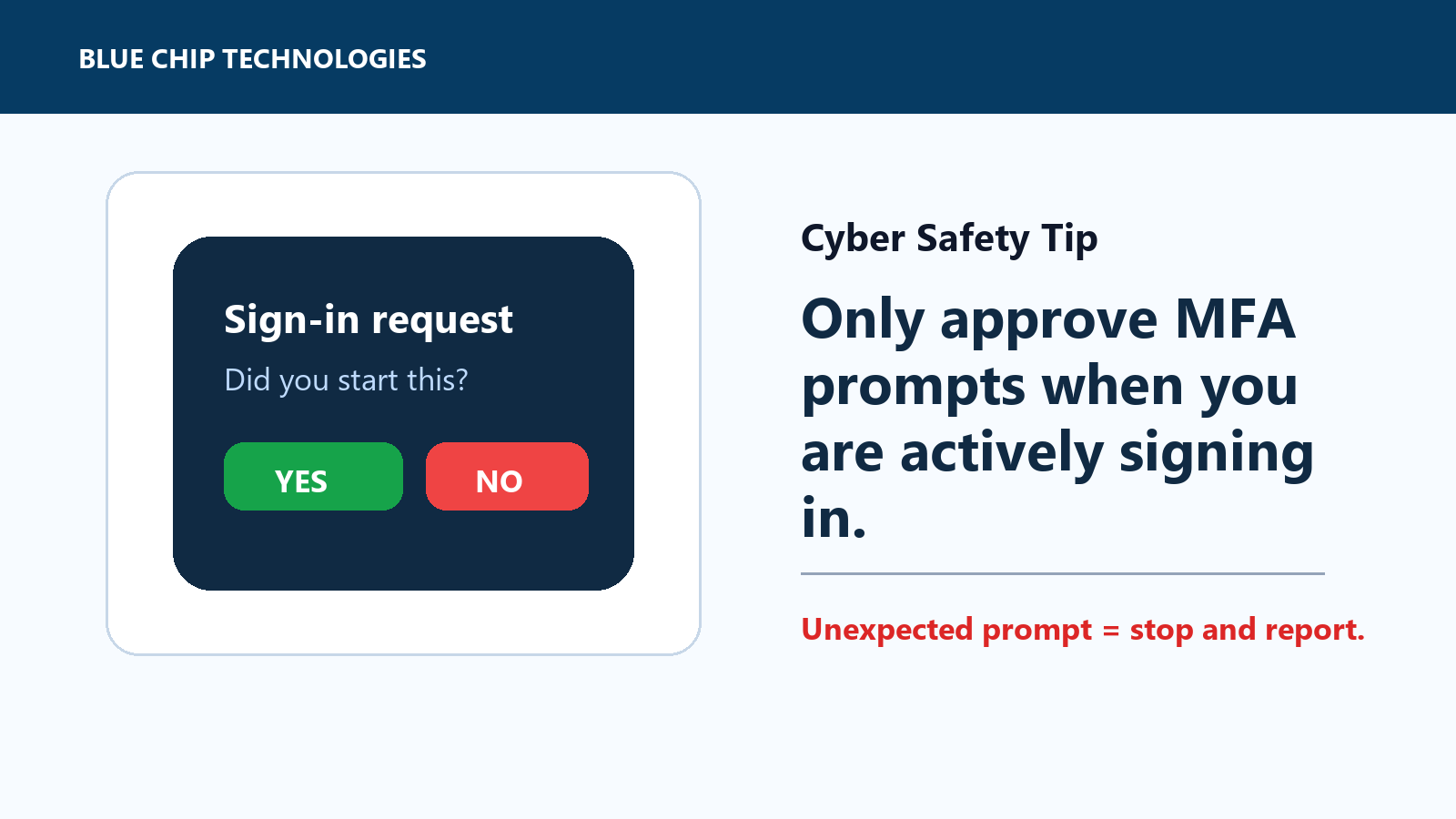
Unexpected MFA prompt? Stop. If you did not start the login, do not approve it.

MFA Prompts: Only Approve the Ones You Started Multi-factor authentication, often called MFA or two-step verification, is one of the best protections for...

Before You Sign In, Check the Web Address A fake login page can look almost identical to the real one. It may use familiar colours, a copied layout, and a...

A practical cyber safety tip for staff: use a password manager, unique passwords, and MFA so one leaked password does not unlock the rest of the business.

Unexpected MFA Prompts? Stop and Report Them Multi-factor authentication is one of the best protections a business can put in place. It helps stop an attacker...

A practical cyber-safety tip for staff and small businesses: make sure important accounts have backup codes or recovery steps before a lost or replaced phone turns into an access problem.