
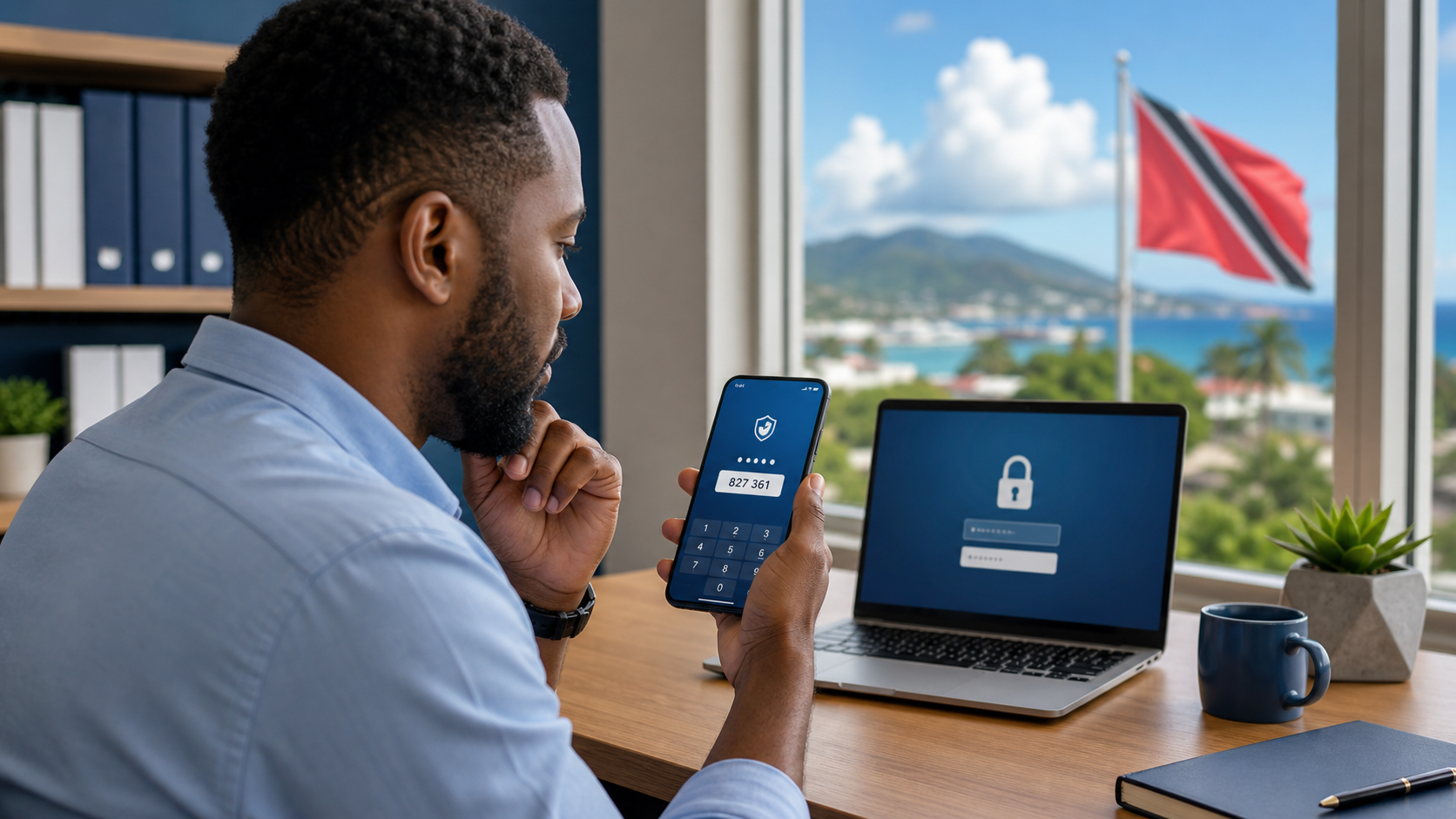
Most of us are used to getting a six-digit code by text or email when we sign in. That extra step helps protect email, banking, payroll, and other work accounts. But scammers know that too, and some now try to trick people into handing over the code that was meant to keep them out.
Why this scam works
A verification code feels routine. If someone calls pretending to be from your bank, Microsoft 365 support, payroll, or even a delivery company, they may create urgency first and then ask you to read out the code that just arrived on your phone.
That code is often the final step they need to sign in as you.
For a small business, that can mean access to email, password resets, cloud files, invoices, or financial accounts. For everyday office staff, it can start with one account and spread quickly to others linked to the same email address.
A simple rule to remember
Your verification code is for you to type into a login screen that you started yourself. It is not for sharing with a caller, texter, chat agent, or anyone claiming to be "helping" you.
If another person asks for that code, stop there.
What to do instead
Pause before you act.
If you did not start the login, reset, or purchase, treat the code as a warning sign.Do not read, forward, or screenshot the code.
A scammer can use it immediately.End the conversation.
Hang up, stop replying, or close the chat.Contact the company directly.
Use the number on your bank card, a saved contact, the official website, or the app you normally use. Do not use the number or link the caller sent you.Check the account for unusual activity.
Look for new sign-ins, password-reset emails, changed recovery details, or unexpected transactions.Change your password if you shared the code.
If possible, sign out other sessions and review recovery options right away.
A good office habit for Trinidad and Tobago teams
Agree on one internal rule: no bank, vendor, IT provider, manager, or coworker should ever ask staff to read out a one-time sign-in code over the phone or in a chat. If someone does, staff should verify through a trusted contact path before doing anything else.
That one rule can prevent a rushed mistake during a busy workday.
Sources
- FTC consumer alert: What's a verification code and why would someone ask me for it?
- CISA Secure Our World: Turn on MFA