Before You Sign In From an Email Link, Open a New Tab Instead
Phishing messages do not always look dramatic.
Sometimes they look like normal work: a Microsoft 365 alert, a Google Workspace notice, a courier update, a shared document, a payroll reminder, or a message saying your mailbox is full and you need to sign in quickly.
That is why one simple habit helps so much:
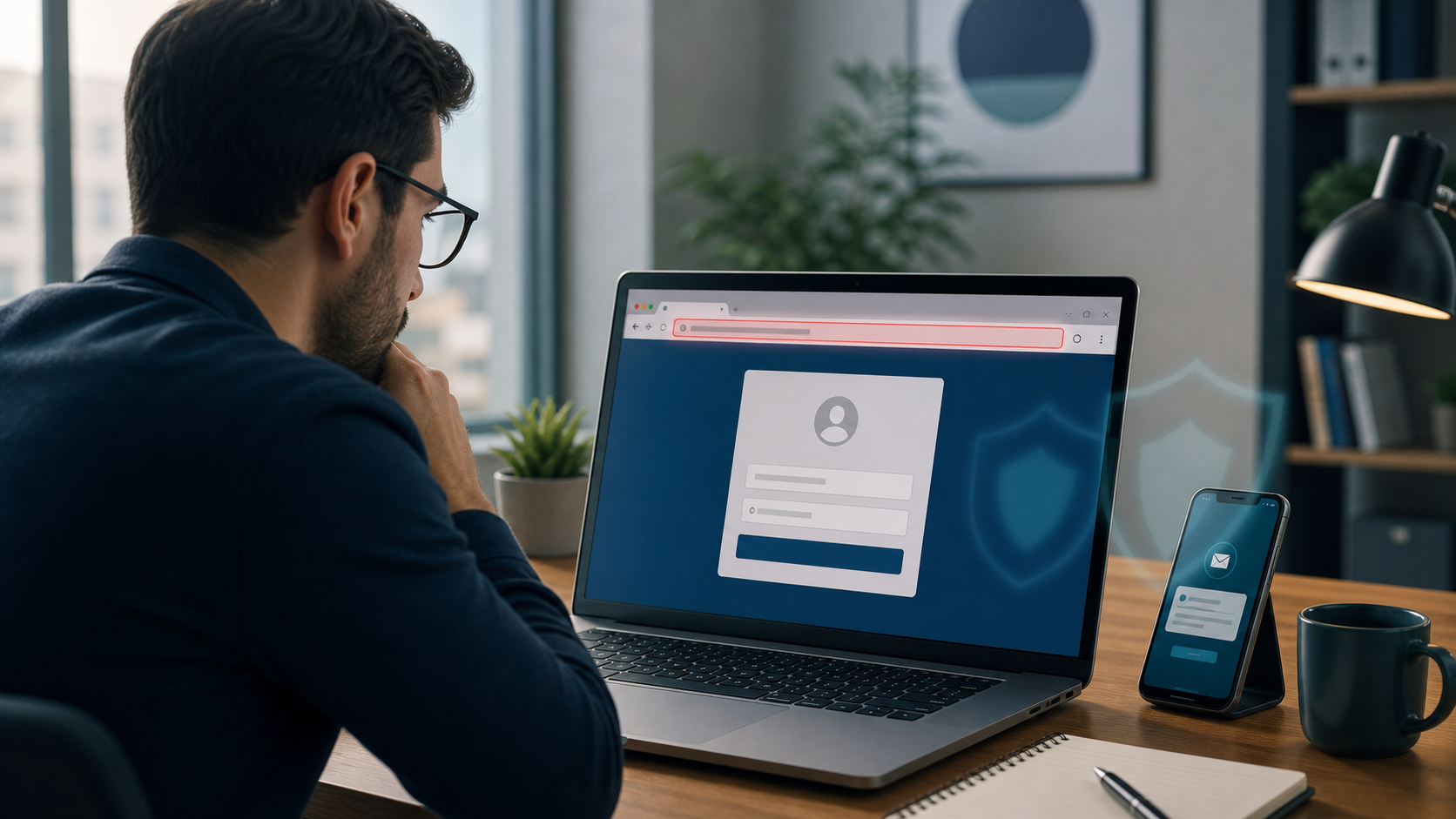
If a message asks you to sign in, do not use the link in the message. Open a new tab and go to the service yourself.
Microsoft's phishing guidance says suspicious emails should not be trusted for links or attachments, and specifically recommends opening a new browser tab and going to the organisation's website yourself. Google's Gmail guidance also tells users to stop and think before clicking, check where links really go, and use built-in warnings when something looks suspicious. CISA's Secure Our World guidance adds another useful habit: if a message seems odd, verify it using a contact method you already trust.
For businesses in Trinidad and Tobago, this matters because fake login pages are aimed at ordinary office routines. The attacker wants a busy employee to think, "Let me just sign in and clear this quickly."
Why fake login pages work
A fake sign-in page may look close enough to the real one on a phone or laptop screen. It may use company colours, familiar wording, and a believable reason for urgency.
Common examples include messages that say:
- your email password is expiring
- a file is waiting for you
- suspicious activity was detected
- a payment or shared document needs urgent review
- your account will be locked unless you sign in now
The goal is not just to steal a password. It can also lead to stolen MFA approvals, mailbox access, invoice fraud, contact theft, or further phishing from your real account.
What staff should do
Do:
- Open a fresh browser tab and go to the service directly using your normal bookmark, saved app, or a web search you trust.
- Hover over links on a computer before clicking, or long-press on a phone, to see where they really go.
- Check the sender address carefully if the message claims to come from Microsoft, Google, a bank, a courier, or a supplier.
- Slow down when a message creates urgency or pressure.
- Report suspicious messages through your email platform and follow your company's normal IT process.
What not to do
Do not:
- sign in from an unexpected email link just because the page looks professional
- trust a login page only because it uses a familiar company name or logo
- enter your work password after following a link from a text message or direct message you did not expect
- approve an MFA prompt if you reached the login page in a suspicious way
- use contact details inside the suspicious message to verify whether it is real
A real service can wait the extra minute it takes to verify. A phishing page depends on you not taking that pause.
What to do if you are unsure
Stop before signing in.
Message your manager or IT support through your usual internal method. If the message claims to be from a customer, supplier, bank, or software provider, contact them using a phone number or website you already trust, not the details in the message.
If you already entered your password on a suspicious page:
- change the password immediately
- sign out of other sessions if your platform allows it
- reset any reused passwords
- report it quickly so your IT team can check for suspicious account activity
A simple office rule worth sharing
Unexpected sign-in request equals new tab, not message link.
That one habit will not stop every phishing attempt, but it can prevent a routine-looking message from turning into a stolen account.
Sources: Microsoft Support - Protect yourself from phishing; Gmail Help - Avoid and report phishing emails; CISA Secure Our World - Recognize and Report Phishing.