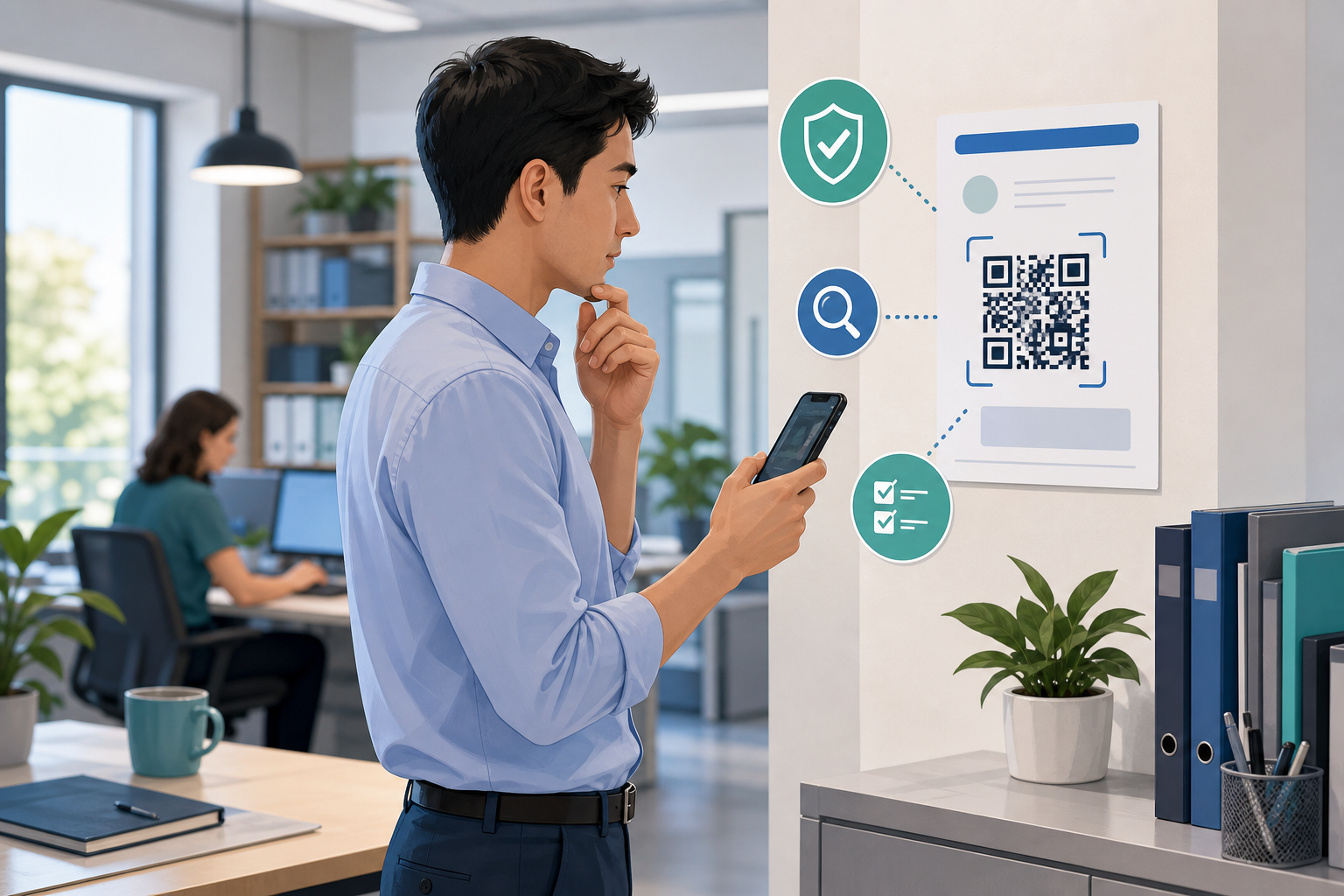
QR Codes Are Hidden Links: Pause Before You Scan
QR codes show up everywhere now: invoices, parking meters, courier notices, event signs, WhatsApp messages, account alerts, and Microsoft 365 sign-in prompts.
That convenience is useful. It is also why scammers like them.
A QR code is really just a link you cannot read until your device reveals it. If you scan the wrong one, it can send you to a fake login page, fake payment page, or a site that tries to collect your password, card details, or other business information.
For small businesses and everyday office staff in Trinidad and Tobago, the safest habit is simple:
Treat QR codes like hidden links. Pause before you scan, and verify before you sign in or pay.
Recent guidance from the FTC warns that scammers use QR codes to send people to phishing pages that steal usernames, passwords, and card details. The UK National Cyber Security Centre says QR-code phishing, sometimes called quishing, is increasing and notes that some email tools may not inspect the QR image the same way they inspect a normal link. Microsoft has also reported strong growth in QR-code phishing campaigns, with many attacks using PDFs and email attachments to push users onto fake sign-in pages.
Why this matters at work
The risk is not the QR code itself. The risk is what happens after scanning.
A malicious QR code may lead to:
- a fake Microsoft 365 or Google sign-in page
- a fake courier or package-tracking site
- a fake payment or bank page
- a download prompt for unsafe software
- a page that asks for too much information too quickly
This matters even more on a phone, where the full web address is easier to miss and people are more likely to act quickly.
Common places a risky QR code can appear
Be cautious when a QR code arrives in:
- an unexpected email attachment or PDF
- a message claiming your mailbox, bank, payroll, or package needs urgent action
- a printed sticker placed over another QR code
- a supplier or invoice message asking you to scan instead of using the normal portal
- a login or verification notice that pushes you off your computer and onto your phone
Urgency is part of the trick. If the message says scan now, verify now, or payment overdue, slow down.
Do this
- Scan only when you expected the QR code and understand why it is needed.
- Check the web address before you log in, pay, or enter any business details.
- If the task involves Microsoft 365, Google Workspace, banking, or supplier payments, go to the official website or app yourself instead of using the QR code.
- Use the contact details your company already trusts if you need to confirm a request.
- Keep MFA enabled on important accounts so one mistake does not become full account access.
Do not do this
- Do not scan a QR code in an unexpected email just because it looks tidy or professional.
- Do not enter your work password into a page opened from an unverified QR code.
- Do not approve payments, bank-detail changes, or payroll actions based only on a QR code prompt.
- Do not trust a QR code on a public sign if it looks like a sticker has been placed over the original.
- Do not download a separate QR-scanner app because a message tells you to. Your phone's built-in camera is usually the safer option.
What to do if you are unsure
Stop before scanning or signing in.
Ask your manager, finance lead, or IT support team to check the request using your normal company process. If the message claims to come from Microsoft, your bank, a courier, or a supplier, open the official website yourself or call using a number you already know is correct.
If you already scanned the code and entered a password:
- change that password immediately
- report it to IT or your manager
- review the account for unusual activity
- contact the bank quickly if payment or card details were involved
Quick reporting helps reduce the damage.
A simple office rule
If a QR code leads to login, payment, or sensitive business information, verify the destination before you continue.
That one pause can stop a routine-looking scan from turning into a stolen password or a payment problem.