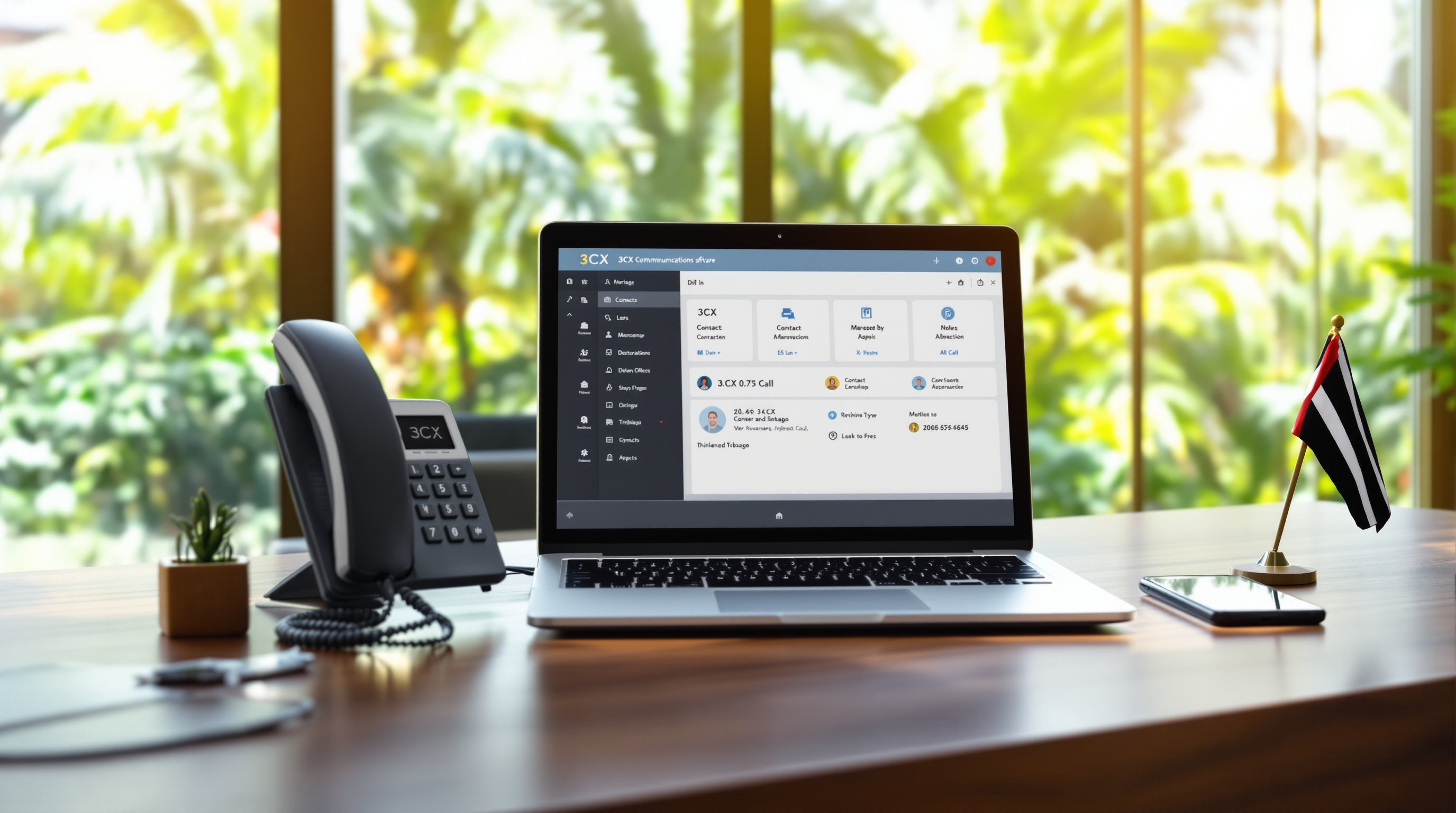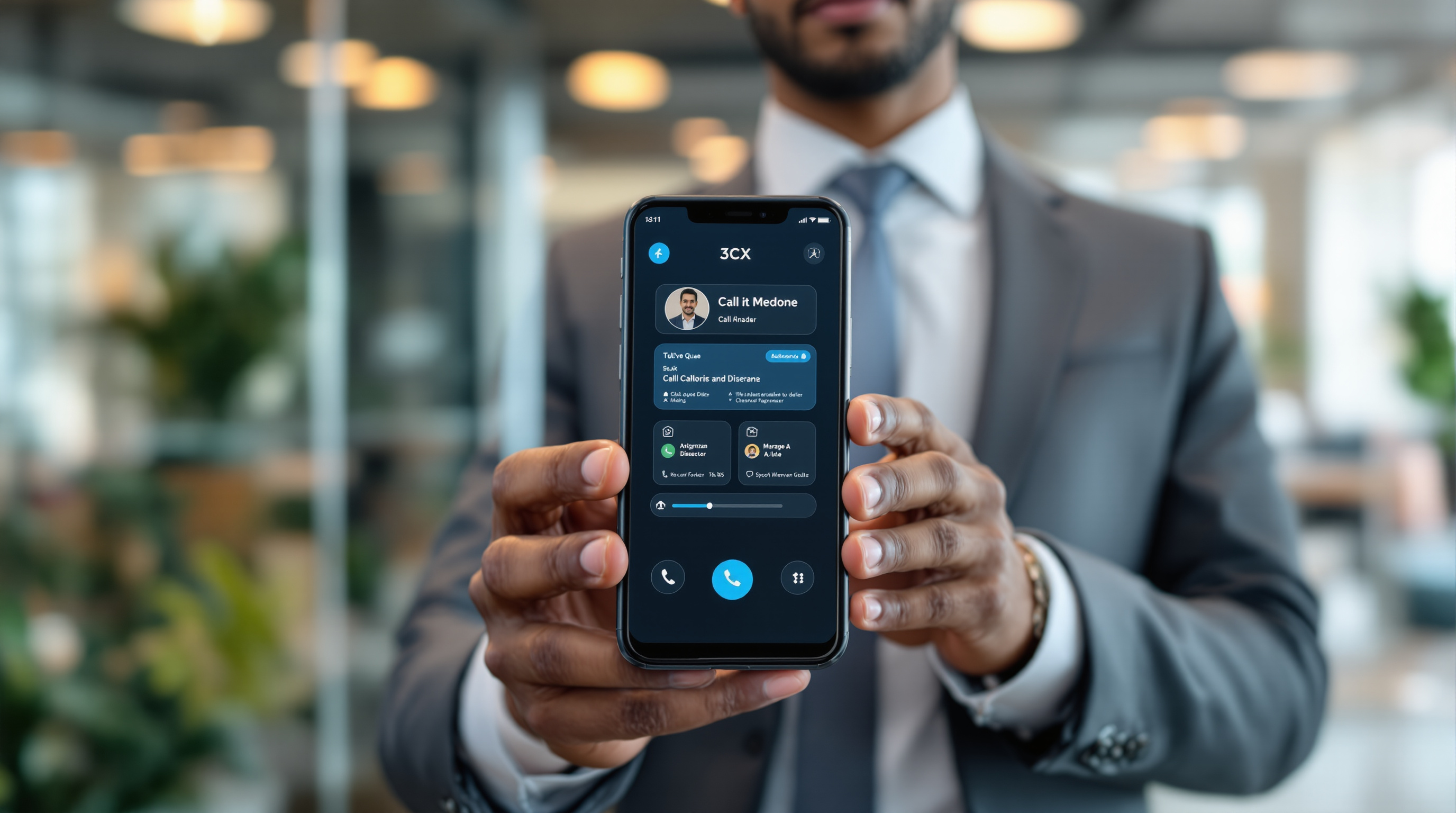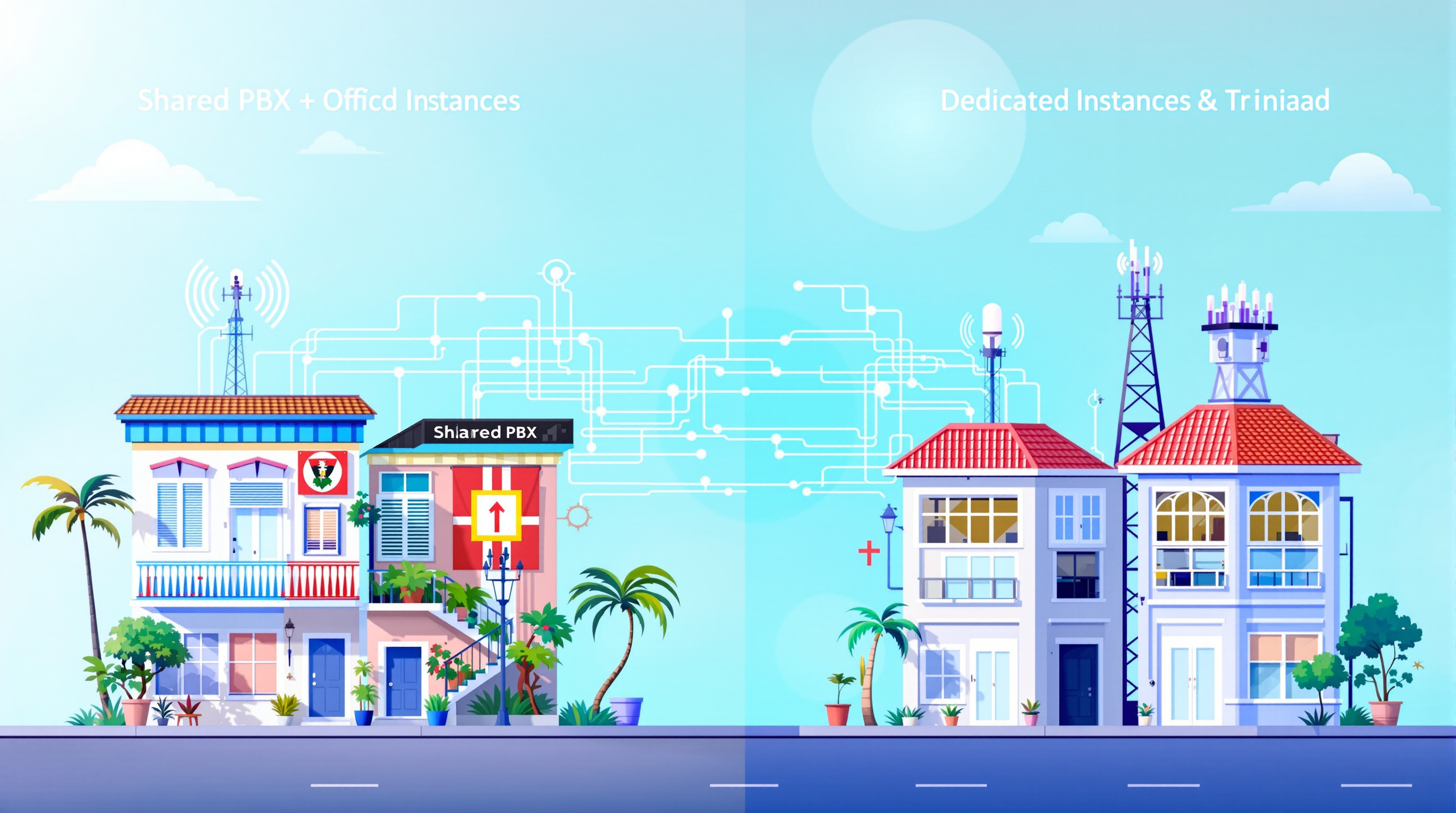
If your organisation runs multiple brands, divisions, or client accounts, 3CX's Multi Company Mode lets you host them all on a single PBX installation—each with its own phone numbers, call routing, and branding—without paying for separate systems. The alternative is spinning up a dedicated 3CX instance for each entity, which gives total isolation but adds management overhead. Choosing between shared and dedicated comes down to how much separation you actually need.
At Blue Chip Technologies Ltd., we help T&T businesses figure out which setup makes sense for their situation. Here's a practical breakdown.
What is 3CX Multi Company Mode?
Multi Company Mode is a feature in 3CX that allows a single PBX installation to serve several distinct companies or departments. Each "company" gets its own:
- Phone numbers and extensions
- Call queues and ring groups
- Voicemail greetings and hold music
- Receptionist or IVR menus
- Branding (so callers hear your company name, not a generic greeting)
Think of it like running several virtual phone systems inside one box. A property management firm in Port of Spain, for instance, could have separate lines and greetings for their residential rentals division, commercial leasing team, and maintenance hotline—all managed from one admin console.
When does a shared PBX make sense?
A shared setup works well when:
- You control all the entities – A holding company with three subsidiaries, or an agency managing communications for a handful of clients.
- You want centralised administration – One IT person (or one Blue Chip support contract) covers everything.
- The companies don't need to be completely invisible to each other – Users from Company A won't see Company B's call logs, but a system admin can access both.
- Budget matters – Hosting and licensing costs are lower than running multiple standalone instances.
When should you go with a dedicated instance instead?
Separate installations make more sense if:
- Regulatory or contractual requirements demand full data isolation – Some industries (finance, healthcare) may need guarantees that one client's data can never touch another's.
- Each entity has very different IT policies – Different backup schedules, update windows, or security configurations.
- You're reselling to unrelated third parties – If you're an MSP offering hosted PBX to competing businesses, they'll likely want their own environment.
There's no single right answer. We've seen T&T companies start with Multi Company Mode and later split off a division into its own instance as it grew—or vice versa.
How do you set it up?
If you're already running 3CX, enabling Multi Company Mode is straightforward:
- Log into the 3CX Management Console.
- Navigate to Settings > Multi Company.
- Add a new company profile and configure its trunk, extensions, and branding.
- Assign users and devices to the appropriate company.
- Test inbound and outbound calls to confirm routing.
For a deeper look at 3CX's capabilities and how we deploy it locally, visit our 3CX solutions page.
Frequently asked questions
Can callers tell the companies are on the same system?
No. Each company has its own greeting, hold music, and caller ID. A customer dialling your retail line won't hear anything related to your wholesale division.
Does Multi Company Mode cost extra?
It's included in 3CX's professional and enterprise editions. Licensing depends on simultaneous call capacity, not the number of companies you add.
Can I migrate from shared to dedicated later?
Yes. Extensions, call history, and configurations can be exported and imported into a new instance. We handle these migrations regularly.
Will my staff need separate logins for each company?
Typically, yes—users belong to one company at a time. Admins can access all companies from a single dashboard.
Ready to sort out your multi-company setup?
Whether you're consolidating several brands onto one system or need help deciding if dedicated instances are worth the extra effort, we're here to talk it through. Give us a call at 1 (868) 609-2288, send a message on WhatsApp, or email [email protected]. You can also reach out through our contact page.