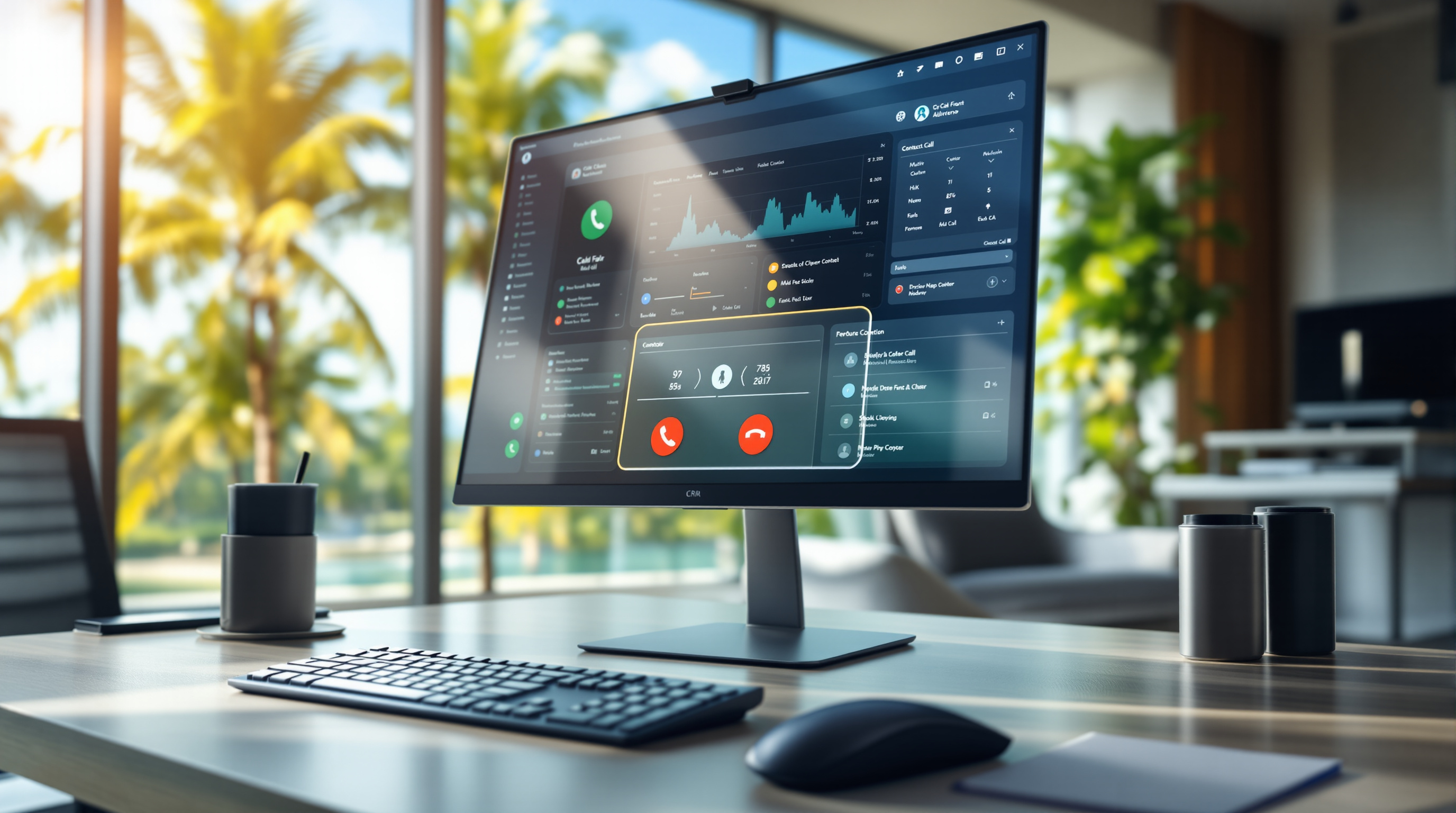

Starting an audio conference on 3CX just got faster. With the V20 Update 10 release, you can now launch and manage conference calls in fewer steps—no more clicking through multiple screens to get everyone on a call. If your team regularly pulls in colleagues, clients, or external specialists for quick discussions, this update removes friction from a task you probably do several times a week.
Why does this matter for your business?
Think about how often you need to loop someone into a conversation at short notice. A client calls with a technical question, and you need your engineer on the line. Or your Port of Spain office needs to conference in the San Fernando branch for a quick update. Previously, setting up an audio conference meant navigating through a few extra steps. Now, 3CX puts a conference shortcut right where you need it.
Less clicking means less time fumbling with your phone system while a client waits. It's a small change that adds up across dozens of calls per week.
What's actually changed in V20 Update 10?
The update introduces a streamlined conference initiation process directly from the 3CX interface. Here's what you can expect:
- Faster conference creation – Start a conference from your active call or contact list with fewer clicks.
- Simplified participant management – Add or remove participants without jumping between screens.
- Same reliability – The underlying audio quality and stability remain unchanged; this is purely a workflow improvement.
For businesses already using 3CX through Blue Chip Technologies Ltd., the update applies automatically to hosted deployments. If you're running an on-premise installation, your IT team or our support staff can walk you through the upgrade.
Who benefits most from this?
Any organisation that relies on quick, ad-hoc conference calls will notice the difference. That includes:
- Professional services firms – Attorneys, accountants, and consultants who frequently bring clients and colleagues together
- Sales teams – Reps who need to pull in technical specialists during client calls
- Distributed teams – Companies with staff across multiple locations in Trinidad and Tobago
If your team barely uses audio conferencing, this update won't change your workflow much. But if conferencing is part of your daily rhythm, you'll appreciate the time saved.
Frequently asked questions
Do I need to do anything to get this update?
If Blue Chip Technologies Ltd. manages your 3CX system, the update will be applied during your next scheduled maintenance window. On-premise customers should contact us to schedule the upgrade.
Will this affect my existing conference settings or recordings?
No. The update changes the interface workflow only. Your conference PINs, recording settings, and participant limits remain unchanged.
Does this work on the mobile app?
Yes. The streamlined conference controls are available on the 3CX desktop and mobile apps after the update.
Ready to make the most of 3CX?
If you're not yet using 3CX—or if your current phone system makes simple tasks harder than they should be—let's talk. Blue Chip Technologies Ltd. is an authorised 3CX partner supporting businesses across Trinidad and Tobago.
Get in touch:
- 📞 Call us: 1 (868) 609-2288
- 💬 WhatsApp: Send a message
- ✉️ Email: [email protected]
- 🌐 Contact form: bluechiptt.com/contact