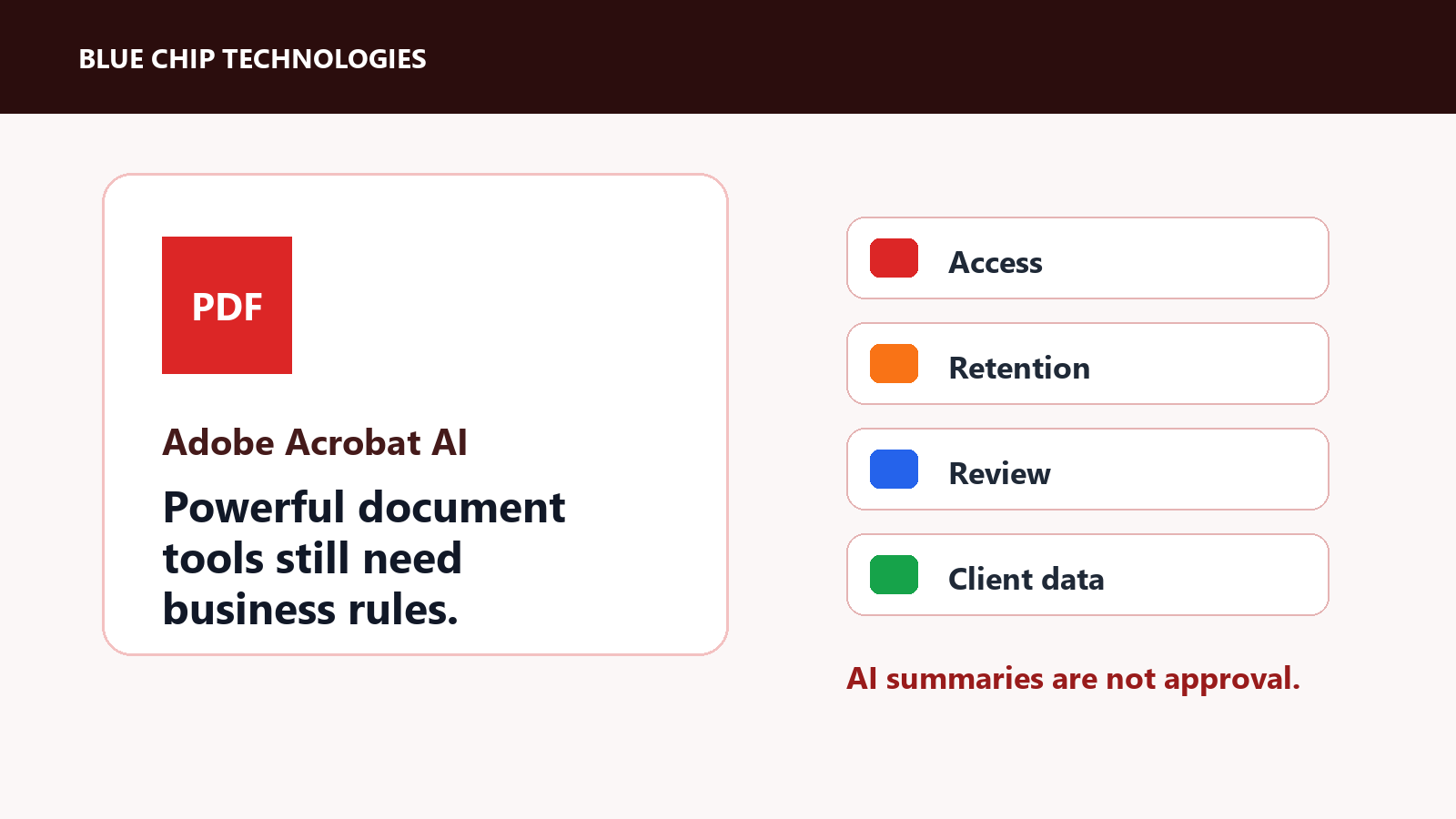
Adobe Acrobat AI Plans Need Document Governance, Not Just Licences
Adobe is pushing Acrobat further into AI-assisted document work. Its May 2026 announcement introduced a new productivity agent for Acrobat AI Plans, including Acrobat Studio, PDF Spaces, AI Assistant, Adobe Express Premium, and new ways to understand, create, share, and publish information from documents.
That is useful for teams that live inside PDFs. It also means businesses need to manage Acrobat like a document workflow, not just another software licence.
Why this matters
PDFs are where businesses keep quotes, contracts, forms, reports, policies, purchase orders, HR documents, statements, and client material. Once AI starts summarizing, transforming, editing, presenting, or publishing from those files, the governance question gets louder.
Who is allowed to use AI on which documents?
Who checks the result before it is sent?
Which files contain client, financial, legal, HR, or regulated information?
The AI feature may be polished, but the business process still needs discipline.
What to decide before rollout
Before enabling new Acrobat AI capabilities broadly, businesses should define:
- which users or departments need the feature
- what document types are allowed
- whether client contracts, HR files, financial data, and legal material are in or out of scope
- who reviews generated summaries, presentations, and shared spaces
- how output is labelled when AI helped produce it
- whether document links and shared experiences expire or stay available
- what admin controls and retention rules apply
This is not about being scared of AI. It is about not letting sensitive document workflows become casual experiments.
Where Acrobat AI can help
Used properly, document AI can save time in sensible places:
- summarizing long internal reports
- turning policy documents into staff-friendly explanations
- preparing first drafts of presentations from approved source material
- comparing versions of proposals
- helping users find answers inside large PDFs
- creating quick internal briefings from non-sensitive documents
Those are good use cases because a human can still review the output before it becomes a commitment.
Where to be careful
Be more cautious with:
- contracts
- legal letters
- employee records
- financial statements
- confidential client documents
- medical or personal information
- supplier pricing and procurement documents
AI can summarize these files, but a summary is not approval. A draft is not legal advice. A generated presentation is not automatically accurate.
The practical takeaway
Adobe Acrobat AI Plans can become a serious productivity tool for document-heavy businesses. But the rollout should come with document governance: access rules, review rules, sharing rules, and a clear owner.
Do not just buy licences and hope the process behaves itself. Decide where the tool belongs, train the users, and keep sensitive documents under control.
Source: Adobe Newsroom - Adobe’s New Productivity Agent Redefines How People Understand, Create and Share Information.