Better Gemini Prompts Can Turn Google Workspace Into a Daily Productivity System
Most businesses do not need staff to become AI experts. They need staff to use AI in a structured way that saves time inside the tools they already open every day.
That is why Google's Workspace Blog article on better prompting is useful. It makes a practical point: the goal is not one perfect prompt. The goal is a working conversation with Gemini where the user gives context, asks better questions, refines the answer, and connects the result back to Gmail, Docs, Sheets, Slides, Drive, and Calendar.
For Blue Chip Technologies clients, that is a very grounded productivity opportunity.

Prompting is now an office skill
AI value in Google Workspace does not come from typing a vague request and hoping for magic. It comes from giving Gemini enough business context to produce something useful.
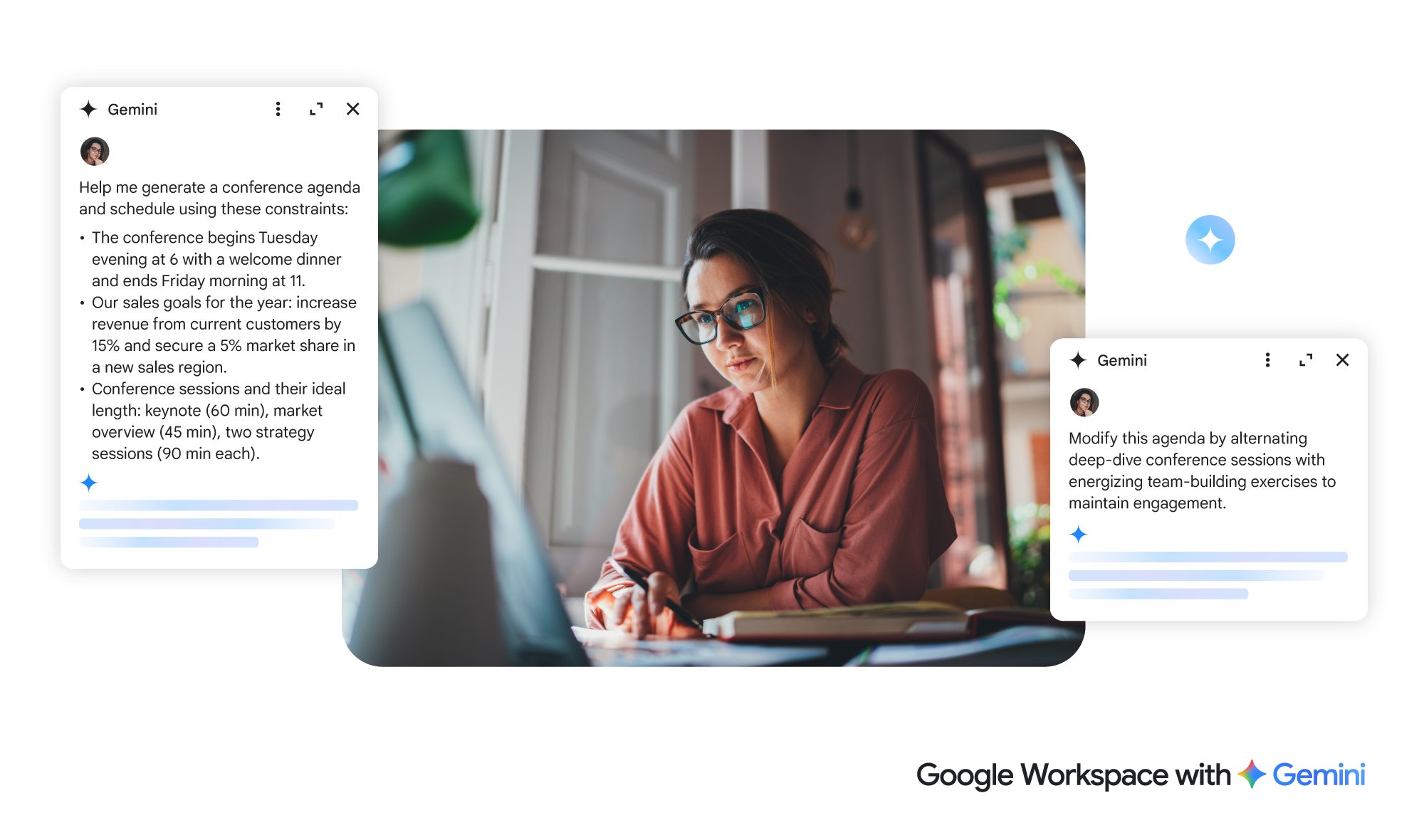
For example, instead of asking Gemini to "make an agenda," a manager can provide:
- the business goal
- the attendees
- the time available
- the customer or project context
- the files Gemini should reference
- the expected output format
- the constraints that matter
That difference is huge. A weak prompt gives a generic answer. A structured prompt can produce a usable first draft, a clearer checklist, a better customer reply, or a stronger meeting plan.
Why this matters for SMB productivity
Small and mid-sized businesses in Trinidad and Tobago often have the same problem: capable people, too much admin work, and not enough time to polish every document, email, spreadsheet, or presentation.
Gemini can help, but only when users know how to steer it.
Good prompting can support everyday work such as:
- drafting professional Gmail replies from a messy email thread
- turning meeting notes into action items
- improving a proposal in Google Docs
- summarising Drive files before a customer call
- checking a Sheets list for missing details
- preparing talking points for Google Slides
- turning scattered ideas into a usable project plan
This is not about replacing judgement. It is about getting a stronger first draft faster, then letting staff review, correct, and improve it.
The useful pattern: context, questions, refinement
Google's article breaks prompting into a workflow that businesses can actually teach.
First, provide context. Gemini needs to know the situation, the goal, the audience, and the constraints. A sales manager planning a conference, for example, should share budget, timing, goals, session types, prior-year feedback, and relevant files.
Second, ask questions. A good user does not stop at the first answer. They ask Gemini to identify blind spots, suggest improvements, compare options, or ask clarifying questions.
Third, refine. Staff should tell Gemini what is wrong, what needs to change, and what format they want next. That is how the output moves from generic to useful.
Prompt across Workspace, not in isolation
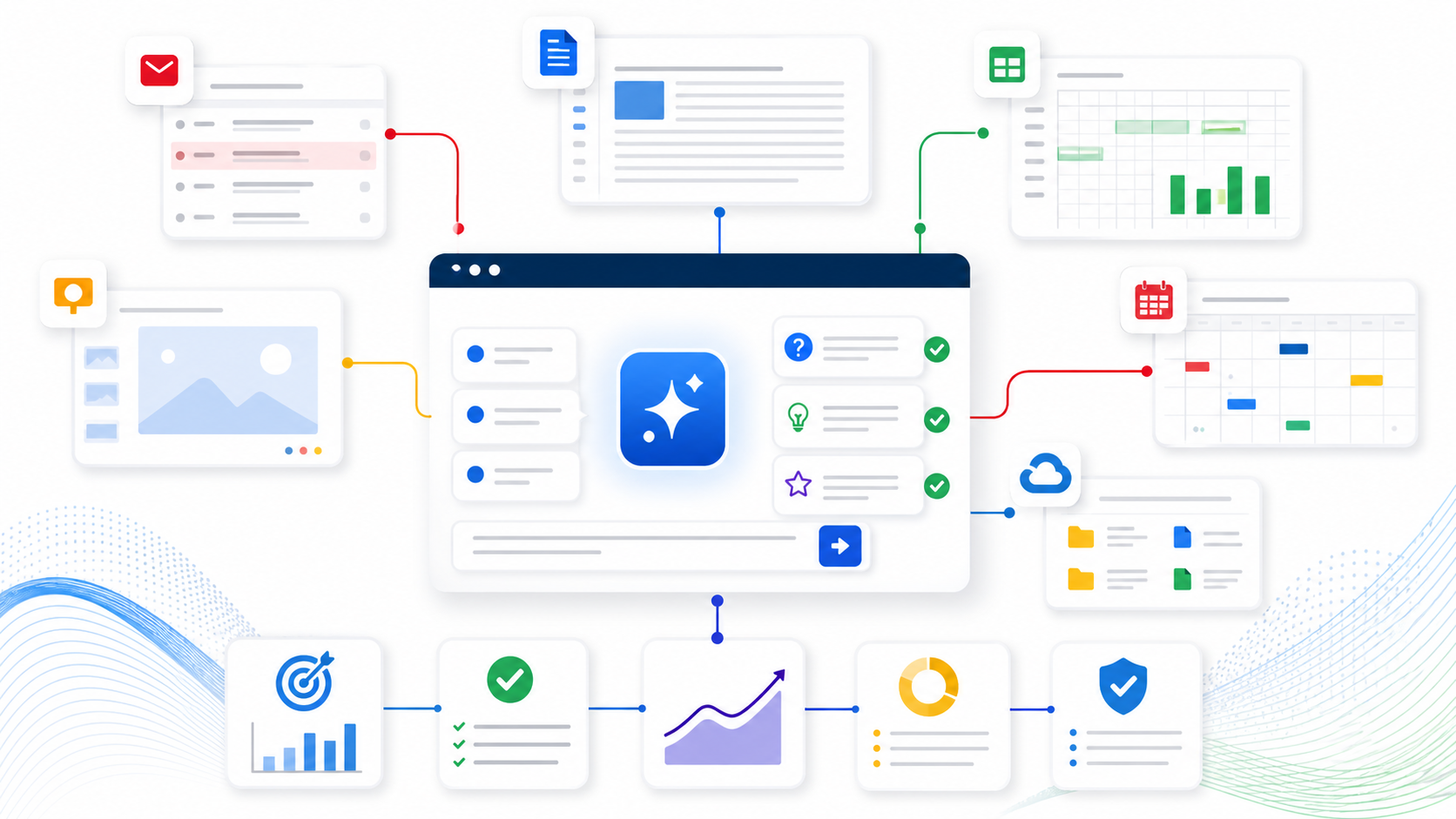
One of the strongest parts of Gemini in Google Workspace is the ability to work with context from Workspace files and apps when the right extensions and permissions are enabled.
A user might draft an invitation in Gmail using details from a Google Docs agenda. A manager might build a status update from Drive files, a Sheets budget, and a Slides outline. A team lead might ask Gemini to turn meeting notes into follow-up points for Chat.
That connected workflow is where the productivity gain lives. The AI tool becomes more useful when it can work near the actual business information.
Governance still matters
Blue Chip would not recommend turning on every AI feature without structure.
Businesses should decide:
- which teams need Gemini first
- which Workspace edition and Gemini licensing fits the business
- whether files and shared drives are organised properly
- who can access sensitive customer, HR, finance, or management documents
- how staff should review AI-assisted drafts before sending them
- what data should never be pasted into prompts
- how managers will train users on safe, useful prompting
Good prompting training should sit beside good security and file-governance practices.
How Blue Chip can help
Blue Chip Technologies helps clients get practical value from Google Workspace by combining licensing, administration, security, user support, and workflow design.
For Gemini adoption, that means helping the business identify where AI can save real time, then building simple usage patterns that staff can repeat.
A good starting plan might include:
- Review current Google Workspace licensing and Gemini availability.
- Confirm admin controls, sharing settings, and sensitive-data boundaries.
- Pick two or three high-value workflows, such as email drafting, meeting follow-up, proposal review, or spreadsheet cleanup.
- Create prompt examples tailored to the business.
- Train users to provide context, ask follow-up questions, and refine output.
- Review usage after a few weeks and improve the process.
This keeps AI adoption practical. Staff get better results, managers get more consistent work, and the business avoids treating Gemini as a novelty.
The bottom line
Gemini in Google Workspace is most useful when users treat prompting as a repeatable work skill.
For local SMBs, better prompts can mean faster customer replies, cleaner documents, better meeting follow-up, stronger planning, and fewer hours lost to routine admin work.
The technology matters, but the habit matters more: give context, ask better questions, refine the answer, and keep the work connected to the files and workflows the business already uses.
Source: Google Workspace Blog - Because you asked: Take prompting to the next level.