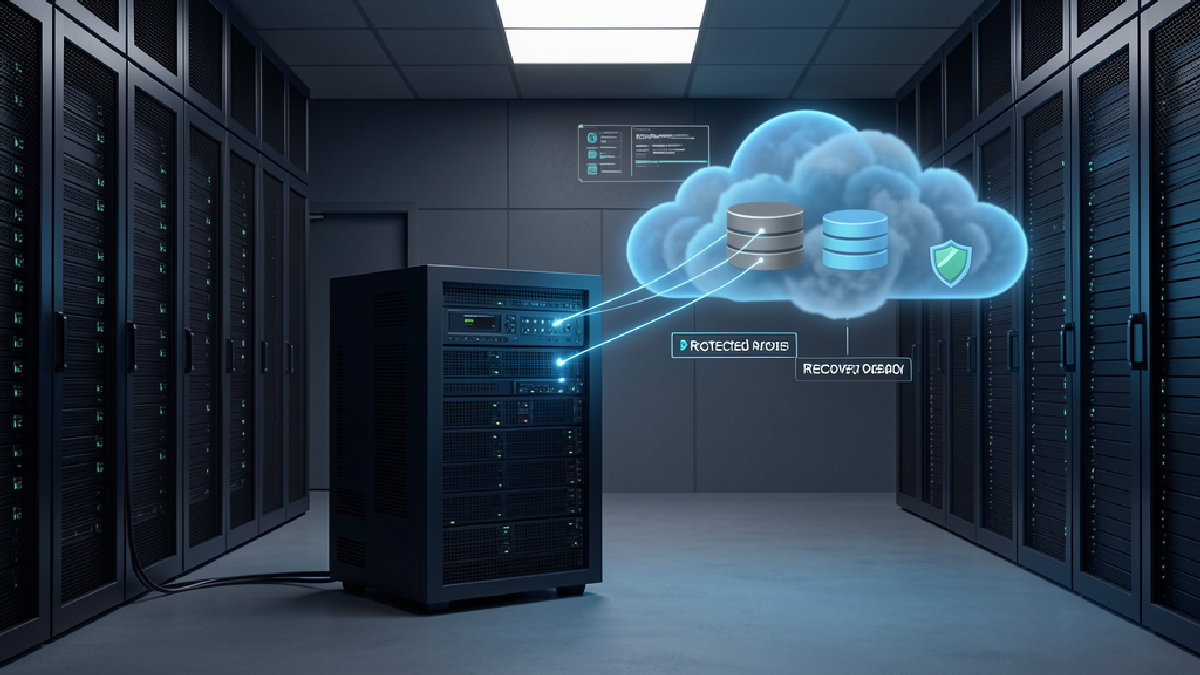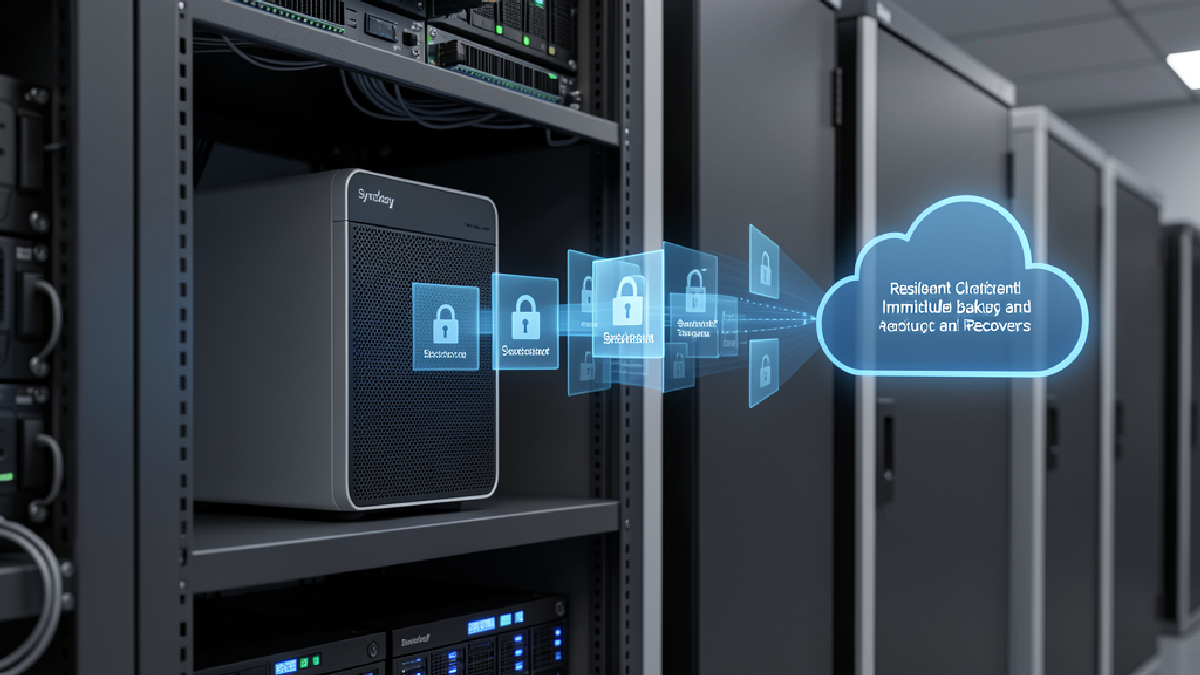
Synology recently wrote about extending data protection beyond enterprise data centres. The local version is simple: a small office, branch, warehouse, retail outlet or temporary project site can still carry business-critical data. Read the original Synology article here: https://blog.synology.com/expand-your-data-protection-beyond-enterprise-data-centers.
Small Site Does Not Mean Low Risk
Many Trinidad and Tobago businesses run from one main office plus a few smaller locations. The smaller site might have a POS machine, project files, security recordings, customer records, accounting exports, production documents or shared folders that only the branch team uses every day.
That data may look minor from head office, but it becomes very serious when the site is hit by ransomware, theft, hardware failure, flooding, accidental deletion or a bad software update. If the only copy sits on a local PC, USB drive or unmanaged NAS, recovery becomes guesswork.
The Real Problem Is Fragmented Backup
The technical issue is not always that there is no backup at all. More often, every location has a different backup habit. One site has a drive. Another has cloud sync. Another has a NAS no one checks. A temporary project site might have a shared folder that never gets added to the official protection plan.
That creates gaps nobody notices until restore day. The practical questions are:
- Can head office see whether each site backed up successfully?
- Is there an off-site or cloud copy if the local equipment is lost?
- Are backups protected from ransomware changes?
- Can a restore be tested without waiting for a crisis?
- Who is responsible for fixing failed backup jobs?
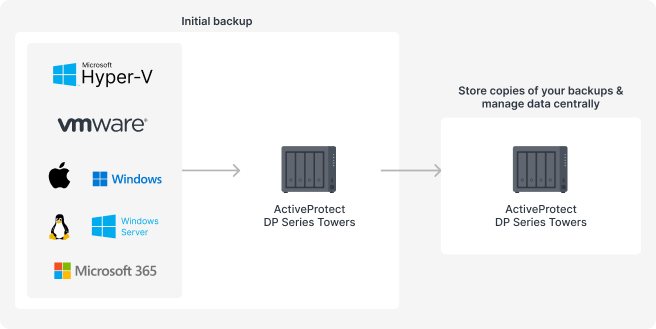
Synology's source article shows how small and branch offices can keep local backups while replicating protected copies to another site.
Where ActiveProtect Fits
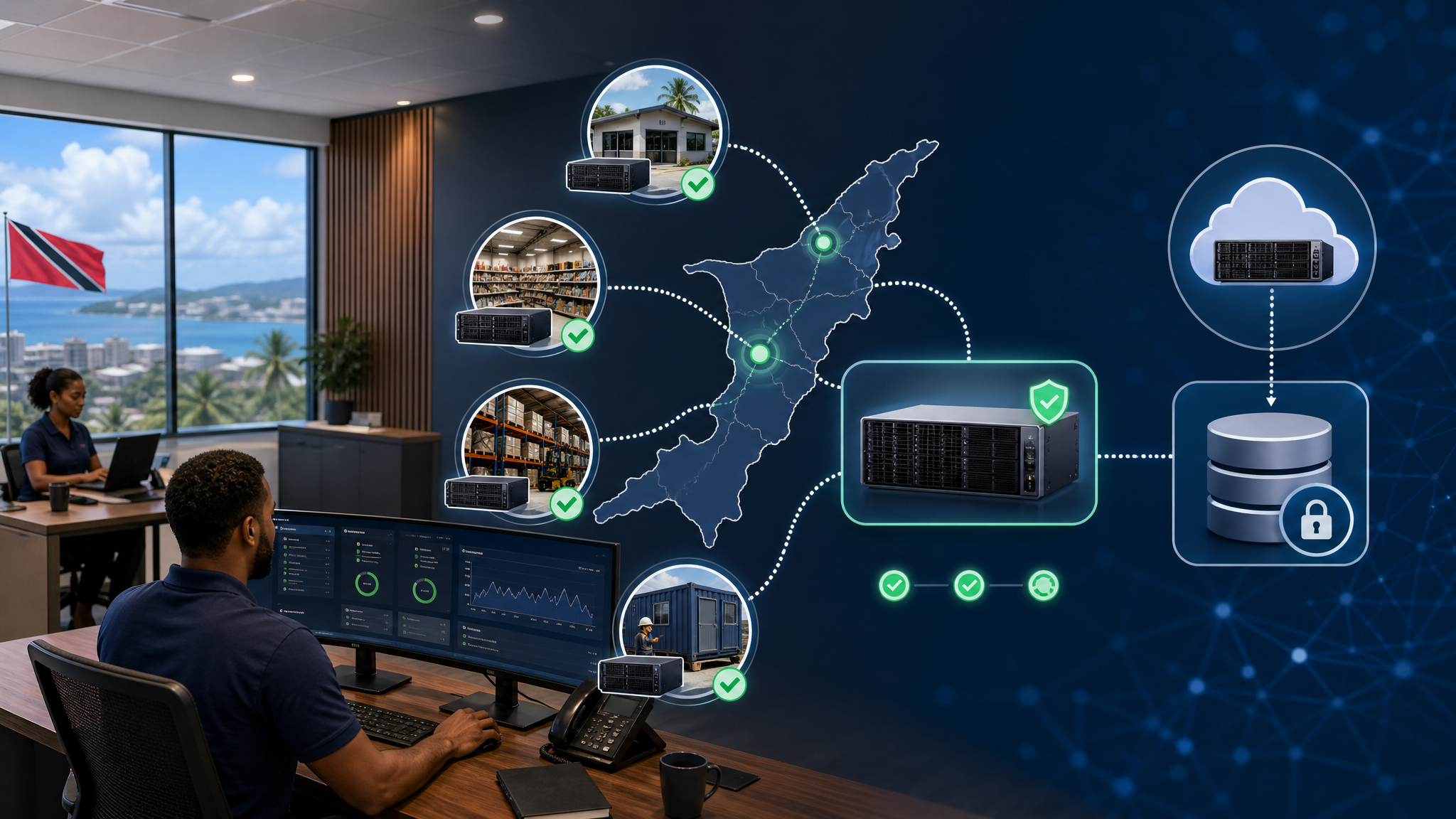
Synology ActiveProtect is built for this kind of mixed environment. Smaller sites can use DP Series Towers for local backup and faster recovery. Copies can then be replicated to another branch, head office or cloud object storage. Larger offices can centralise protection with appliances such as the DP7400, while still keeping branch data under one management view.
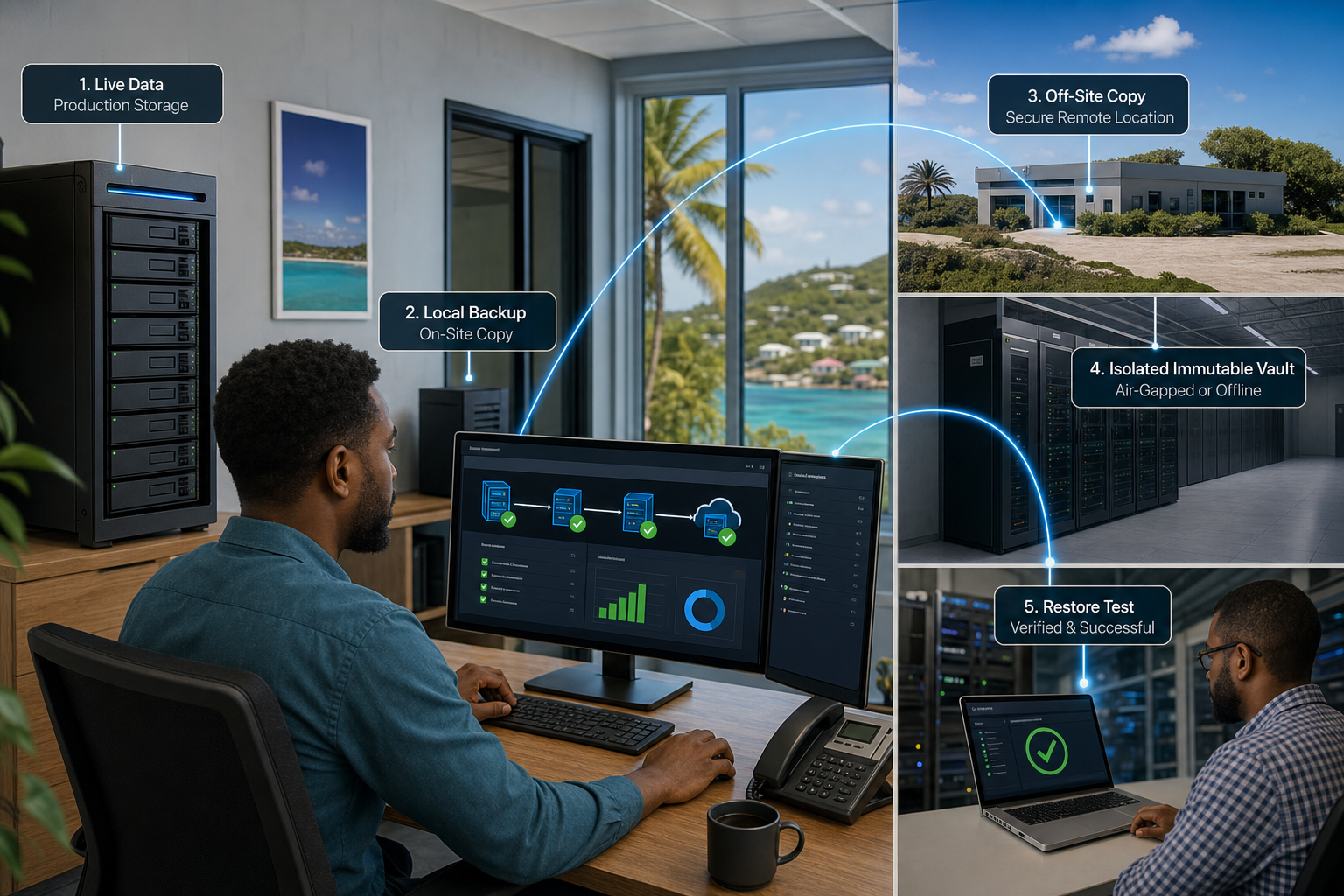
The important business value is consistency. ActiveProtect Manager helps apply backup and retention policies across multiple sites, monitor protection status, use role-based access control and support a 3-2-1-1-0 backup design.
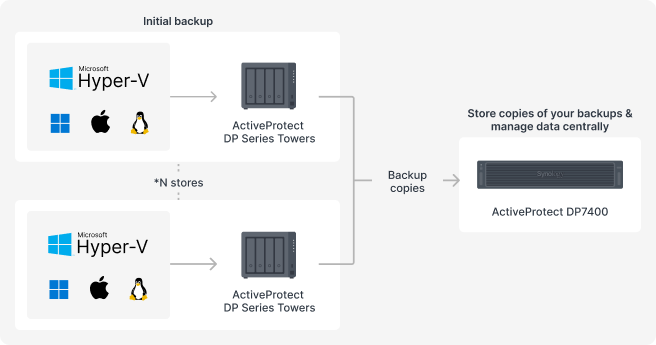
For retail and multi-site businesses, central visibility matters because each location may hold small but operationally critical data.
A Better Local Recovery Plan
For local SMBs, the goal is not to buy the biggest appliance on day one. The goal is to stop treating branch data as an afterthought. Start with the sites that would hurt operations most if they went down: accounts, sales, POS, warehouse, project management, customer service and shared files.
Then build a recovery design around what the business actually needs: local restore speed, off-site copies, immutable protection, regular alerts and test restores.
Blue Chip Technologies Can Help
Blue Chip Technologies helps businesses review backup gaps, design Synology NAS and ActiveProtect deployments, set up off-site replication and test recovery before an outage forces the issue.
If your branch offices or project sites are protected by habit rather than a managed plan, now is the time to fix it. Small locations deserve the same recovery discipline as head office.