Reliable backup is not simply about keeping another copy of data. For many organisations, resilience depends on being able to protect growing data volumes, retain copies for the required period and recover with confidence after deletion, corruption or a cyber incident.
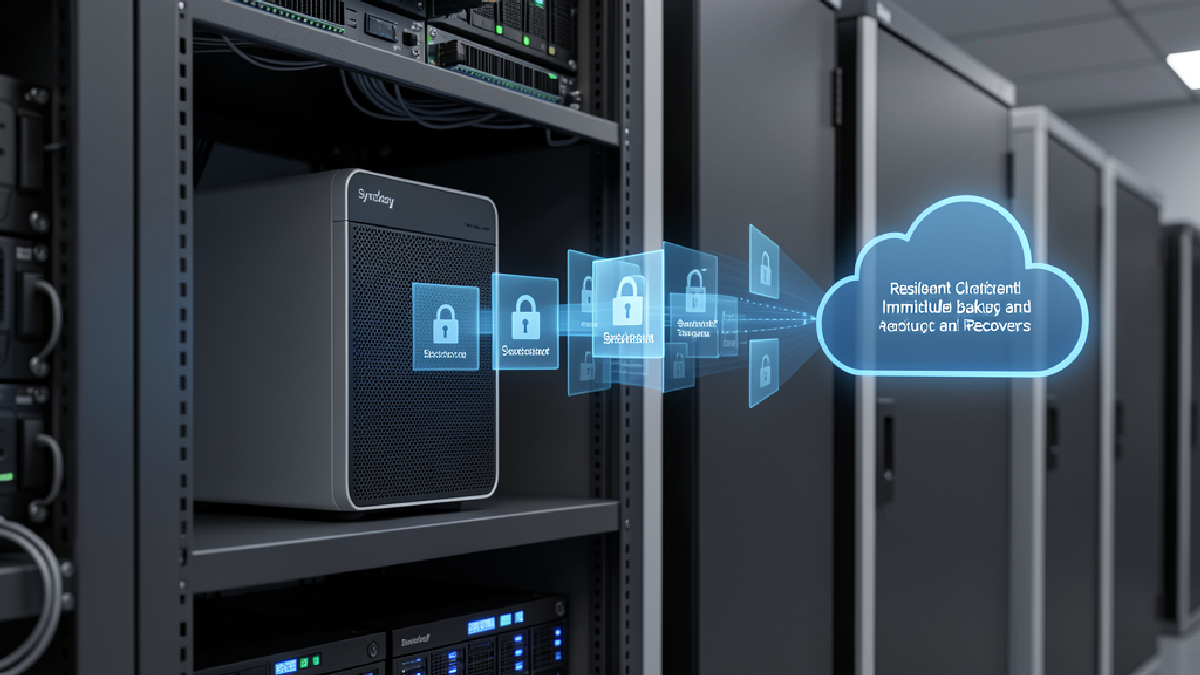
Synology has outlined how Synology ActiveProtect can extend backup protection to the cloud through its integration with Wasabi Hot Cloud Storage. The approach combines a purpose-built backup appliance with remote cloud storage, helping teams keep backup operations visible while adding capacity beyond on-premises hardware.
Why a second location matters
A backup strategy is stronger when it avoids concentrating every copy in one place. Remote storage can provide an additional destination for backup copies or for tiering data as local capacity changes. This can help organisations plan for growth without making everyday backup administration unnecessarily fragmented.
In Synology's example, ActiveProtect can use Wasabi Hot Cloud Storage as a remote storage option. The stated aim is to give administrators a way to extend protection to the cloud while continuing to manage and monitor backup activity from a central platform.
Central visibility supports recovery readiness
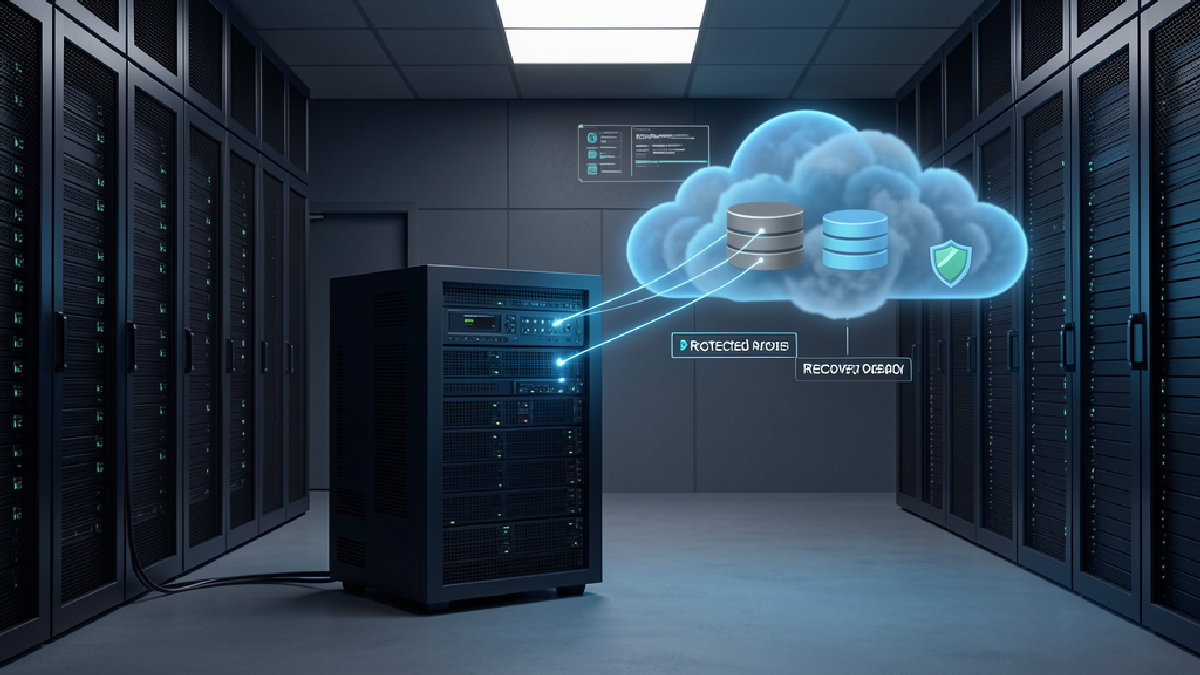
Copies held in different locations are useful only when they remain visible and manageable. Synology says that ActiveProtect's cluster module can monitor data stored remotely from a single platform. A central view can make it easier for IT teams to understand where protected data resides and to spot gaps that could affect recovery planning.
That visibility should be paired with practical operational checks: confirm which workloads are protected, review retention settings, identify who is responsible for recovery decisions and test restoration procedures on a schedule appropriate to the business.
Use immutability and encryption deliberately
Synology also highlights immutable protection plans in ActiveProtect Manager and immutable storage capabilities in Wasabi. Immutability is intended to help protect backup copies from deletion, corruption or tampering during the retention period. The source further notes that client-side encryption can be enabled to add protection for stored backup data.
These controls are most effective when they are part of a wider process. Organisations should document retention requirements, limit administrative access appropriately and regularly confirm that protected copies can be restored when needed.
Plan for retention without losing control
Long-term retention and compliance needs can change how backup storage is designed. Remote cloud storage can provide a place for immutable backup copies or tiered data, while ActiveProtect is intended to keep management centralised. Before adopting any configuration, review data residency, retention and regulatory requirements relevant to your organisation.
For the full product overview and configuration context, read Synology's official article: Expand cyber resilience to the cloud with Synology ActiveProtect and Wasabi Hot Cloud Storage.
How Blue Chip Technologies Ltd. can help
Blue Chip Technologies Ltd. can help assess your backup and recovery requirements, review resilience priorities and discuss how Synology ActiveProtect may fit into a practical data-protection strategy. Contact us to start a conversation about protecting critical data with recovery in mind.