Your boardroom meetings deserve better than everyone huddling around a speakerphone that makes half the participants sound like they're underwater. If you've been putting up with "Can you repeat that?" and "You're breaking up" during conference calls, it's time to look at a proper conference phone.
Yealink makes some of the best conference phones on the market, and they work beautifully with 3CX and other VoIP systems. But which model actually fits your meeting room? Let's break it down.
What Makes a Conference Phone Different from a Regular Speakerphone
A proper conference phone isn't just a louder desk phone. These units have multiple microphones arranged to pick up voices from around the table, noise cancellation to filter out the AC unit humming in the background, and speakers designed for clear voice reproduction.
The result? Everyone in the room can speak naturally without leaning toward the phone, and the people on the other end actually hear full sentences instead of fragments.
Matching the Phone to Your Room Size
This is where most people go wrong. They buy based on price alone, then wonder why the phone doesn't pick up voices from the far end of the table.
Small Meeting Rooms (4-6 People)
For a compact meeting space—think a small conference room or a manager's office where you occasionally pull in a few chairs—a single-unit conference phone handles things well. The Yealink CP920 or CP925 covers a pickup range suitable for a smaller table. These connect directly to your 3CX system and give you HD audio without extra equipment.
Medium Boardrooms (8-12 People)
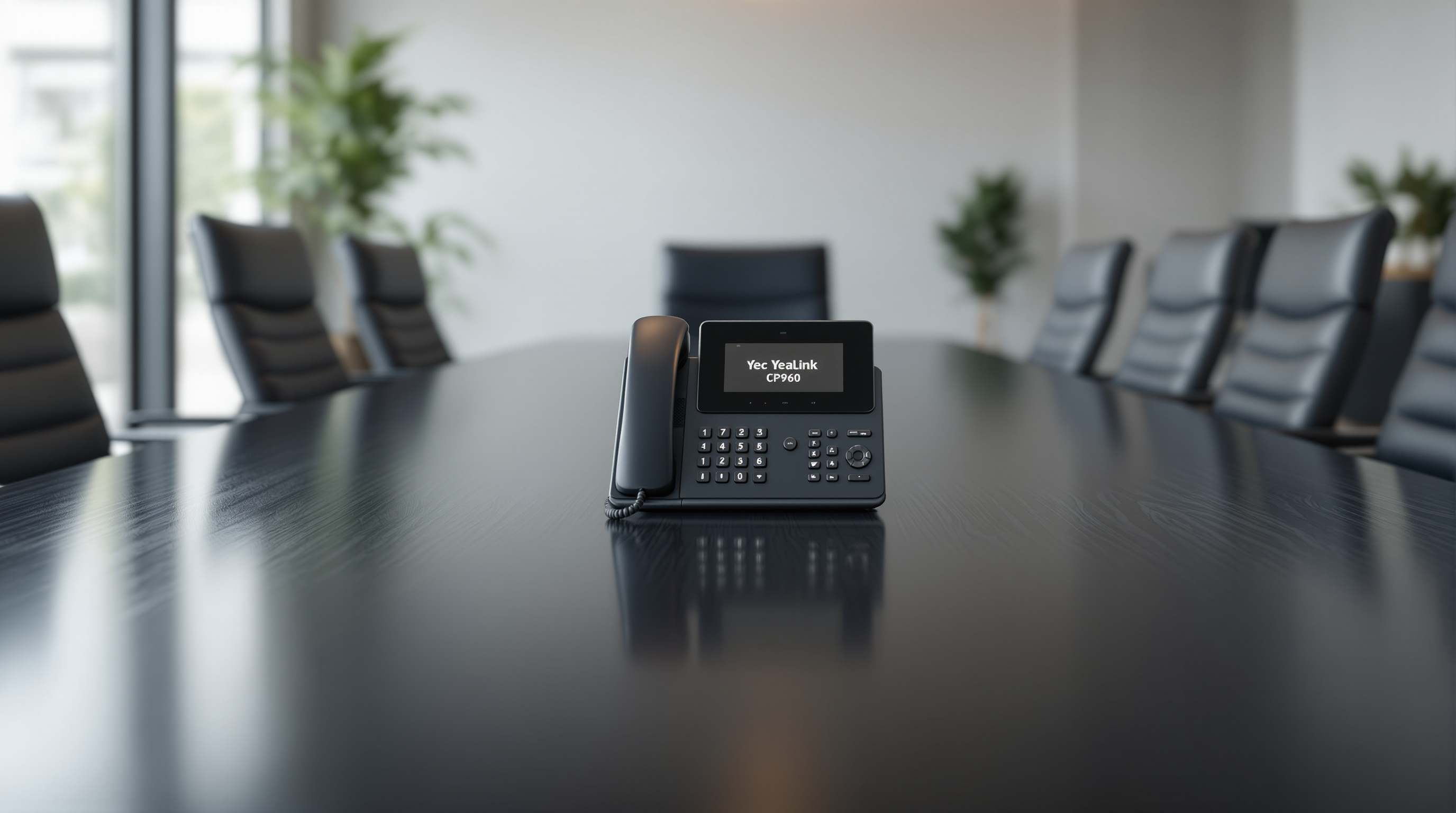
Once you're dealing with a longer table, you need expansion microphones or a phone designed for wider coverage. Yealink's CP960 supports optional expansion mics that you can place further down the table. This way, the person at the far end isn't shouting to be heard.
Large Conference Rooms (12+ People)
For bigger spaces—the kind where you're hosting quarterly reviews or client presentations—you're looking at either multiple expansion mics or stepping up to a more advanced setup. Some businesses at this level also consider dedicated video conferencing systems, which include integrated audio designed for larger rooms.
Key Features to Look For
Not every feature matters for every business, but here's what typically makes the difference:
- Noise cancellation – Essential if your boardroom is near the main office or has that one AC unit that never quite runs silently
- Full-duplex audio – Lets both sides talk simultaneously without cutting each other off
- Touch screen vs. buttons – The touch-screen models (like the CP960) make dialing and managing calls easier, especially for staff who aren't tech-savvy
- 3CX compatibility – All current Yealink conference phones provision easily with 3CX, which means we can set them up remotely and push updates without visiting your office
A Quick Word on Installation
Here's something that trips up some businesses: conference phones need a network connection, not a traditional phone line. If your boardroom doesn't have a network drop near where you want the phone, you'll need to run one or use PoE (Power over Ethernet) from a nearby switch.
We handle all of this during installation—including making sure your network switch can provide PoE if the phone supports it. No separate power adapter cluttering up your boardroom table.
Let's Find the Right Fit for Your Space
Not sure which model suits your meeting room? That's literally what we're here for. We've set up conference phones in everything from cramped offices in Port of Spain to large boardrooms in Point Lisas. We'll ask about your room size, how many people typically join calls, and what VoIP system you're running—then recommend something that actually works.
Give us a call at 1 (868) 609-2288, send a WhatsApp message at wa.me/18686092288, or email [email protected]. You can also reach out through our contact page.
Let's get your boardroom sounding professional.