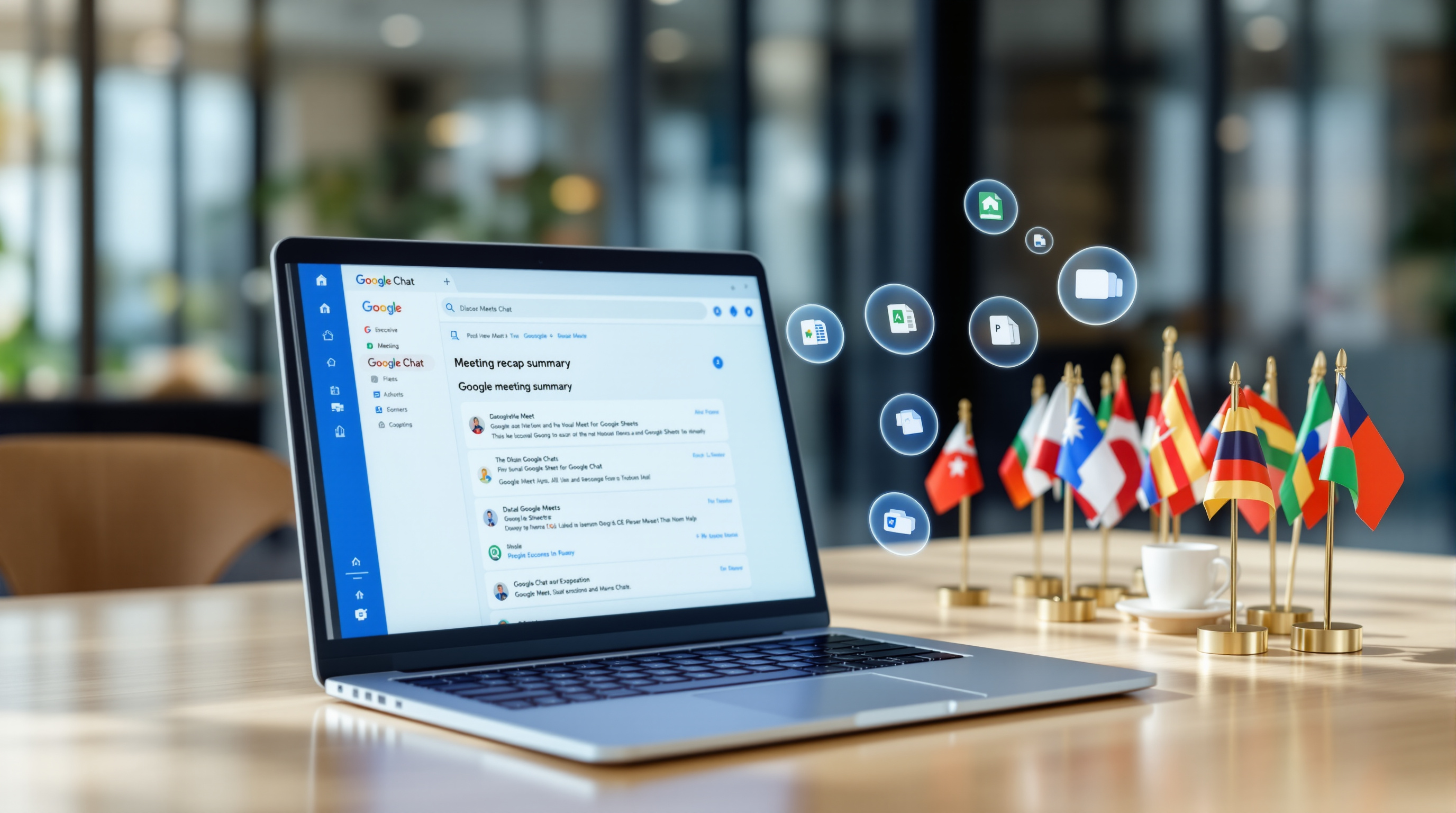
If your team uses Google Meet hardware in your conference rooms, here's a small but useful update coming your way: you'll soon be able to control Gemini's "Take notes for me" feature right from the touch controller. No laptop required.
Why This Matters for Your Meeting Rooms
Picture this: your team's in the boardroom for a client strategy session. Someone joins from the Meet hardware device on the wall, the meeting starts, and now you want Gemini to capture the discussion. Previously, someone would need to join separately on a laptop in Companion mode just to turn on AI note-taking.
Starting late August 2026, that extra step goes away. The controls show up directly on the touch screen in front of you.
What You Can Actually Do
Start and stop note-taking with a tap. A dedicated badge appears on the touch controller—same as what you'd see on the web. One tap starts Gemini taking notes. Another tap stops it.
Pause for sensitive discussions. This one's practical. Say you're discussing salary adjustments or a confidential client matter—pause the note-taking, have your conversation, then resume when you're ready. No fuss.


Who Gets This?
You'll need:
- Google Meet hardware with the appropriate license
- A Workspace plan that includes "Take notes for me" (Business Standard/Plus, Enterprise Standard/Plus, or certain Education add-ons)
The rollout starts August 31, 2026 for Early Preview devices, with broader availability from September 8, 2026.
For IT Admins
If "Take notes for me" is already enabled for your organization, this should just work once it rolls out to your devices. Nothing extra to configure.
Ready to Get More From Your Meeting Room Setup?
If you're running Google Meet hardware—or thinking about upgrading your conference rooms—we can help you get everything configured properly. Give us a call at 1 (868) 609-2288, send a WhatsApp message at wa.me/18686092288, or drop us an email at [email protected].
You can also reach us through our contact page.