
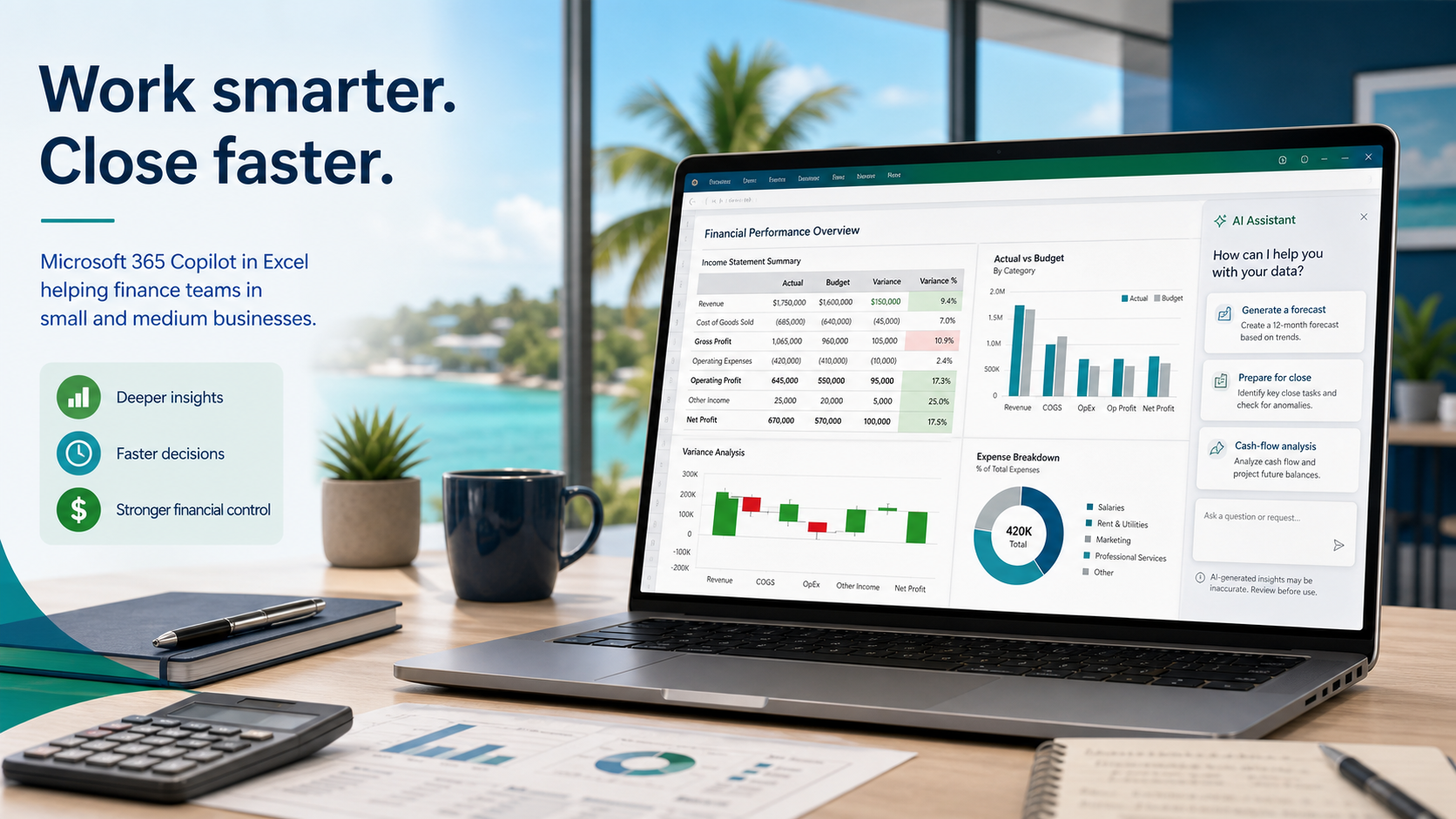
Microsoft's latest update to Copilot in Excel, announced on 25 June 2026, adds finance-specific capabilities that are directly relevant to small and medium-sized businesses (SMBs) in Trinidad and Tobago. The new features cover financial planning and analysis (FP&A), accounting, tax, compliance, and treasury workflows. If your team still builds monthly management reports, cash-flow reviews, and board packs largely by hand, this release deserves a practical look rather than hype.
What Microsoft Announced
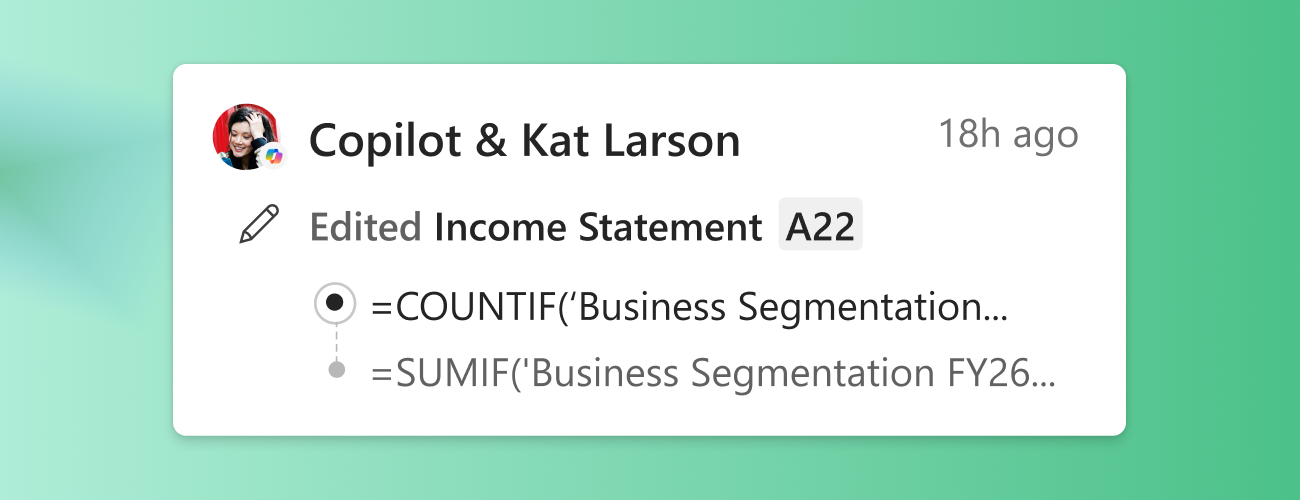
Copilot in Excel now ships with pre-built skills that guide repeatable finance tasks: month-end close, variance analysis, standard reporting models, discounted cash flow (DCF) calculations, and board-package assembly. For Microsoft 365 Copilot customers using Excel on the web, Windows, or Mac, the update also brings personalisation, workbook rules, federated connectors, and Copilot attribution in Show Changes. A new "Plan with Copilot" feature lets you outline ranges, worksheets, formulas, assumptions, and questions before any edits are applied, so every change stays traceable and attributed.
For teams with more specific workflows, custom SKILL.md files stored in OneDrive can define bespoke skills. This is available to Microsoft Insiders now and will reach general availability next month. Partner-built skills are expected in Q3 2026, though third-party connectors may require separate licences or subscriptions, and availability will vary by region and licensing tier.
Where SMBs Can Gain Ground
Local finance teams can apply these tools to the work they already do every month without re-engineering their entire process:
- Monthly reporting: Copilot can draft initial variance commentary and flag outliers, provided your ledger exports and mapping tables are consistent and up to date.
- Cash-flow review: Pre-built skills can help reconcile bank feeds and project short-term liquidity positions, but only if the underlying data is current and properly categorised.
- Budget checks: Workbook rules and Plan with Copilot can surface assumptions and formula dependencies before you commit changes, reducing accidental overwrites.
- Board packs: Copilot can assist in assembling standard sections and checking cross-sheet links, though narrative judgement and final sign-off must remain human.
The real value is not automation for its own sake. It is reducing the time spent on formatting, formula checking, and repetitive reconciliation so your staff can focus on follow-up questions, debtor calls, and decision support.
What to Watch Before You Start
Copilot is only as reliable as the data it reads. If your files contain merged cells, inconsistent naming conventions, broken external links, or hidden rows, the output will reflect those flaws. Human review is non-negotiable. Every Copilot-generated edit is attributed in Show Changes, which helps audit trails, but attribution does not replace verification.
Permissions matter. Copilot respects the access rights of the signed-in user. If a workbook sits in a SharePoint or OneDrive folder with overly broad sharing links, Copilot may summarise or suggest edits using data the user should not see. Tighten your folder structure and sharing policies before enabling Copilot across the team.
Getting Your Files Ready
We recommend a short preparation phase before any rollout. Start by auditing your most-used templates and standardising headers, date formats, and account codes. Move active workbooks into clearly named SharePoint or OneDrive folders with role-based permissions. Document your recurring close and reporting steps so you can compare them against Copilot's pre-built and custom skills. Then run a pilot with one or two workbooks and compare Copilot output against your current manual results before expanding to the full month-end process.
Governance and Training
Introduce Copilot as a drafting assistant, not a replacement for your finance lead or external accountant. Set a simple governance rule: all Copilot-generated figures, variance notes, and board-pack sections must be reviewed by a second person before circulation. Train users on how to use Plan with Copilot to preview changes, and make sure they understand that third-party connectors may carry extra subscription costs that need to be budgeted.
If your business is not yet licensed for Microsoft 365 Copilot, or if you are unsure whether your current tenant, file structure, and security settings are ready, Blue Chip Technologies can help. We provide licensing guidance, readiness checks, rollout planning, user training, and ongoing support for SMBs in Trinidad and Tobago.
Source: Microsoft 365 Blog, "Copilot in Excel: Built for the era of frontier finance", 25 June 2026.
Contact Blue Chip Technologies to discuss Microsoft 365 and Copilot licensing, or to arrange a readiness review for your finance team.