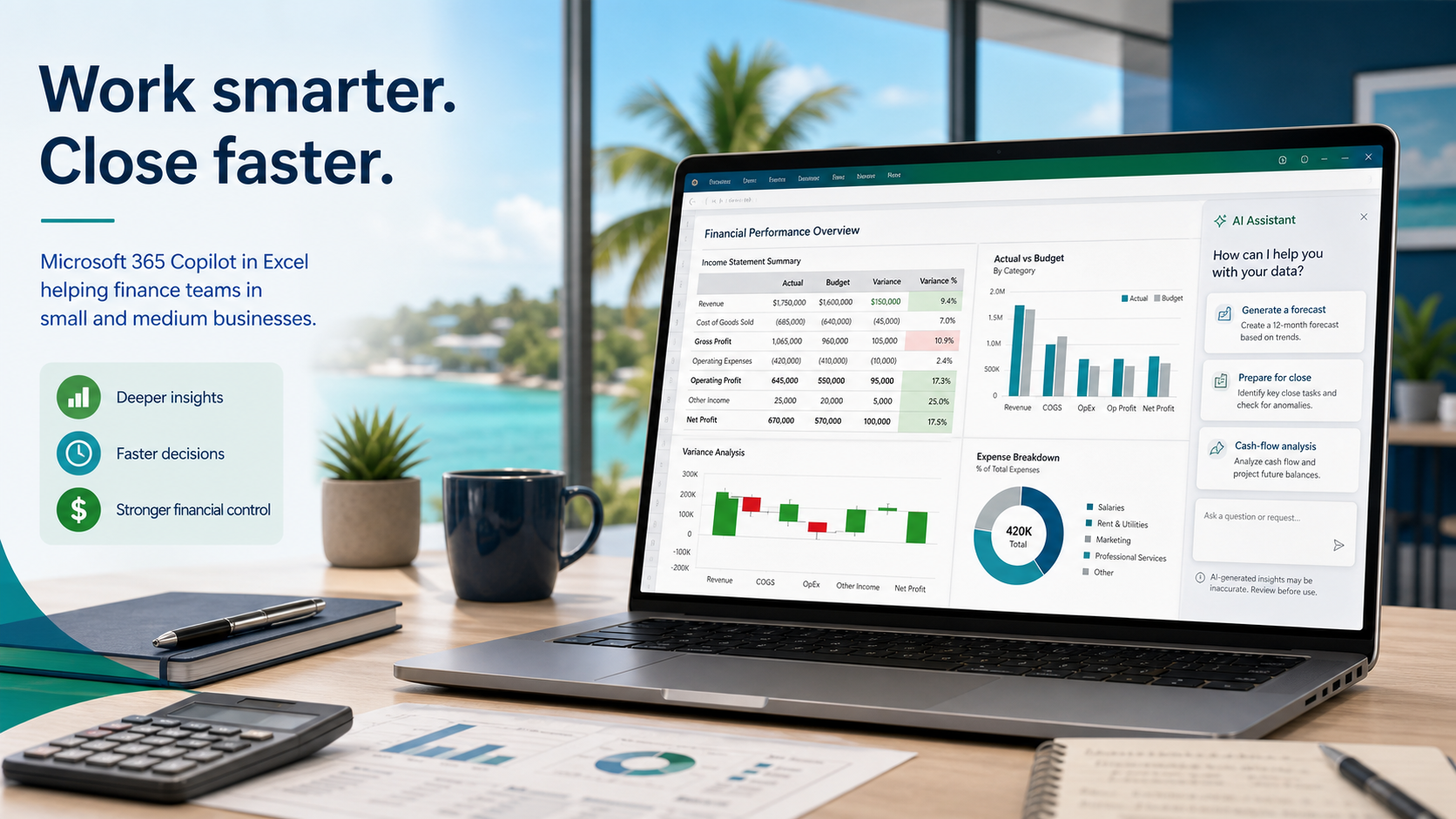
Copilot in Excel: A Smarter Way To Review Finance Workflows
Microsoft is adding finance-focused Copilot in Excel capabilities. SMBs should treat them as a chance to improve reporting, review, and spreadsheet governance.
Insights, tutorials, and news from our IT experts in Trinidad & Tobago.

Microsoft is adding finance-focused Copilot in Excel capabilities. SMBs should treat them as a chance to improve reporting, review, and spreadsheet governance.

Microsoft's latest Copilot in Excel updates point to a practical SMB use case: faster, more traceable finance and operations reporting with human review.

Copilot can now take multi-step actions inside Word, Excel, and PowerPoint—drafting documents, analysing data, and updating presentations. But here's what matters: your staff still review, approve, and own every change. Here's how it works in real SMB workflows.

Microsoft has expanded Copilot in Excel with finance-specific capabilities. Here is what local SMB owners and finance managers need to know before rolling it out.

Microsoft 365 Copilot Redesign: Cleaner AI Workflows for Busy Teams Microsoft has introduced a redesigned Microsoft 365 Copilot experience, with a cleaner...

Copilot in Word, Excel, and PowerPoint Needs a Workflow Plan Microsoft has made Copilot's agentic capabilities in Word, Excel, and PowerPoint generally...

AI Workflows Need Owners, Not Just Prompts Microsoft's latest Work Trend Index article makes a useful point for small and mid-sized businesses: AI is not only...

Copilot in Word, Excel, and PowerPoint: When Office Apps Start Doing the Work Microsoft has moved Copilot's newer agentic capabilities in Word, Excel, and...

Microsoft 365 Copilot: Turning Word, Excel, and PowerPoint into Workflow Assistants Most businesses already use Word, Excel, and PowerPoint every day. The...