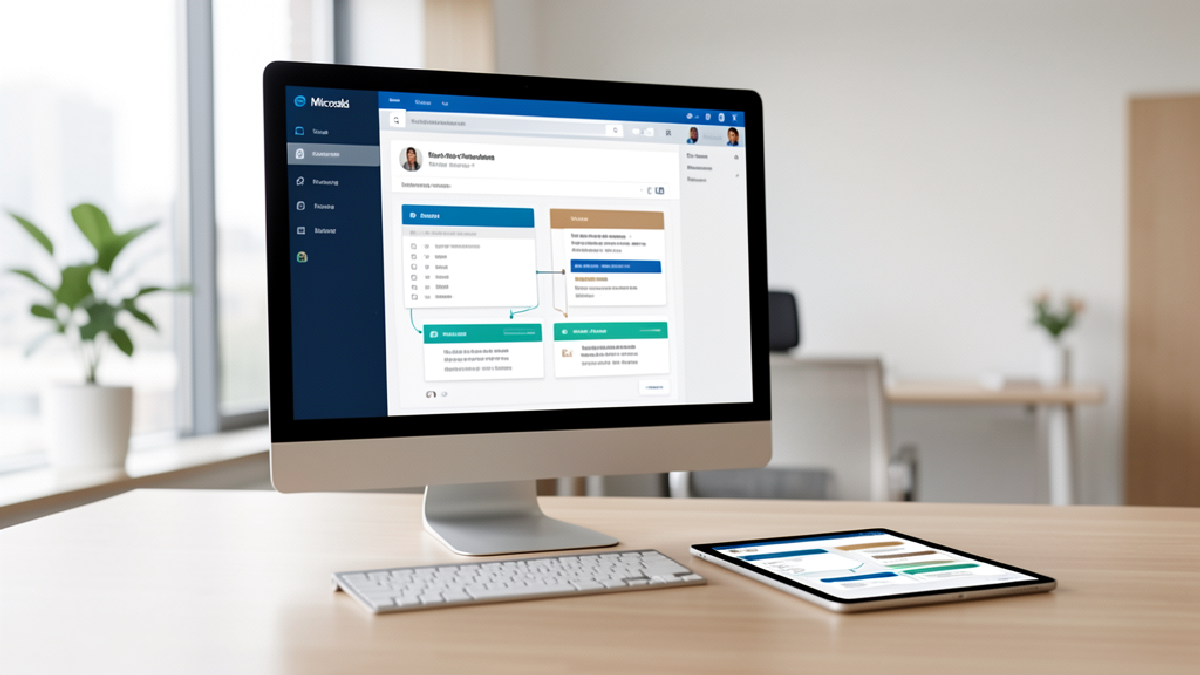
Microsoft has announced new Copilot in Excel capabilities aimed at finance teams, and the lesson for Trinidad and Tobago SMBs is broader than enterprise finance. The practical question is how to make spreadsheets more reviewable, repeatable, and connected to trusted business data without pretending AI removes the need for judgement.
The Microsoft article, Copilot in Excel: Built for the era of Frontier Finance, describes new finance-focused skills, connectors, personalisation, workbook rules, planning controls, and traceable changes in Excel. These features are designed to help teams handle multi-step analysis while keeping the human reviewer in control.
Why This Matters For SMB Finance Work
Many local businesses still run important processes through Excel: monthly reporting, sales analysis, stock planning, cash flow forecasts, quote margin checks, payroll summaries, and budget reviews. Those workbooks are useful, but they also become risky when formulas are changed without a clear record, reports are rebuilt manually every month, or only one person understands how the model works.
Copilot in Excel is moving toward a more controlled workflow. Skills can guide repeatable work such as variance analysis or reporting refreshes. Workbook rules can capture structure and formula conventions. Plan with Copilot lets users review the proposed changes before Copilot updates ranges, worksheets, formulas, or assumptions.
Traceability Is The Real Selling Point
For finance work, the answer is not enough. Teams need to know where the figures came from, what changed, which assumptions were used, and whether a person reviewed the final result. Microsoft says Copilot changes can now be traced back to affected cells, with Copilot attribution shown alongside collaborator activity in Excel's Show Changes pane.
That is important for managers, accountants, and business owners who want AI assistance without losing accountability. Copilot can help prepare the analysis, but people still need to verify inputs, question assumptions, and approve the outcome before it drives a quote, payment decision, forecast, or board report.
Start With Readiness, Not Hype
The features are rolling out progressively to Microsoft 365 Copilot customers, and Microsoft notes that availability, supported regions, and licensing requirements may vary. Some connectors and data providers may also require separate licensing or subscriptions.
Before rolling this into day-to-day finance work, SMBs should review Microsoft 365 licensing, Excel workbook quality, OneDrive and SharePoint permissions, data sources, sensitivity labels, and the internal approval process around finance reports. The goal is not to let Copilot run the business. The goal is to make routine analysis faster while keeping control, auditability, and review discipline intact.
How Blue Chip Technologies Helps
Blue Chip Technologies can help businesses review Microsoft 365 and Copilot readiness, clean up SharePoint and OneDrive access, identify safe Excel use cases, plan pilot groups, train users, and support licensing decisions. If your team relies on spreadsheets for reporting or planning, this is a good time to modernise the workflow without creating new risk.
Contact Blue Chip Technologies for Microsoft 365/Copilot licensing, readiness checks, rollout planning, user training, and support.