
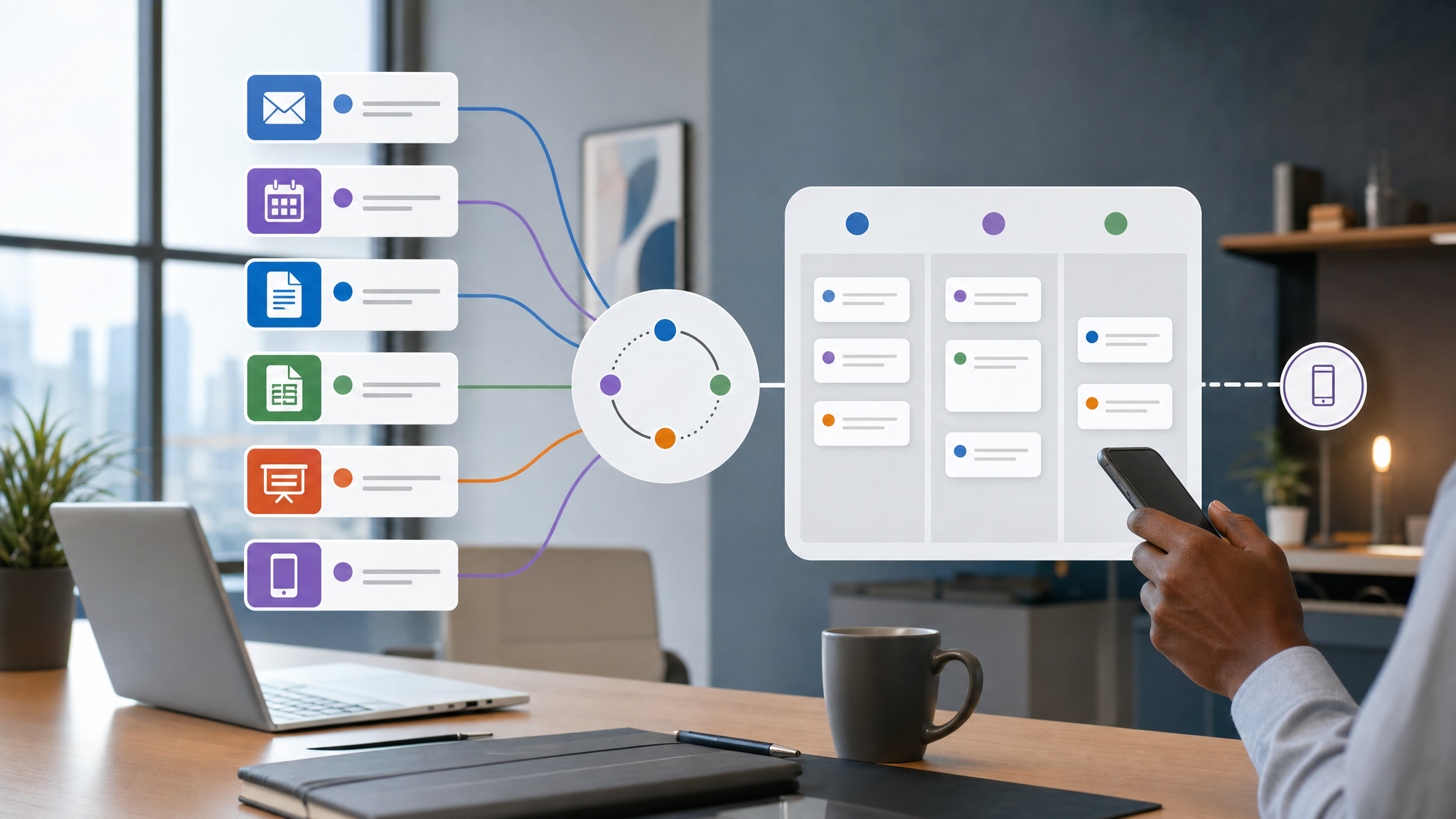
AI Workflows Need Owners, Not Just Prompts
Microsoft's latest Work Trend Index article makes a useful point for small and mid-sized businesses: AI is not only changing how individual staff draft emails or summarize documents. It is changing how work is assigned, reviewed, connected, and owned.
That matters for businesses in Trinidad and Tobago that are starting to use Microsoft 365 Copilot, Outlook, Word, Excel, PowerPoint, Teams, SharePoint, OneDrive, and connected business apps. The risk is not that staff use AI. The risk is that every department uses AI differently, with no clear owner for the workflow, the data, or the final decision.
Prompts are not a business process. They are only the instruction layer. The process still needs structure.
AI should support the workflow, not replace ownership
Microsoft describes a shift where Copilot and agents can help people move from intent to outcome across Microsoft 365 apps. The article references Work IQ, Enterprise Data Protection, agentic capabilities in Word, Excel, and PowerPoint, Outlook meeting assistance, Microsoft Agent 365, Copilot Cowork, plugins, and connectors.
For an SMB, the practical lesson is simple: before asking AI to do more work, decide who owns the result.
If Copilot drafts a customer email, who approves it before it is sent? If AI summarizes a Teams discussion, who confirms the action items? If a manager asks Copilot to prepare a report from SharePoint documents and Excel files, who checks that the sources are current and complete?
AI can reduce admin time, but it should not blur accountability.
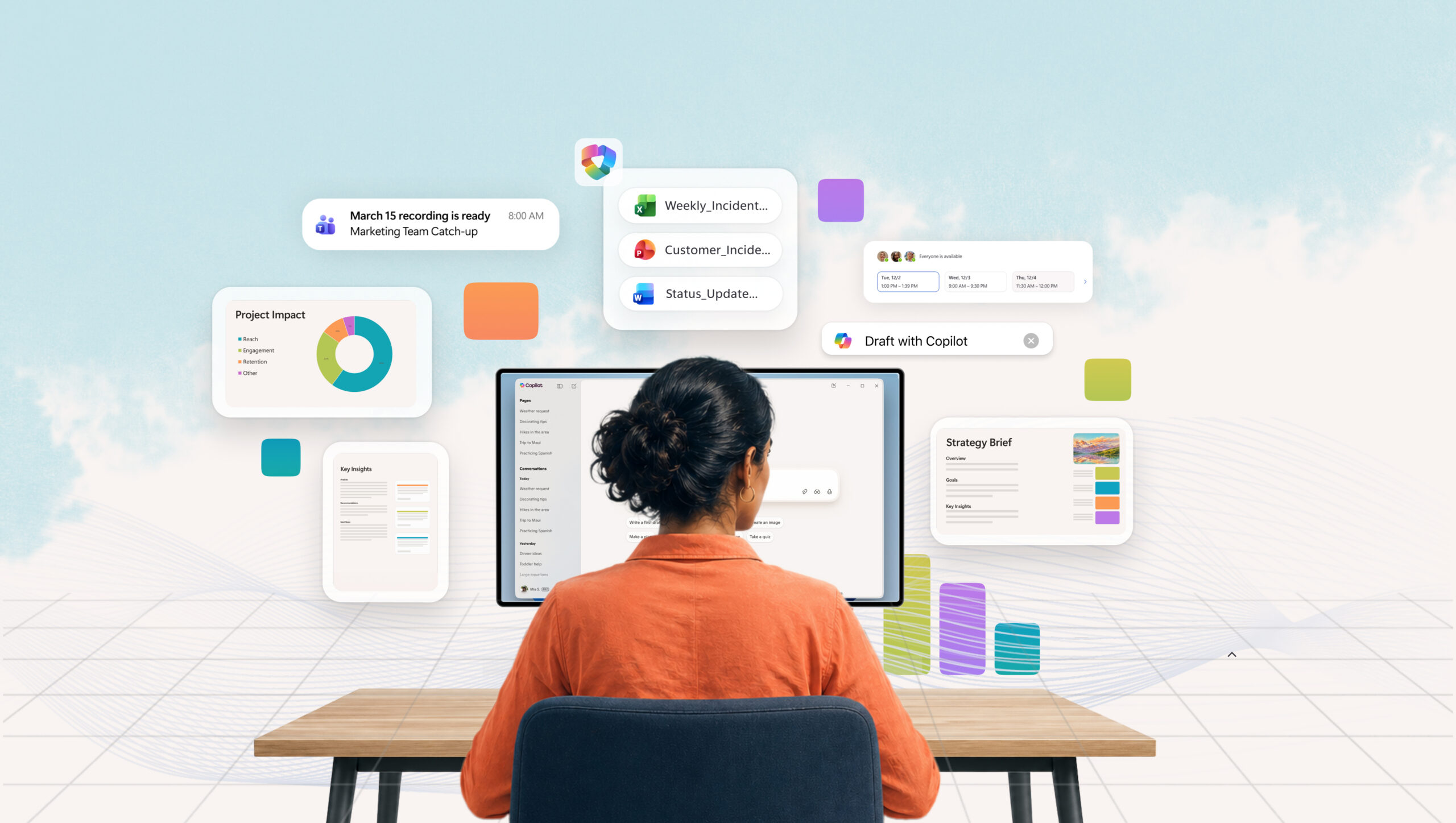
Microsoft's Work Trend Index article frames Copilot as part of a broader shift from isolated prompts to AI-assisted work systems.
Start with repeatable work
The best early AI workflows are not vague. They are repeatable tasks where the business already knows what good output looks like.
Good starting points include:
- meeting preparation from Outlook, Teams, and SharePoint context
- customer follow-up drafts after a service call or sales meeting
- weekly management summaries from approved reports
- first drafts of internal policies, notices, or project updates
- spreadsheet analysis where the source workbook is clearly identified
- handover notes between departments
These are useful because staff can define the format, source material, review step, and final owner.
Connectors and plugins need governance
Microsoft also points to connected apps, plugins, and federated Copilot connectors as part of the future Microsoft 365 workflow. That can be valuable when information lives across CRM, finance, project, reporting, and document systems.
It can also create exposure if connections are added casually.
Before connecting Copilot or any AI workflow to business systems, the company should check:
- what data the connector can read
- whether it respects existing Microsoft 365 permissions
- who can activate or use it
- whether activity can be logged and reviewed
- whether customer, HR, finance, or supplier data is involved
- whether the vendor is approved for business use
This is especially important for smaller businesses where one person may wear several hats. Convenience should not become uncontrolled access.
Staff need rules they can actually follow
AI policies fail when they are too vague. Telling staff to "use AI responsibly" is not enough.
A practical Microsoft 365 AI policy should answer everyday questions:
- Can staff paste customer emails into AI tools?
- Can Copilot help draft quotes, proposals, or support replies?
- Which documents are approved as source material?
- What needs human review before it leaves the business?
- Who approves new plugins, connectors, or agents?
- What should staff do if AI output looks wrong or incomplete?
The rules should be simple enough for busy teams to use during real work.
The Microsoft 365 foundation still matters
AI workflow control depends on the quality of the Microsoft 365 environment underneath it. If SharePoint permissions are messy, Teams are unmanaged, old files are scattered everywhere, and staff use unmanaged devices, AI will inherit that confusion.
Before scaling Copilot workflows, Blue Chip would usually review:
- Microsoft 365 user and admin roles
- MFA and conditional access
- device management and compliance
- SharePoint and Teams ownership
- OneDrive sharing settings
- sensitive data locations
- retention and backup expectations
- Defender and security alert review
- staff training for safe AI use
These basics make AI more useful because the assistant can work from cleaner, better-governed information.
A sensible first project
Choose one workflow and make it concrete.
For example, a weekly management summary could use approved SharePoint folders, a specific Excel report, recent Teams meeting notes, and a fixed output format. Copilot can help prepare the draft, but a named manager still reviews the numbers, confirms the recommendations, and sends the final version.
That is the right balance for most SMBs: use AI to speed up the preparation, keep humans responsible for the judgment.
Microsoft 365 Copilot is becoming more capable across documents, meetings, email, spreadsheets, mobile work, and connected apps. The businesses that benefit most will be the ones that treat AI as part of managed operations, not as a collection of random prompts.
Source: Microsoft 365 Blog - Microsoft 365 Copilot, human agency, and the opportunity for every organization.


