
Microsoft 365 Copilot in Excel now handles complex financial analysis tasks that used to take hours—building models, spotting anomalies in large datasets, and generating insights from your numbers through natural language prompts. If your finance team spends too much time wrestling with spreadsheets instead of making decisions, this is the shift worth paying attention to.
Blue Chip Technologies Ltd. works with businesses to deploy and support Microsoft 365, including the Copilot AI features that are changing how finance teams operate.
What can Copilot actually do in Excel for finance work?
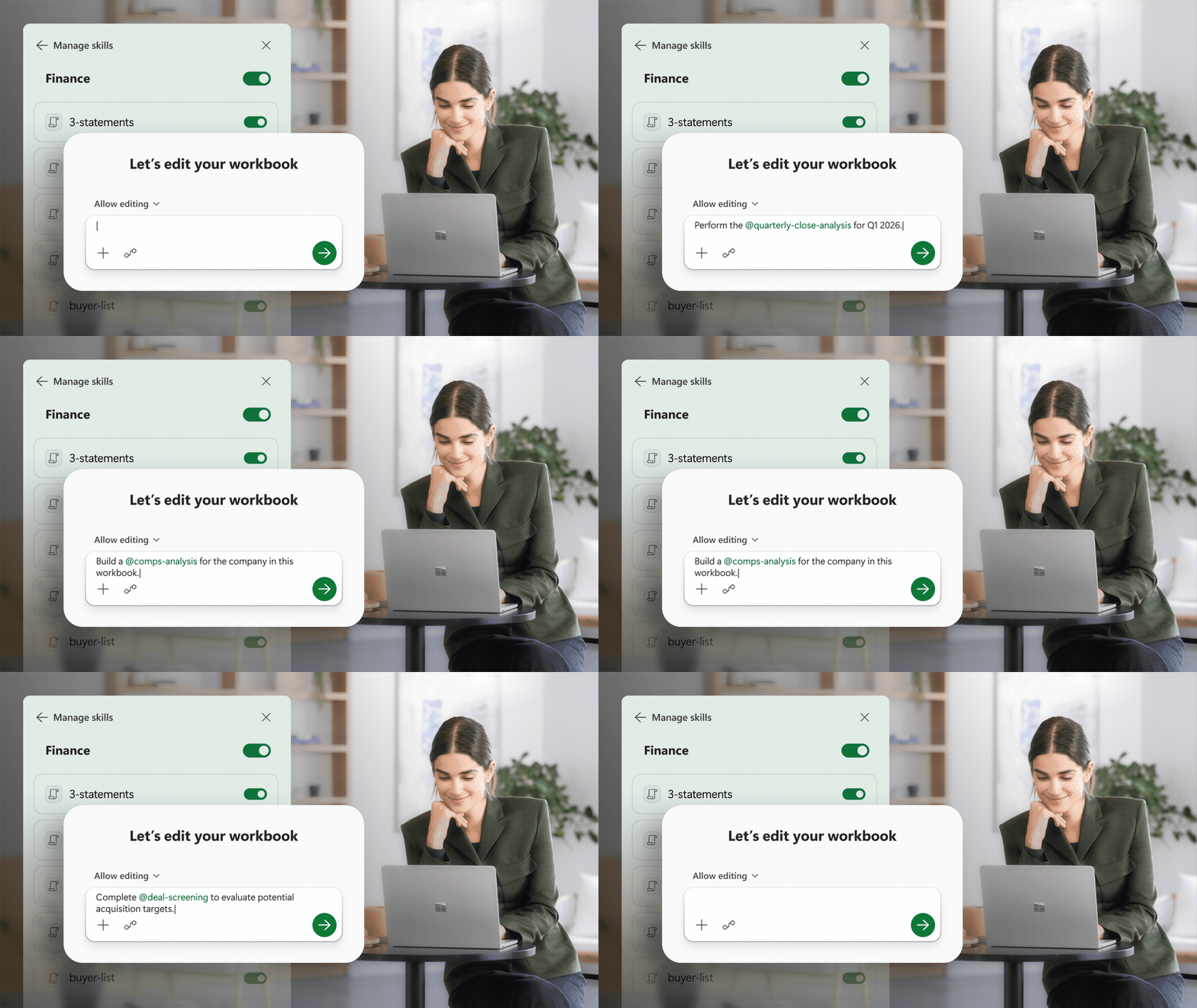
Copilot in Excel isn't just autocomplete for formulas. It understands context. You can ask it to analyse trends across quarters, flag outliers in expense reports, or build a forecast model—and it does the work inside your spreadsheet, showing you exactly what it changed and why.
For finance professionals, this means:
- Natural language queries: Ask "What's driving the variance in Q2?" and get an actual answer with supporting data highlighted
- Automated model building: Describe what you need, and Copilot creates the formulas and structure
- Data cleaning at scale: Identify inconsistencies across thousands of rows without manual checking
- Scenario analysis: Test assumptions quickly by asking "What if we increase margin by 3%?"
How does this fit into the broader Microsoft 365 setup?
Copilot in Excel works alongside the rest of the Microsoft 365 suite—your Outlook emails, Teams conversations, SharePoint documents, and OneDrive storage. The AI can pull context from across these tools when you need it.
Say your CFO emails a question about last month's figures. You can open the relevant Excel file, ask Copilot to summarise the key points, and reply within minutes. No switching between five different screens or rebuilding context from scratch.
For organisations already using Microsoft 365 through Blue Chip, adding Copilot capabilities builds on your existing investment.
Is this actually useful for smaller finance teams?
Yes—arguably more so. Larger organisations often have dedicated analysts who know every Excel shortcut. Smaller teams don't have that luxury. Someone's handling accounts receivable, payroll, and financial reporting, often in the same afternoon.
Copilot acts as a capable assistant that doesn't need training, doesn't take holidays, and won't accidentally delete your formulas. It's particularly useful when you need to:
- Prepare board reports quickly from raw data
- Reconcile figures across multiple sources
- Answer ad-hoc questions from management without rebuilding entire analyses
- Catch errors before they become problems
Frequently asked questions
Do I need a special licence for Copilot in Excel?
Copilot requires a Microsoft 365 Copilot add-on licence on top of your existing Microsoft 365 subscription. Your Microsoft partner can advise on the right configuration for your organisation.
Will Copilot work with my existing Excel files?
Yes. Copilot works with your current spreadsheets—there's no need to migrate data or change file formats. It analyses what you already have.
Is my financial data secure when using Copilot?
Copilot operates within Microsoft's security framework. Your data stays in your tenant and isn't used to train external models. The same compliance and data protection policies you've set for Microsoft 365 apply to Copilot.
Can Copilot replace my finance team?
No. It handles repetitive analysis and data preparation, freeing your team to focus on interpretation, strategy, and decisions that require human judgement.
Ready to see what Copilot can do for your finance operations?
If you're curious about adding Copilot to your Microsoft 365 setup—or you're not yet on Microsoft 365 and want to explore the full picture—get in touch with our team.
📞 Call: 1 (868) 609-2288
💬 WhatsApp: Chat with us
📧 Email: [email protected]
🌐 Contact form: bluechiptt.com/contact