Google just rolled out a batch of updates to Google Workspace that tackle some genuinely annoying day-to-day problems—like back-to-back meetings with no breathing room, messy cross-platform document collaboration, and the headache of scheduling across time zones. If your team uses Workspace, these changes are worth knowing about because they'll save you time and reduce friction in ways that actually matter.
Let's break down what's new and why it's useful for your business.
Finally, automatic meeting buffers in Google Calendar
Anyone who's spent a day jumping from one video call straight into another knows the drill: no time to grab a coffee, answer that urgent email, or even just think. Google Calendar now lets you set a default 5-minute buffer between meetings. It's a small thing, but it adds up. Your team gets built-in recovery time without having to manually adjust every single meeting.
You'll find this under the new "Event duration & buffer settings" on a per-calendar basis, so you can customise it for different work contexts.
Compare Word and Google Docs without converting anything
Here's one that'll resonate if you work with external clients or partners who insist on Microsoft Word. Google Docs already lets you open and edit .docx files directly. Now, the Compare documents tool supports Word files too—so you can review edits across both formats without that annoying conversion step.
No more "which version is this?" confusion when someone sends back a marked-up Word doc.
Time zone scheduling that actually makes sense
Scheduling calls with colleagues or clients in different time zones used to mean squinting at "GMT-5" and doing mental maths. Calendar now shows proper time zone abbreviations—ET, PT, MEZ, and so on—instead of raw offsets. If you're coordinating with teams across multiple regions, this is a small quality-of-life improvement that removes unnecessary friction.
Gemini-powered data classification is now live
For organisations dealing with sensitive files, Google's AI-powered data classification in Drive is now generally available. Admins can set up natural-language classification rules at scale, which means you can automatically tag and organise files based on their content. Useful for compliance, internal governance, or just keeping your shared drives from becoming a disorganised mess.
If you're looking at cloud security and productivity tools, this is the kind of feature that makes Workspace genuinely enterprise-ready.
Build custom tools without writing code
The Gemini side panel in Apps Script is now generally available. What does that mean in practice? Anyone on your team can create, customise, or troubleshoot scripts using plain language. No coding experience needed. Want to automate a repetitive task or build a custom workflow? Just describe what you need.
Better document organisation in Google Docs
Three new features landed: inline captions, cross-references, and tables of captions. If you create longer documents with figures, tables, or equations, you can now reference and navigate them properly. It's the kind of thing Word has had for years, and it's good to see Docs catching up.
Share files directly during Meet presentations
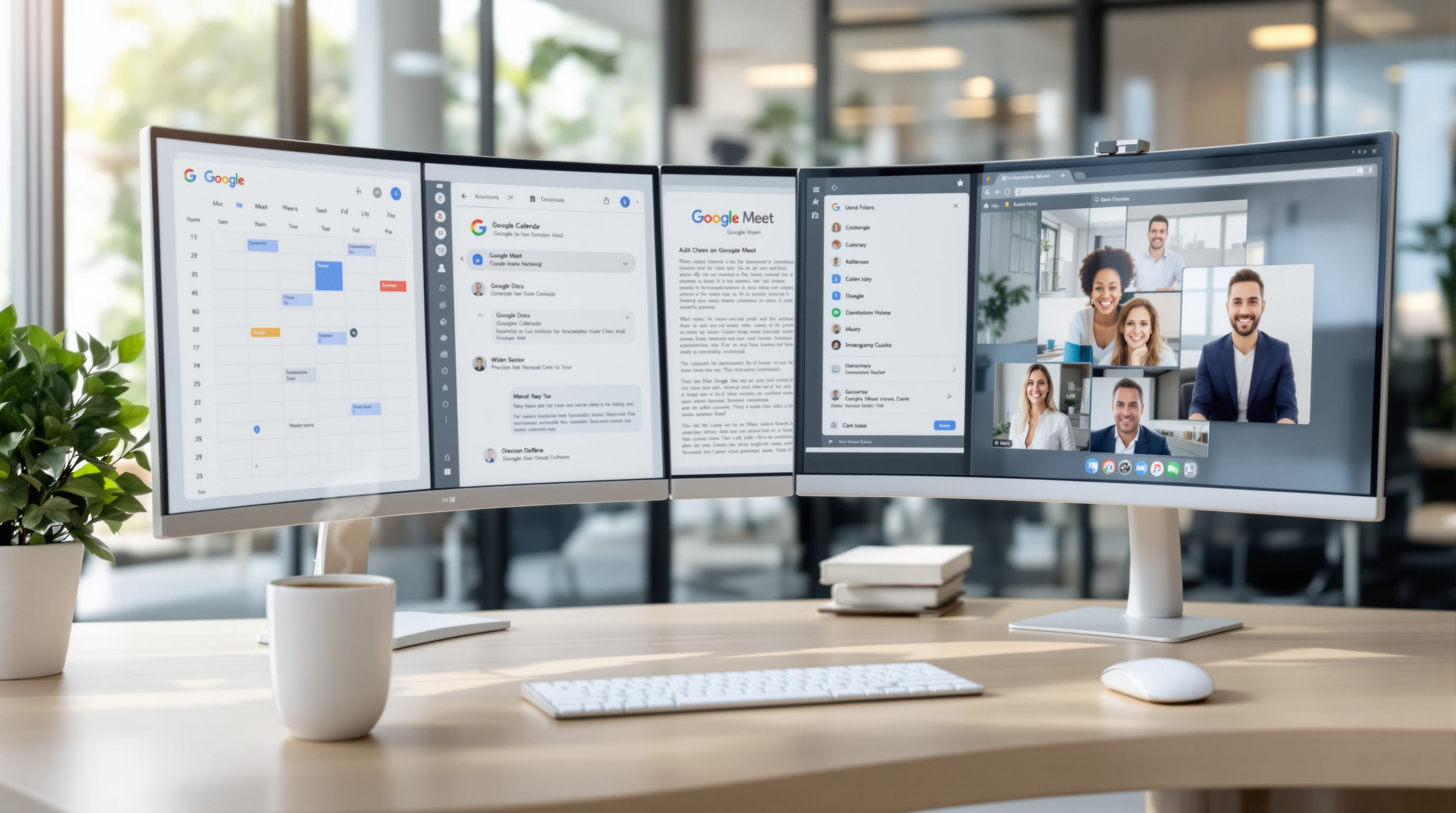
Presenters in Google Meet can now share links to Docs, Sheets, or Slides and grant file access without leaving the meeting. Participants see the link on screen. No more "I'll send that after the call" followed by forgetting to actually send it.
Frequently asked questions
How do I enable the 5-minute meeting buffer in Google Calendar?
Go to your Calendar settings and look for "Event duration & buffer settings." You can set a default buffer per calendar, so all new meetings automatically include breathing room.
Can I compare a Word document with a Google Doc without converting?
Yes. The Compare documents tool in Google Docs now supports .docx files directly. Upload both files and compare them side by side.
What is Gemini-powered data classification in Drive?
It's an AI feature that lets administrators create natural-language rules to automatically classify and label files in Google Drive. It's designed for organisations that need to manage sensitive data at scale.
Do I need coding skills to use Gemini in Apps Script?
No. The Gemini side panel lets you describe what you want in plain English, and it generates or troubleshoots the script for you.
Ready to get more from Google Workspace?
Blue Chip Technologies Ltd. helps businesses worldwide set up, migrate to, and get the most from Google Workspace. Whether you need help configuring these new features or want to explore what Workspace can do for your team, we're here.
Get in touch:
- Contact us online
- Call: 1 (868) 609-2288
- Email: [email protected]