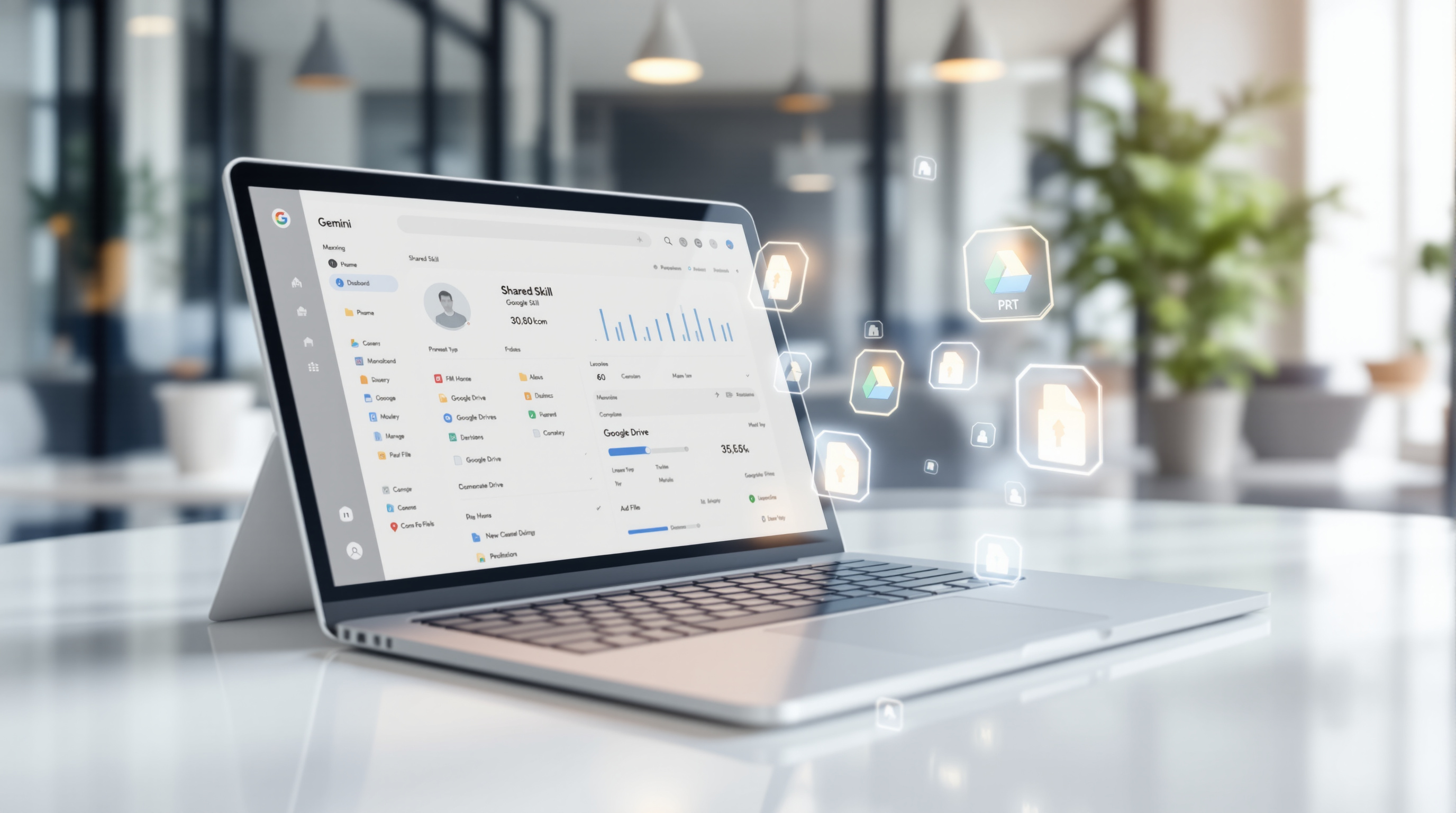

Google Workspace now includes Gemini-powered data classification that automatically labels files in Google Drive based on plain-language instructions you define. Instead of manually training an AI model with sample files, admins simply describe what each classification level means, and Gemini interprets those instructions to tag documents across your organisation. This means faster DLP policy enforcement, cleaner retention rules, and audit trails that actually make sense.
Why does automatic file classification matter for your business?
Here's the scenario: your team has thousands of files scattered across shared drives. Some contain sensitive client data, some are internal drafts, others are public marketing materials. Manually labelling all of that? Nobody has time. And without proper labels, your data loss prevention policies can't do their job properly.
Gemini-based classification solves this by reading your files and applying labels automatically. You stay in control—you write the rules in plain English, test them before they go live, and your team can review or adjust any label Gemini applies.
How do admins set up and test classification rules?
The setup happens in the Google Workspace Admin Console under Security > Access and data control > Data classification. Here's the process:
- Create your classification labels (e.g., "Confidential", "Internal", "Public")
- Write natural-language instructions describing what each label means
- Test your instructions directly in the console to preview how Gemini will classify sample files
- Deploy when you're satisfied with the results
- Monitor real-time metrics showing how many files have been labelled and whether users accept or modify those labels
The testing feature is genuinely useful. Rather than deploying and hoping for the best, you can refine your instructions until they produce the results you expect.
What happens to files that are already in Drive?
When you enable auto-apply, Gemini kicks off a one-time scan of your existing files. Google notes this backfill typically starts within one to two weeks and can take weeks or months depending on your file volume. New uploads get classified going forward based on your current instructions.
One limitation worth knowing: Gemini won't overwrite labels that users have manually applied or accepted. It also won't reclassify files that have already been evaluated if you update your instructions—those changes only apply to new content.
What about data privacy and regional compliance?
Gemini classification respects your Google Workspace Data Regions settings. If you've configured your organisation for US or Europe data residency, file processing stays within that region. Your files and classification prompts remain isolated to your organisation and aren't used to train Google's models.
Which files can Gemini classify?
There are some practical limits:
- Files need at least 50 words and 200 characters of readable text
- Client-side encrypted files are skipped
- Non-text media without extractable text (like images without OCR content) won't be classified
- Files must be in Shared Drives or owned by users with supported licences
You can have up to five AI classification models total, though only one Gemini instruction model can be active at a time.
Who gets access to this feature?
This is available for:
- Google Workspace Enterprise Plus
- Google AI Pro for Education
- Frontline Plus
The rollout started in November 2026 and should be complete across all eligible organisations by mid-December.
Frequently asked questions
Can users override Gemini's classification decisions?
Yes. File owners and editors with appropriate label permissions can review, accept, or modify any label Gemini applies. All changes are captured in audit logs.
Will this work with my existing DLP rules?
Yes—that's the point. Once files are properly labelled, your DLP policies can enforce rules based on those labels. Gemini classification won't overwrite labels already applied by DLP rules.
Does Gemini read the actual content of my files?
Yes, it evaluates file content to determine the appropriate label. However, this processing respects your data region settings, and your content isn't used to train Google's global AI models.
How do I know if classification is working?
The Admin Console provides real-time reporting showing how many files have been labelled, user acceptance rates, and Drive inventory breakdowns.
If you're looking to get Gemini-powered classification running for your organisation—or you want help configuring your Google Workspace security settings properly—Blue Chip Technologies Ltd. can help. We support businesses worldwide with remote deployment and ongoing management.
Get in touch:
- Contact us online
- Call: 1 (868) 609-2288
- Email: [email protected]