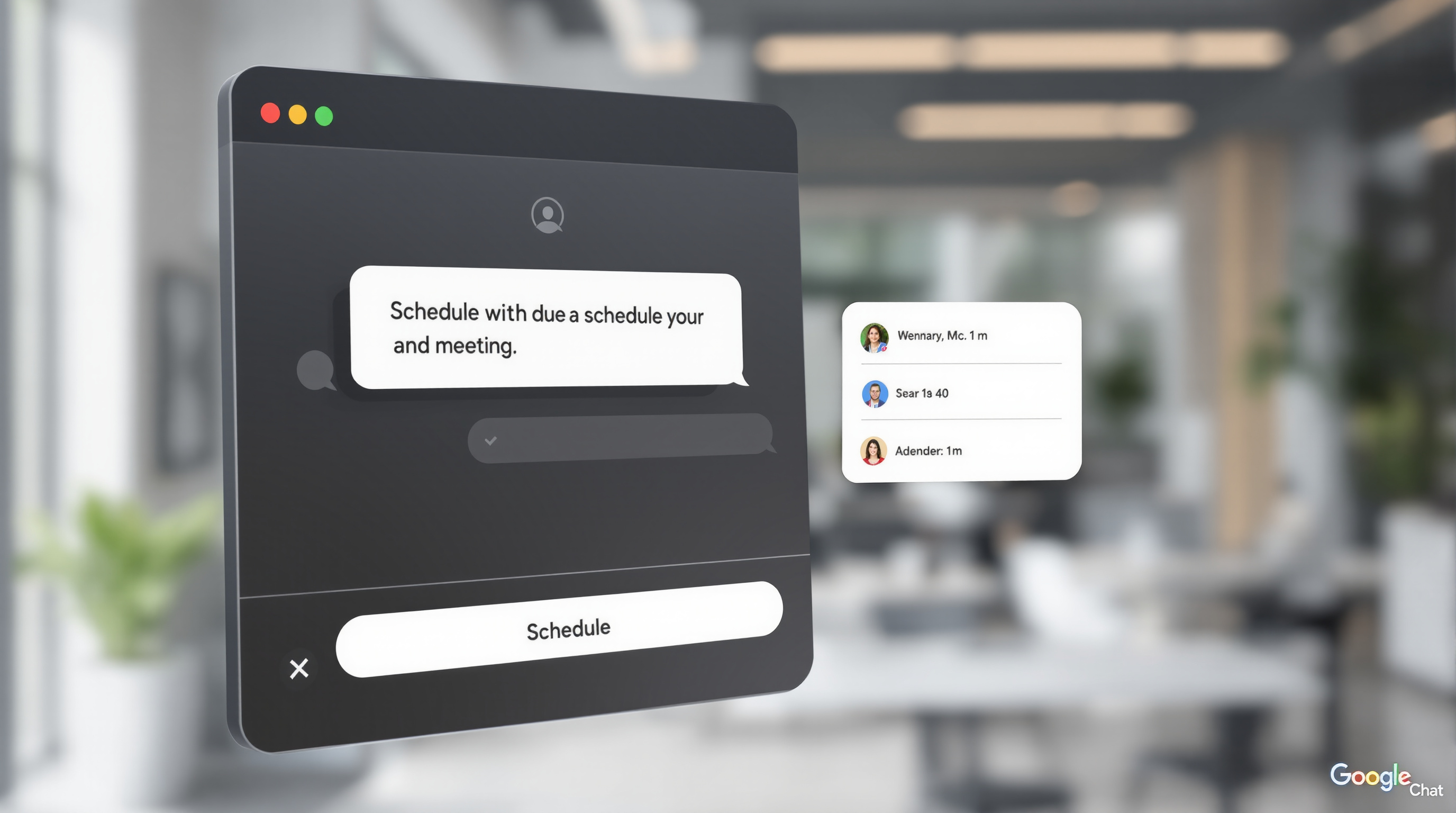

Google Workspace now lets you create reusable AI instructions called "skills" that teach Gemini how your team works—your templates, brand voice, formatting rules, and reference documents. Instead of re-explaining the same context every time you ask Gemini for help, you build a skill once, share it with colleagues, and everyone gets consistent, on-brand outputs across Gmail, Docs, Slides, Drive, and Chat.
What exactly are skills in Google Workspace?
Think of a skill as a set of custom instructions you give Gemini ahead of time. You might create a skill that says "whenever I draft a client proposal, use this template structure, reference our pricing guidelines in Drive, and maintain a professional but warm tone." Once that skill is turned on, Gemini applies those rules automatically—or you can invoke it manually with an @mention.
The practical upside? Your sales team stops producing proposals that look like they came from five different companies. Your finance people review contracts against the same checklist every time. Your project managers generate weekly status updates without copy-pasting formatting instructions.
How do you create and share skills?
You've got three options:
Build in Google Workspace Studio – Start from scratch, use one of Google's turnkey templates, or edit a SKILL.md file directly. Test how your skill generates emails, documents, or presentations before you switch it on.
Draft in Google Docs – Write and collaborate on skill instructions with your team, then publish when ready.
Create in context – Prompt Gemini directly inside Gmail, Docs, Slides, Drive, or Chat to create or refine a skill without leaving the app you're working in.
When you share a skill from Workspace Studio, recipients get their own copy they can customise. Your subsequent edits won't overwrite what they've saved. Just remember: if your skill references Drive files, you'll need to share access to those files separately.
Where can you actually use skills?
Skills work across Gmail, Google Docs, Google Slides, Google Drive, and Google Chat on the web. The Google Chat mobile app (Android and iOS) also supports invoking skills.
A few limitations worth knowing:
- Not yet available in Google Sheets or Google Meet
- Currently supports English prompts and instructions only
- Skills created in Workspace don't sync with skills or Gems in the separate Gemini app (though you can manually copy instructions between them using the shared SKILL.md format)
What can admins control?
Skills are on by default for eligible Workspace editions, but admins can disable them at the domain, organisational unit, or group level through the Admin console. External sharing follows your existing Studio sharing controls.
New with this rollout: admins can monitor and audit skill activity using Workspace Studio log events. If your organisation previously used Gems in Workspace Studio flows, you'll want to review Google's transition guidance—new "Ask a Gem" steps can no longer be added to flows.
For more on how Google Workspace fits into your organisation's productivity stack, see our Google Workspace solutions page.
Frequently asked questions
Do skills work on mobile devices?
Invoking skills is supported in the Google Chat mobile app on Android and iOS. Creating and editing skills currently requires the web interface.
Will my existing Gems automatically become skills?
No. The automated migration of Gems in 2027 will convert them to draft skills in the Gemini app only—not in Workspace Studio or Workspace apps. You can manually copy instructions between environments if needed.
Which Workspace editions include skills?
Skills are available in Business Starter, Standard, and Plus; Enterprise Starter, Standard, and Plus; Google AI Pro for Education add-on; and AI Expanded Access add-on. Users must be 18 or older.
Can I combine multiple skills in one request?
Yes. You can invoke several skills at once using @mentions in a single prompt.
Ready to put skills to work for your team?
If you're looking to roll out skills across your organisation—or want help getting the most from Google Workspace generally—Blue Chip Technologies Ltd. is here to help. We support clients worldwide with setup, training, and ongoing assistance.
Get in touch: