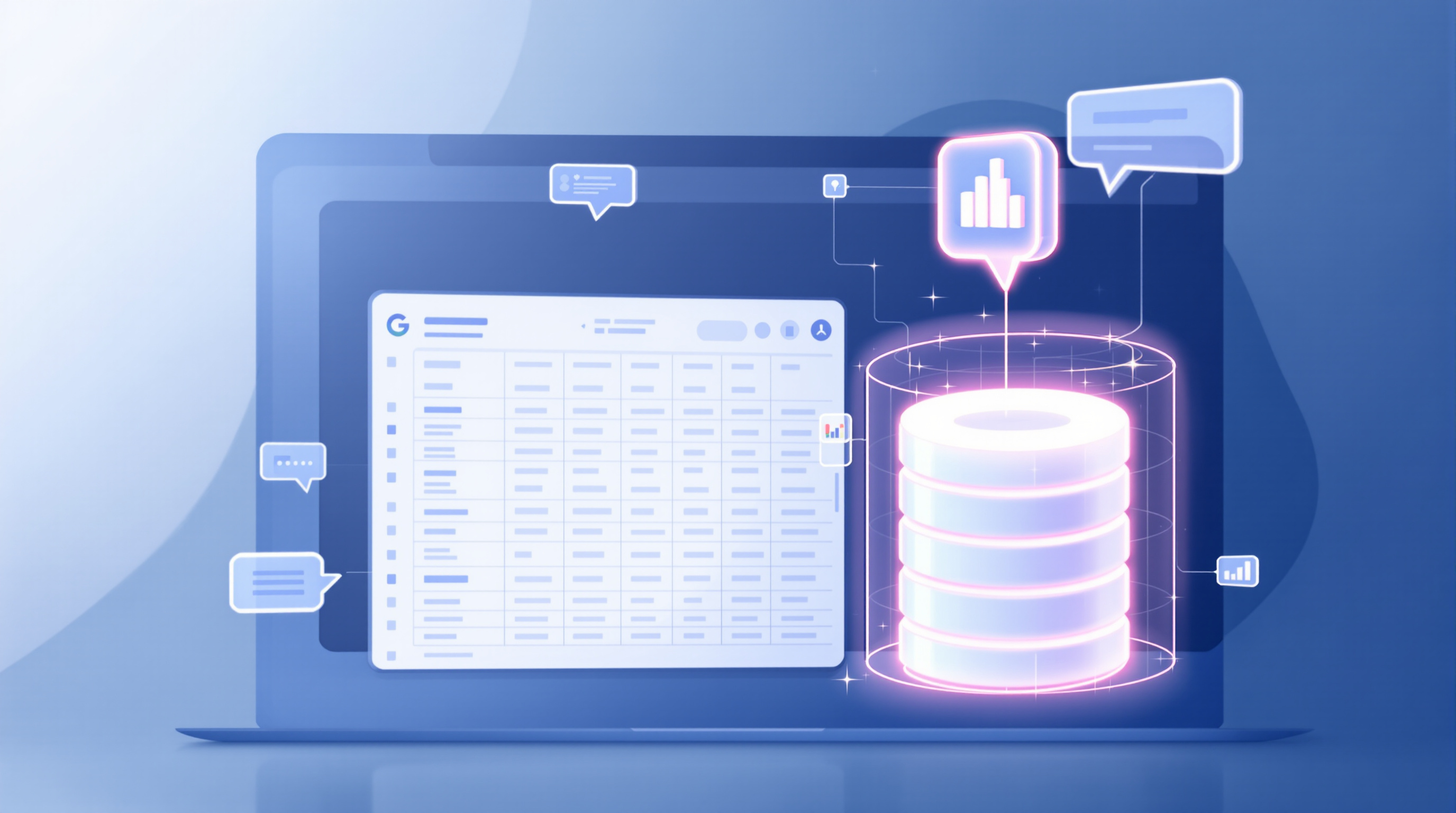
Google Workspace now lets you create fully structured documents using just your voice on your phone. The new Docs Live feature in the Google Docs mobile app listens as you talk through your ideas—even scattered, half-formed ones—and turns them into organised drafts by pulling context from your emails, Drive files, and chats. No typing required.
This matters because good ideas don't wait for you to get back to your desk. You're walking out of a client meeting, sitting in traffic, or grabbing lunch when the clearest version of that proposal pops into your head. By the time you're at a keyboard, half of it's gone.
How does Docs Live actually work?
Open Google Docs on your Android or iOS device, start a new document, and just... talk. Explain what you need. Maybe it's "I need a project update for the Henderson account based on last week's emails" or "draft a feature proposal using the notes from yesterday's call."
Gemini listens, pulls relevant information from your Gmail, Google Drive, and Chat, then structures everything into a proper document. You're not dictating word-for-word—you're having a conversation with a co-writer who already knows your context.
The output isn't a transcript of your rambling. It's a formatted, coherent first draft you can refine later.
What can you actually create with it?
- Project status updates
- Feature proposals
- Customer pitch documents
- Event planning briefs
- Presentation talk tracks
- Meeting summaries
Basically, any document where you know what you want to say but don't fancy typing it out on a phone keyboard.
Which Google Workspace plans include Docs Live?
| Plan Type | Included? |
|---|---|
| Business Standard | Yes |
| Business Plus | Yes |
| Enterprise Standard | Yes |
| Enterprise Plus | Yes |
| Google AI Pro (Consumer) | Yes |
| Google AI Pro for Education | Yes |
| AI Expanded Access add-on | Yes |
If your organisation has Gemini enabled in Docs, this feature is on by default. Admins can manage access through the Google Workspace Admin console.
Tips for getting better results
- State your goal upfront. "I need a summary of..." works better than stream-of-consciousness.
- Reference specific sources. Mention "the email from Sarah last Tuesday" or "the Q3 budget spreadsheet."
- Don't worry about polish. Speak naturally—Gemini handles the formatting.
- Review and edit. It's a first draft, not a final product. Treat it that way.
Frequently asked questions
Do I need a special app for Docs Live?
No. It's built into the standard Google Docs mobile app on Android and iOS. Just make sure you're signed into an eligible Workspace account with Gemini enabled.
Can Docs Live access files outside Google Workspace?
It pulls from Gmail, Drive, Chat, and web sources. Files stored elsewhere won't be referenced automatically.
Is my voice data stored or used for training?
Google's Workspace data processing terms apply. Your organisation's admin controls determine how data is handled. Check your Workspace agreement for specifics.
Can I use Docs Live offline?
No—it requires an internet connection to access Gemini and pull context from your Workspace data.
If your team's already using Google Workspace but hasn't explored Gemini features yet, now's a good time. Blue Chip Technologies Ltd. can help you enable, configure, and get the most out of these tools—whether you're across the street or across the globe.
Ready to talk?
- 📞 Call: 1 (868) 609-2288
- 💬 WhatsApp: Start a chat
- 📧 Email: [email protected]
- 🌐 Contact form: bluechiptt.com/contact