
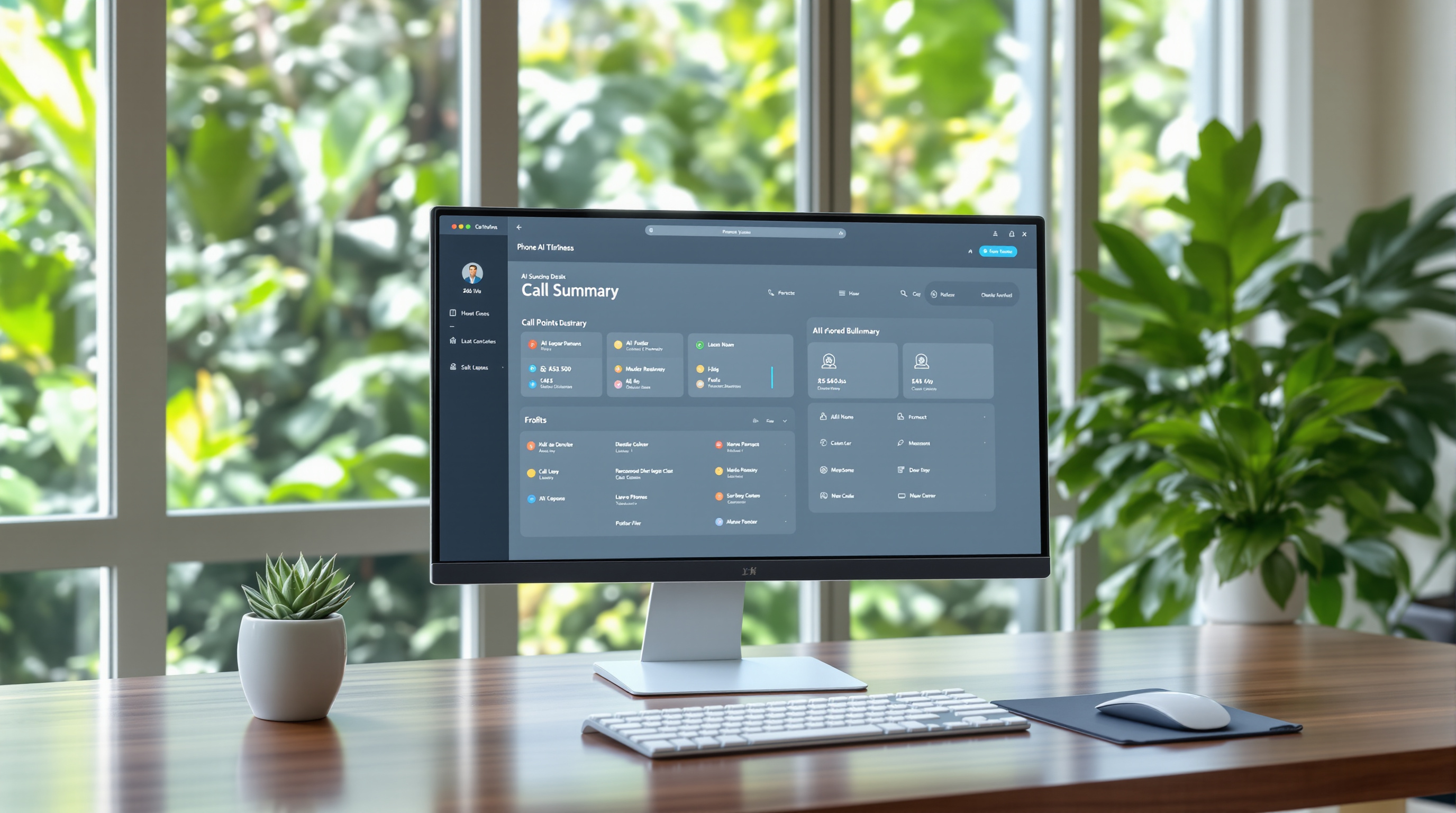
With 3CX Update 10, you can now customise exactly what your AI-generated call summaries include and how they're structured. Instead of getting the same default format for every call, you control the prompt—so summaries can be shorter, more detailed, or tailored to what your team actually needs to see.
This matters for Trinidad & Tobago businesses because call summaries that match your workflow save time. A sales team might want action items highlighted. A support desk might need the customer's issue front and centre. Now you decide.
What's changed with AI call summaries in 3CX Update 10?
Previously, 3CX's AI call summaries followed a fixed format. Useful, but not flexible. Update 10 introduces a customisable AI prompt, meaning you can adjust:
- What information gets included (key points only, full detail, specific fields)
- How the summary is structured (bullet points, paragraphs, numbered lists)
- The length (brief overviews vs. comprehensive breakdowns)
Think of it like giving instructions to a very efficient assistant. You tell it what you want, and it delivers summaries in that format consistently.
How does this help a T&T business day-to-day?
Let's say you run a distribution company and your sales reps handle 30+ calls daily. Before, they'd skim through standard summaries looking for the bits that matter—pricing discussed, follow-up date, decision-maker name.
Now? You configure the prompt once, and every summary pulls out exactly those details. Less scrolling, faster follow-up, fewer missed opportunities.
Or picture a medical office in Port of Spain where patient confidentiality matters. You might want summaries that capture appointment requests without unnecessary detail. The customisation gives you that control.
How do you set up a custom AI prompt?
The process is straightforward through your 3CX management console:
- Navigate to your AI settings in the 3CX admin interface
- Locate the call summary prompt configuration
- Edit the prompt to specify your preferred format, length, and content focus
- Save and test with a few calls to confirm the output matches your needs
- Adjust as necessary based on real results
If you're already using 3CX through Blue Chip Technologies Ltd., our team can help you configure this properly the first time.
What makes a good custom prompt?
Be specific. Vague instructions get vague results. Instead of "make it shorter," try something like:
- "Summarise in three bullet points: caller's main request, any commitments made, and required follow-up date"
- "Focus on technical issues mentioned and steps discussed to resolve them"
- "Include only action items with responsible parties"
The more precise your prompt, the more useful your summaries become.
Frequently asked questions
Do I need a specific 3CX licence for AI call summaries?
AI features require an active 3CX subscription that includes AI capabilities. Contact Blue Chip Technologies Ltd. to confirm your current licence includes this functionality.
Will customising the prompt affect existing call recordings?
No. The custom prompt applies to new summaries going forward. Previously generated summaries remain unchanged.
Can different departments have different summary formats?
This depends on your 3CX configuration. In many setups, you can create different prompts for different call queues or extensions. We can advise on the best approach for your organisation.
Is this available on hosted and on-premise 3CX installations?
Yes, Update 10 features apply to both deployment types, though implementation steps may vary slightly.
Ready to get more from your 3CX system?
If you're running 3CX and haven't explored the AI summary features yet—or you want help configuring custom prompts that actually fit how your team works—give us a shout.
Blue Chip Technologies Ltd. supports businesses across Trinidad & Tobago with 3CX setup, training, and ongoing management.
📞 Call: 1 (868) 609-2288
💬 WhatsApp: Message us directly
📧 Email: [email protected]
🌐 Contact form: bluechiptt.com/contact