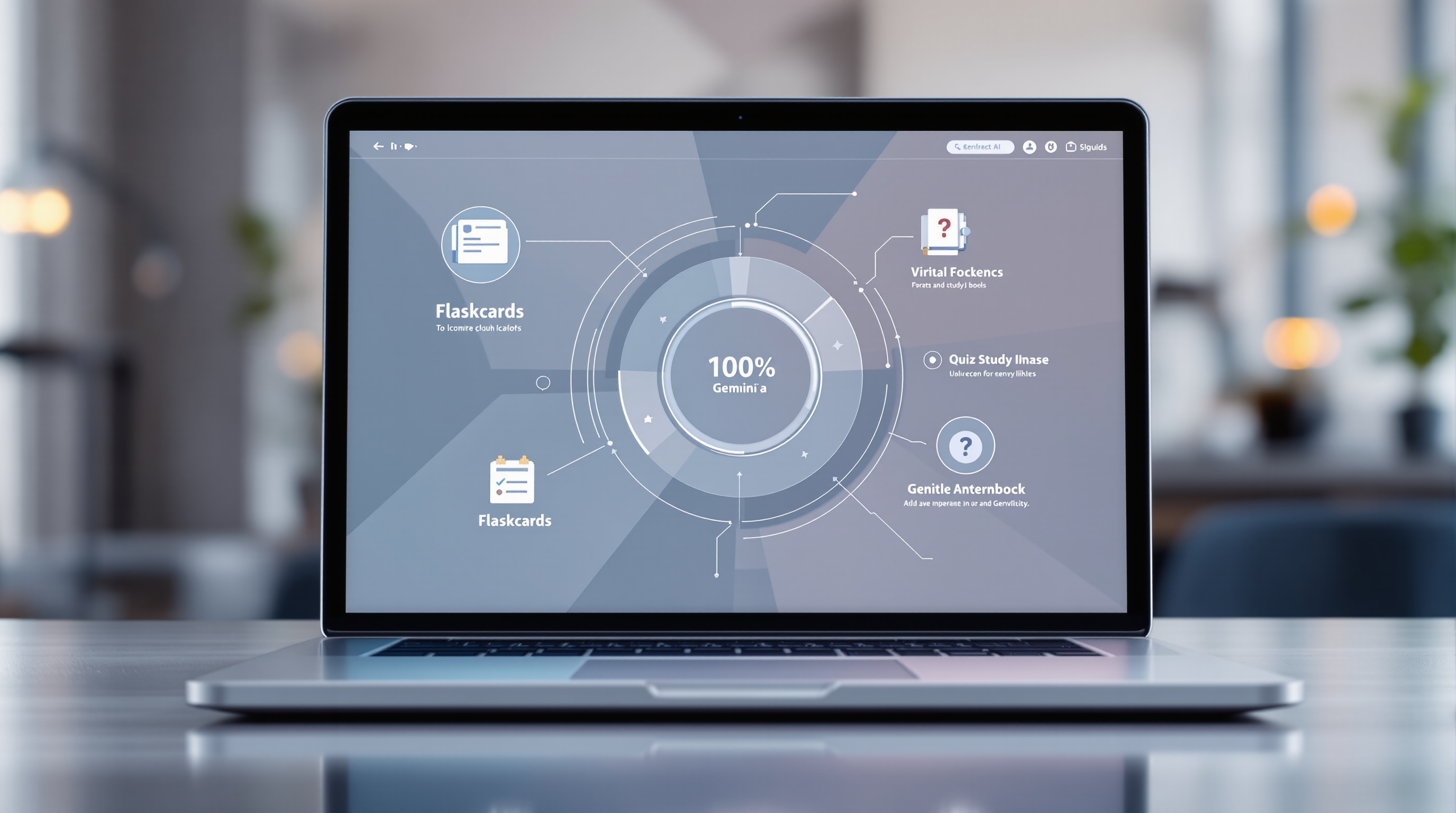
Google Workspace for Education now includes a dedicated student hub in Gemini that puts study notebooks, flashcards, practice quizzes and other AI-powered learning tools in one place. If your school or institution uses Google Workspace for Education, students can access this hub right now—no extra setup required beyond your existing Gemini admin settings.
What exactly is the Gemini student hub?
Think of it as a learning launchpad inside the Gemini app. Instead of students bouncing between different tools or tabs, they get a single starting point for:
- Study notebooks – organised notes that Gemini helps structure
- Flashcards – auto-generated from topics or uploaded materials
- Practice quizzes – quick knowledge checks before exams
- Future tools – Google says new learning features will appear here as they're released
It's designed to keep students focused rather than hunting through menus. For IT admins managing hundreds (or thousands) of student accounts, it also means one less thing to configure separately.

How do I enable it for my organisation?
You probably don't need to do anything extra. The student hub follows your existing Generative AI settings in the Google Workspace Admin console. If you've already enabled the Gemini app for students, the hub is available now.
To double-check or adjust access:
- Open your Admin console
- Navigate to the Generative AI settings
- Confirm the Gemini app is turned on for your Education organisational units
- That's it—students can visit gemini.google.com/students or tap "Students" in the Gemini app menu
If you need a hand configuring Google Workspace for Education settings, our team can walk you through it. We've helped schools and training organisations get their Google Workspace environments set up properly from day one.
Who can actually use this?
The student hub is available to:
- All Google Workspace for Education users (any age)
- Workspace Individual subscribers
- Personal Google account holders
One catch: it's not currently available to users in the European Economic Area (EEA). If your institution operates across multiple regions, keep that in mind when rolling out training or communications.
Frequently asked questions
Do students need a separate Gemini licence for the hub?
No. If they already have access to the Gemini app through your Workspace for Education subscription, the student hub is included.
Can I turn off the student hub but keep other Gemini features?
Not separately. The hub follows your existing Gemini app controls—it's all or nothing for now.
Will this work for corporate training, not just schools?
The feature is labelled "student hub," but any Workspace user with Gemini access can use it. If you're running internal training programmes, it could work well for self-paced learning.
Need help setting up Google Workspace for Education?
Blue Chip Technologies Ltd. is an authorised Google Workspace reseller. We help schools, universities and training providers worldwide configure their Workspace environments—remotely or on-site in Trinidad & Tobago.
Get in touch: